Más herramientas de IA como GPT Image 2
Explora nuestra colección de generadores de imágenes IA especializados para diferentes necesidades y estilos creativos
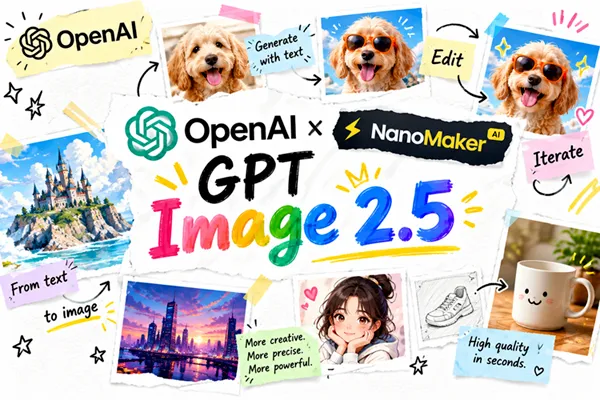
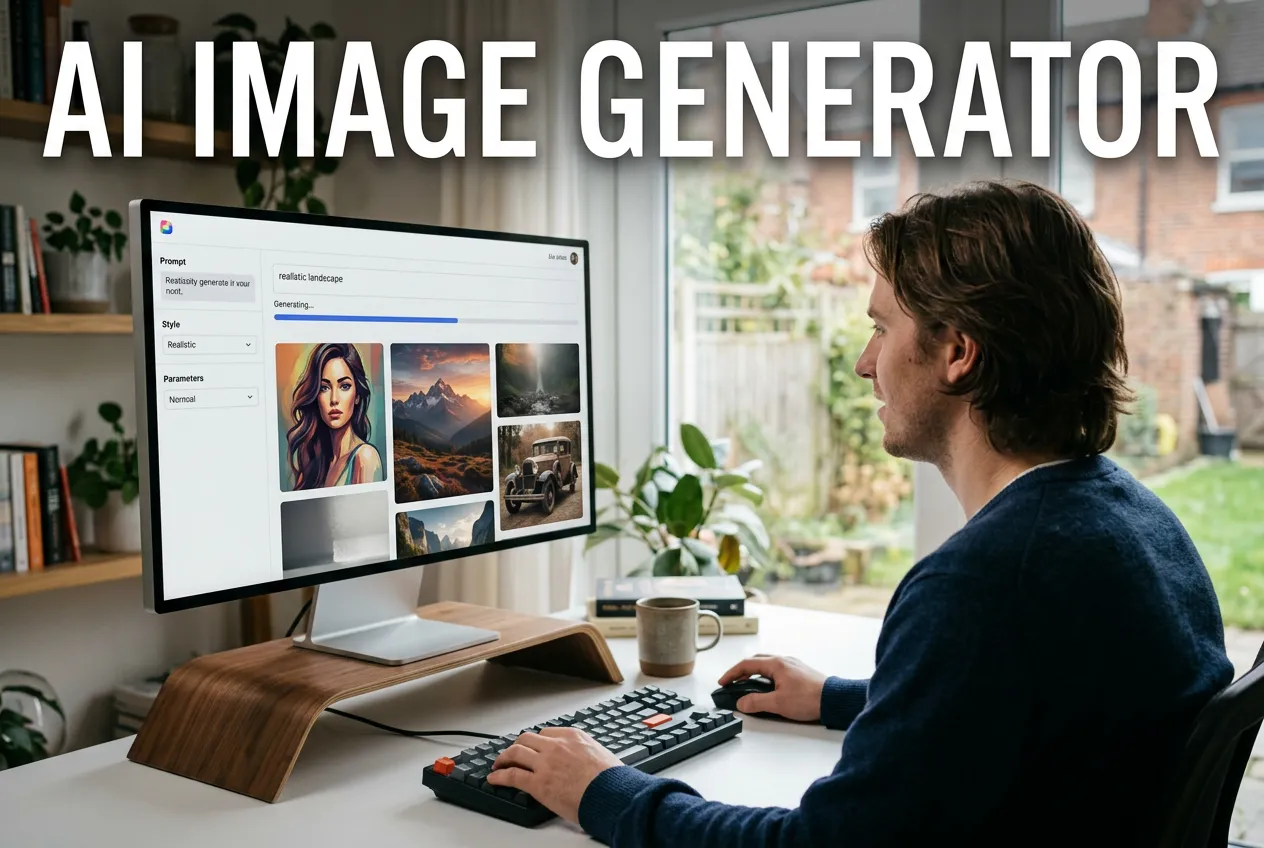
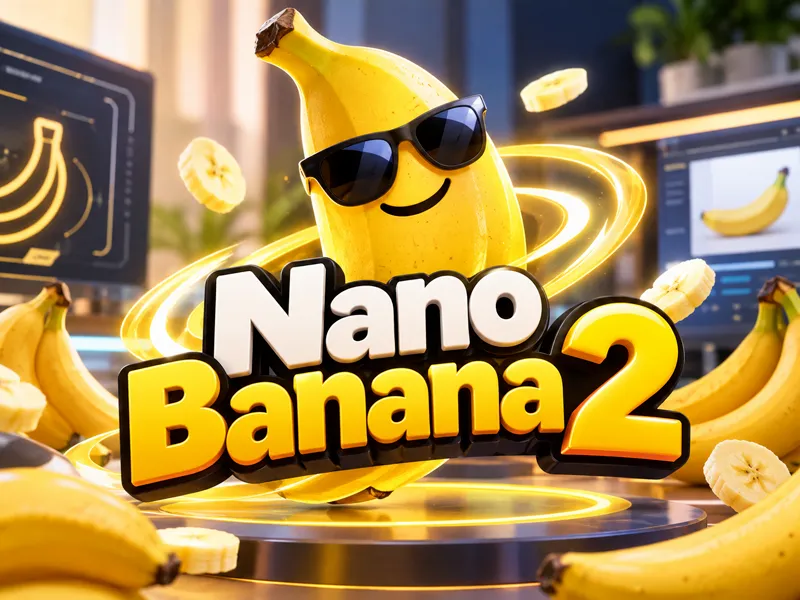
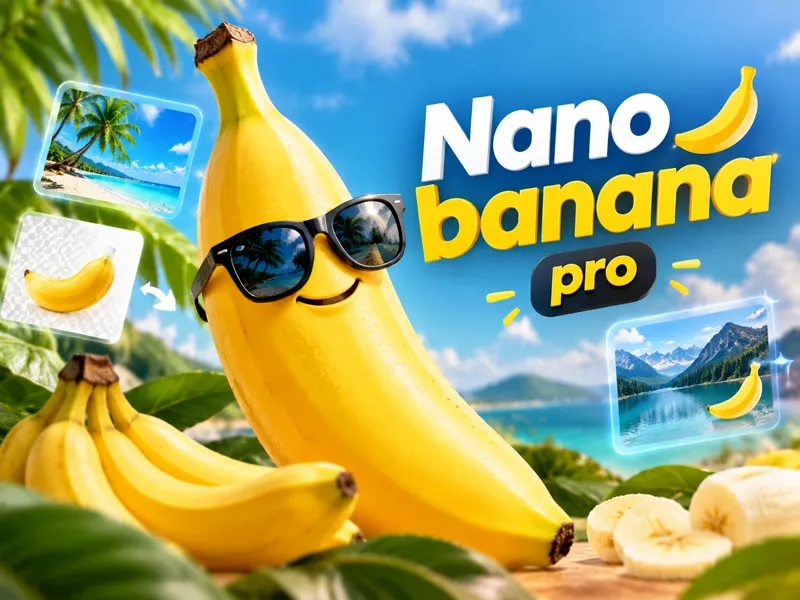
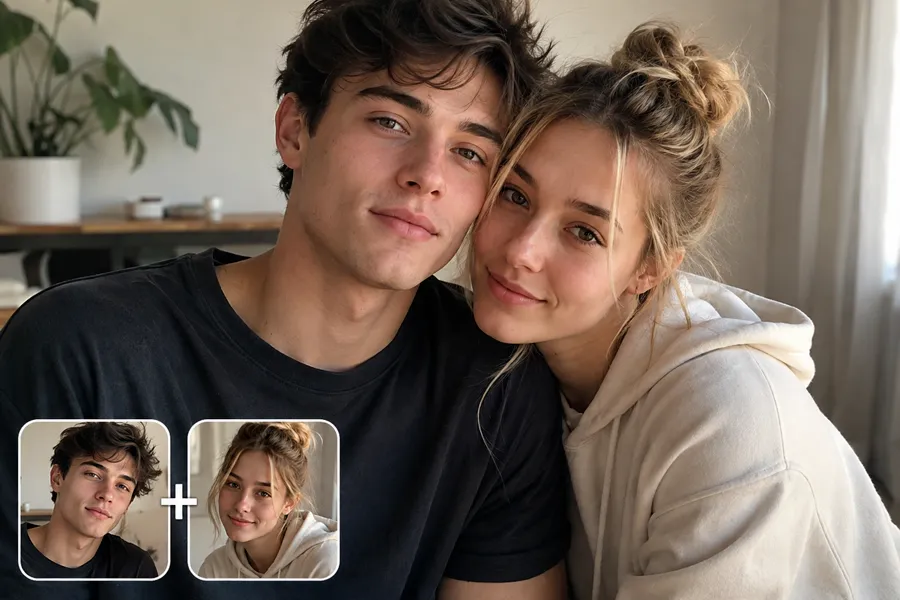
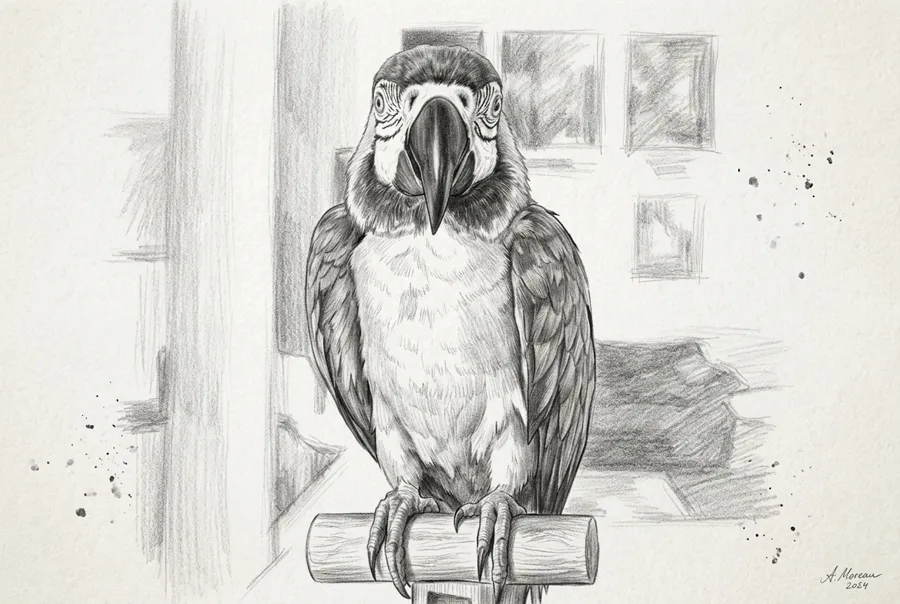
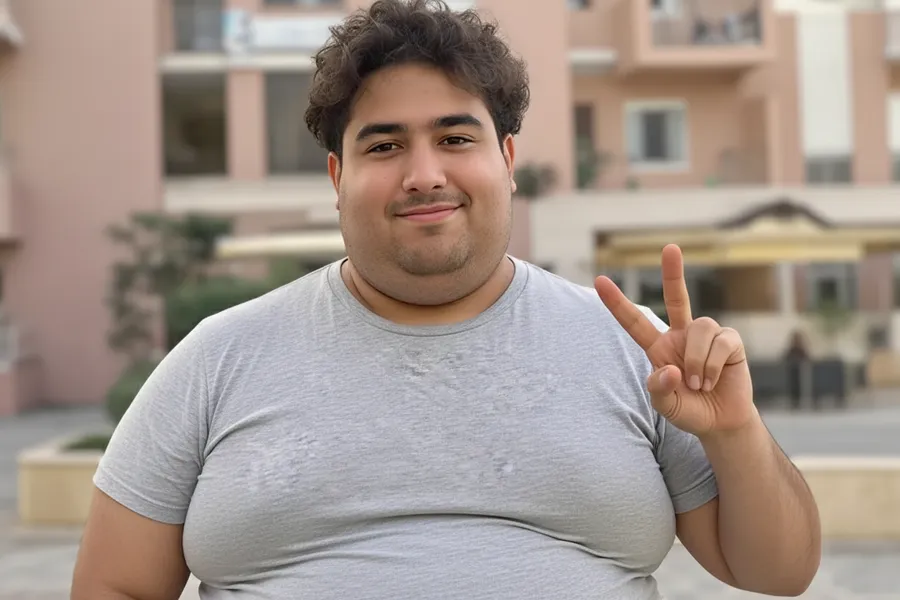
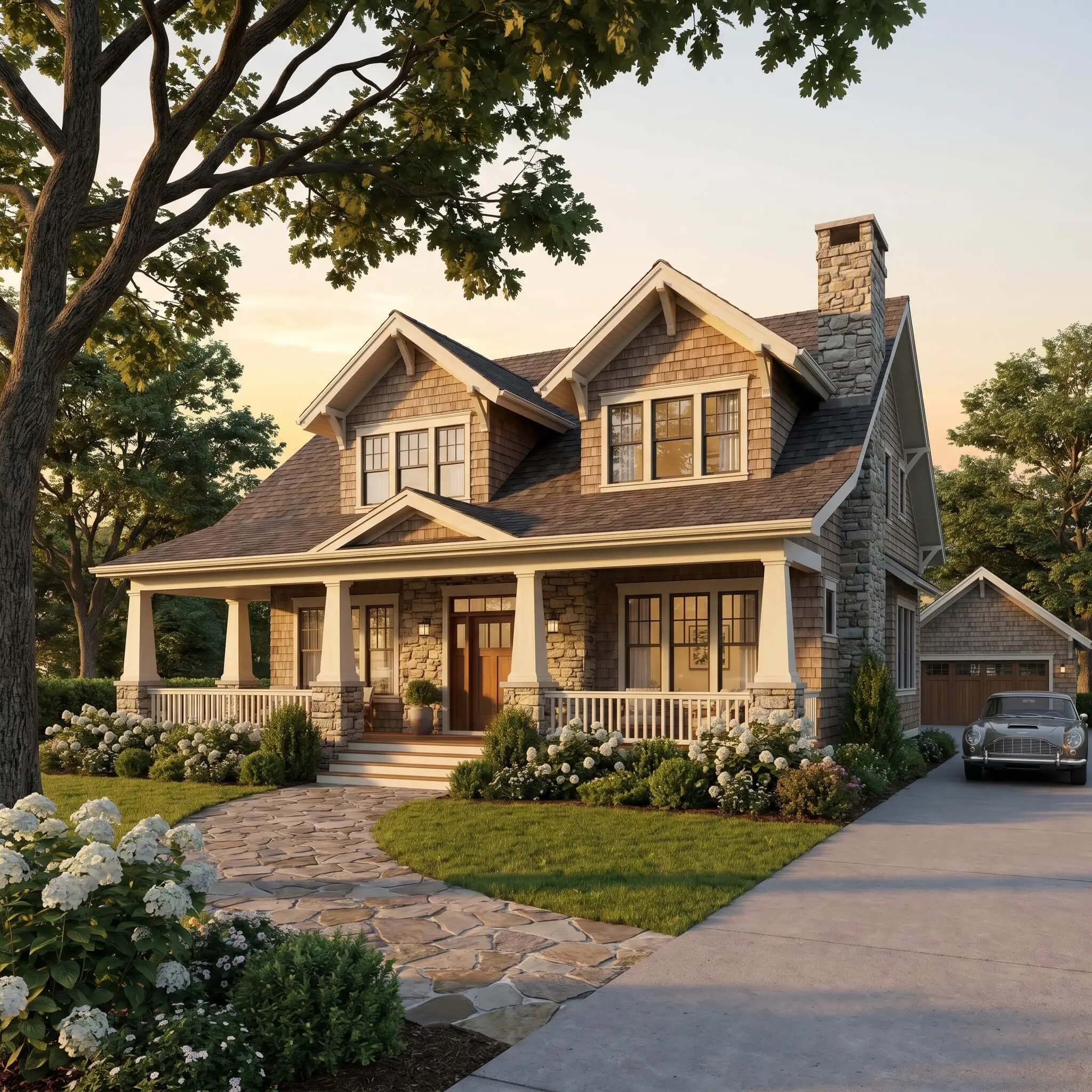
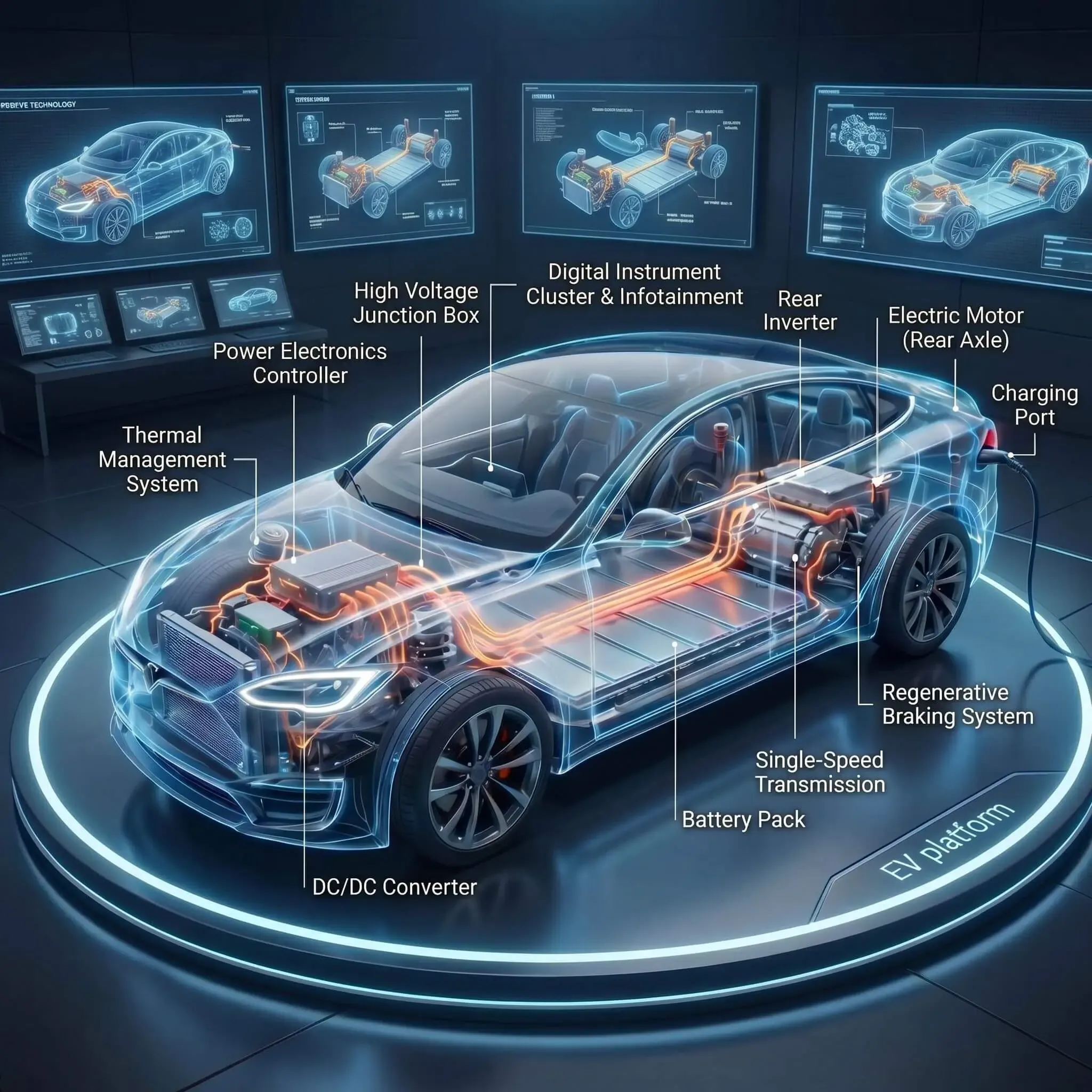
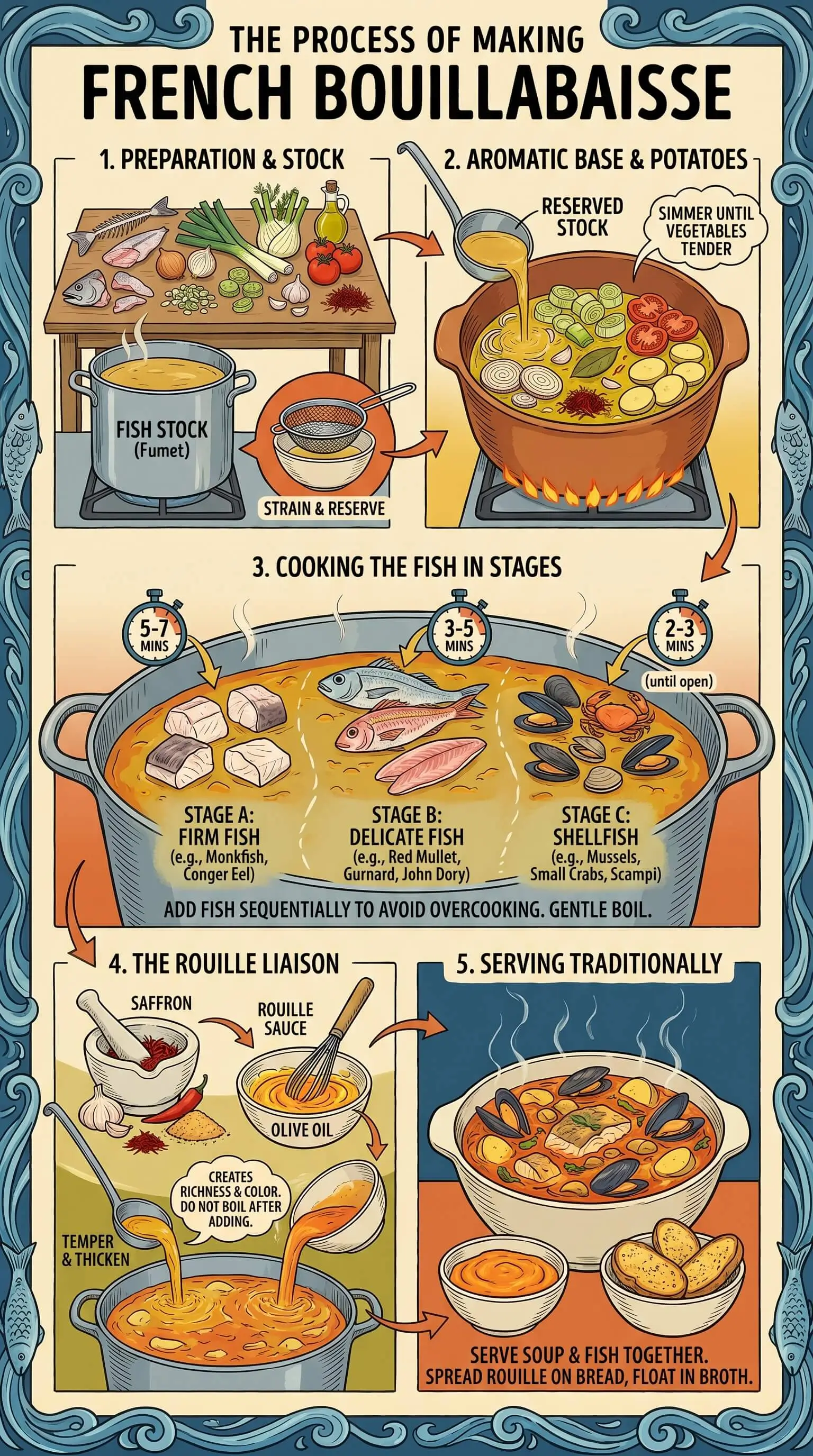
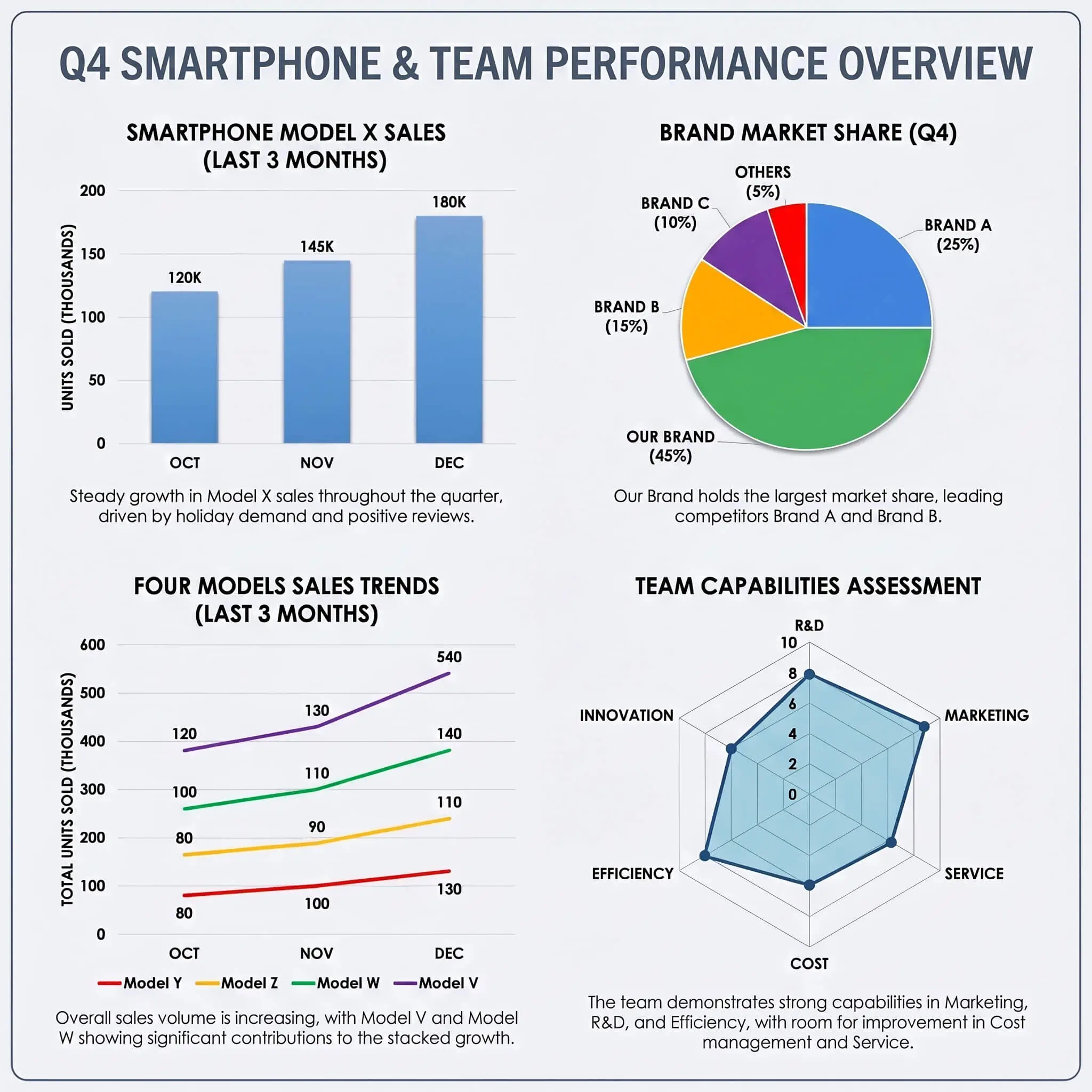
GPT Image 2 Gallery
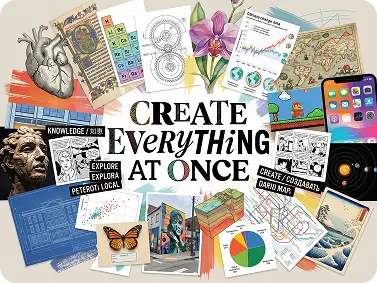
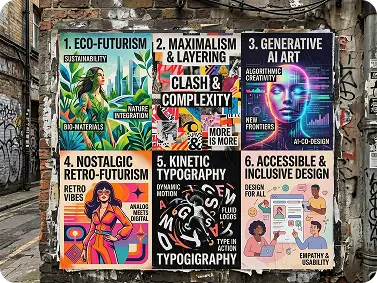
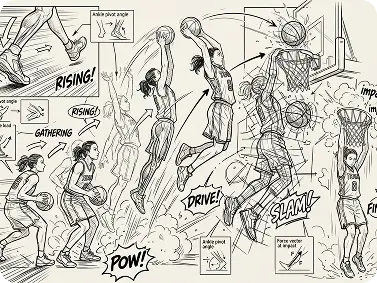
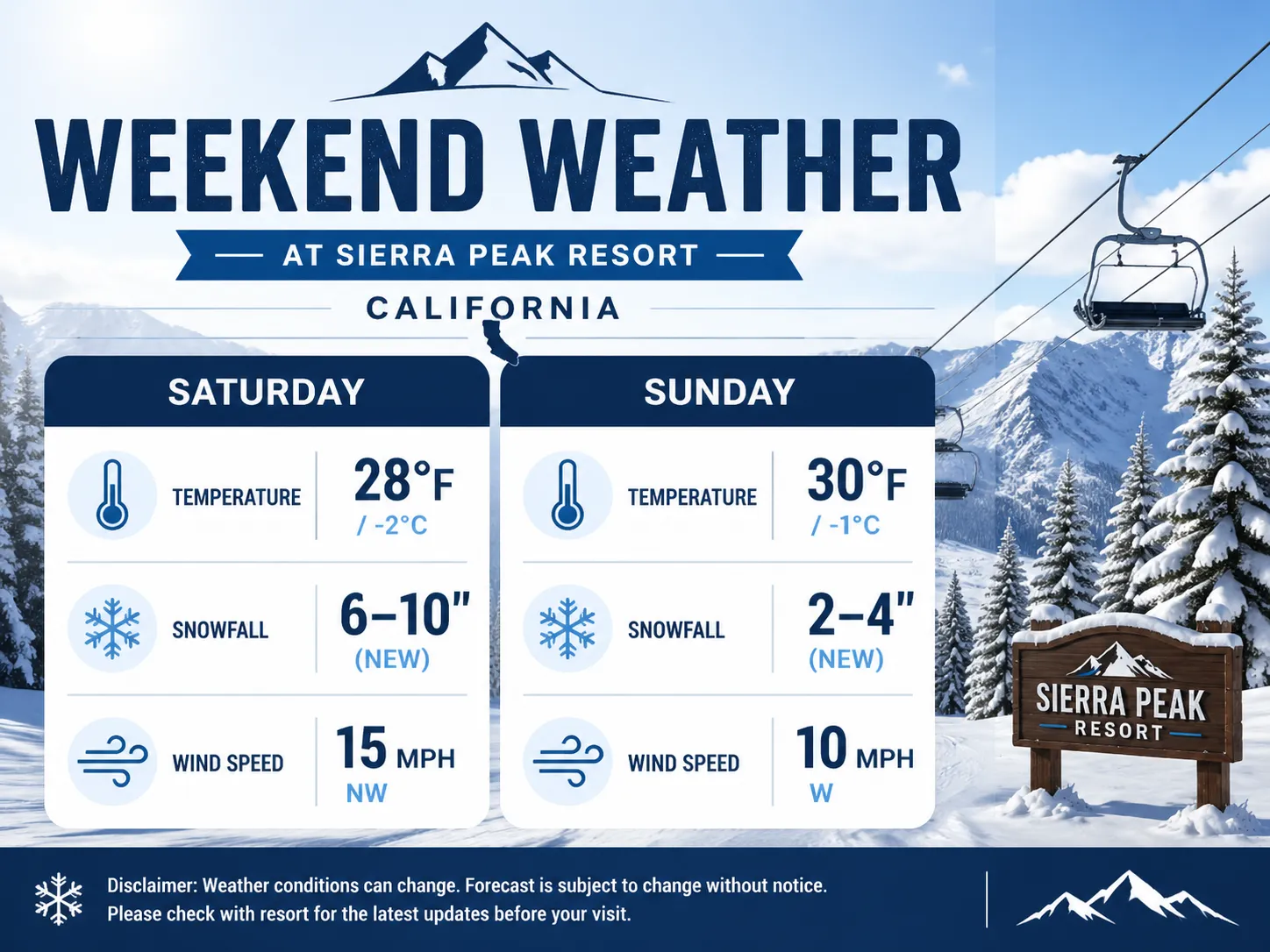
See what's possible with GPT Image 2. Explore real examples from creators.
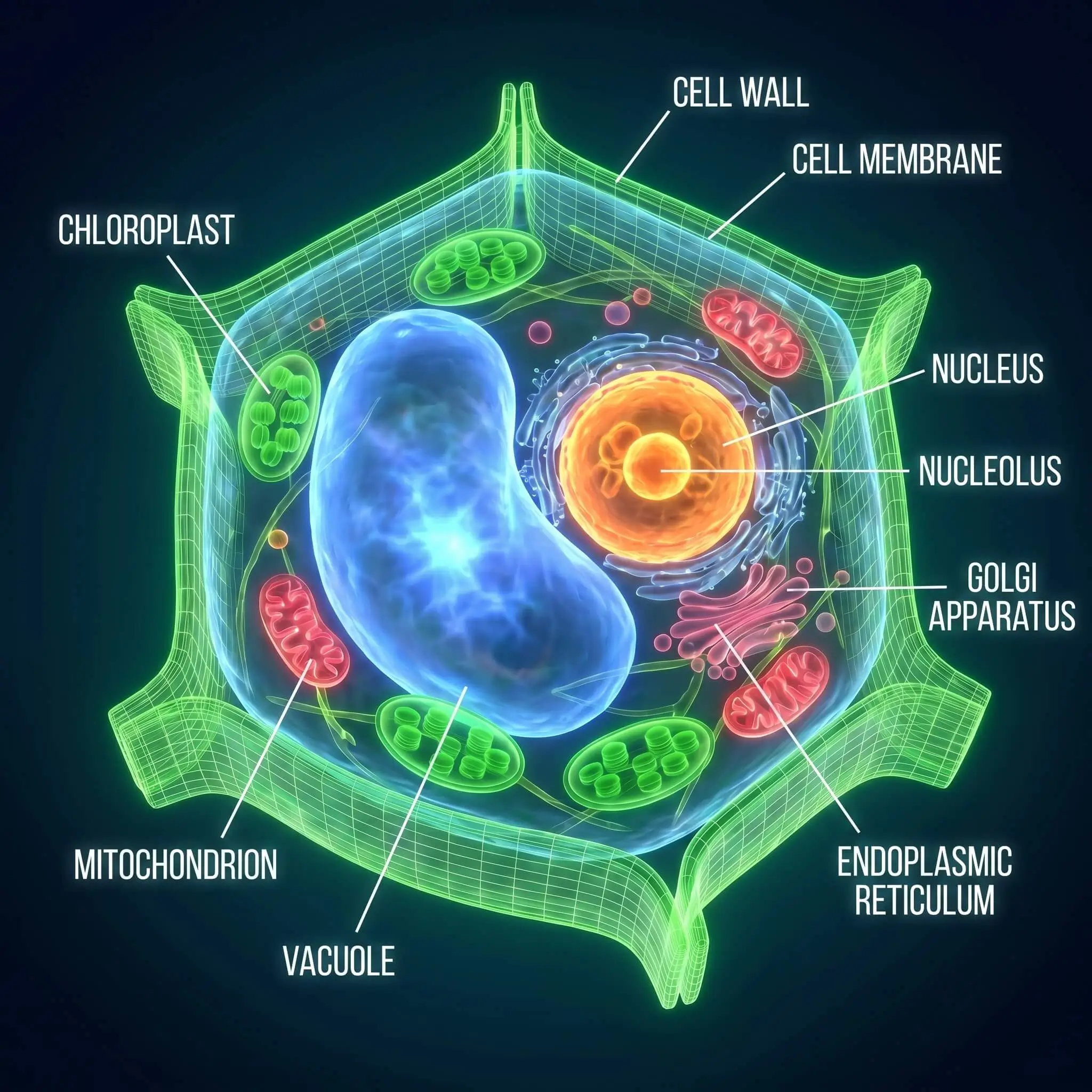
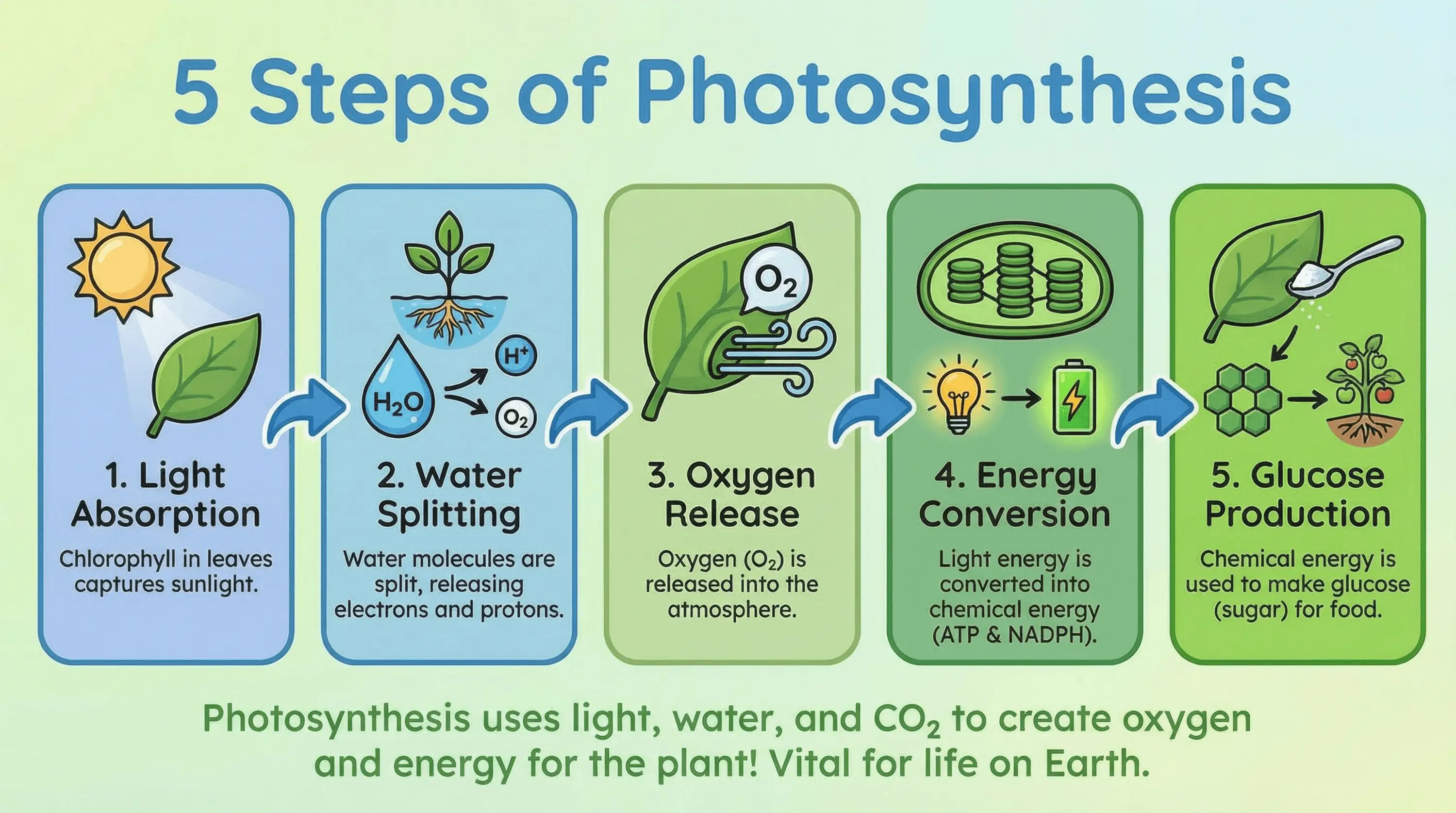
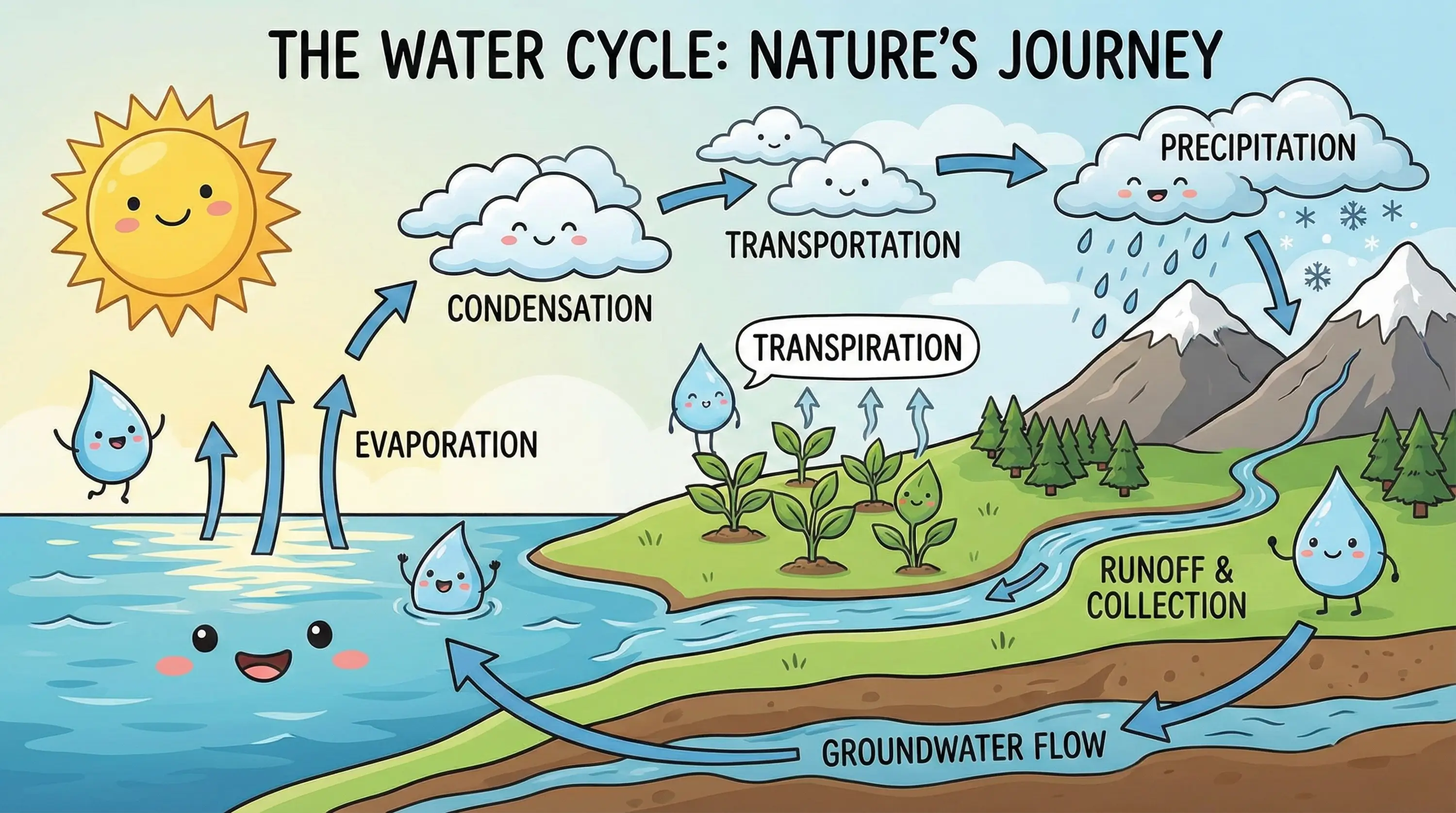
How to Use GPT Image 2 on NanoMaker
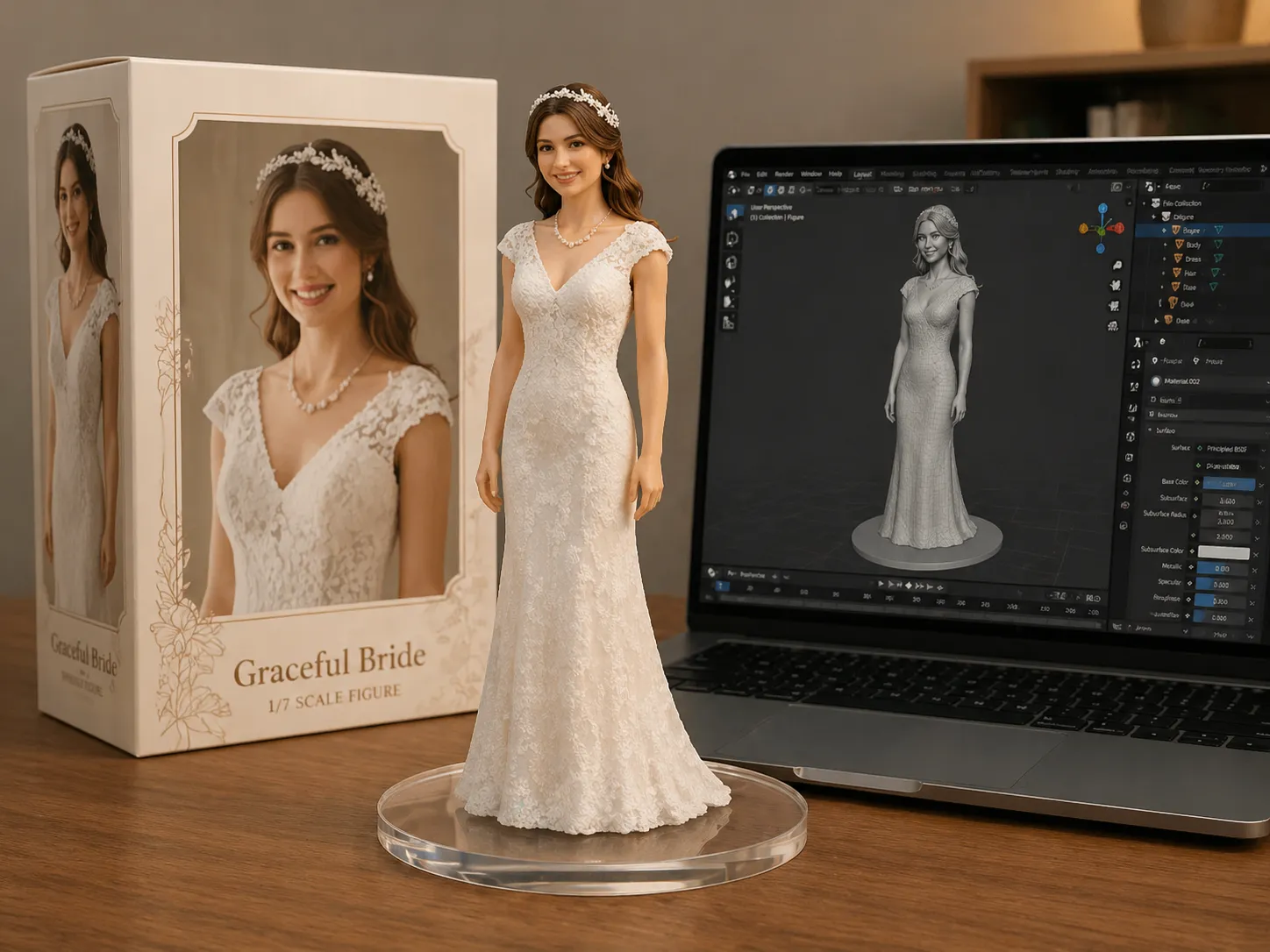
Create professional images in three simple steps with OpenAI's latest model.
Enter your prompt
Describe your image idea in clear text, or upload a reference image to transform.
Select the model
Choose GPT Image 2 from the model list. Adjust aspect ratio and resolution to match your platform and quality needs.
Generate and download
Click generate to create your image. Review results, refine your prompt, or adjust settings.
Key Features of GPT Image 2
Advanced text rendering, multilingual support, and photorealistic quality for modern creative workflows.
Near-Perfect Text Rendering
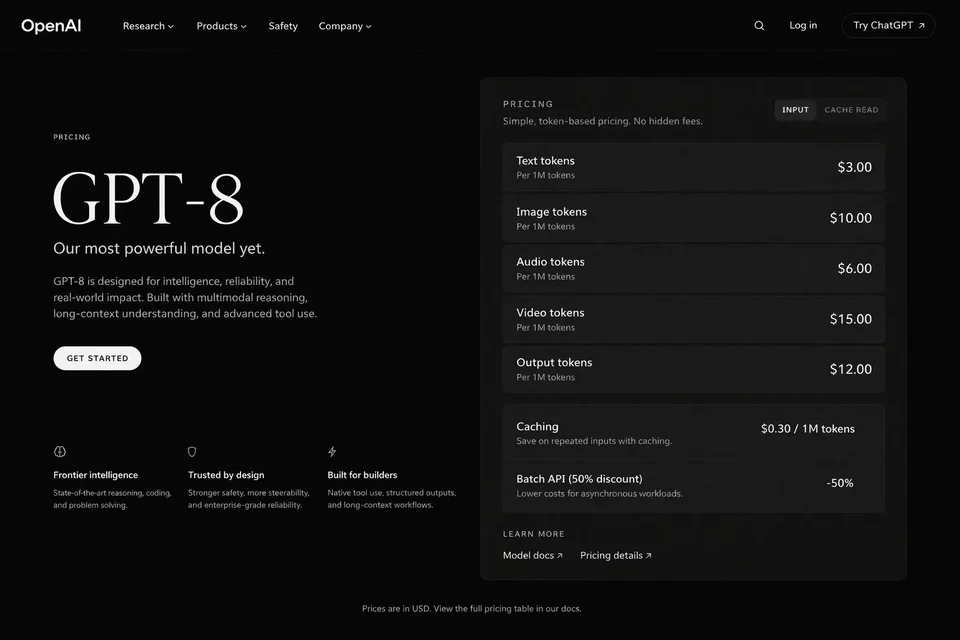
GPT Image 2 renders readable, accurate text directly in images. Perfect for posters, banners, product labels, UI mockups, and marketing materials where typography matters. Clean spelling, proper casing, and visual alignment make text feel intentional rather than an afterthought.
World-Knowledge Realism
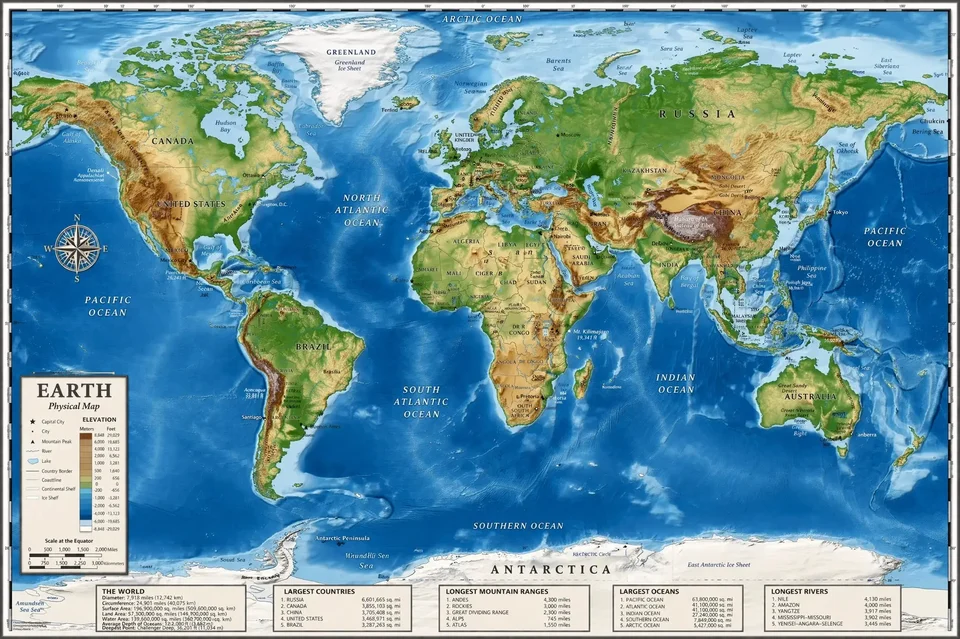
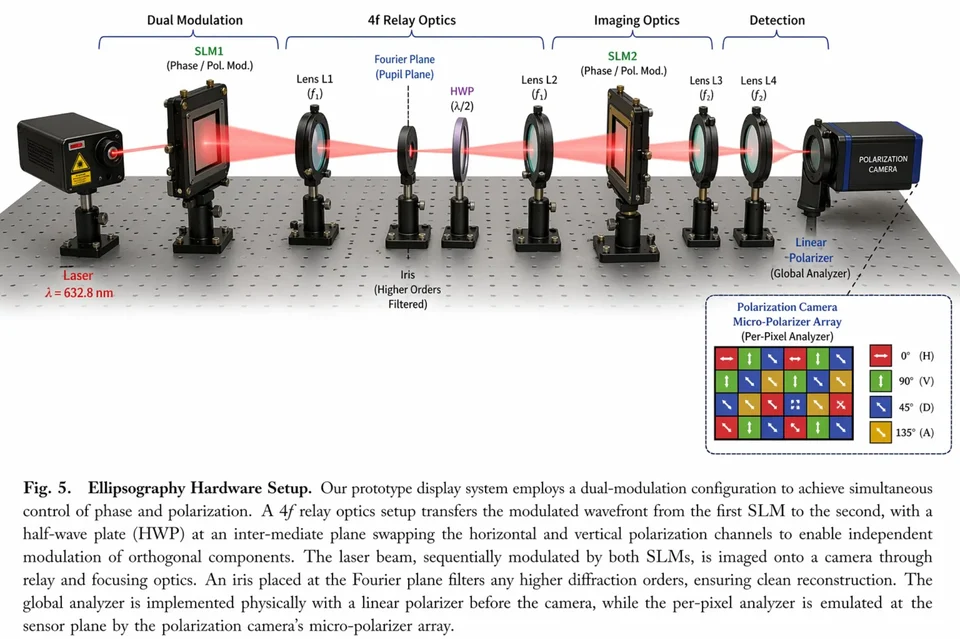
Generate images with stronger structural accuracy and factual coherence. Ideal for maps, diagrams, architectural scenes, educational visuals, and historical reconstructions where credibility and detail matter as much as aesthetics. The model interprets complex relationships and scenes with improved understanding.
Fast Generation with Prompt Fidelity
High-quality results in approximately 3 seconds. Perfect for testing multiple prompt directions, refining campaign visuals, or building interactive experiences. Strong instruction following for multi-subject prompts, layered details, and layout control makes GPT Image 2 practical for complex visual creation at scale.
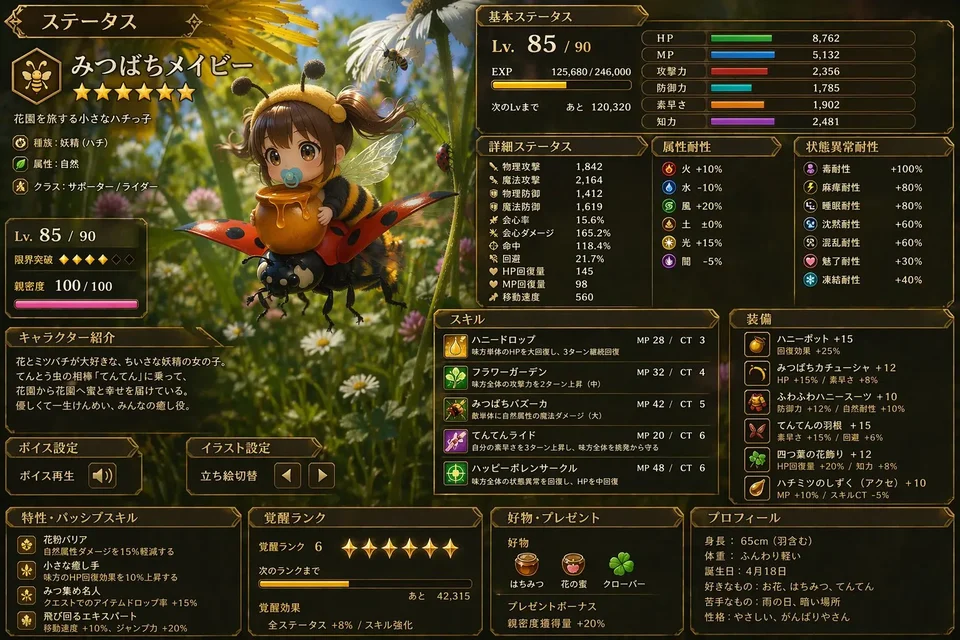
Multilingual Text Generation
Generate readable text across Chinese, Arabic, Japanese, Korean, Hebrew, and English. Essential for localized ads, international packaging, interface mockups, educational graphics, and branded content where text accuracy matters. GPT Image 2 handles non-Latin scripts with strong visual polish and language precision.
GPT Image 2 vs Nano Banana 2
Choose the right model for your workflow. GPT Image 2 excels at text rendering and multilingual support; Nano Banana 2 delivers flash-speed generation at lower cost.
| Feature | Nano Banana 2 | GPT Image 2 |
|---|---|---|
| AI Model | Gemini 3.1 Flash Image | OpenAI GPT Image 2 |
| Output Resolution | 1K / 2K / 4K | 1K / 2K / 4K |
| Text Rendering Quality | Good text quality | Near-perfect, readable in 6 languages |
| Generation Speed | Flash-speed | ~3 seconds |
| Prompt Understanding | Strong instruction following | Advanced prompt fidelity |
| Visual Consistency | Multi-character consistency | Pixel-level editing precision |
| Best for | Rapid workflows, diverse ratios | Multilingual content, UI mockups |
| Cost per generation | 6 (1K) / 10 (2K) / 15 (4K) Credits | 5 (1K) / 9 (2K) / 14 (4K) Credits |
| Use case | Scalable production, fast iteration | Text-heavy designs, localized ads |
AI Model
Output Resolution
Text Rendering Quality
Generation Speed
Prompt Understanding
Visual Consistency
Best for
Cost per generation
Use case
Why Use GPT Image 2 on NanoMaker AI
Access OpenAI's advanced image model with flexible pricing and unified API.
Professional text rendering for real-world use
Delivers near-perfect text rendering across multiple languages, making it ideal for marketing materials, product mockups, UI designs, and localized content where typography quality directly impacts the final output.
Flexible pricing with free testing
Try the model with free credits for new users. Choose entry-level packages or flexible plans based on your project needs. Switch between models on one platform without changing your API workflow.
All AI image models in one place
NanoMaker AI provides GPT Image 2, Nano Banana, Nano Banana Pro, and Nano Banana 2 on one platform. Manage workflows, compare results, and switch models easily—all through a unified API structure.
Planes de precios para GPT Image 2
Elige tu plan y accede al instante a todos los modelos IA premium
Cancela cuando quieras — Los créditos no usados se acumulan — El uso varía según el modelo y el tipo de generación.
Lite
$84 al año facturación anual
4,500 créditos al año

Premium
$100 al año facturación anual
9,600 créditos al año
Max
$240 al año facturación anual
36,000 créditos al año
Gratis
Paga de forma segura y protegida con







Frequently Asked Questions
Common questions about GPT Image 2 and how to use it on NanoMaker AI