AI画像ツール
専用ジェネレーターとエフェクト。クリックして開きます。
How to Use the AI Image Generator
Pick a tool or model above, then follow these three steps. No design experience required.
Choose a tool or model
Use the generator at the top for Nano Banana 2, or open any effect (Photo to Sketch, Fat Filter, Photo Booth, etc.) or switch to a different model from the Models tab.
Upload or describe
Upload a photo for image-to-image tools, or type a prompt for text-to-image. Each tool has simple controls and presets to get you started.
Generate and download
Click generate and get your result. Download the image, refine your prompt, or try another tool. All tools run on your NanoMaker subscription.
Why Use the AI Image Generator
One place for all AI image tools and models.
All tools in one place
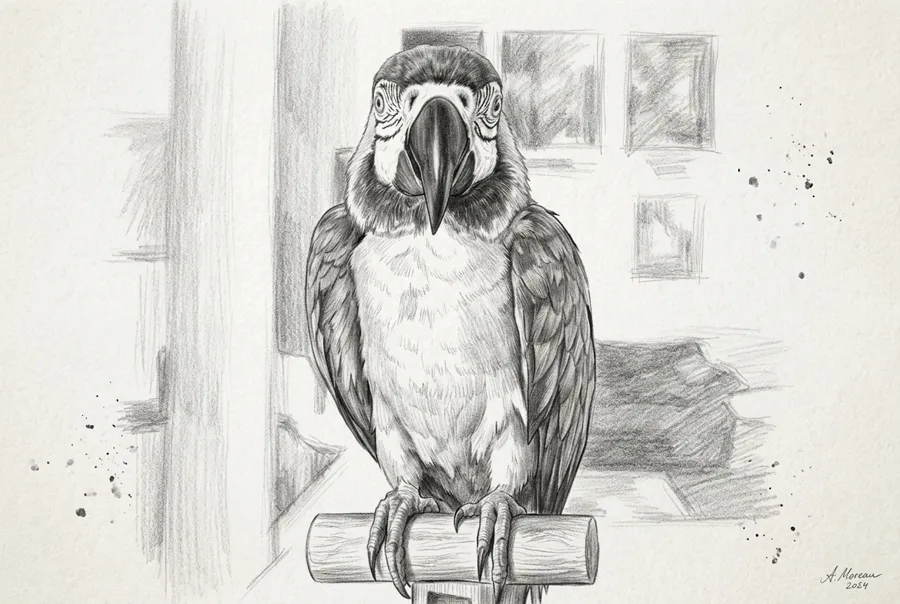
Sketches, filters, photo booth, coloring pages, wallpapers, anime, mockups, and more. No need to switch sites or accounts.
Multiple AI models
Nano Banana 2, GPT Image 2.5, and GPT Image 2. Choose by speed, quality, or resolution (1K to 4K).
One subscription
Use every AI image tool and model with a single NanoMaker subscription. Credits apply across all tools.
No design experience needed
Each tool has presets and simple options. Describe what you want or upload a photo and get results in seconds.
AI画像生成 の料金プラン
プランを選んで、全プレミアム AI モデルにすぐアクセス
いつでも解約可能 — 未使用クレジットは繰り越し — 使用量はモデル・生成タイプにより異なります。
ライト
$84 年額 年払い
4,500 クレジット(年額)

プレミアム
$100 年額 年払い
9,600 クレジット(年額)
マックス
$240 年額 年払い
36,000 クレジット(年額)
無料
安心・安全にお支払い









AI Image Generator FAQ
Common questions about the AI image generator and tools.