AI 이미지 도구
전용 생성기와 효과. 클릭해서 열기.
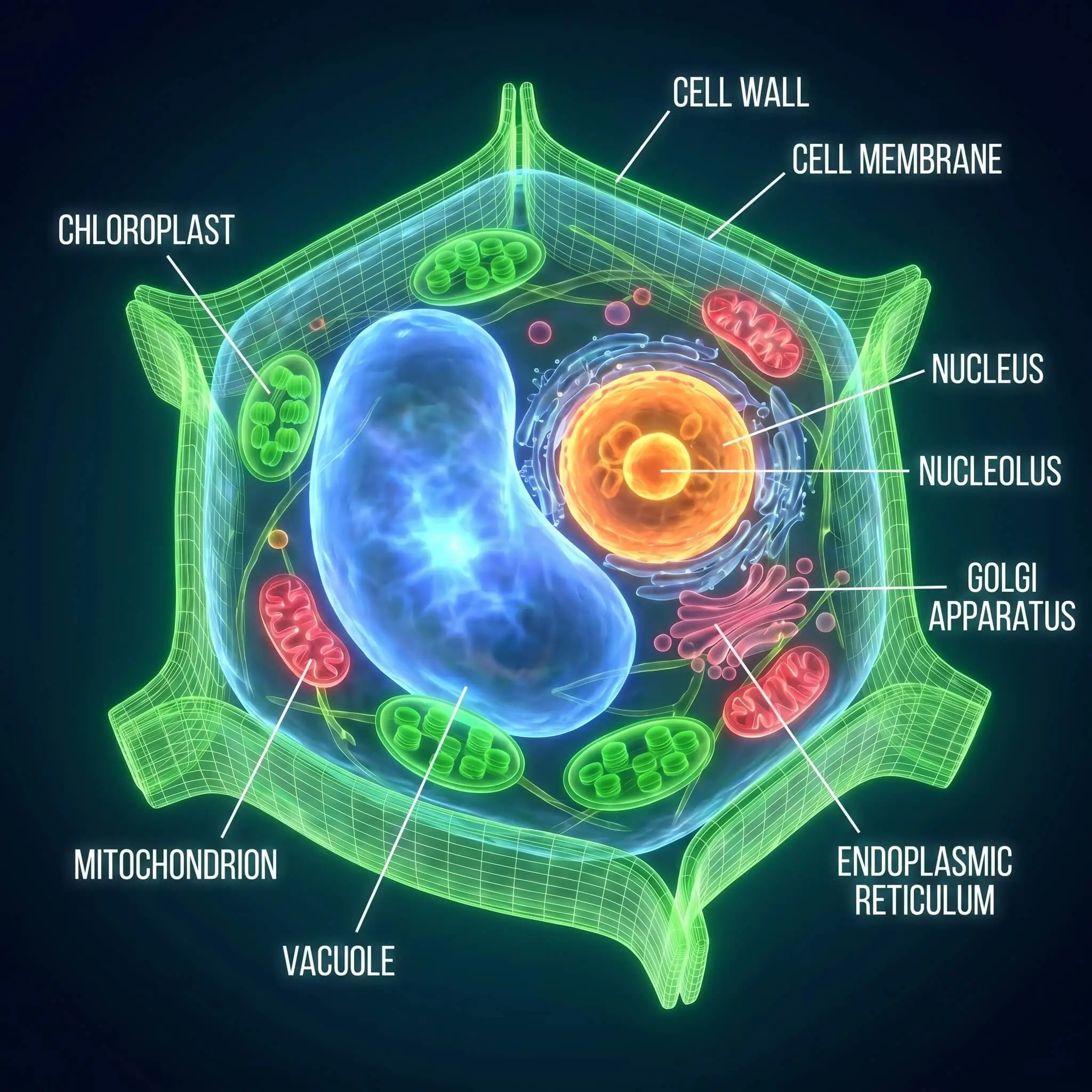
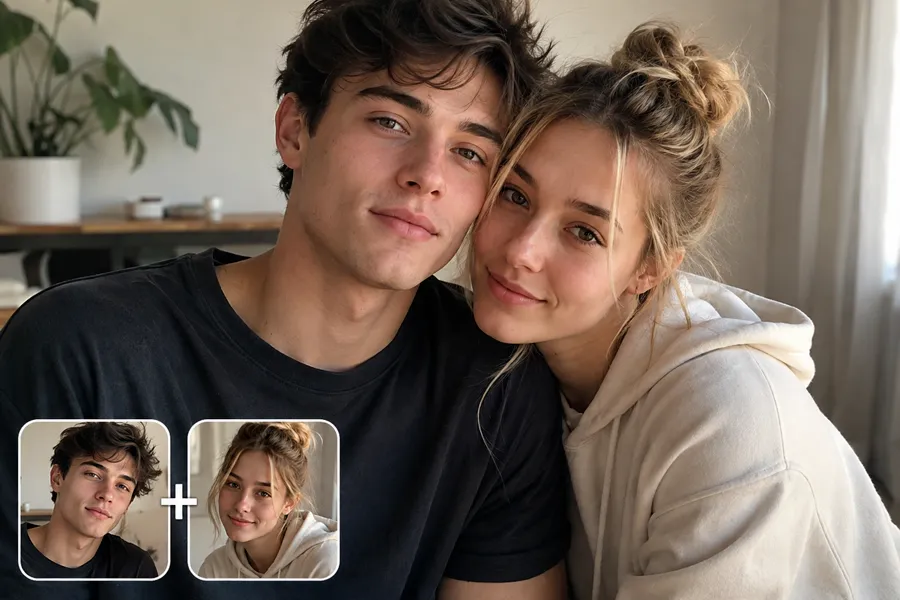
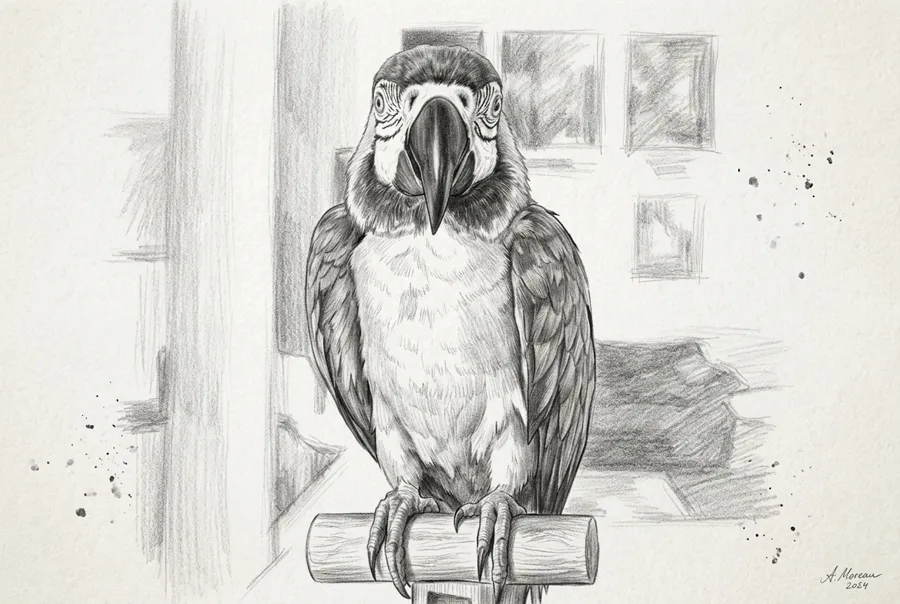

How to Use the AI Image Generator
Pick a tool or model above, then follow these three steps. No design experience required.
Choose a tool or model
Use the generator at the top for Nano Banana 2, or open any effect (Photo to Sketch, Fat Filter, Photo Booth, etc.) or switch to a different model from the Models tab.
Upload or describe
Upload a photo for image-to-image tools, or type a prompt for text-to-image. Each tool has simple controls and presets to get you started.
Generate and download
Click generate and get your result. Download the image, refine your prompt, or try another tool. All tools run on your NanoMaker subscription.
Why Use the AI Image Generator
One place for all AI image tools and models.
All tools in one place
Sketches, filters, photo booth, coloring pages, wallpapers, anime, mockups, and more. No need to switch sites or accounts.
Multiple AI models
Nano Banana 2, GPT Image 2.5, and GPT Image 2. Choose by speed, quality, or resolution (1K to 4K).
One subscription
Use every AI image tool and model with a single NanoMaker subscription. Credits apply across all tools.
No design experience needed
Each tool has presets and simple options. Describe what you want or upload a photo and get results in seconds.
AI 이미지 생성 요금제
요금제를 선택하고 모든 프리미엄 AI 모델에 즉시 액세스
언제든 취소 가능 — 미사용 크레딧 이월 — 사용량은 모델 및 생성 유형에 따라 다릅니다.
라이트
$84 연간 연간 결제
4,500 크레딧 (연간)

프리미엄
$100 연간 연간 결제
9,600 크레딧 (연간)
맥스
$240 연간 연간 결제
36,000 크레딧 (연간)
무료
안전하고 안심되는 결제 수단









AI Image Generator FAQ
Common questions about the AI image generator and tools.