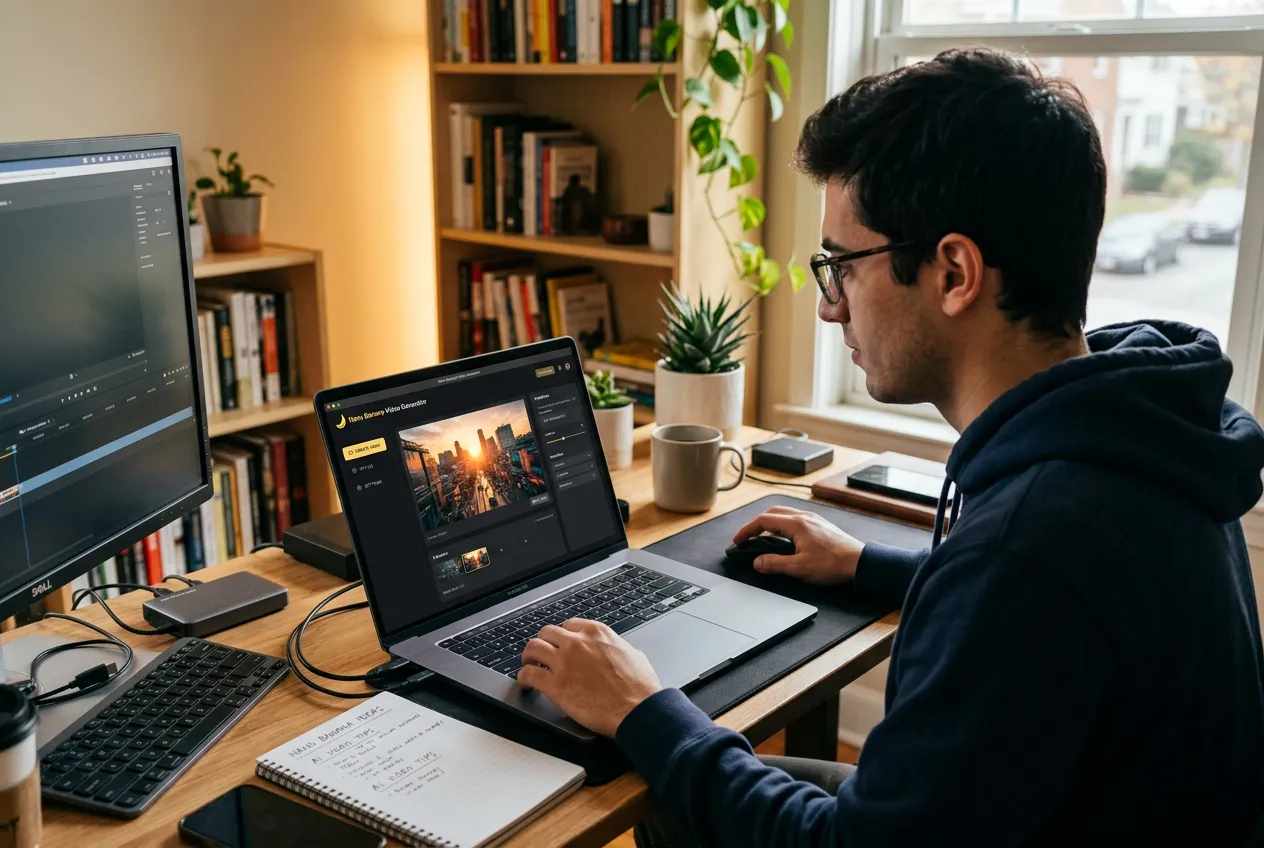
Why I Built Nano Banana Video
From image-to-video fragmentation to a single pipeline: why I built Nano Banana Video to connect Nano Banana image generation with AI video models in one workflow.
Over the past year, I've spent a lot of time experimenting with AI image and video tools.
As someone who runs small web projects and AI tools online, part of my work involves testing new models and understanding how creators actually use them. Many people today combine different AI tools to generate images, animate scenes, and create short videos.
One image model that quickly stood out during these experiments was Nano Banana.
Nano Banana is a powerful AI image generator. You can describe a scene with text or upload a reference image, and the model produces a clean, detailed still frame. It works well for concept art, product visuals, and quick creative ideas.
But like most image models, Nano Banana stops at the image.
It does not generate video.
That small limitation is what led me to build Nano Banana Video.
The Problem With Image-to-Video Workflows
Whenever I wanted to turn a Nano Banana image into a video clip, the workflow was always the same.
First, I generated an image.
Then I downloaded the file.
After that, I opened a separate AI video platform and uploaded the image again.
Finally, I configured motion settings and generated the clip.
The process worked, but it felt unnecessarily fragmented.
If the image needed a small adjustment, the entire loop started again. I had to regenerate the image, download it again, and upload it to the video platform again.
Individually, these steps were simple. But when experimenting with multiple ideas, switching between platforms and repeatedly uploading files slowed everything down.
At some point I realized the real issue wasn't the tools themselves.
The issue was the gap between them.
The Idea: One Pipeline Instead of Multiple Tools
The image-to-video workflow is actually very simple.
- Generate a still image.
- Animate that image.
So instead of manually moving files between tools, the system could simply connect those steps together.
The image model would run first.
Then the result would automatically be passed to a video generation model.
From the user's perspective, the entire process would feel like one tool instead of two separate platforms.
That idea eventually became Nano Banana Video.
Building Nano Banana Video
As the person behind this site, my goal wasn't to replace existing AI models.
Image generators and video models are evolving very quickly, and each model has its own strengths. Instead, I wanted to build a smoother workflow that connects them.
In Nano Banana Video, users can start with either a prompt or an uploaded image.
The system first runs an image generation step using Nano Banana 2, which produces a clean and consistent still frame. Once the image is ready, it can immediately be passed to a video model to generate motion.
The entire process happens within the same interface.
You don't need to download the image or upload it to another platform.
Supported AI Video Models
Different AI video models create different styles of animation, motion realism, and cinematic effects.
To give users flexibility, Nano Banana Video supports several AI video generation engines:
- Veo 3.1
- Sora 2
- Seedance
- Kling 3.0
- Wan 2.6
- Grok Imagine
Users can choose the model they want depending on the style of motion they prefer. They can also select the video duration and aspect ratio before generating the final clip.
Transparent Credit Pricing
Another issue many creators encounter with AI video tools is unclear pricing.
Different models consume different amounts of credits, and some platforms only show the cost after the video has been generated.
To make the process more transparent, Nano Banana Video displays the credit cost before generation.
Users can see how many credits the image generation step and the video generation step will consume before starting the render.
This makes it easier to experiment without unexpected costs.
Common Use Cases for Image-to-Video AI
AI image-to-video tools are becoming popular because they make it possible to turn static visuals into motion.
Some common use cases include:
Animate AI Art — Artists often generate illustrations or concept art using AI models. Image-to-video tools can animate these visuals and create short cinematic clips.
Turn Product Images Into Short Videos — E-commerce creators can animate product images to create short promotional videos or social media content.
Create AI Social Media Content — Creators on platforms like TikTok, YouTube Shorts, or Instagram Reels often use image-to-video tools to transform AI images into short looping animations.
Prototype Video Ideas Quickly — Instead of filming or editing complex scenes, creators can quickly test visual ideas by turning AI images into short animated clips.
Real-World Examples: Image to Video in One Flow
To show how the pipeline works in practice, I ran two tests using the same use cases we highlight on the Nano Banana Video page: a product-style image and a cosmetic shot. I used Veo 3.1 for the videos below. For the product-style clips, I used a prompt aimed at TikTok-style vertical influencer content:
Vertical TikTok video of a young American white female influencer with long hair, casually and friendly showing the uploaded product image, explaining its features naturally, with genuine reactions, gestures, and smiles, in a bright home or lifestyle setting.
In each case, I used the image below as input, then generated the clip you can play below.
1. Prompt to Video in One Flow
Input image: a single frame. I uploaded this and generated the video below.
2. Cinematic Quality, On Demand
Product shot as input. Sent to Nano Banana Video to get a short, cinematic-style clip.
In both cases, the image went straight into Nano Banana Video — no download, no second platform. If you want to try the same flow with your own images, you can start with Nano Banana Video.
Browser-Based AI Video Generation
Nano Banana Video runs entirely in the browser.
No installation, no complicated setup. The workflow is simple:
- Enter a prompt or upload an image
- Choose an AI video model
- Generate the video clip
- Download the final MP4
By connecting image generation and video rendering into a single pipeline, Nano Banana Video removes the need to switch between multiple platforms.
Why I Built This Tool
Nano Banana Video wasn't created to replace every AI tool available today.
It exists to solve a very specific workflow problem: generating an image in one place and animating it somewhere else.
By connecting those steps into one pipeline, the process becomes faster and more convenient.
For me, it started as a way to speed up my own experiments with AI-generated content.
Now it's a tool that helps creators turn images into videos with Nano Banana Video, without constantly switching tabs between different platforms.
FAQ
Can Nano Banana generate videos?
No. Nano Banana is an AI image generator that produces still images. To animate those images into videos, you need an image-to-video tool such as Nano Banana Video.
How do you turn an AI image into a video?
You can turn an AI image into a video by using an image-to-video AI model. The system takes a still image as input and generates motion frames to create a short animated clip.
What is Nano Banana Video?
Nano Banana Video is a browser-based tool that connects Nano Banana image generation with multiple AI video models, allowing users to generate videos from prompts or images in a single workflow.
Author

More Posts
I Tested 100 Nano Banana 2 Prompts in 2026 — These 15 Actually Work
I tested 100+ Nano Banana 2 prompts. Here are the 15 that actually work — plus the mistakes most tutorials never tell you.
8 AI Rap Video Generators Compared (2026)
Compare 8 AI rap video generators for photos, rap duos, lip sync, and music videos. See supported inputs, free limits, pricing, and practical workflows.
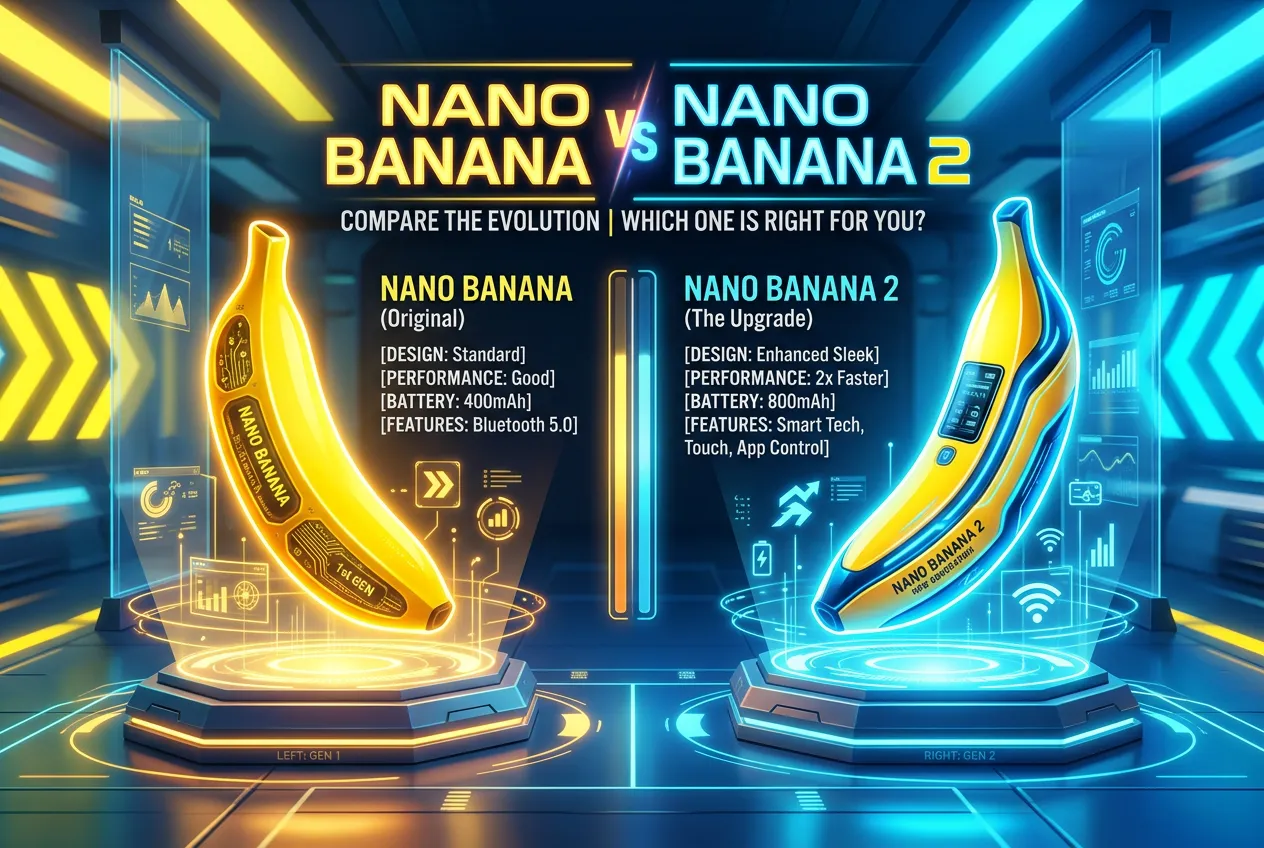
Nano Banana vs Nano Banana 2: 5 Prompts, Honest Results
Nano Banana vs Nano Banana 2 — Same 5 prompts on both. What changed, what stayed the same, and which one you should use now.