More AI tools like Nano Banana Pro
Explore our collection of specialized AI image generators designed for different creative needs and styles
Nano Banana Pro Prompts Gallery
Discover what you can create with Nano Banana. Click any prompt to try it instantly in the editor.
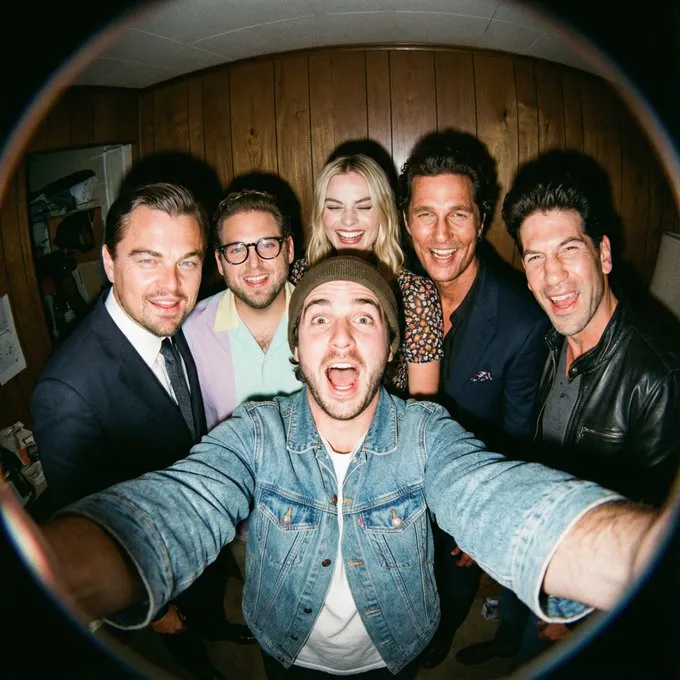
Fisheye Movie Character Selfie
A hyper-realistic fisheye wide-angle selfie, captured with a vintage 35mm fisheye lens creating heavy barrel distortion. Without any camera or phone visible in the subject's hands. Subject & Action: A close-up, distorted group photo featuring [Person From Uploaded Image] taking selfie with [CHARACTERS]. Everyone is making wild, exaggerated faces, squinting slightly from the flash. Lighting & Texture: Harsh, direct on-camera flash lighting that creates hard shadows behind the subjects. Authentic film grain, slight motion blur on the edges, and chromatic aberration. It looks like a candid, amateur snapshot as if captured during a chaotic behind-the-scenes moment, not a studio photo.
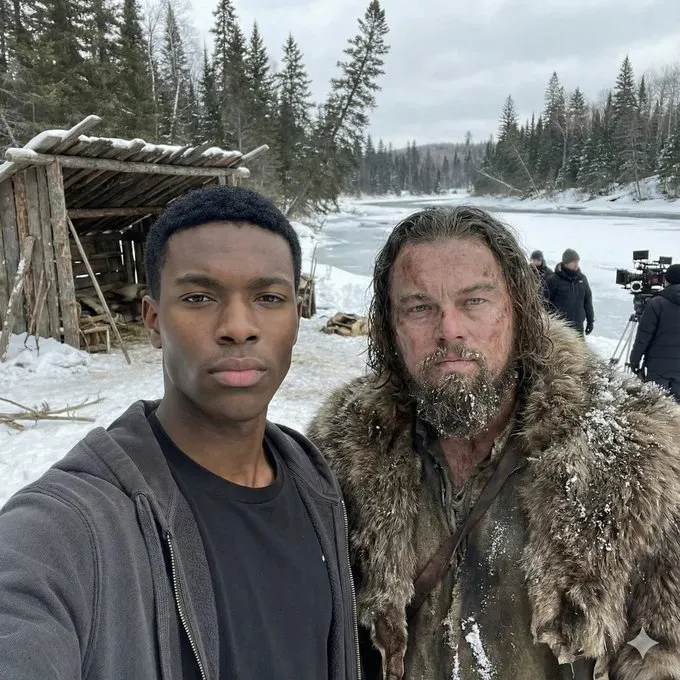
Character Consistency Selfie
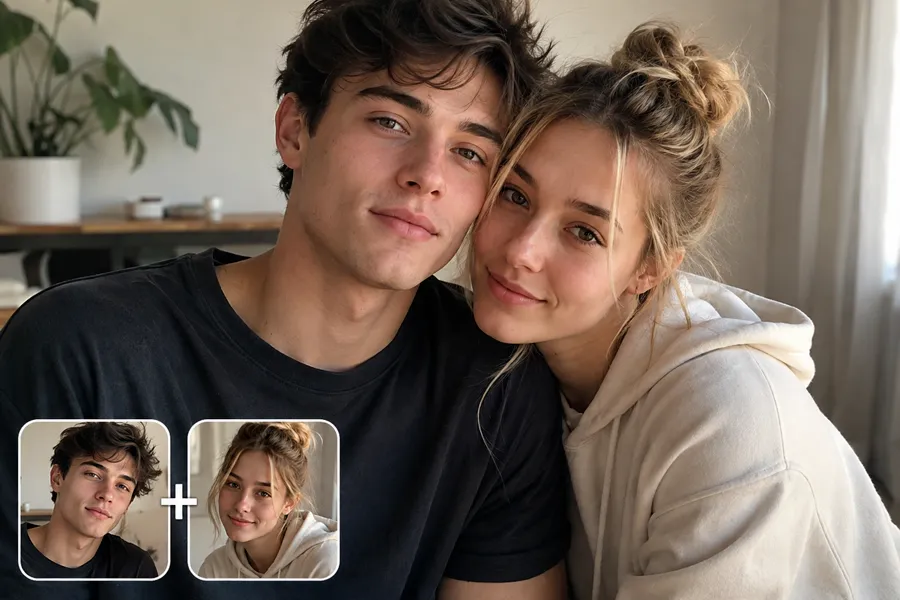
I'm taking a selfie with [movie character] on the set of [movie name]. Keep the person exactly as shown in the reference image with 100% identical facial features, bone structure, skin tone, facial expression, pose, and appearance. 1:1 aspect ratio, 4K detail.
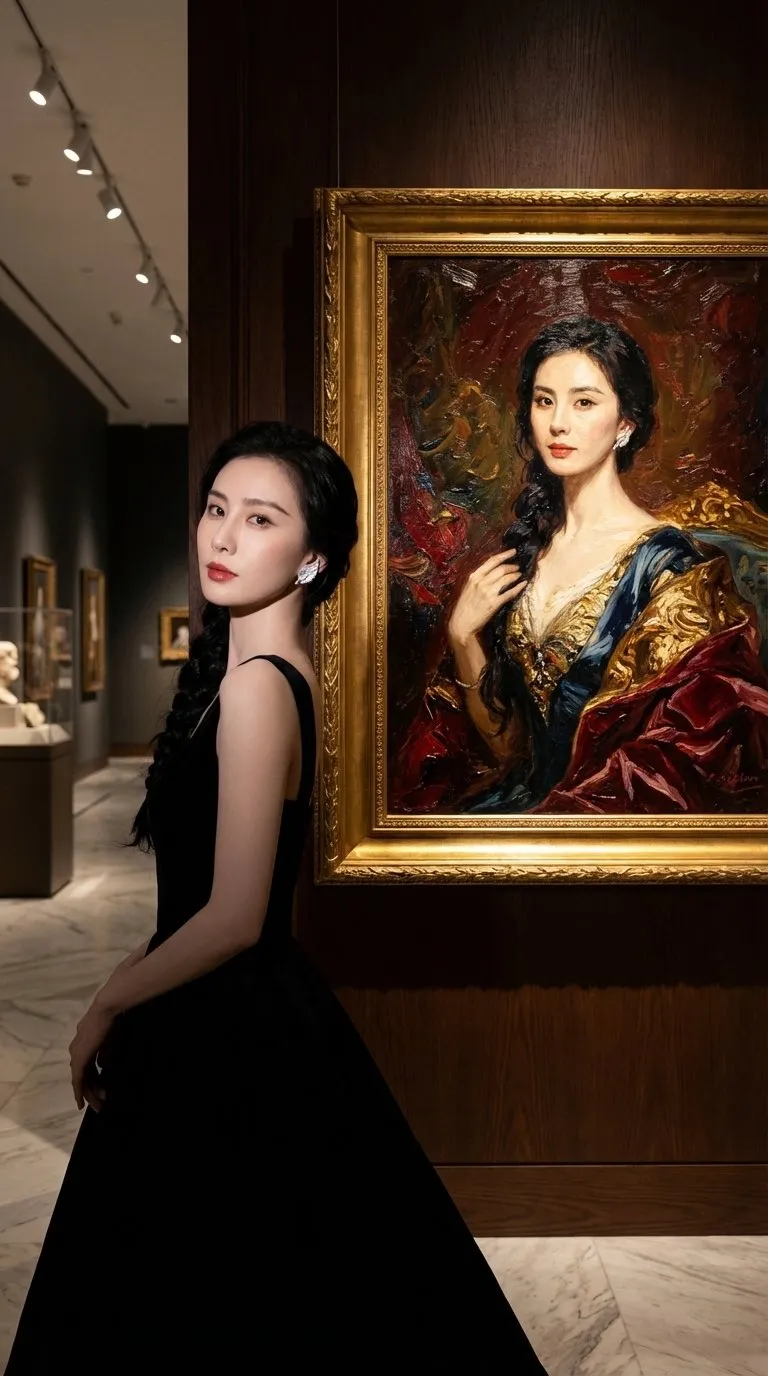
Museum Art Exhibition Selfie
A commercial grade photograph of [uploaded reference image] posing inside a high-end museum exhibition space. [the character Source: Based strictly on the uploaded reference image. Behind them hangs a large, ornate framed classical oil painting. The painting depicts the same person but rendered in a rich, traditional oil painting style with thick, visible impasto brushstrokes, deep textures, and rich color palettes on canvas. Gallery spotlights hit the textured paint surface. Masterpiece, ultra-detailed, cinematic lighting, strong contrast, dramatic shadows, 8K UHD, highly detailed textures, professional photography.
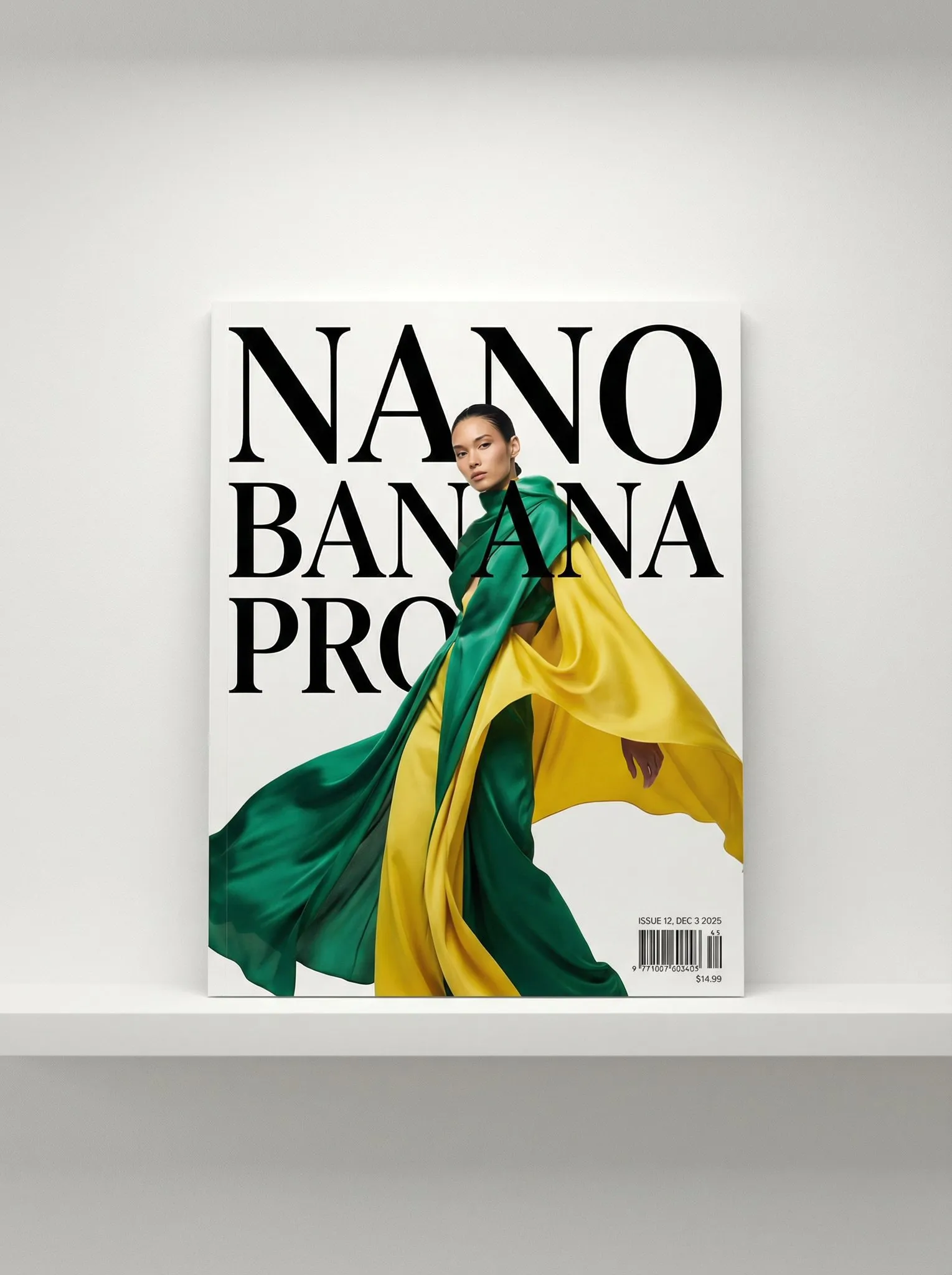
Magazine Cover Portrait
A photo of a glossy magazine cover, the cover has the large bold words "Nano Banana Pro". The text is in a serif font, black on white, and fills the view. No other text. In front of the text there is a dynamic portrait of a person in green and banana yellow colored high-end fashion. Put the issue number and today's date in the corner along with a barcode and a price. The magazine is on a white shelf against a wall.
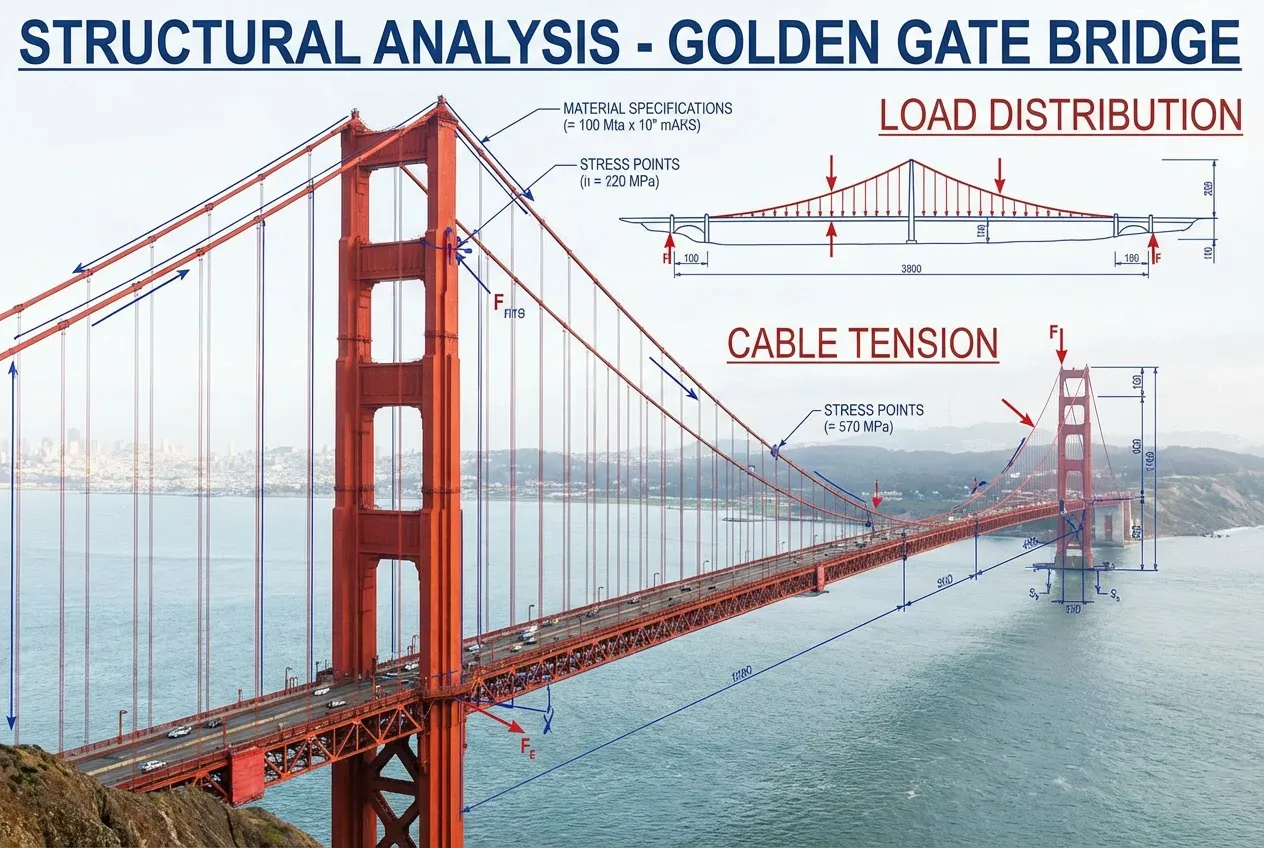
Conceptual Visualization
How engineers see the San Francisco Bridge
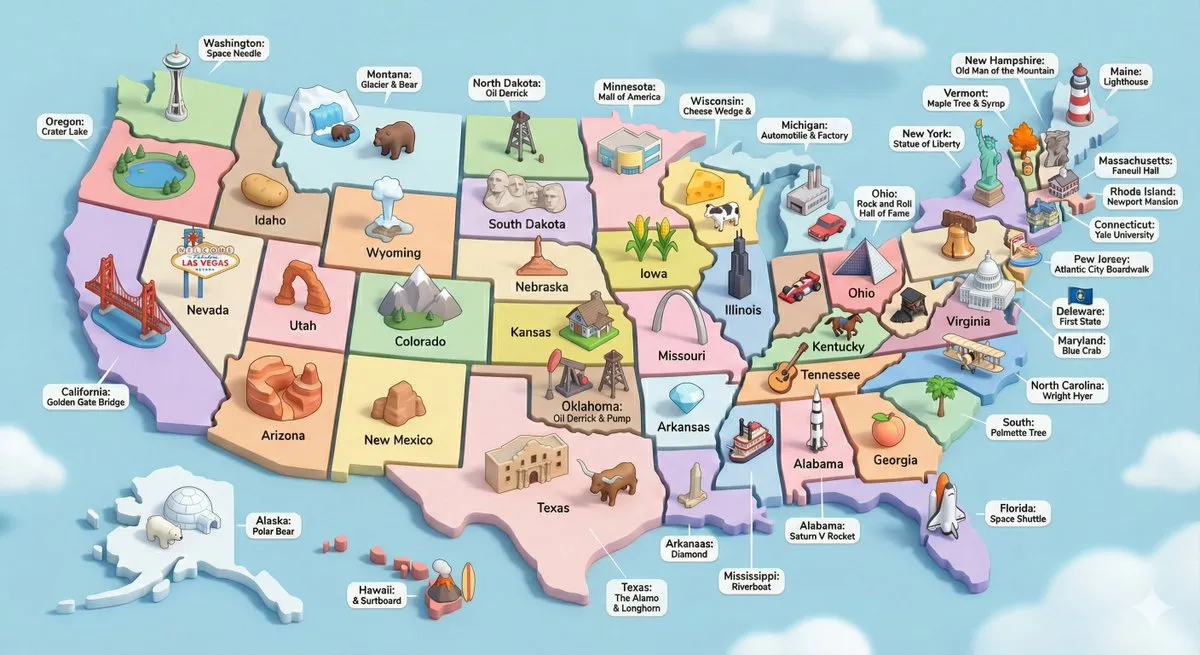
USA 3D Diorama with Landmarks
Create a high-detail 3D isometric diorama of the entire United States, where each state is represented as its own miniature platform. Inside each state, place a stylized, small-scale 3D model of that state's most iconic landmark. Use the same visual style as a cute, polished 3D city diorama: soft pastel colors, clean materials, smooth rounded forms, gentle shadows, and subtle reflections. Each landmark should look like a miniature model, charming, simplified, but clearly recognizable. Arrange the states in accurate geographical layout, with consistent lighting and perspective. Include state labels and landmark labels in a clean, modern font, floating above or near each model.
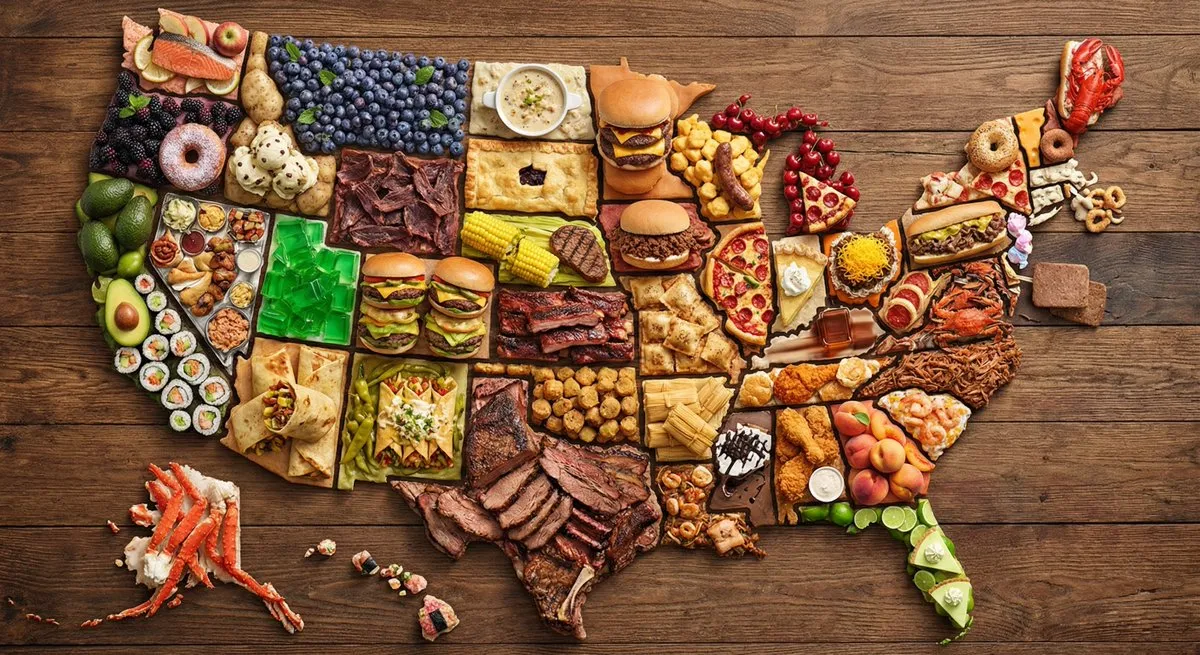
US Map Made of Famous Foods
Create a map of the US where every state is made out of its most famous food (the states should actually look like they are made of the food, not a picture of the food). Check carefully to make sure each state is right.
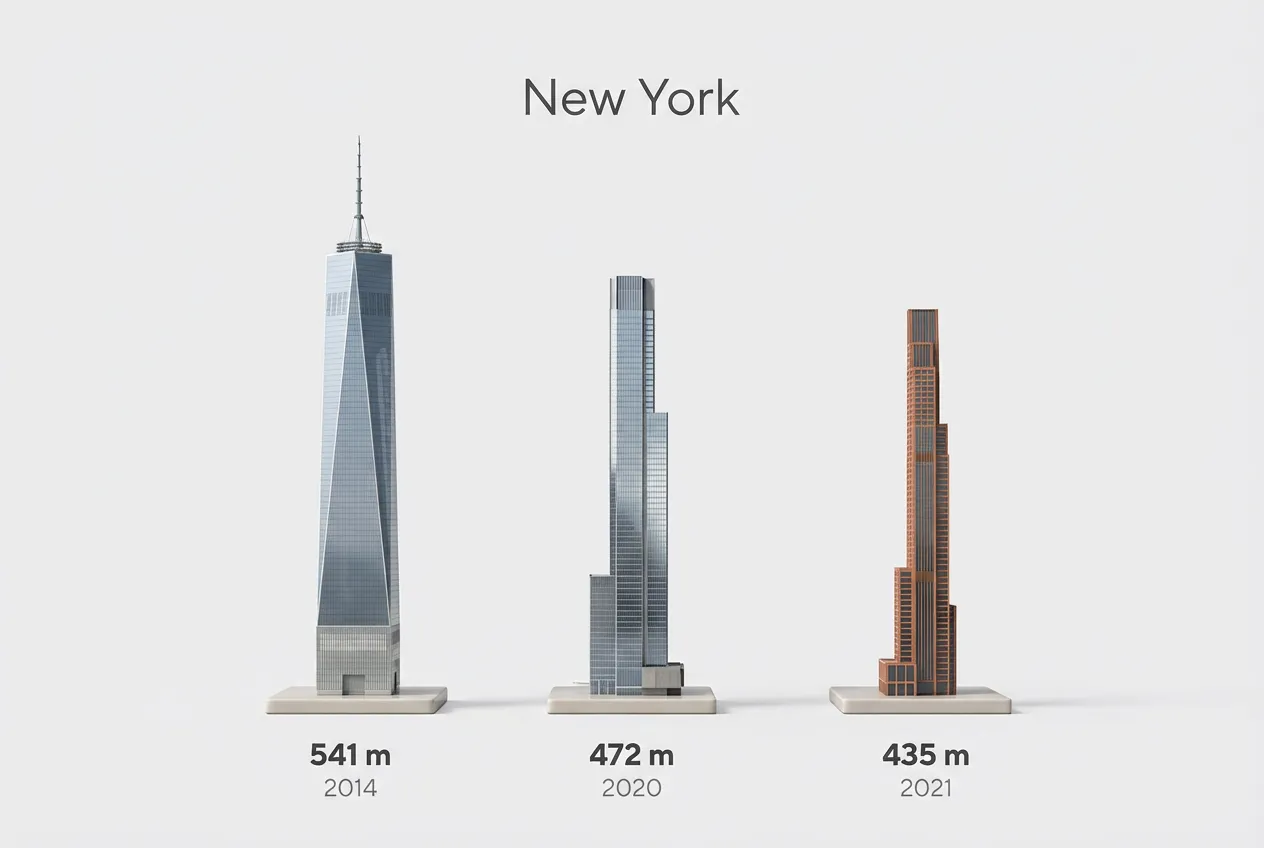
City's Tallest Buildings 3D View
Present a clear, side miniature 3D cartoon view of [YOUR CITY] tallest buildings. Use minimal textures with realistic materials and soft, lifelike lighting and shadows. Use a clean, minimalistic composition showing exactly the three tallest buildings, arranged from LEFT to RIGHT in STRICT descending height order. The tallest must appear visibly tallest, the second must be clearly shorter than the first, and the third must be clearly shorter than the second. All buildings must follow accurate relative proportions: if a building is taller in real life, it MUST be taller in the image by the same approximate ratio. No building may be visually stretched or compressed. Each building should stand separately on a thin, simple ceramic base. Below each base, centered text should display: Height in meters — semibold sans-serif, medium size Year built — lighter-weight sans-serif, smaller size, directly beneath the height text Provide consistent padding, spacing, leading, and kerning. Write "YOUR CITY NAME" centered above the buildings, using a medium-sized sans-serif font. No building top should overlap or touch the text above. Use accurate architectural proportions based on real-world references. Maintain consistent camera angle and identical scale for each building model. No forced perspective. Use straight-on orthographic-style rendering. Do not exaggerate or stylize size differences beyond proportional accuracy. Use a square 1080×1080 composition. Use a clean, neutral background. Ensure no extra objects are present.
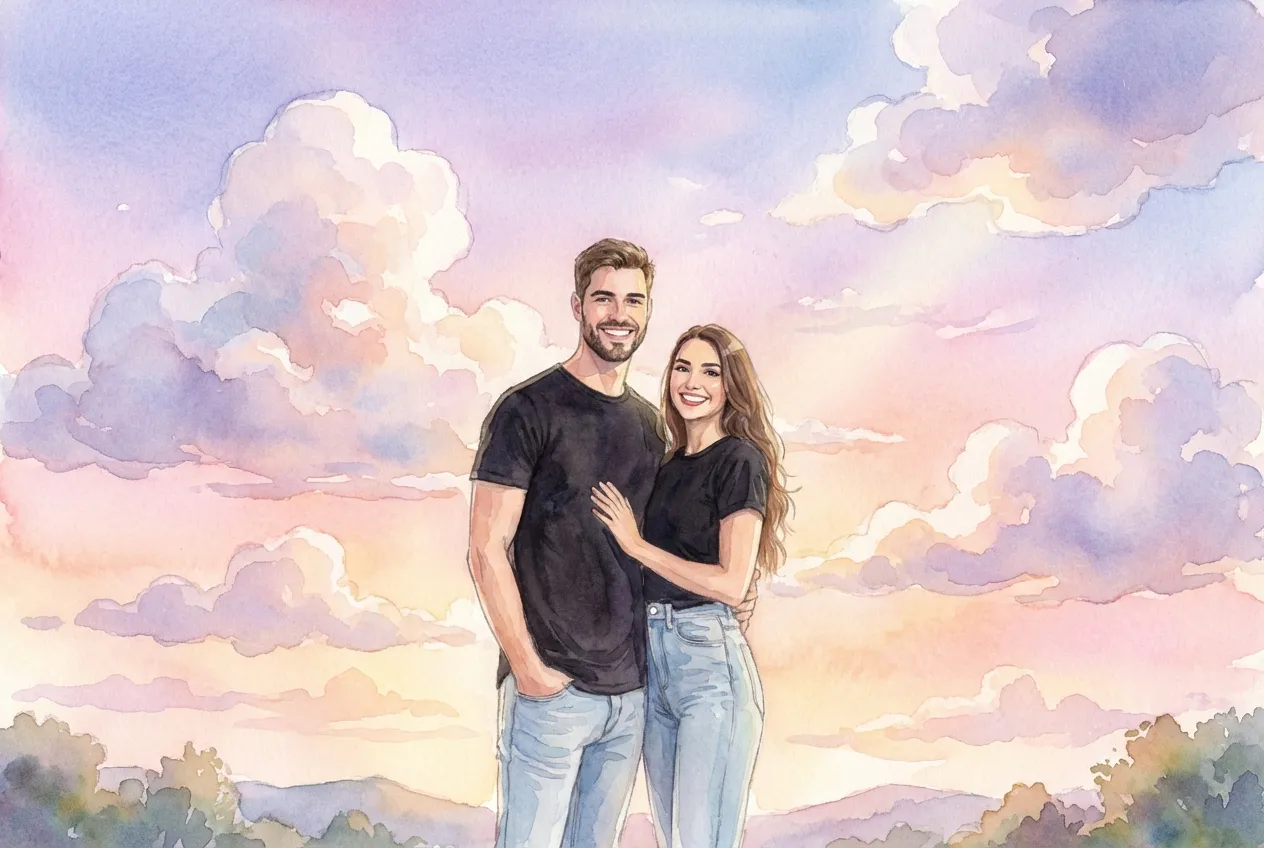
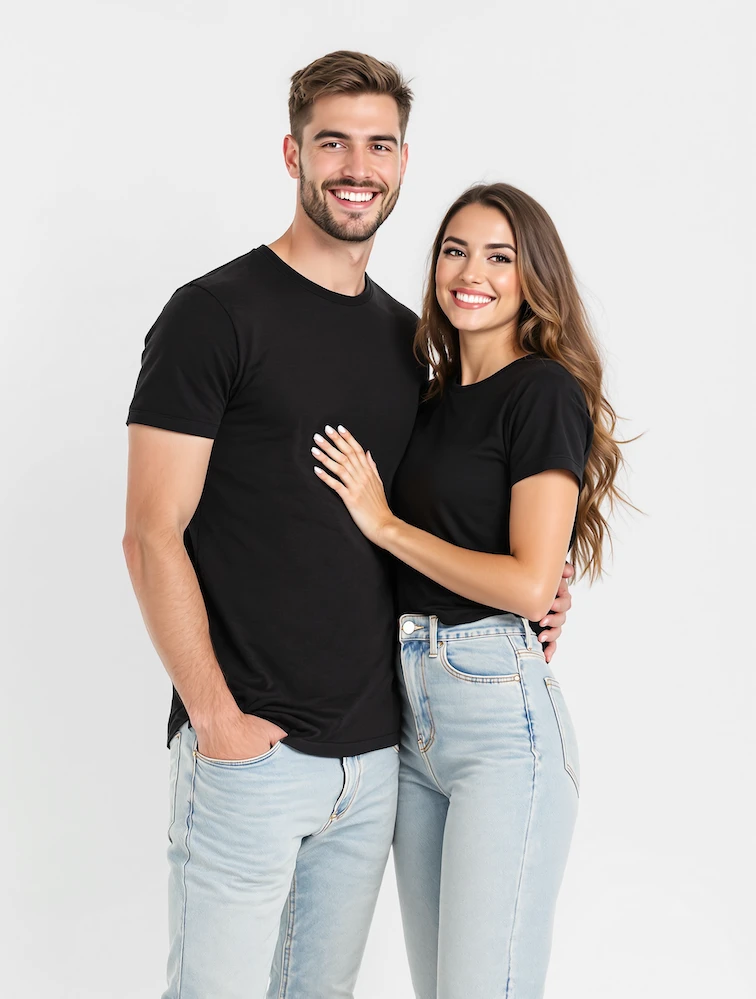
GHIBSKY Illustration
GHIBSKY style, dreamy watercolor sky, soft cumulus clouds, pastel gradient, gentle natural light, whimsical atmosphere.
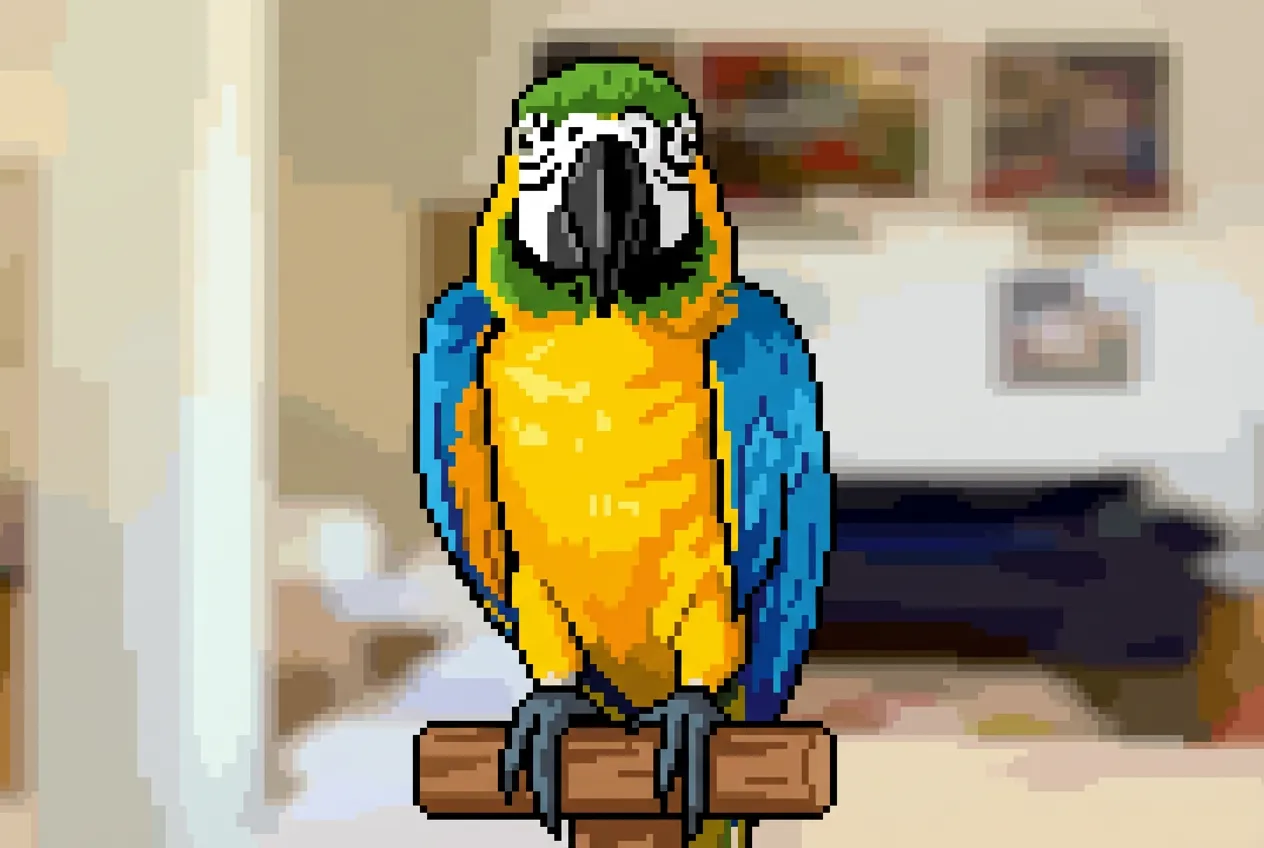
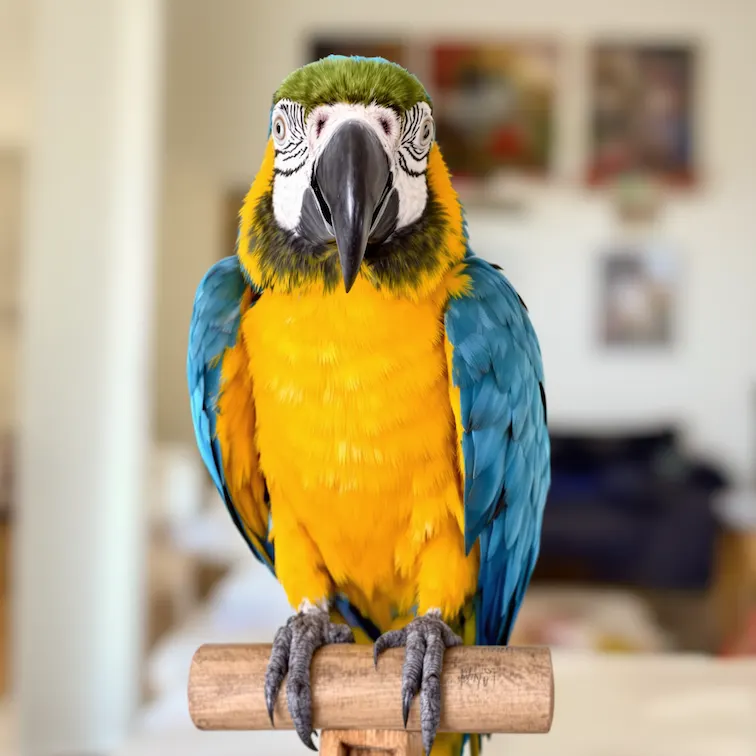
Image to Pixel Art
Transform to pixel art: retro 8-bit or 16-bit video game style, clear pixel grid visible, reduced resolution with blocky appearance, simplified color palette, nostalgic arcade game aesthetic, maintain subject's key features while pixelating.
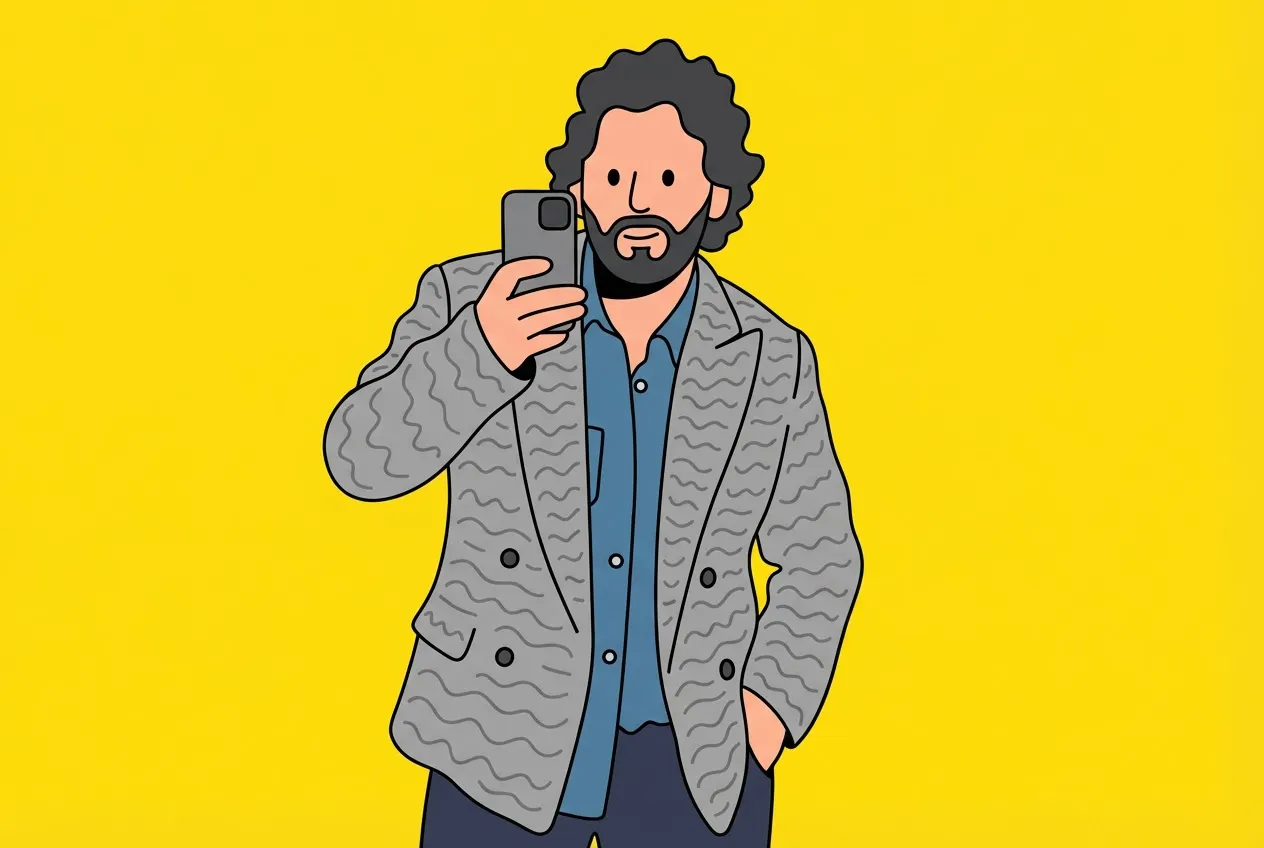
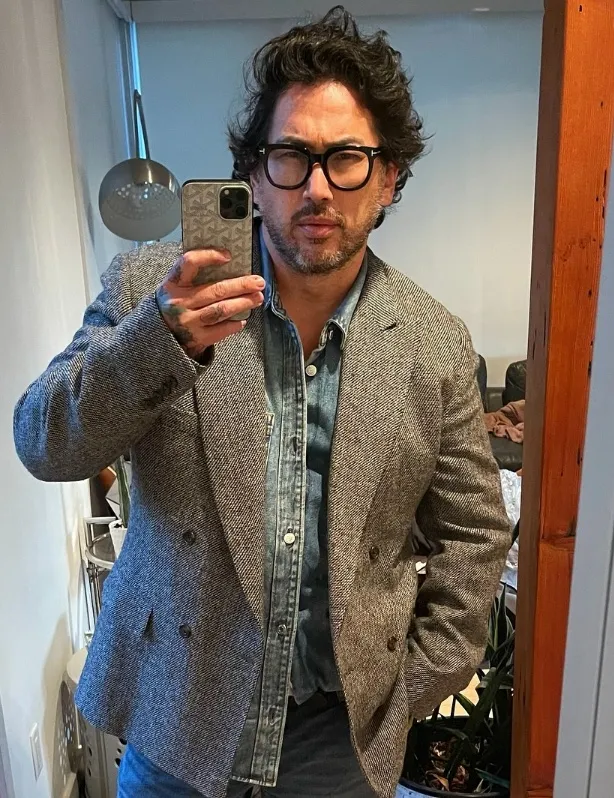
Flat Illustration
Transform the uploaded image into a full body flat vector illustration with whimsical wavy cartoon style. Thin black outlines, smooth rounded shapes, simplified facial features with dot eyes, exaggerated playful proportions, bold flat colors only. No gradients, shading, or smudging. Choose a solid background color that best complements and contrasts with the character's colors. Vector style. Square format.
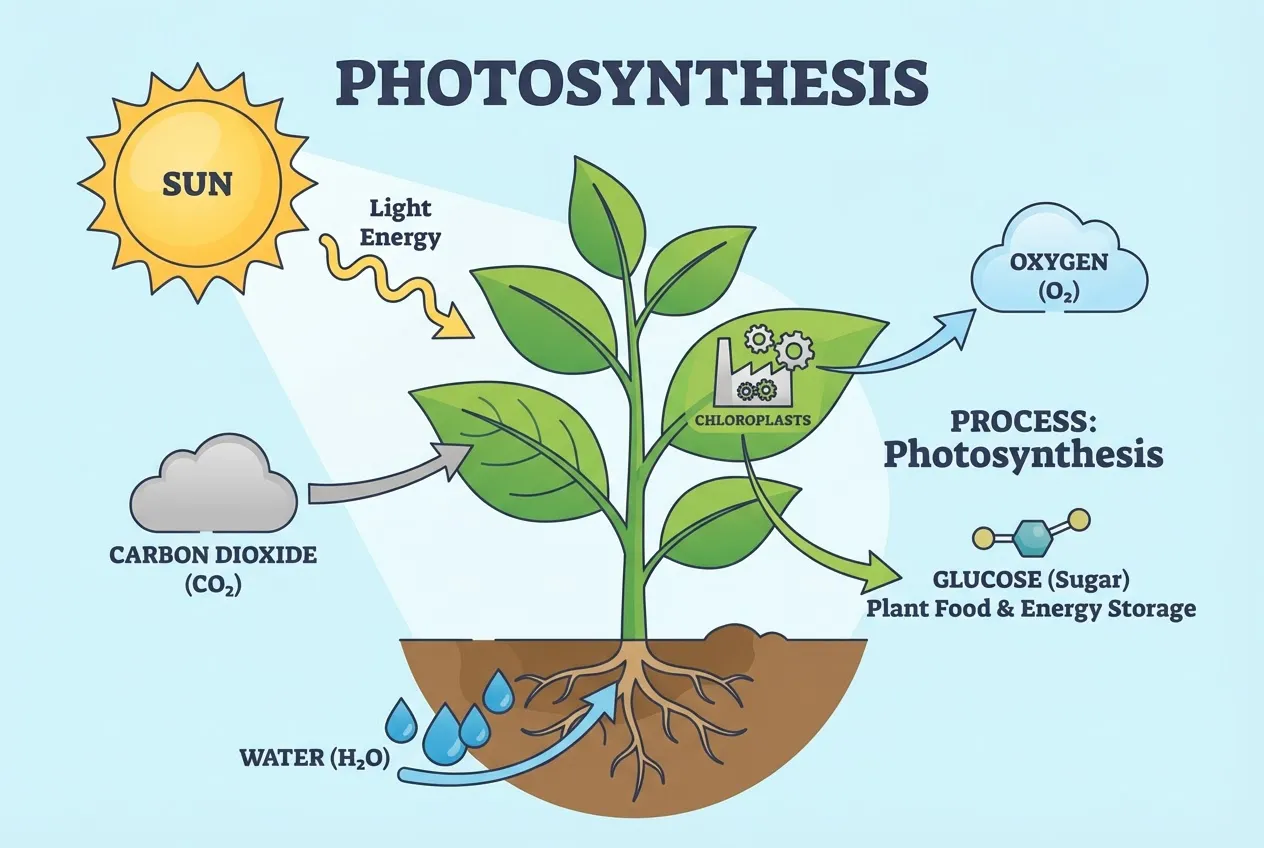
Text to Infographic (Concept Visualization)
Create an educational infographic explaining [Photosynthesis]. Visual Elements: Illustrate the key components: The Sun, a green Plant, Water (H2O) entering roots, Carbon Dioxide (CO2) entering leaves, and Oxygen (O2) being released. Style: Clean, flat vector illustration suitable for a high school science textbook. Use arrows to show the flow of energy and matter. Labels: Label each element clearly in English.
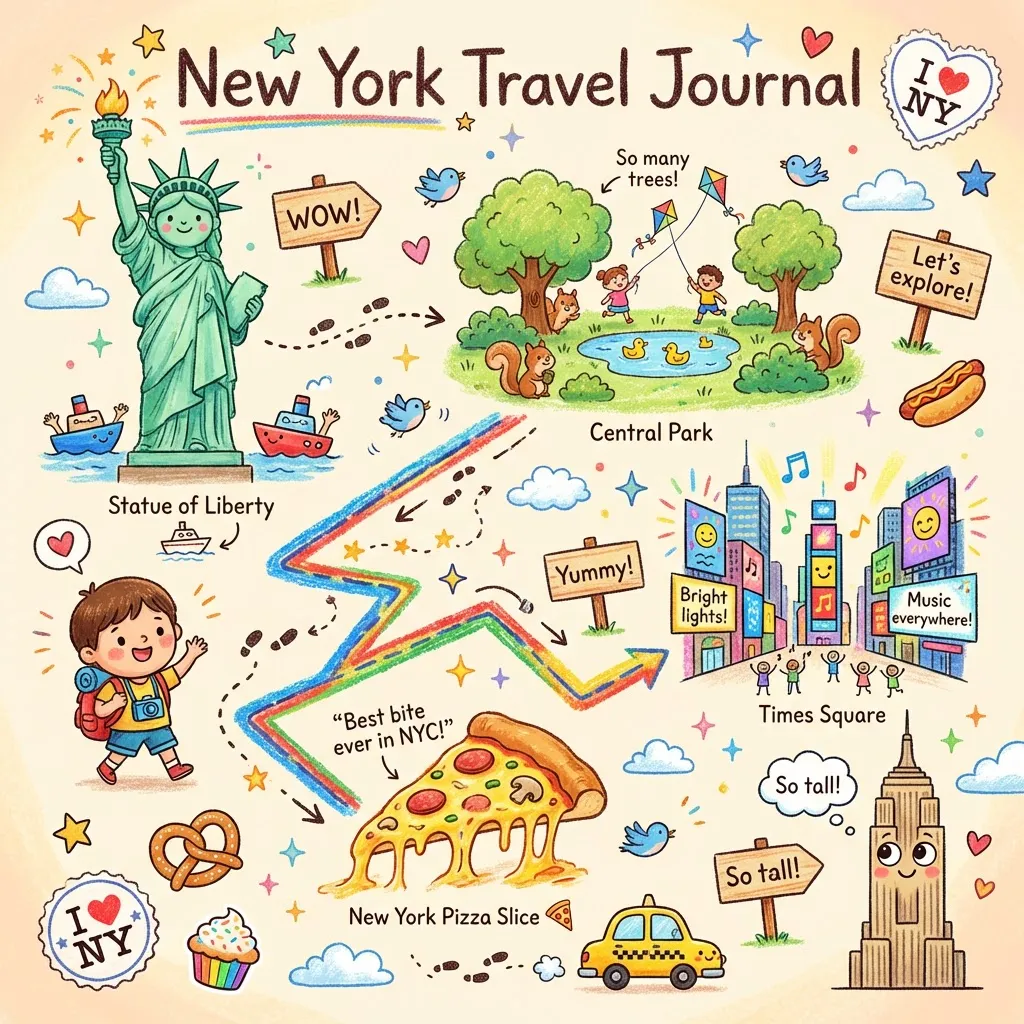
Crayon Travel Journal
Please create a vibrant, child-like crayon-style vertical (9:16) illustration titled "[City Name] Travel Journal." The artwork should look as if it were hand-drawn with colorful crayons, featuring a soft, warm light-toned background (such as pale yellow), combined with bright reds, blues, greens, and other cheerful colors to create a cozy, playful travel atmosphere. Main Scene: Travel-Journal Style Route Map In the center of the illustration, draw a "winding, zigzagging travel route" with arrows and dotted lines connecting multiple locations. The route should automatically generate recommended attractions based on [Number of Days]: - Stop 1: [Attraction 1 + short fun description] - Stop 2: [Attraction 2 + short fun description] - Stop 3: [Attraction 3 + short fun description] - Final Stop: [Local signature food or souvenir + warm closing remark] Surrounding Elements: Adorable travel characters, Q-style landmarks, funny signboards, sticker-style phrases, cute food icons, childlike exclamations. Overall Style: Crayon / children's hand-drawn travel diary style, bright warm colorful palette, cozy but full and lively composition.
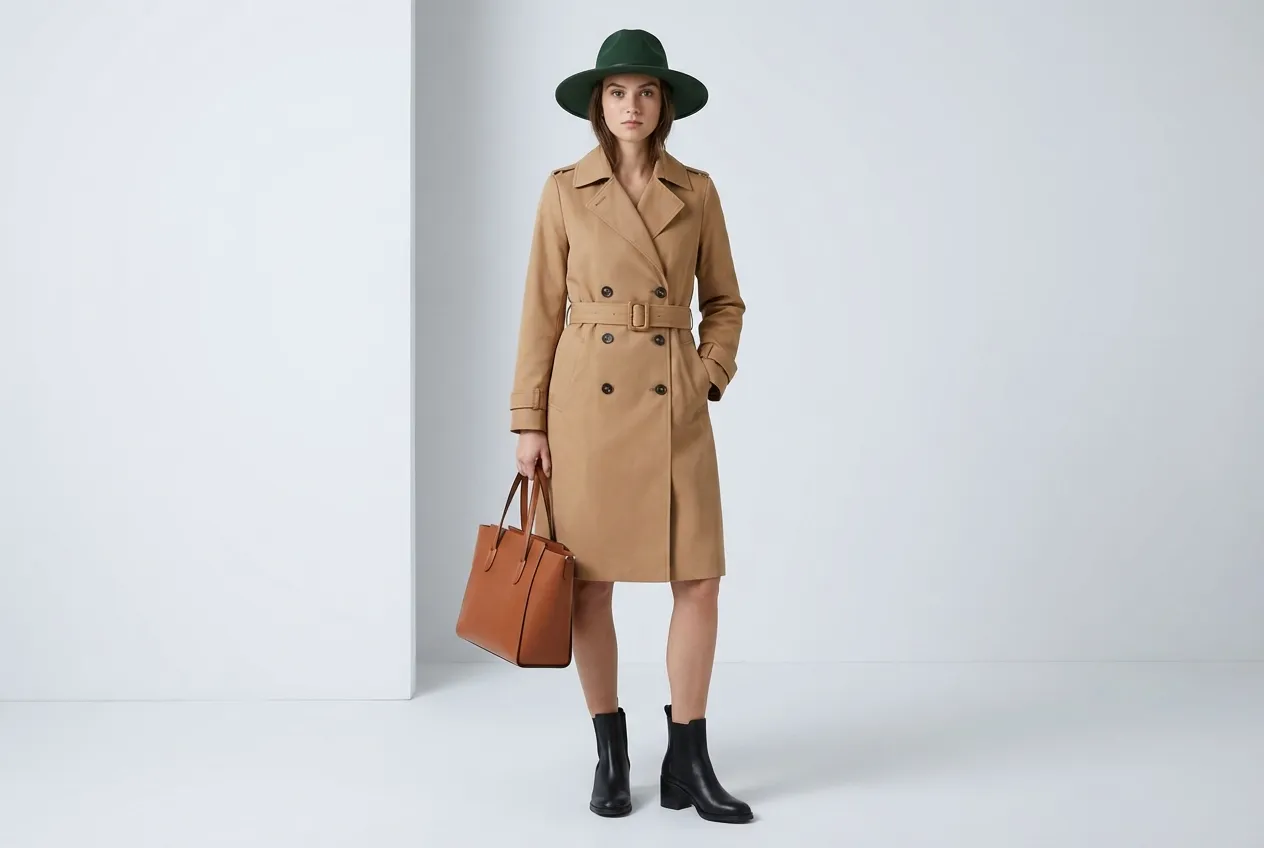
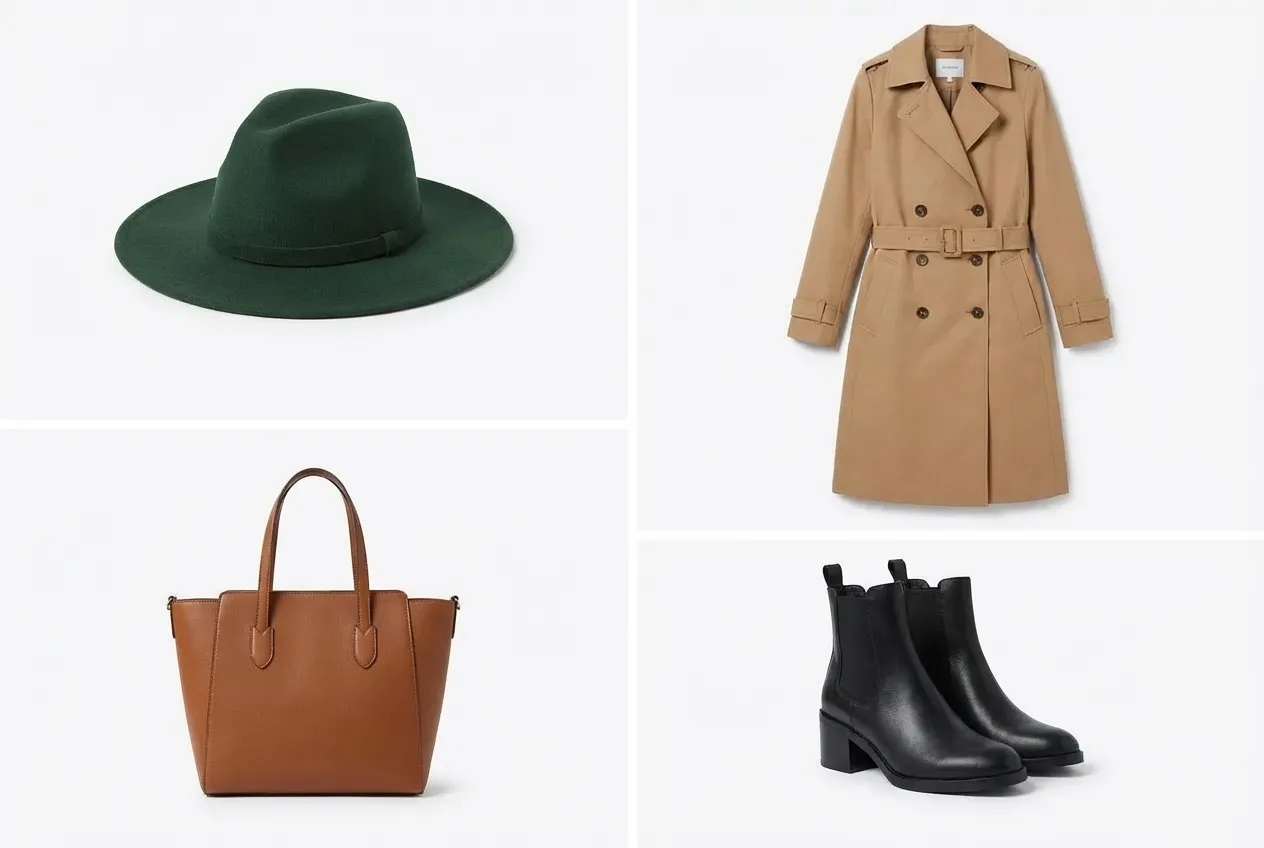
Virtual Model Try-On
Using Image 1 (the garment) and Image 2 (the model), create a hyper-realistic full-body fashion photo where the model is wearing the garment. Crucial Fit Details: The [T-shirt/Jacket] must drape naturally on the model's body, conforming to their posture and creating realistic folds and wrinkles. High-Fidelity Preservation: Preserve the original fabric texture, color, and any logos from Image 1 with extreme accuracy. Seamless Integration: Blend the garment into Image 2 by perfectly matching the ambient lighting, color temperature, and shadow direction. Photography Style: Clean e-commerce lookbook, shot on a Canon EOS R5 with a 50mm f/1.8 lens for a natural, professional look.
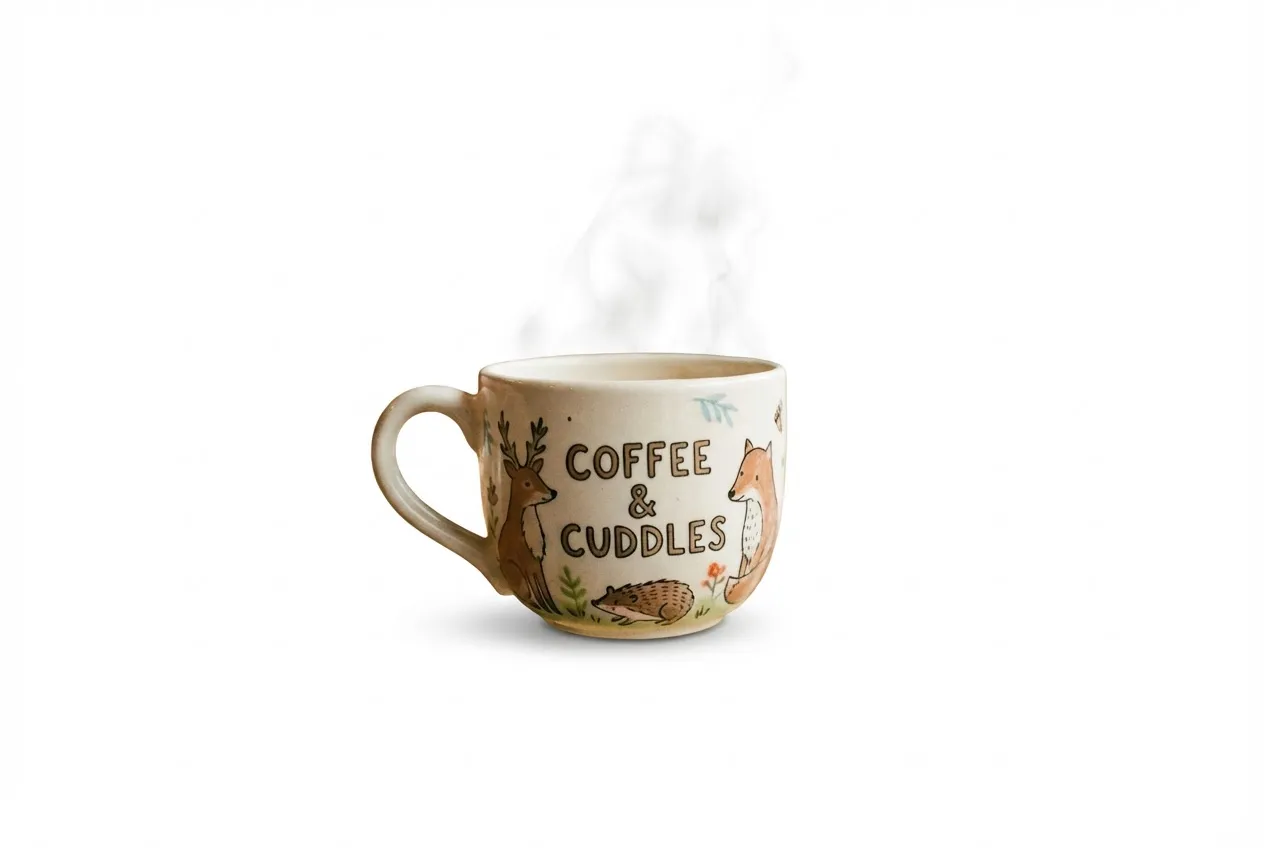
Professional Product Photography
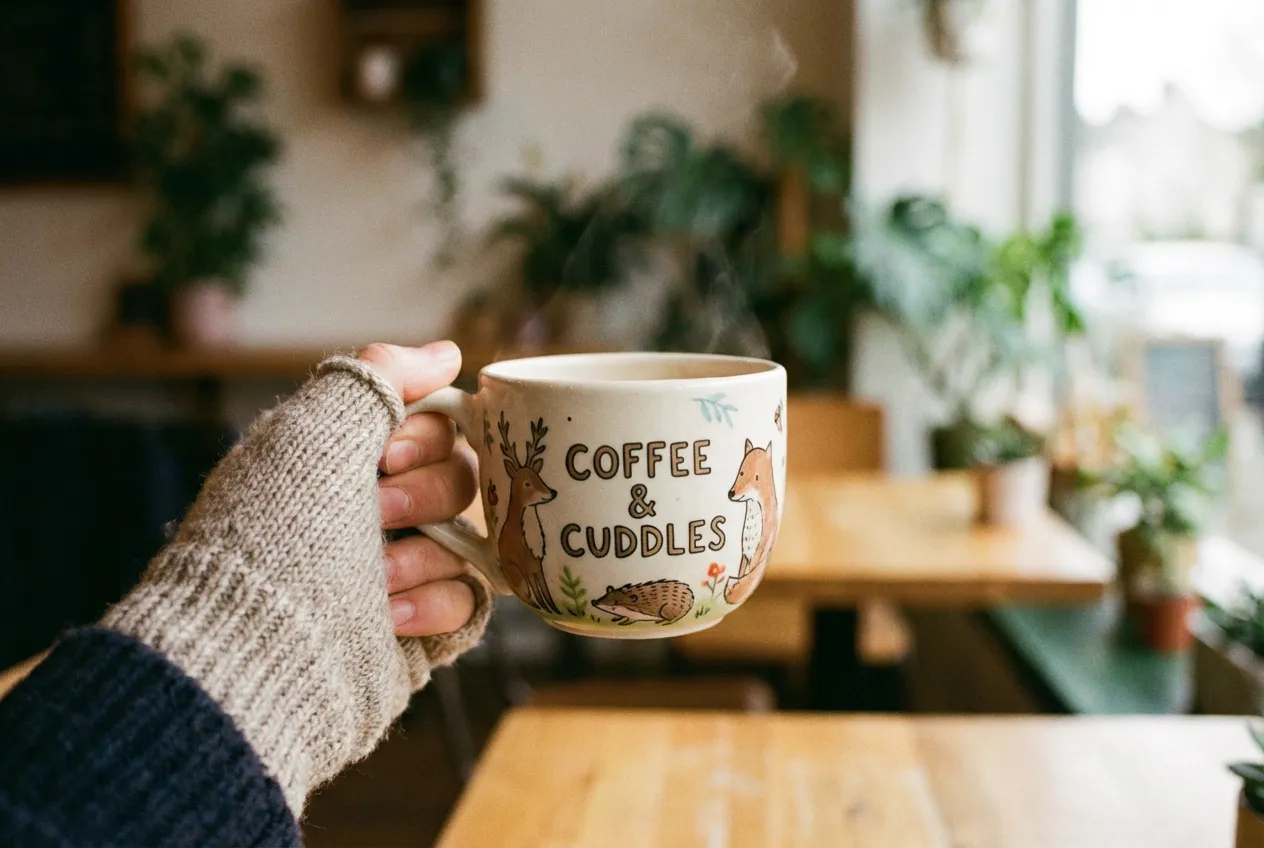
Identify the main product in the uploaded photo (automatically removing any hands holding it or messy background details). Recreate it as a premium e-commerce product shot. Subject Isolation: Cleanly extract the product, completely removing any fingers, hands, or clutter. Background: Place the product on a pure white studio background (RGB 255, 255, 255) with a subtle, natural contact shadow at the base to ground it. Lighting: Use soft, commercial studio lighting to highlight the product's texture and material. Ensure even illumination with no harsh glare. Retouching: Automatically fix any lens distortion, improve sharpness, and color-correct to make the product look brand new and professional.
How to Use Nano Banana Pro
Get professional results in three simple steps with Nano Banana Pro. No design experience required.
Write Your Prompt
Describe what you want to create in plain language. Nano Banana Pro understands complex instructions with enhanced AI reasoning and delivers exactly what you envision.
Upload Image (Optional)
Start from scratch or upload an image to transform. Nano Banana Pro handles both text-to-image and image-to-image workflows seamlessly.
Generate in 4K Quality
Hit generate and watch Nano Banana Pro create stunning 4K images in seconds. Download, refine, or iterate—your creative workflow, supercharged.
Key Features of Nano Banana Pro
Professional-grade features for typography, global content, and education.
Multilingual Content
Generate and adapt imagery for global audiences. Nano Banana Pro's superior prompt understanding handles multiple languages and cultural contexts, so you can produce localized visuals without extra tools.
Educational Content
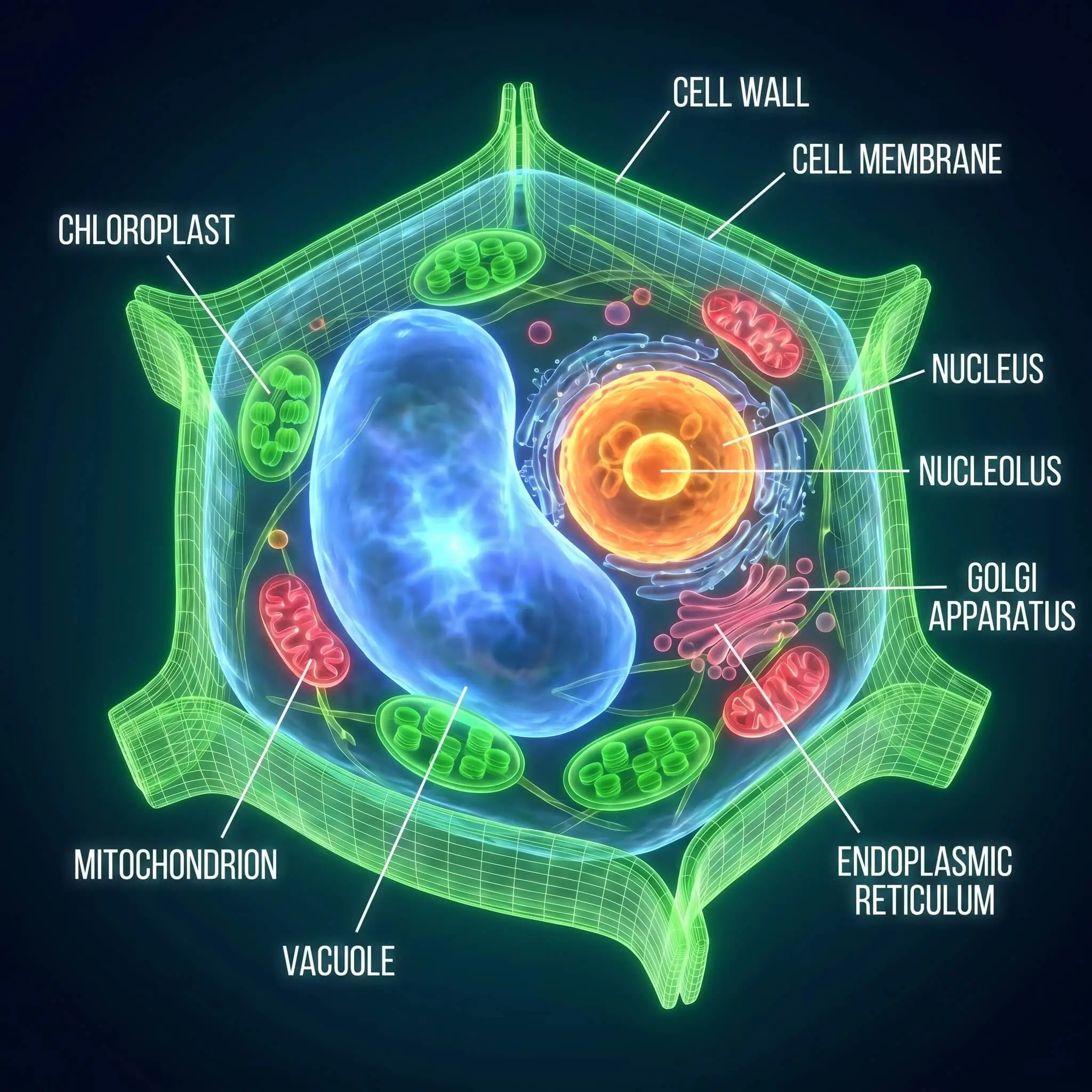
Produce clear, accurate visuals for courses, textbooks, and presentations. Use Nano Banana Pro for diagrams, illustrations, and concept art that support learning and communication.
4K (2160p) Support
Generate images in up to 4K resolution for print, client deliverables, and large-format display. Nano Banana Pro's 2160p output keeps every detail sharp and ready for professional use.
Nano Banana vs Nano Banana Pro
Both versions deliver exceptional results. Choose based on your project needs and quality requirements.
| Feature | Nano Banana | Nano Banana Pro |
|---|---|---|
| AI Model | Gemini 2.5 Flash | Gemini 2.5 Pro |
| Output Resolution | Up to 1080p | Up to 4K (2160p) |
| AI Reasoning | Standard | Enhanced Intelligence |
| Generation Speed | Fast | 30-40% Faster |
| Prompt Understanding | Advanced | Superior Context Awareness |
| Character Consistency | High | Professional Grade |
| Queue Priority | Standard | Priority Access |
| Cost per Generation | 5 Credits | 25 Credits |
| Best For | Social media, quick iterations | Client work, print, commercial projects |
AI Model
Output Resolution
AI Reasoning
Generation Speed
Prompt Understanding
Character Consistency
Queue Priority
Cost per Generation
Best For
What Professionals Say About Nano Banana Pro
Real feedback from creators who upgraded to Nano Banana Pro for their most demanding projects
"I switched to Nano Banana Pro for the 4K output and haven't looked back. The resolution is perfect for client deliverables and print work. Processing is noticeably faster too—I can iterate on concepts during shoots and show clients previews on the spot."
"Nano Banana Pro gives me the quality I need for brand campaigns. The consistency across multiple images is incredible. I used it for a complete rebranding project—logos, packaging mockups, social assets. Everything came out sharp and cohesive."
"My clients need product photos that convert. Nano Banana Pro delivers studio-quality shots without the studio budget. I can test different backgrounds, lighting setups, and angles in minutes instead of booking a photographer for the day."
"The detail you get with Nano Banana Pro is insane. I use it for concept art and client pitches. The 4K resolution means I can zoom in and refine small elements without losing quality. It's become an essential part of my workflow."
"We upgraded our whole team to Nano Banana Pro. The speed difference is real—we're delivering campaigns faster and our clients love the image quality. Priority processing means we never wait during tight deadlines."
"Nano Banana Pro handles everything I throw at it. Complex multi-subject scenes, intricate lighting setups, detailed textures—it just works. The advanced reasoning really shows when you push it with challenging prompts."
Pricing plans for Nano Banana Pro
Choose your plan and get instant access to all premium AI models
Cancel anytime — Unused credits roll over — Usage varies by model and generation type.
Lite
$84 per year billed yearly
4,500 Credits per year

Premium
$100 per year billed yearly
9,600 Credits per year
Max
$240 per year billed yearly
36,000 Credits per year
Free
Pay safely and securely with




Nano Banana Pro FAQ
Common questions about upgrading to Nano Banana Pro and what you get