AI Video Generator
Create and transform videos with AI. One place for all your AI video needs.
AI Video Generator Tools
Specialized AI video tools. Click to open and create videos in seconds.
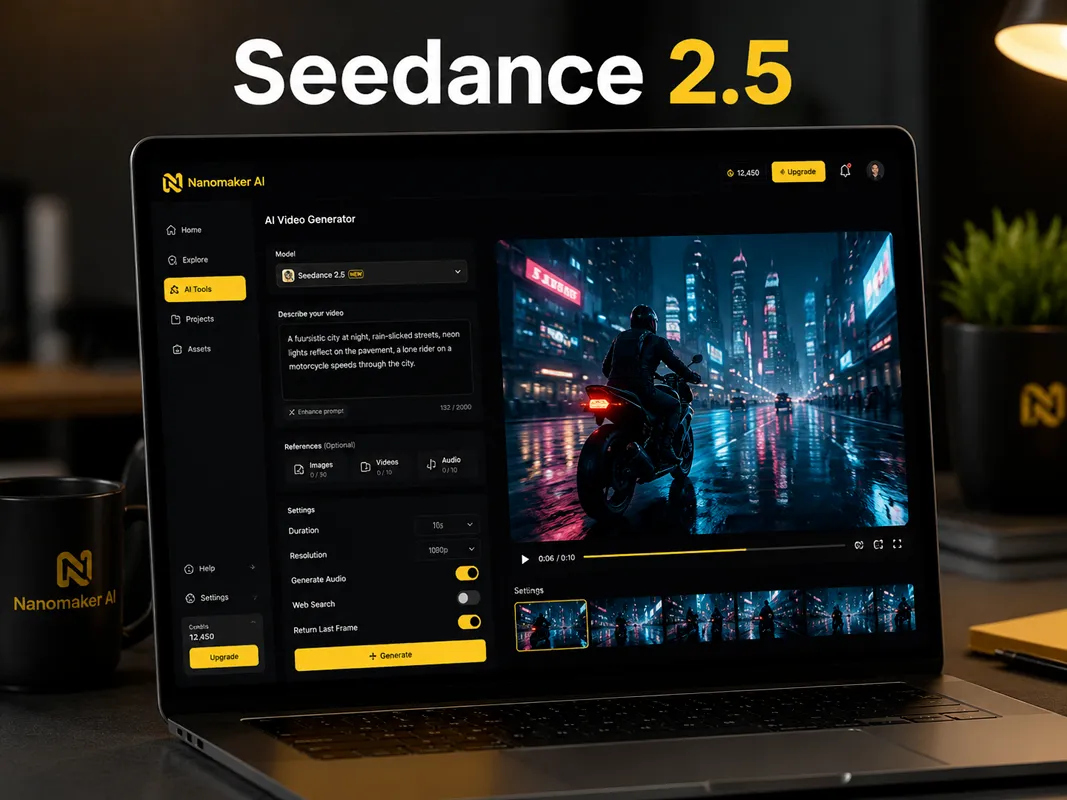

How to Use the AI Video Generator
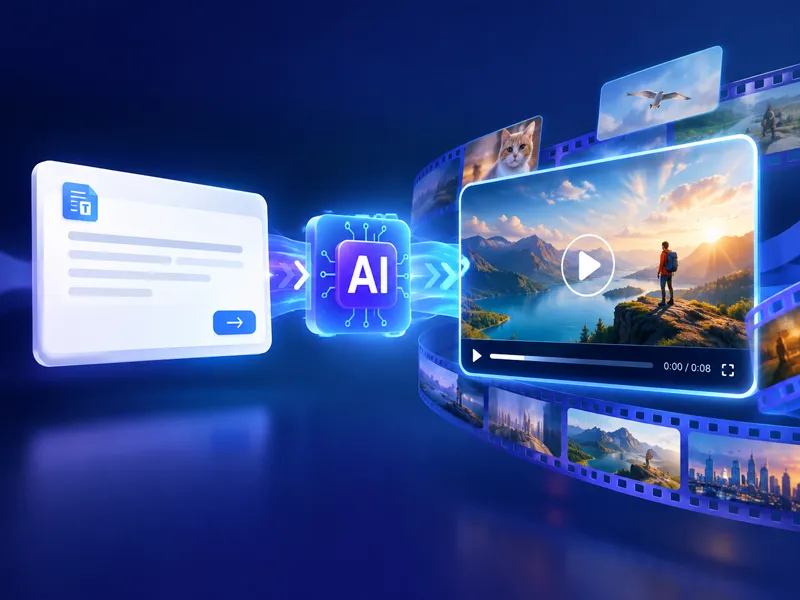
Pick a tool or model above, then follow these three steps. No editing experience required.
Choose a tool or model
Use the generator at the top for video models (Gemini Omni, Seedance, Wan, etc.), or open any tool: First-Last Frame to Video or Nano Banana Video.
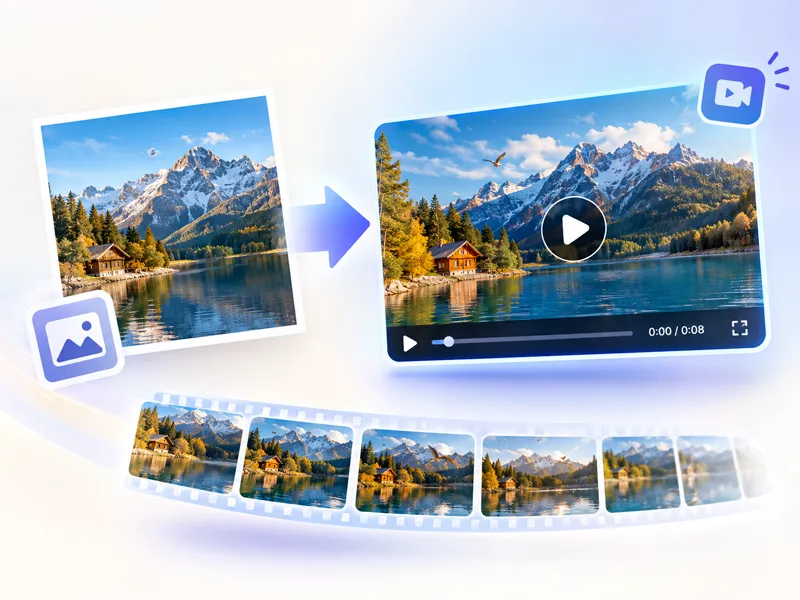
Upload or describe
Upload photos for first-last frame or image-to-video tools, or type a prompt for text-to-video. Each tool has simple controls and presets.
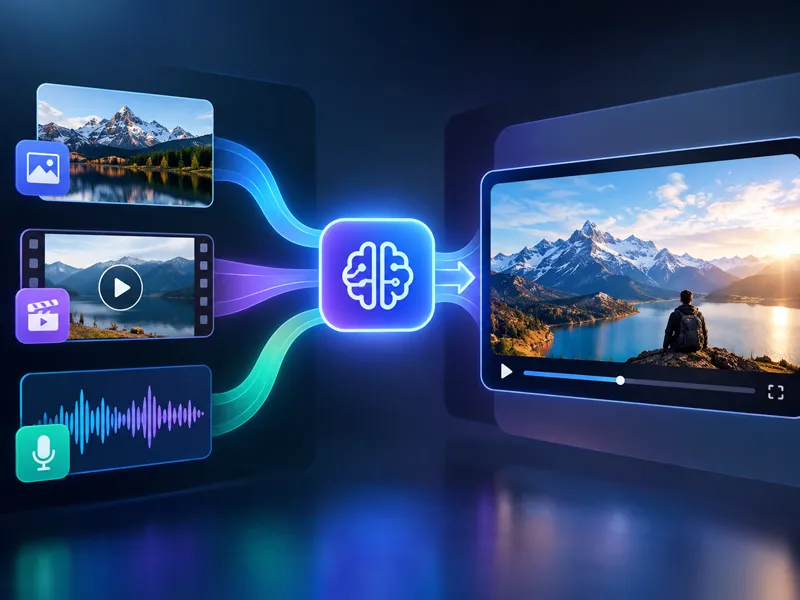
Generate and download
Click generate and get your video. Download, refine your prompt, or try another tool. All tools run on your NanoMaker subscription.
Why Use the AI Video Generator
One place for all AI video tools and models.
All video tools in one place
First-last frame to video, Nano Banana video, short films, and animate image. No need to switch sites or accounts.
Multiple AI video models
Gemini Omni, Seedance, Wan, Veo, Grok Imagine, Kling. Choose by style, length, or quality.
One subscription
Use every AI video tool and model with a single NanoMaker subscription. Credits apply across all tools.
No editing experience needed
Describe what you want or upload photos. Each tool has presets and simple options. Get professional-looking videos in seconds.
Pricing plans for AI Video Generator
Choose your plan and get instant access to all premium AI models
Cancel anytime — Unused credits roll over — Usage varies by model and generation type.
Lite
$84 per year billed yearly
4,500 Credits per year

Premium
$100 per year billed yearly
9,600 Credits per year
Max
$240 per year billed yearly
36,000 Credits per year
Free
Pay safely and securely with









AI Video Generator FAQ
Common questions about the AI video generator and tools.