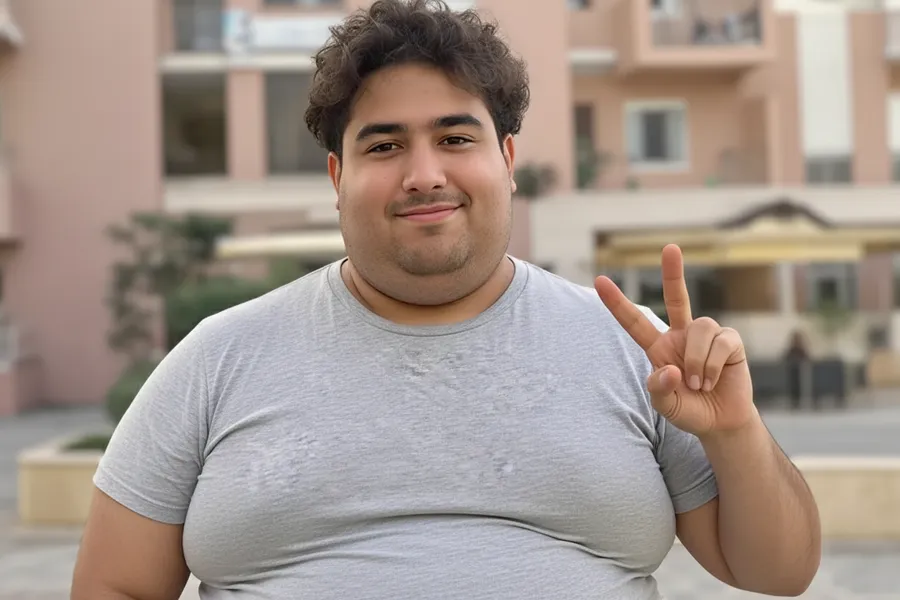

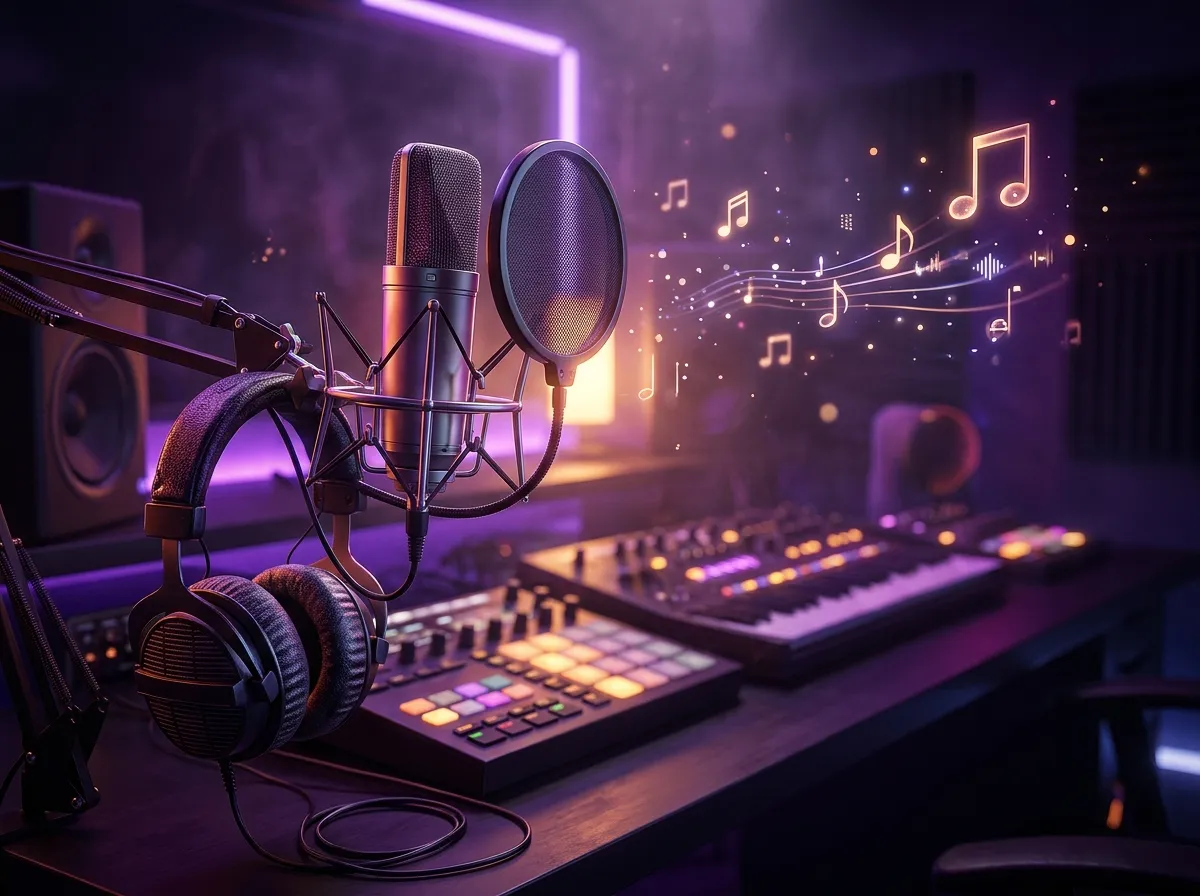
8 AI Rap Video Generators Compared (2026)
Compare 8 AI rap video generators for photos, rap duos, lip sync, and music videos. See supported inputs, free limits, pricing, and practical workflows.
Read moreCreate and transform images with specialized AI tools and top models.
Specialized generators and effects. Click to open the AI image generator.
Pick a tool or model above, then follow these three steps. No design experience required.
Use the generator at the top for Nano Banana 2, or open any effect (Photo to Sketch, Fat Filter, Photo Booth, etc.) or switch to a different model from the Models tab.
Upload a photo for image-to-image tools, or type a prompt for text-to-image. Each tool has simple controls and presets to get you started.
Click generate and get your result. Download the image, refine your prompt, or try another tool. All tools run on your NanoMaker subscription.
One place for all AI image tools and models.
Sketches, filters, photo booth, coloring pages, wallpapers, anime, mockups, and more. No need to switch sites or accounts.
Nano Banana 2, GPT Image 2.5, and GPT Image 2. Choose by speed, quality, or resolution (1K to 4K).
Use every AI image tool and model with a single NanoMaker subscription. Credits apply across all tools.
Each tool has presets and simple options. Describe what you want or upload a photo and get results in seconds.
Choose your plan and get instant access to all premium AI models
Cancel anytime — Unused credits roll over — Usage varies by model and generation type.
$84 per year billed yearly
4,500 Credits per year
$100 per year billed yearly
9,600 Credits per year
$240 per year billed yearly
36,000 Credits per year
Pay safely and securely with









Common questions about the AI image generator and tools.
From the Blog
Tips and updates around AI image generation and NanoMaker AI tools.
Compare 8 AI rap video generators for photos, rap duos, lip sync, and music videos. See supported inputs, free limits, pricing, and practical workflows.
Read more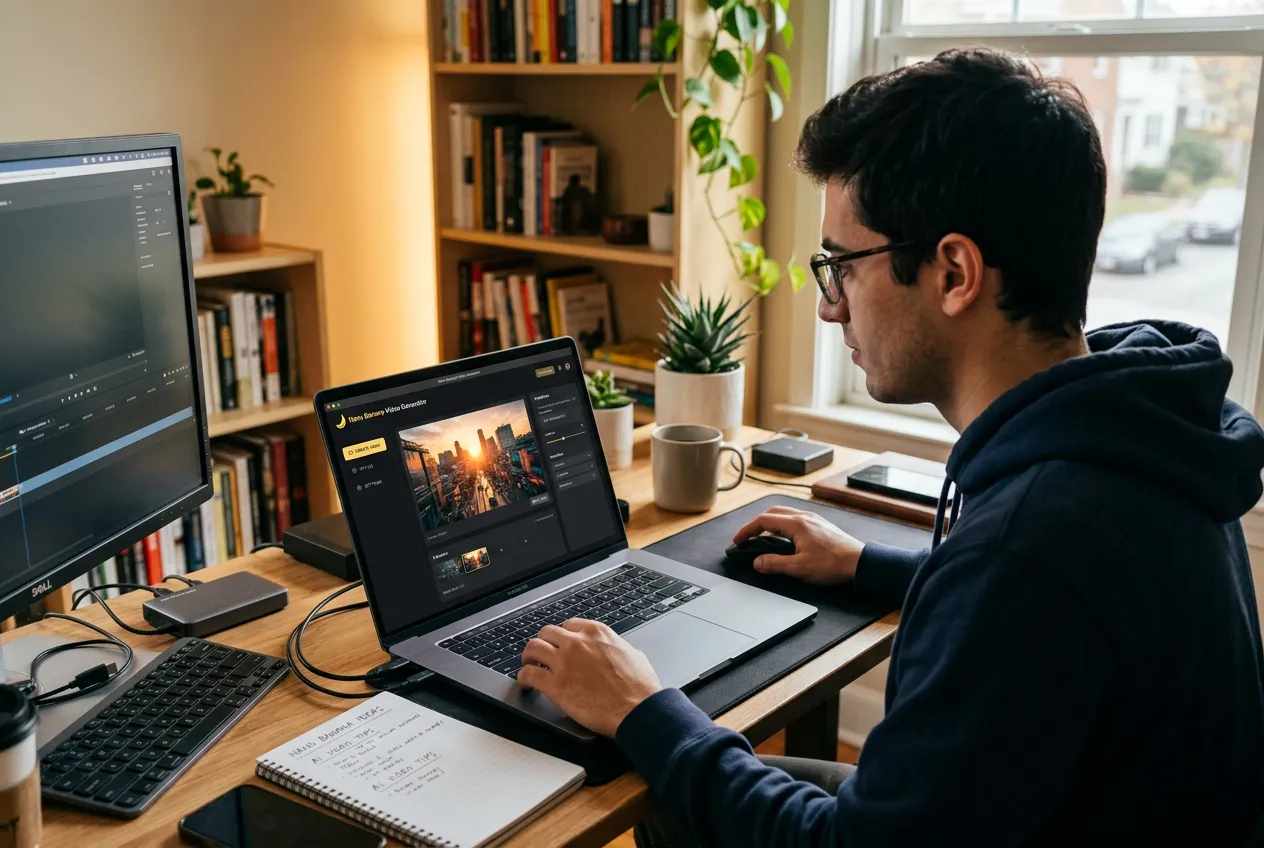
From image-to-video fragmentation to a single pipeline: why I built Nano Banana Video to connect Nano Banana image generation with AI video models in one workflow.
Read more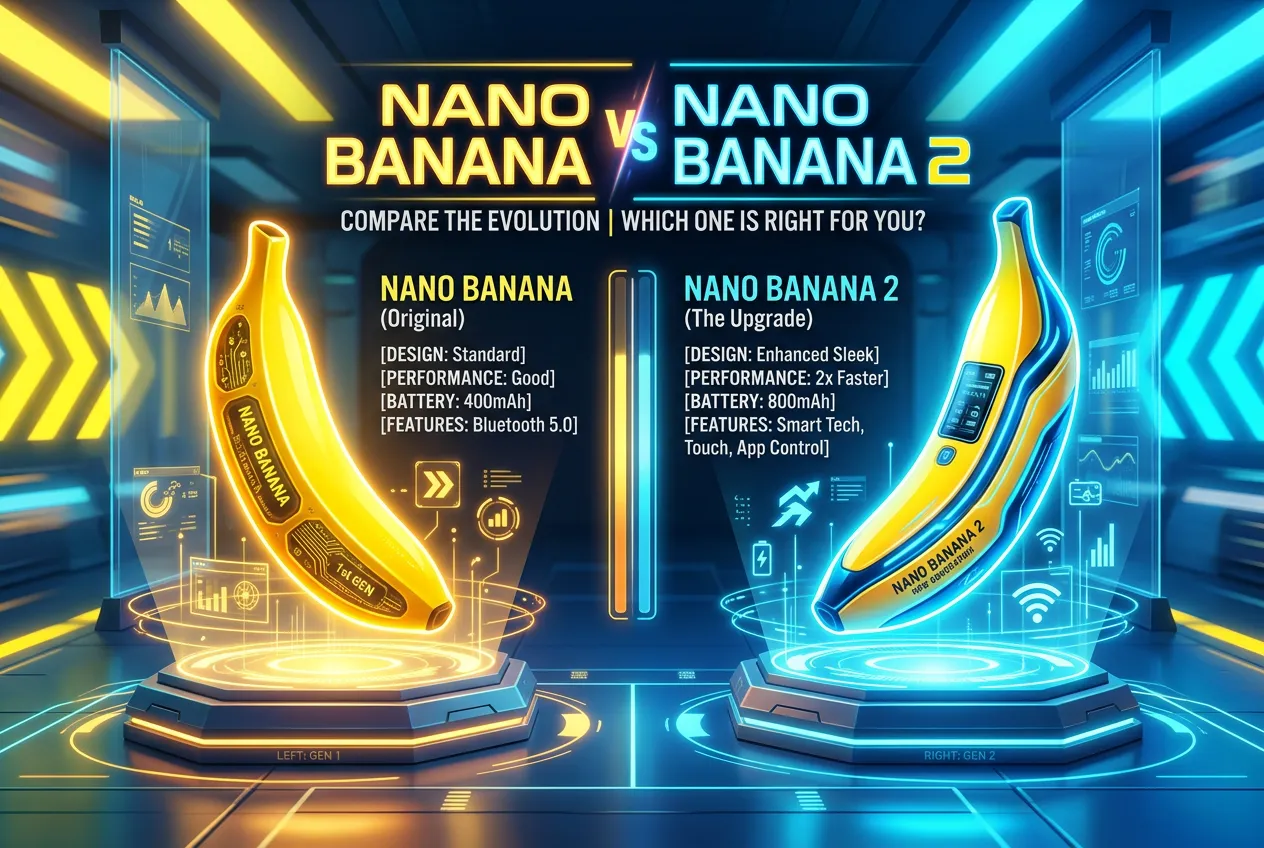
Nano Banana vs Nano Banana 2 — Same 5 prompts on both. What changed, what stayed the same, and which one you should use now.
Read more