AI Fat Filter
Upload a portrait photo and watch the AI transform it into a heavier version. Fun, fast, and surprisingly realistic.
More AI tools like Fat Filter
Explore our collection of specialized AI image generators designed for different creative needs and styles

How to Use the AI Fat Filter
Three steps to see a fun, heavier version of any face photo.
Upload a Photo
Choose a clear portrait or full-body photo. Front-facing shots with good lighting work best for the AI fat filter to produce realistic results.
Generate the Transformation
Click Generate and the AI fat filter will process your photo. The default prompt handles most photos well, or you can customize the level of transformation.
Download & Share
Save your transformed photo and share it with friends. The AI fat filter result looks natural enough to surprise people who see it.
Key Features of the AI Fat Filter
Built for fun and realism. Here is what makes the NanoMaker AI fat filter stand out.
Realistic Weight Transformation
The AI fat filter does not just stretch or bloat pixels. It understands facial structure and body proportions, adding weight in the places where it would naturally accumulate: cheeks, jawline, neck, and midsection.
Keeps Your Identity Intact
Even after adding significant weight, the result still looks like the same person. The AI fat filter preserves your eye color, hair, skin tone, and overall appearance.
Results in Seconds
No waiting around. Upload a photo, click generate, and get your fat filter result in under 15 seconds. Fast enough to try multiple photos in a row.
NanoMaker AI Fat Filter: Simple and Entertaining
See how the AI fat filter handles different types of photos with natural-looking results.

Face-Level Weight Gain
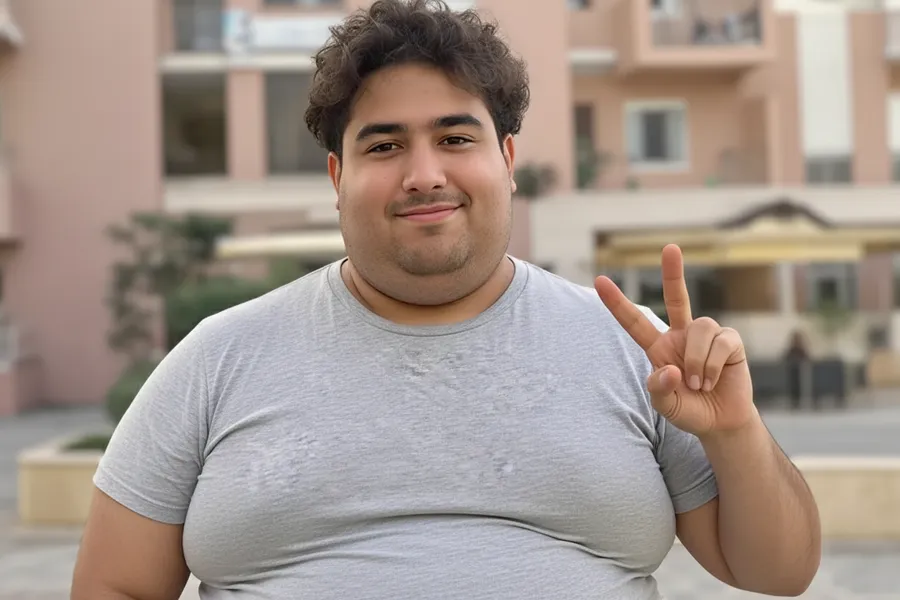
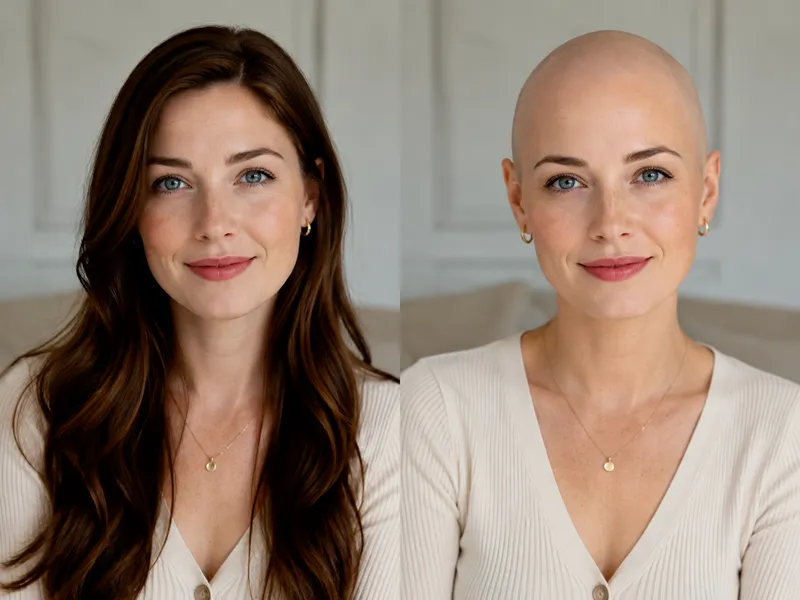
The AI fat filter adds weight to the face area in a way that looks completely natural. Cheeks get fuller, the jawline softens, and a slight double chin may appear, all while keeping the person recognizable. Friends will do a double take when they see the result because it looks like a real photo, not a filter effect.
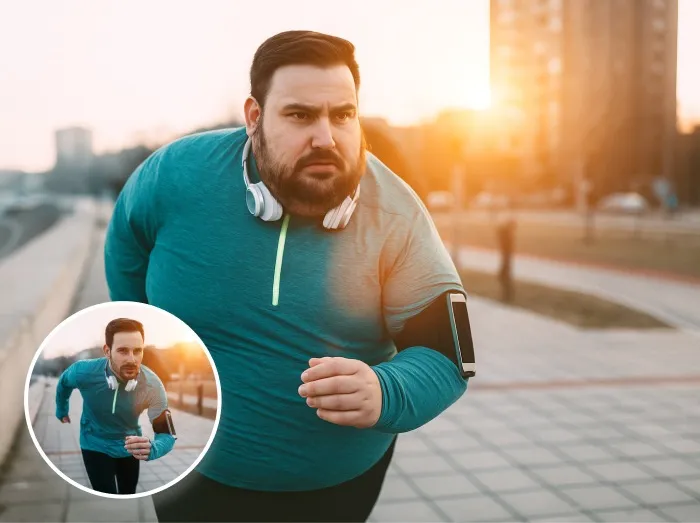
Full-Body Transformation
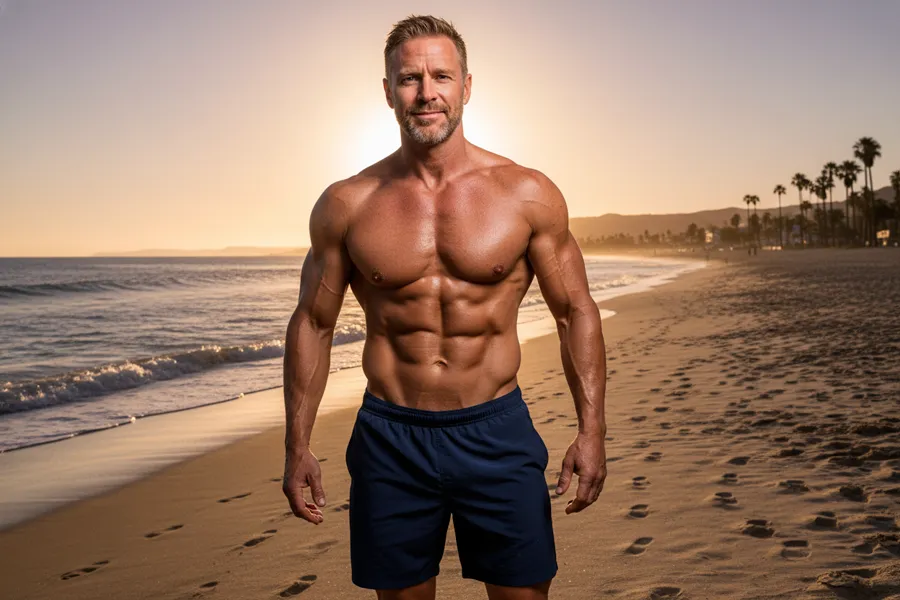
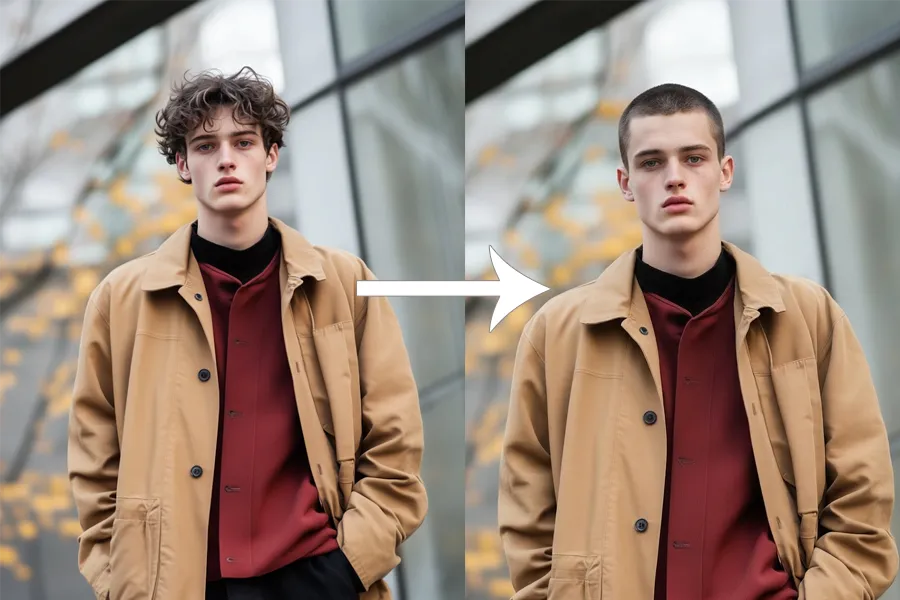
When you upload a full-body photo, the AI fat filter adjusts the entire figure proportionally. The torso, arms, and legs gain weight in realistic proportions, and clothing stretches naturally with the body shape. The result does not look distorted or cartoonish because the AI understands how real weight distribution works.
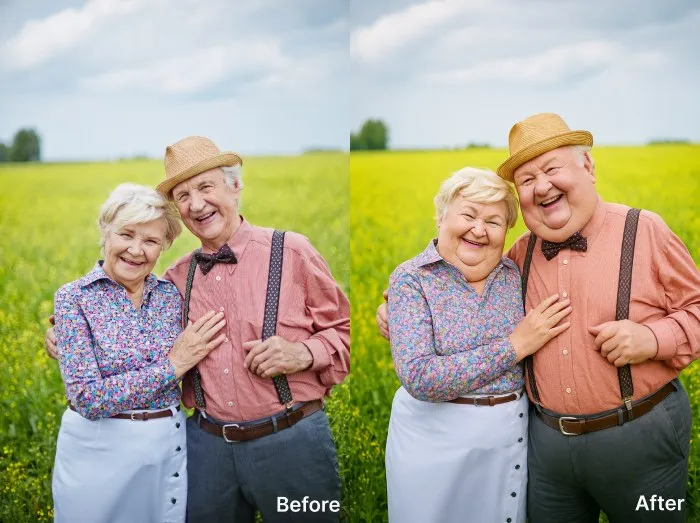
Works with Group Photos Too
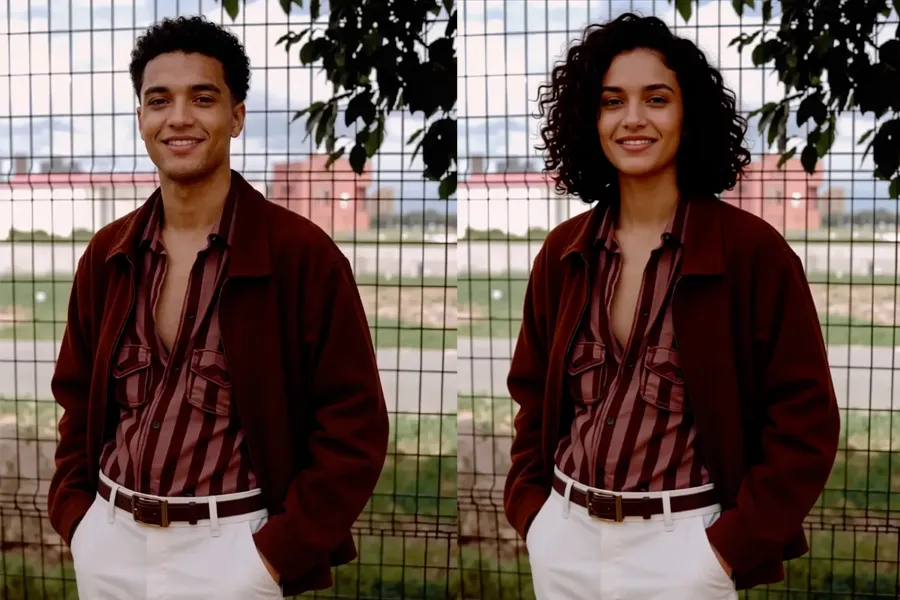
Upload a group photo and the AI fat filter can transform everyone in the frame. Each person gets a unique, proportional weight adjustment rather than a uniform stretch. Great for creating funny group comparisons or party content that everyone can laugh about together.
Why Choose NanoMaker AI Fat Filter
More than just a novelty. Here is why people keep coming back to the AI fat filter.
Pure Entertainment
See what you would look like with extra weight. Share the results with friends and watch their reactions. The AI fat filter is the kind of tool that makes everyone at the table pull out their phone.
Social Media Content
Fat filter transformations get strong reactions online. Content creators use the AI fat filter for before/after reveals, reaction videos, and challenge content that racks up views and engagement.
Fitness Motivation
Some people use the AI fat filter in reverse as motivation. Seeing a heavier version of yourself can remind you why you started your fitness journey in the first place.
Creative Projects
Filmmakers, illustrators, and artists use the AI fat filter to visualize character designs. Need to see what an actor would look like 50 pounds heavier for a role? This tool gives you a reference in seconds.
What Users Say About the AI Fat Filter
Real feedback from people who have tried the NanoMaker AI fat filter.
"I used the AI fat filter on my whole friend group and posted the results. It was the most engagement I have ever gotten on a single post. Everyone wanted to try it themselves."
"We used the fat filter for a brand campaign about body positivity and acceptance. The realistic results helped tell the story we wanted without any awkward Photoshop artifacts."
"I showed a client what they might look like if they stopped training. Sounds harsh, but the AI fat filter result was so realistic it actually motivated them to stay consistent."
"Printed out fat filter photos of all the guests at a birthday party. It was the highlight of the night. Everyone was laughing and comparing results."
"My 'what celebrities would look like 100 pounds heavier' video got half a million views in a week. The AI fat filter results were realistic enough that people kept debating if they were real."
"I needed a reference for a character illustration and the AI fat filter gave me exactly the proportions I was looking for. Saved me hours of manual editing."
Pricing plans for AI Fat Filter
Choose your plan and get instant access to all premium AI models
Cancel anytime — Unused credits roll over — Usage varies by model and generation type.
Lite
$84 per year billed yearly
4,500 Credits per year

Premium
$100 per year billed yearly
9,600 Credits per year
Max
$240 per year billed yearly
36,000 Credits per year
Free
Pay safely and securely with







Frequently Asked Questions
Common questions about the AI fat filter and how it works.