Photo to Anime Converter
Upload any photo and transform it into beautiful Japanese anime art. From classic hand-drawn looks to modern animation styles, your identity shines through every detail.
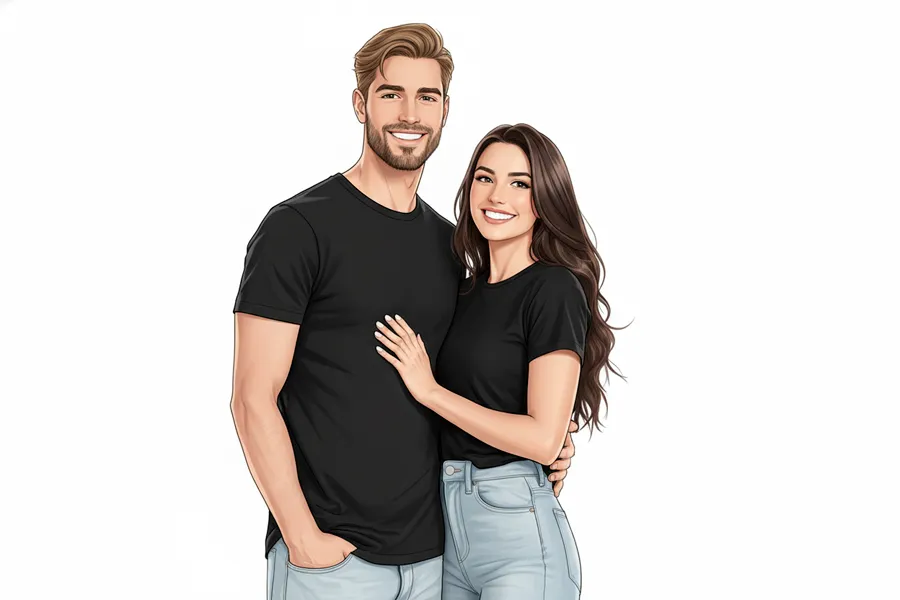
More AI tools like Photo to Anime
Explore our collection of specialized AI image generators designed for different creative needs and styles
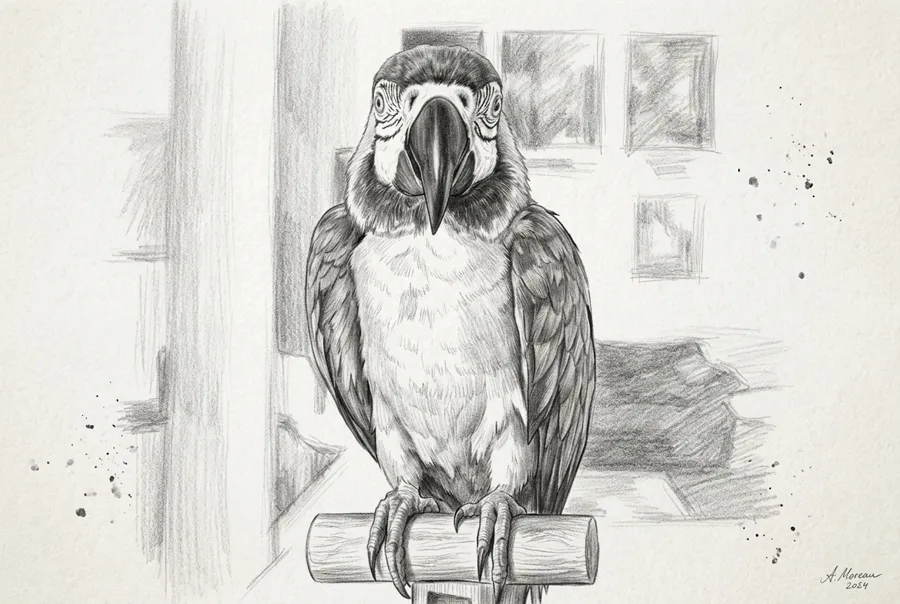
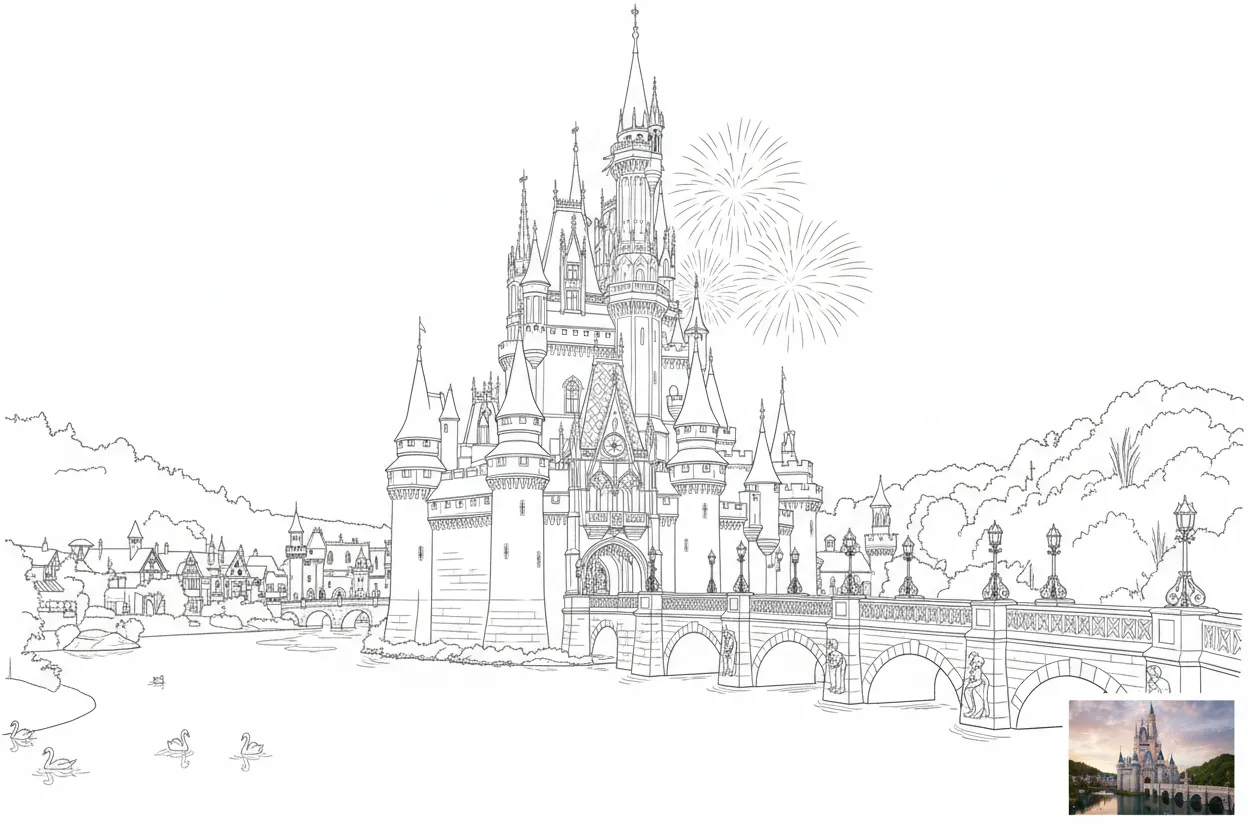
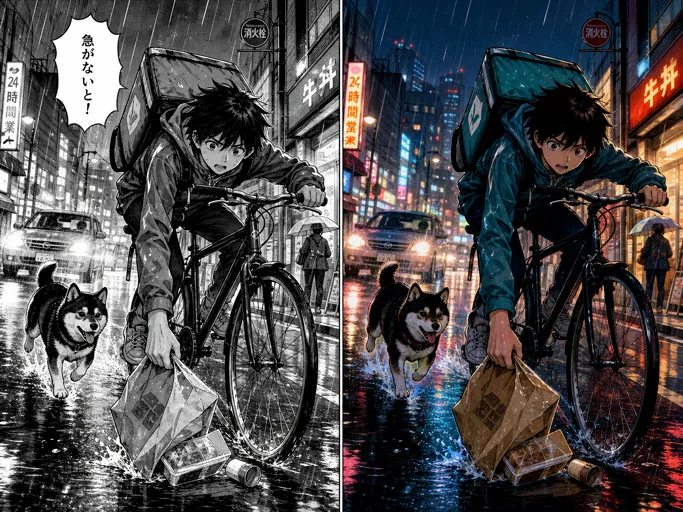
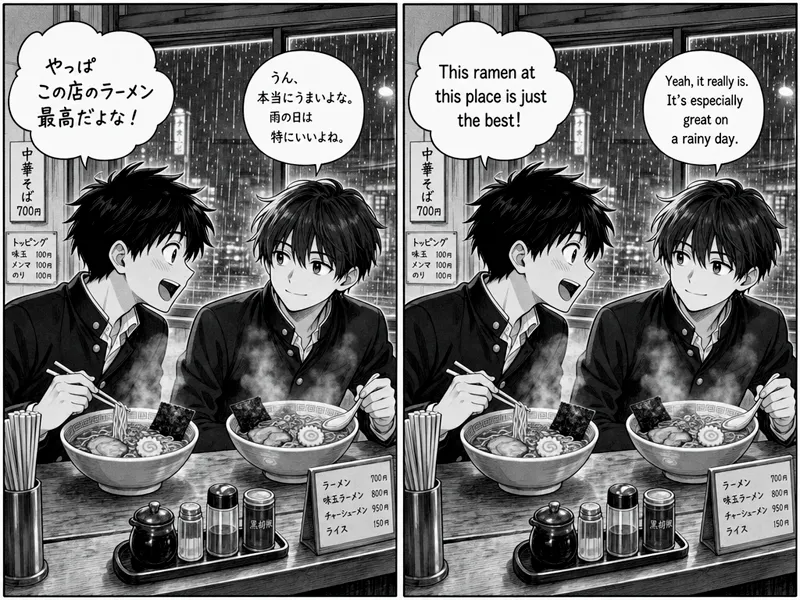
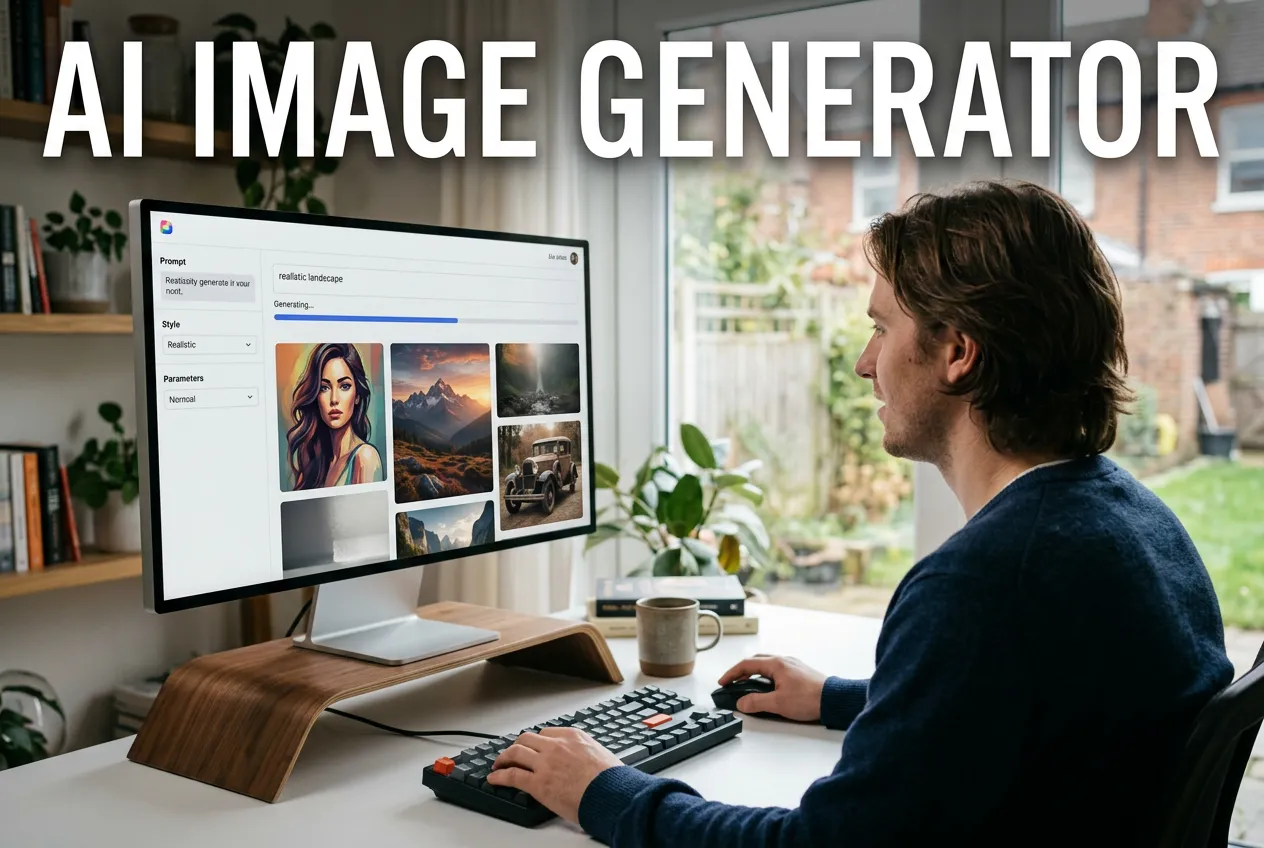
How to Use the Photo to Anime Converter
Turn any photograph into anime artwork in three quick steps.
Upload Your Photo
Upload a clear photo from your device.
Use the Prompt and Generate
Use the default prompt or customize it, then click the Generate button.
Download Your Anime Portrait
Preview the result and download your anime portrait.
What Makes This Photo to Anime Converter Different
Anime art that actually looks like you, not just a generic filter pasted over your face.
Your Face, Anime Style
The photo to anime converter keeps your recognizable features intact. Eye shape, hair color, facial structure, and expression all carry over into the anime version so people can tell it is genuinely you.
Classic and Modern Anime Looks
Whether you want a soft, hand-painted 90s aesthetic or a sharp, modern animation look, the ai anime filter adapts to different visual styles. Customize the output by adjusting your prompt to match the exact vibe you are going for.
Ready in Seconds
No long processing queues or waiting overnight. Upload your photo, click generate, and see your anime transformation in under 15 seconds. Fast enough to convert an entire album in one sitting.
NanoMaker Anime Conversion: Simple and Powerful
See how people use the photo to anime converter for creative, social, and professional purposes.
Custom Social Avatars and Profile Pictures
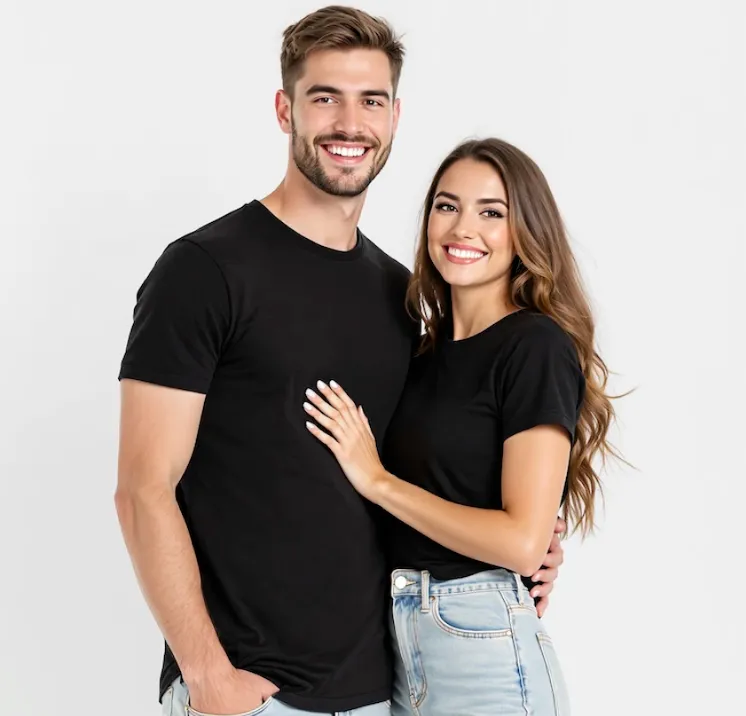
Standing out on social media takes more than a regular selfie. A photo to anime conversion gives you a profile picture that is unique, eye-catching, and still recognizably you. Use it across Discord, Instagram, TikTok, or any platform where your avatar represents your personality. The ai anime filter creates a stylized version that protects your privacy while keeping your look distinctive and personal.
VTuber Concepts and Streaming Branding
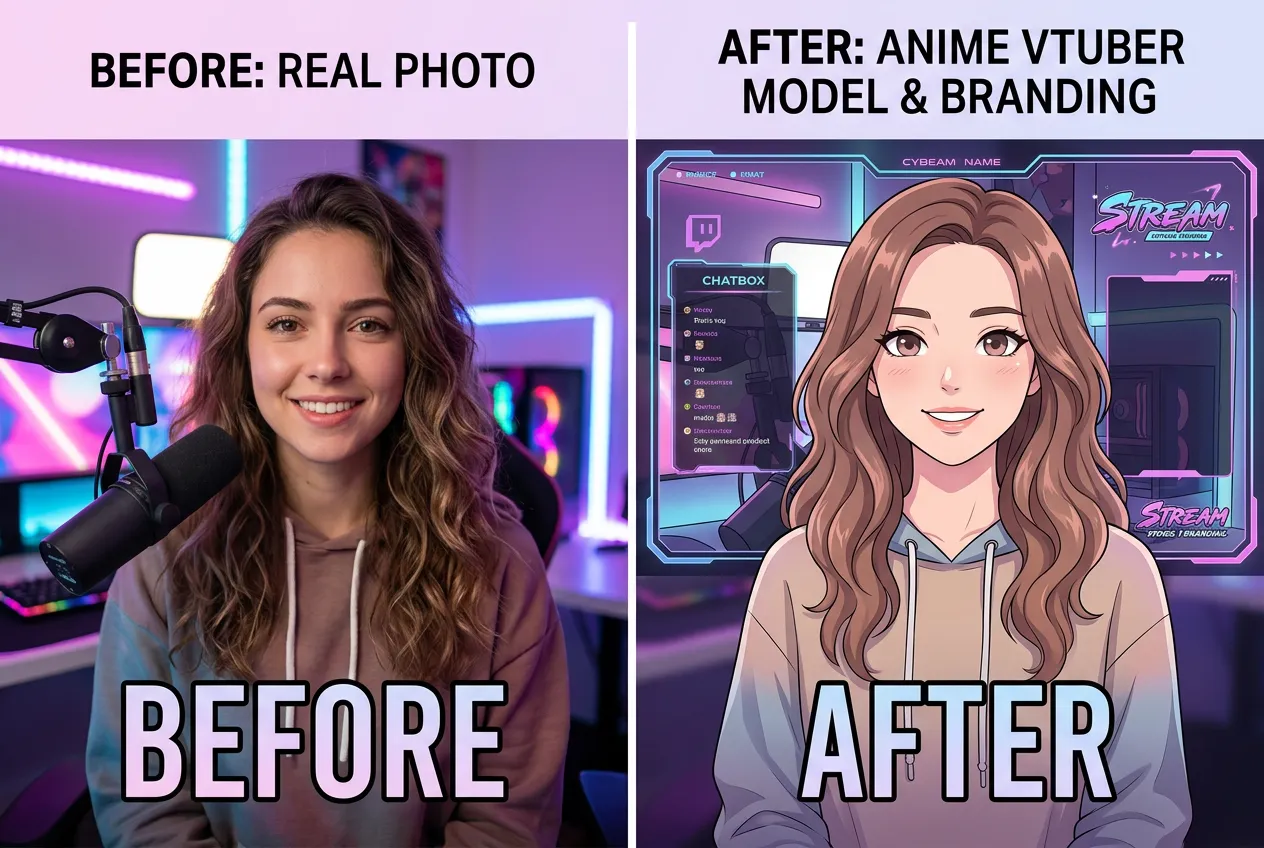
Getting into VTubing or streaming usually means commissioning expensive character art before you even start. With NanoMaker AI's photo to anime converter, you can experiment with different looks and hairstyles using your own face as a starting point. The result works as a concept reference for your final Live2D model, and you can use it for channel branding, stream overlays, and emotes while building your audience.
Personalized Digital Gifts
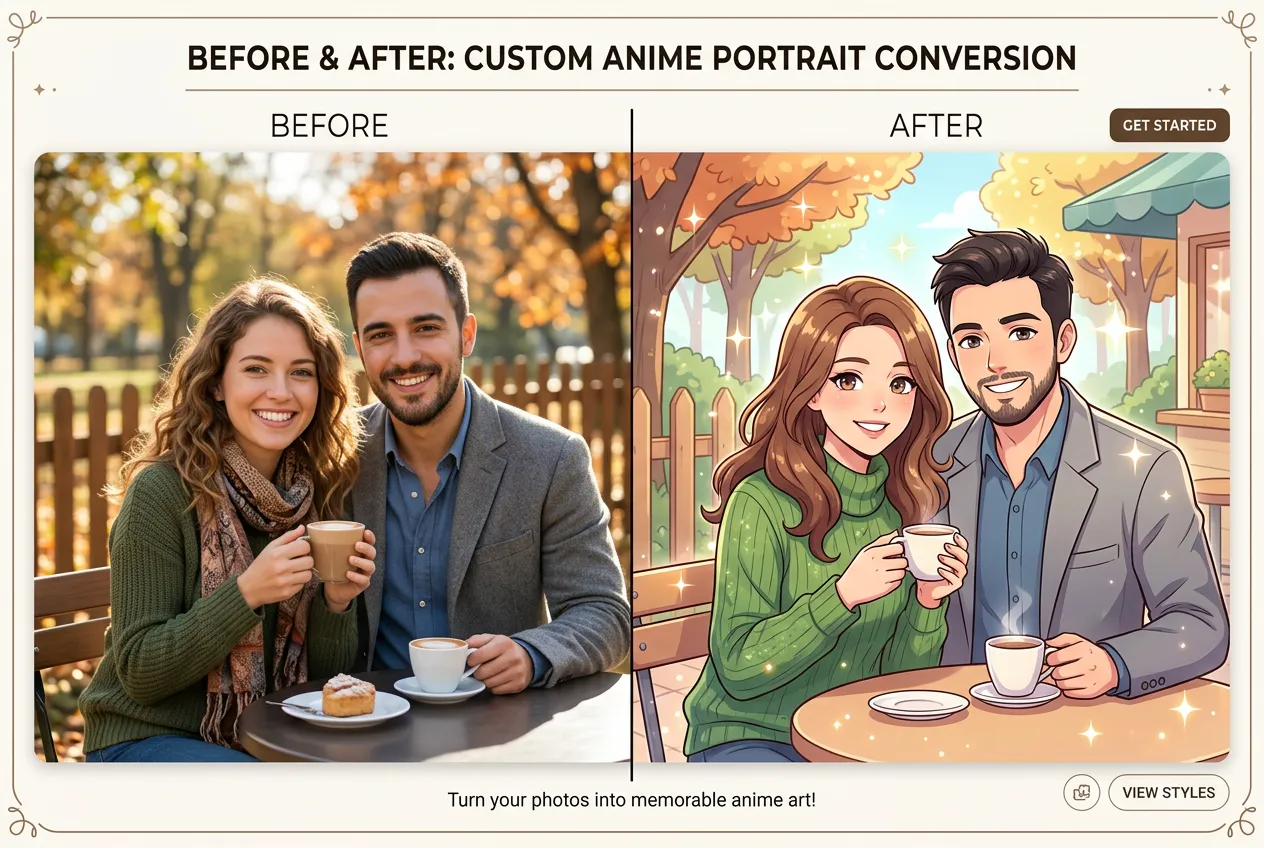
A custom anime portrait makes for a memorable gift that feels personal and creative. Convert a friend's or family member's photo using the ai anime filter and print it as wall art, a phone case, or a greeting card. It works especially well for anime fans who have always wanted to see themselves drawn in that style. Birthdays, holidays, and anniversaries all become more fun when you can hand someone an anime version of their favorite photo.
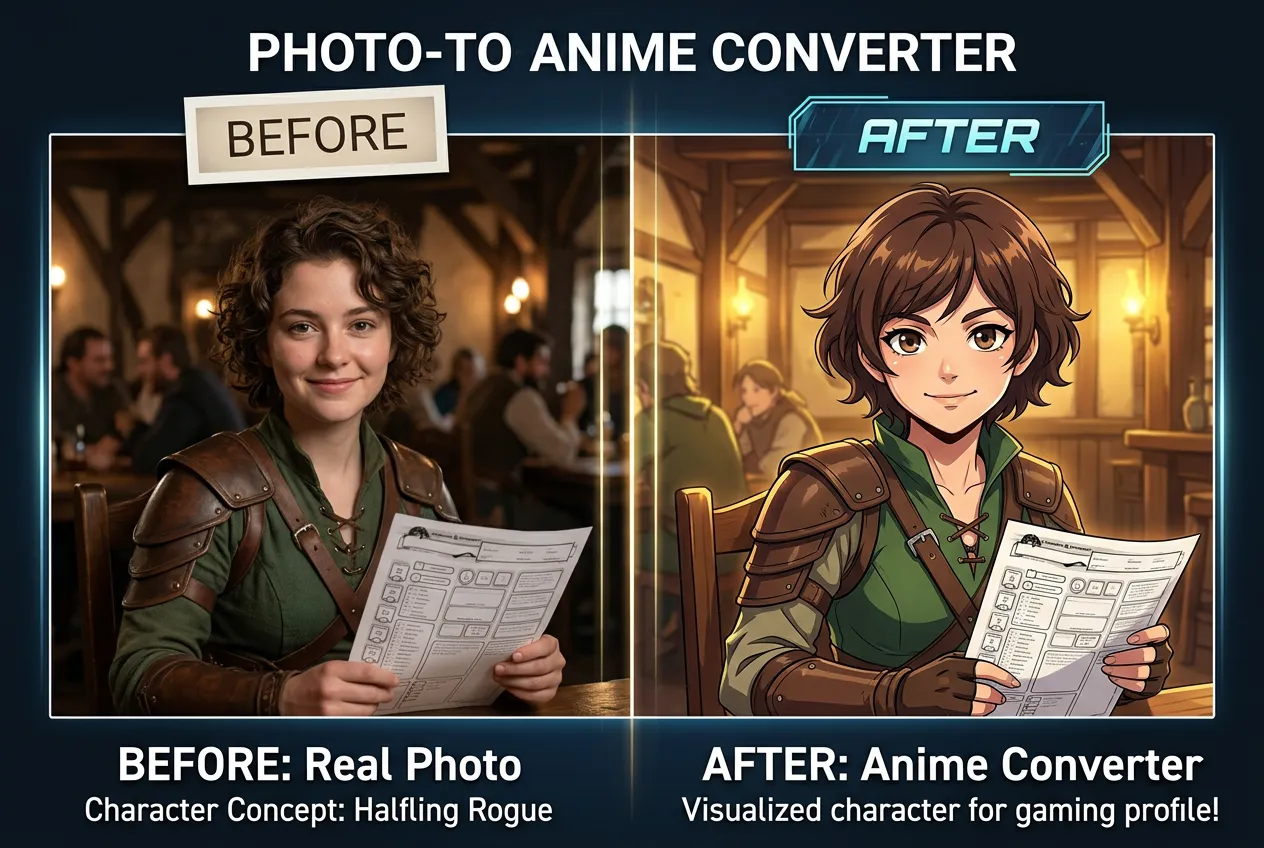
Immersive RPG and Gaming Profiles
Tabletop RPG players and MMO gamers can use the photo to anime converter to visualize their characters based on their own appearance. Instead of picking a generic avatar, run your photo through the converter and get an anime-style portrait that fits the fantasy, sci-fi, or cyberpunk setting of your game. It adds a personal connection to your character sheet and makes forum profiles and gaming bios stand out.
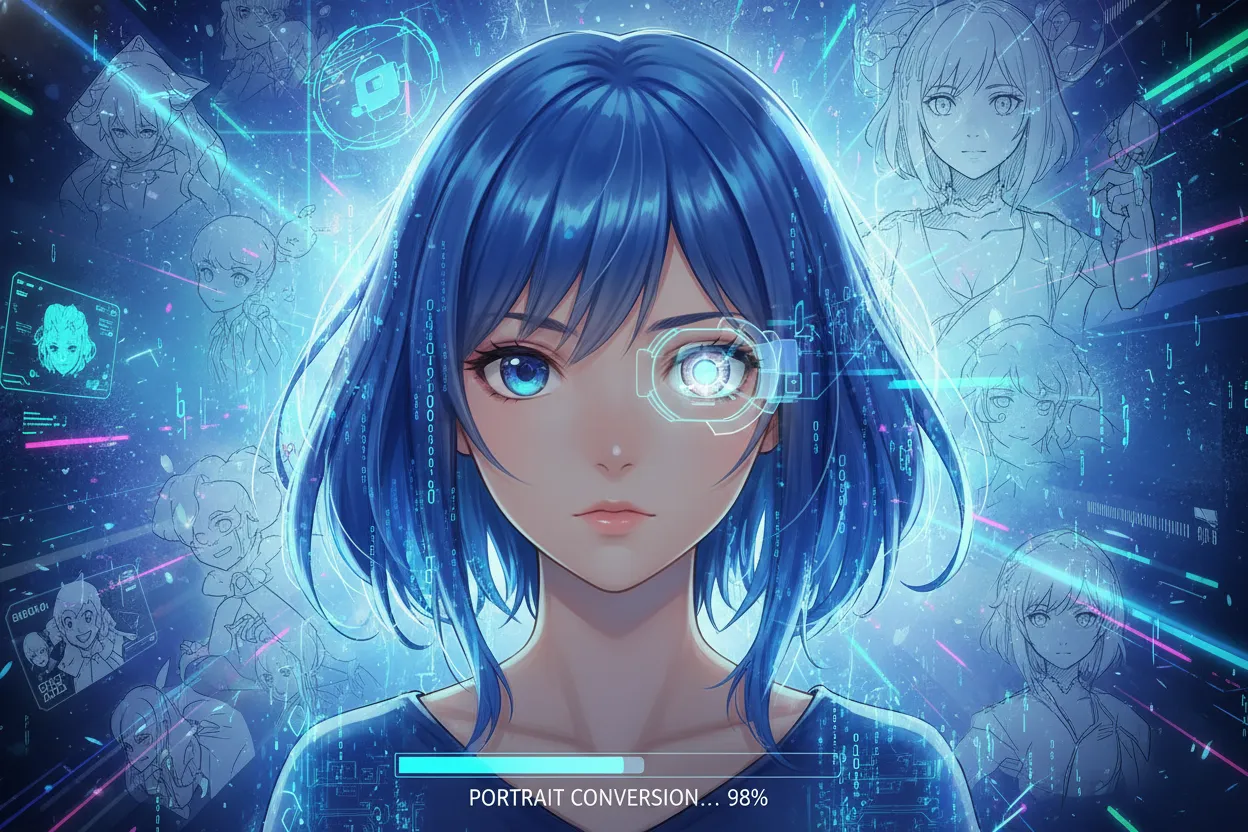
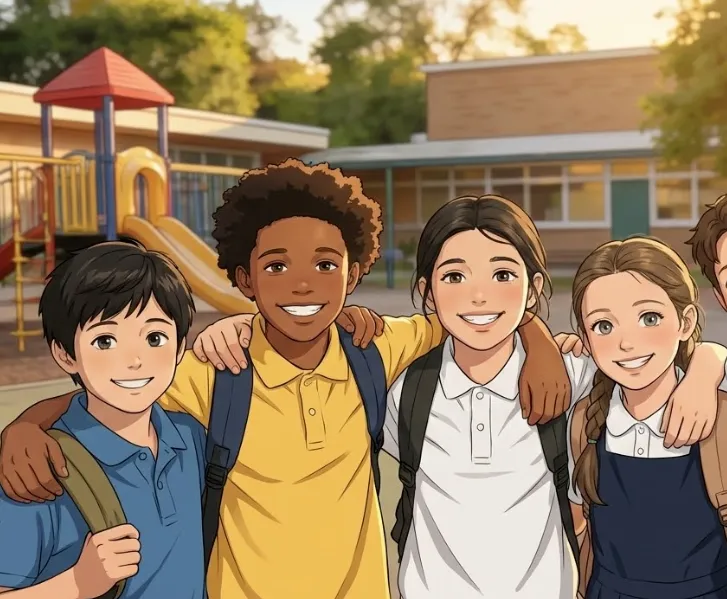
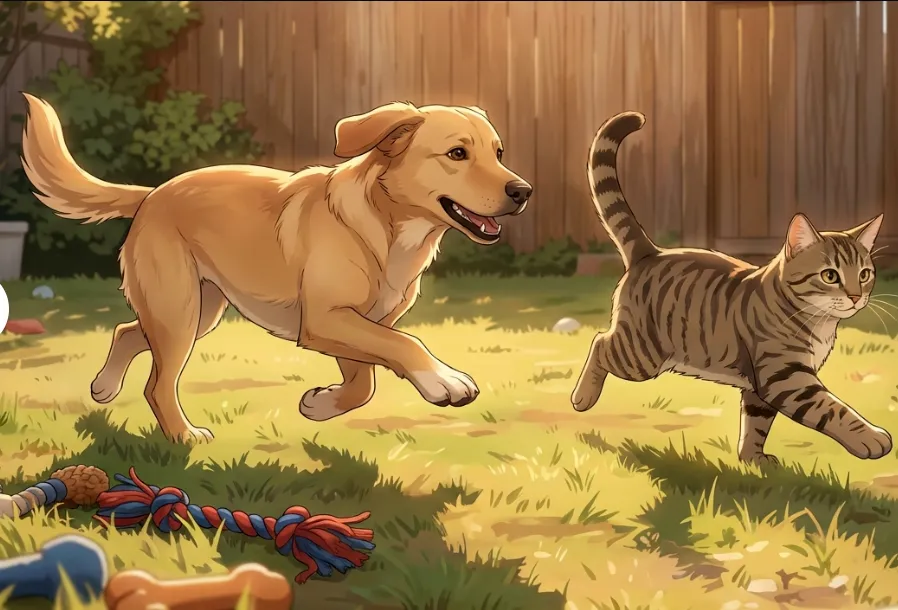
NanoMaker AI Anime Filter Gallery
Real photos transformed into anime art with the NanoMaker AI anime filter.
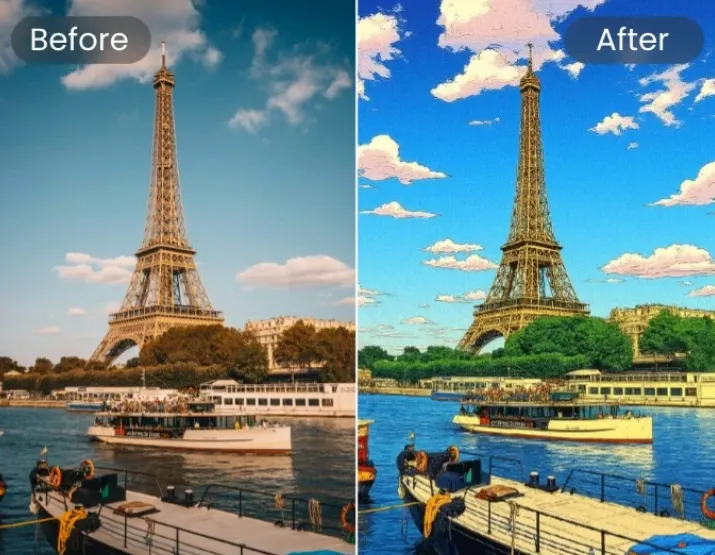
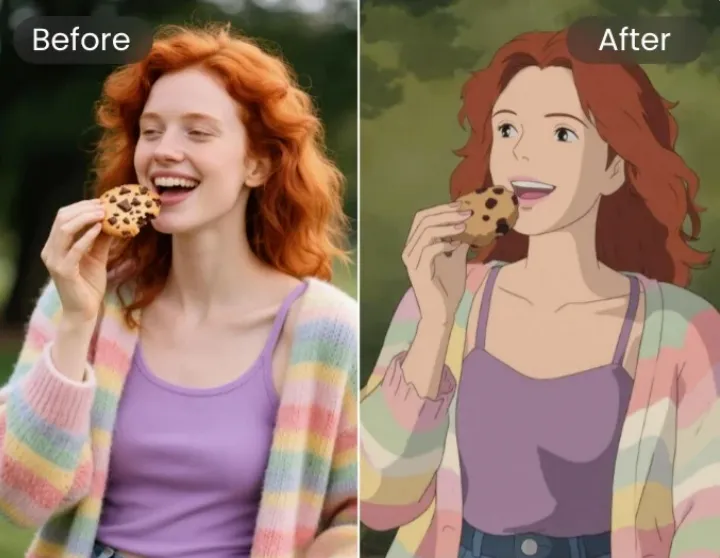
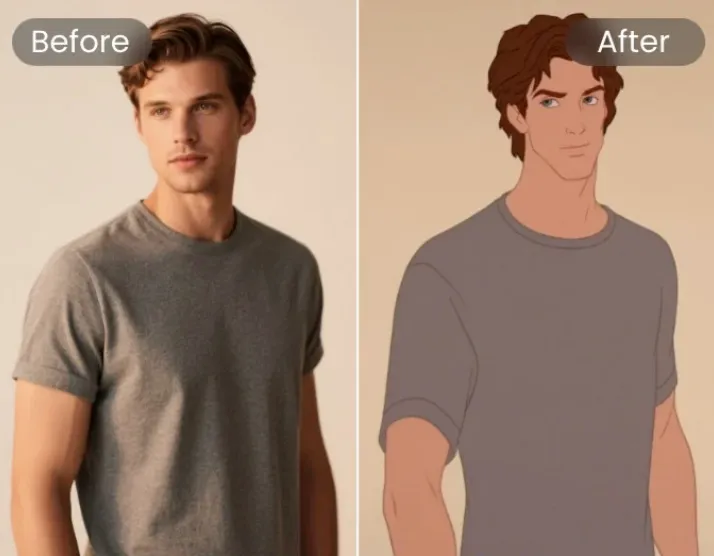
What Users Say About NanoMaker AI's Photo to Anime Converter
Real feedback from people who have used NanoMaker to turn photos into anime art.
"I have tried many apps that claim to turn photos into anime, but most just paste a generic anime face over mine. NanoMaker AI actually kept my eye shape and facial structure, which matters a lot when your audience knows what you look like. The ai anime filter captured the details perfectly."
"I needed quick character concepts for my RPG project and could not afford a concept artist for every iteration. This photo to anime converter gave me usable references in seconds, and the lighting from the original photo carried over nicely into the anime result."
"I used the photo to anime feature to design my daughter's anime-themed birthday party invitations. She absolutely loved seeing herself as an anime character. The whole process took five minutes and the result looked like it was drawn by a professional artist."
"As a digital illustrator, I am usually skeptical of AI filters. They often look cheap or full of artifacts. But the artistic quality of this tool genuinely surprised me. The textures and hair rendering have a painterly touch that I really appreciate."
"My friends and I spent an entire evening converting our photos and even our pets. My cat came out looking like a Studio Ghibli character, which was the absolute highlight of the night. That single image got more engagement than anything I have ever posted."
"I work in cybersecurity, so I avoid using real photos on social media. The photo to anime converter gave me a cool, professional-looking avatar that represents my style without exposing my actual face. Exactly what I was looking for."
Pricing plans for Photo to Anime Converter
Choose your plan and get instant access to all premium AI models
Cancel anytime — Unused credits roll over — Usage varies by model and generation type.
Lite
$84 per year billed yearly
4,500 Credits per year

Premium
$100 per year billed yearly
9,600 Credits per year
Max
$240 per year billed yearly
36,000 Credits per year
Free
Pay safely and securely with






FAQs about the photo to anime converter
Common questions about the photo to anime converter and how it works.