Photo to sketch converter
Turn any photo into a clean pencil drawing. Upload, click Generate, and download your sketch.
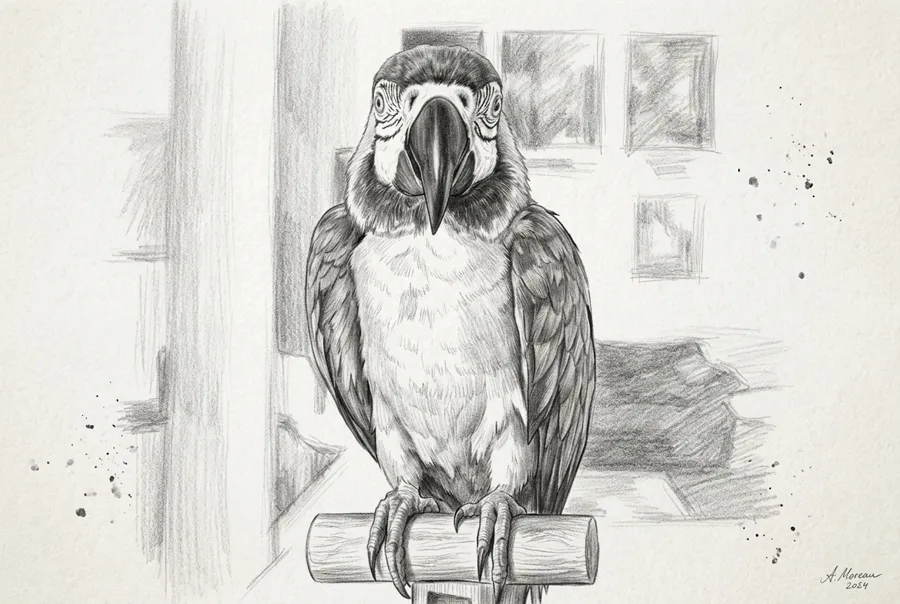
More AI tools like Photo to Sketch
Explore our collection of specialized AI image generators designed for different creative needs and styles
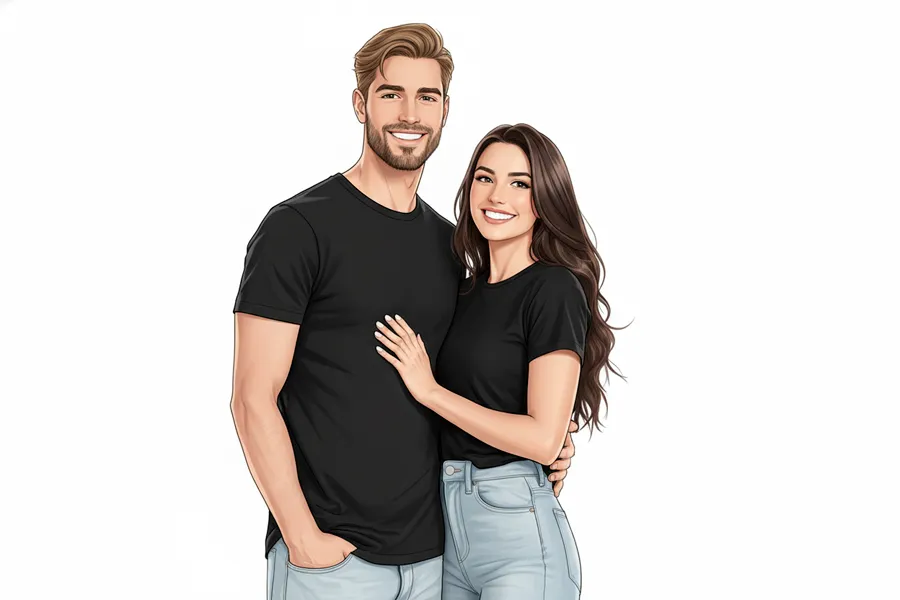
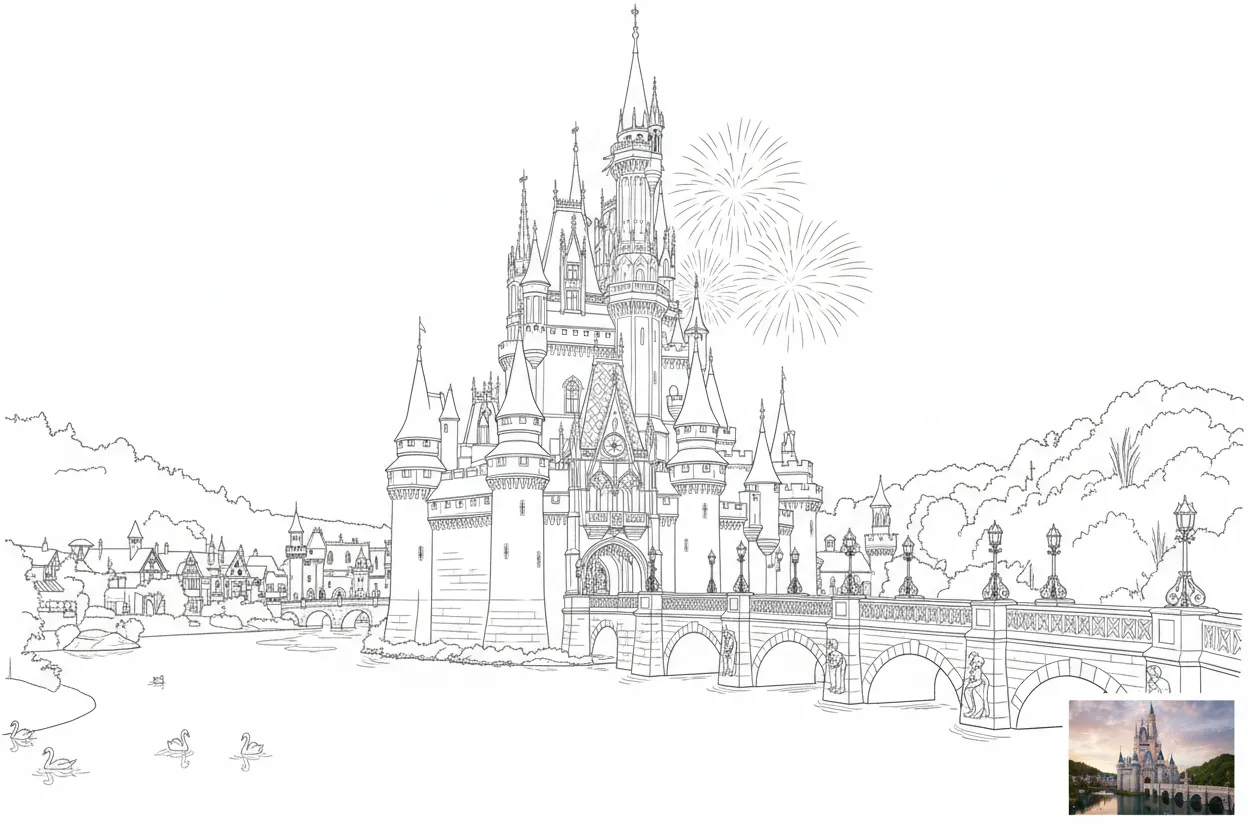
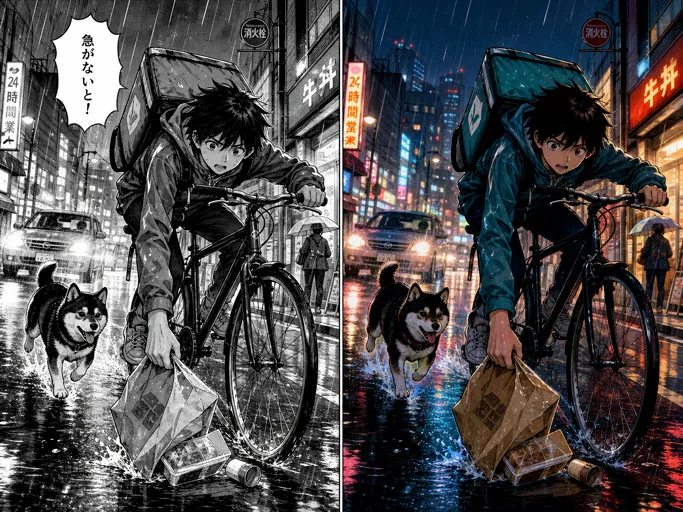
How to Use Photo to sketch converter
Upload a photo, generate your sketch, and download. No editing software needed.
Upload Your Photo
Drag and drop a clear photo with good lighting; portraits, pets, travel shots, and product images all work well.
Generate Pencil Sketch
Click Generate and the AI image generator turns your image into pencil-style lines and shading you can preview right away.
Preview and Download
Review the result and download when you like it, or run it again with another photo or prompt to compare.
Key Features of Photo to sketch converter
Realistic pencil texture, clean lines, and a hand-drawn look without learning any editing tools.
Real Pencil Lines and Natural Shading
The AI image generator focuses on believable graphite texture, clear contours, and smooth shadow transitions. Edges like jawlines, hair, fabric folds, and building lines become pencil strokes.
Smart Edge and Detail Extraction
Key edges and tonal areas are detected and turned into pencil-style line work. You get a clear sketch that keeps the important shapes and simplifies clutter.
Clean Background Simplification
Busy backgrounds are softened so the main subject stands out. Landmarks and product silhouettes stay clear in a neat pencil style.
Portrait-Friendly Face and Line Control
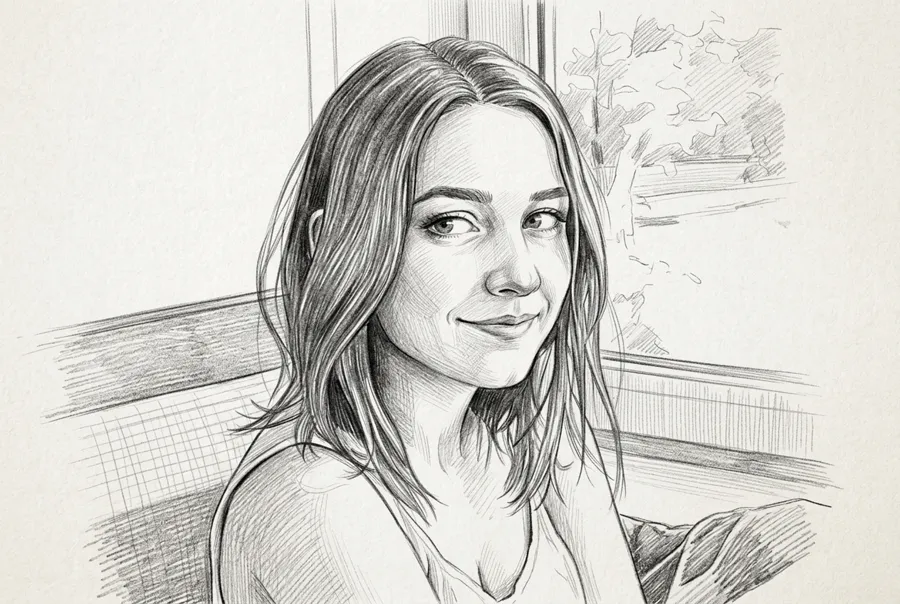
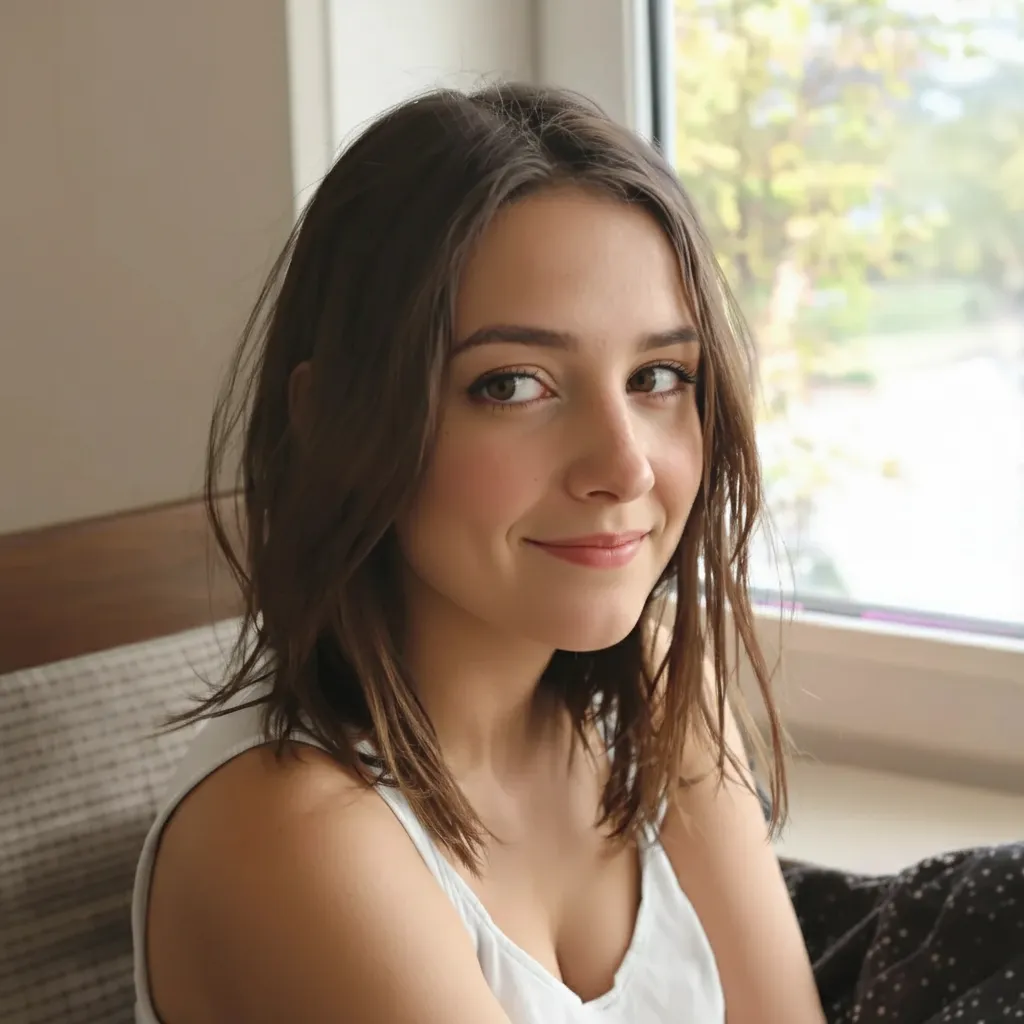
For selfies and portraits, the sketch keeps balanced face detail: clear eyes, natural nose and cheek shading, and hair rendered with directional strokes instead of flat blocks.
Why Choose NanoMaker Photo to Sketch Converter
A strong sketch effect needs real lines, controlled shading, and a clean hand-drawn mood.
Real Pencil Lines With Natural Shading
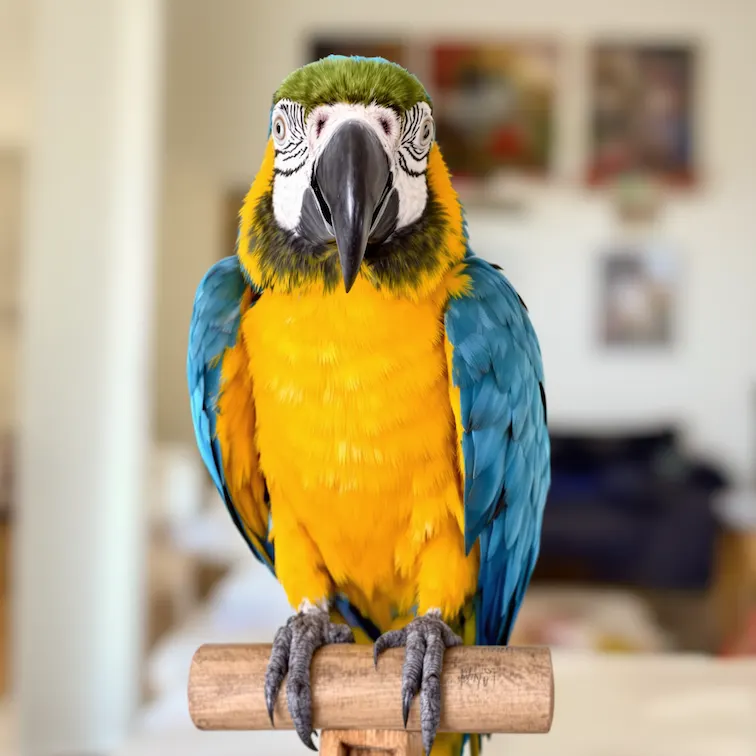
Photo to sketch converter focuses on believable graphite texture, clean contour lines, and subtle shadow transitions. The AI image generator picks up key edges such as jawline, hair strands, fabric folds, and architectural lines and turns them into pencil strokes. The shading looks drawn, not like a simple filter overlay, which works well for portraits and close-ups. Many creators use it for profile pictures, story thumbnails, and minimalist brand visuals.
Clean Background Simplification for a Sketch Look
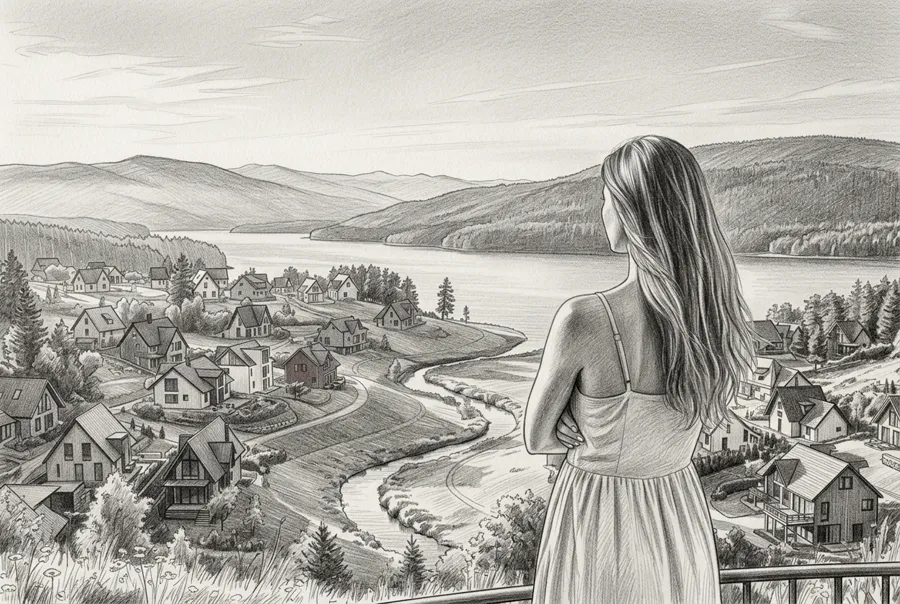
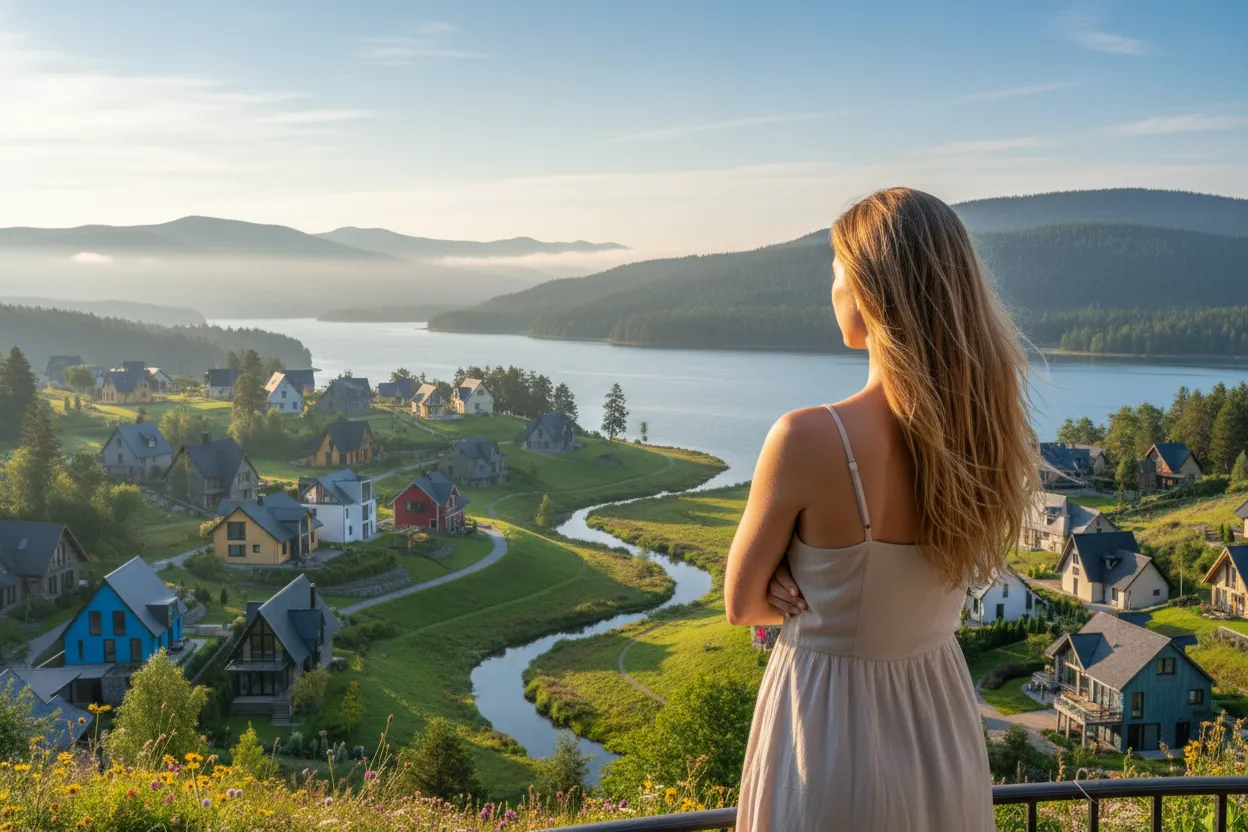
Busy backgrounds can distract from the subject. Photo to sketch converter emphasizes the main subject lines and keeps background marks lighter. For travel photos it can keep landmark outlines while reducing clutter. For product photos it highlights silhouette and texture in a neat pencil style. If you are building posters, packaging mockups, or editorial layouts, you get a quick sketch draft to drop into your designs. Use it when you want a calm, hand-drawn mood without erasing backgrounds by hand.
Portrait-Friendly Line Control and Face Detail
For selfies and portraits, Photo to sketch converter aims for balanced face detail: clear eyes, natural nose shape, and smooth cheek shading. Hair is rendered with directional strokes so the result feels hand-drawn. The AI image generator avoids harsh posterization so the sketch stays soft and realistic. When you need quick variations for a client or a gift, you can test multiple portraits and pick the one with the best likeness. People often use it for avatar sets, couple sketches, and family portraits.
Popular Use Cases for Photo to sketch converter
From social avatars to product drafts, a pencil sketch adds a timeless, artistic feel. NanoMaker supports fast conversion, clean line work, and easy export.
Profile Pictures and Social Avatars
A pencil avatar stands out without looking over-edited. Turn a selfie into a clean pencil portrait that feels artistic and personal. You can preview several selfies and choose the version with the best line balance and face detail.
Personal Gifts: Couple Sketches and Family Portraits
A sketch-style portrait is an easy gift idea. Convert couple photos, family portraits, or pet photos into a pencil drawing that feels thoughtful. Compare multiple shots from the same session and pick the most flattering pose before downloading.
Art Study and Reference for Creators
Artists often want simplified references with clear edges and values. Photo to sketch converter can turn a complex photo into structured lines and shading, useful for composition studies, value practice, or quick drafts. You get an instant pencil-style reference you can annotate or redraw.
Product Mockups and E-commerce Visual Styling
Sketch-style product visuals work for concept pages, packaging drafts, and creative ads. Convert product photos into pencil outlines and soft shading that highlight shape and texture. Preview different angles to see which one gives the cleanest silhouette.
Travel Photos and Landmark Sketch Aesthetic
Turn travel memories into a sketchbook look. Photo to sketch converter can render buildings, streets, and landscapes with pencil contours and gentle shading. If you have several shots of the same place, preview each and select the one with the best composition.
Education, Presentations, and Minimalist Visuals
Sketch visuals help explain ideas without too much detail. Teachers, presenters, and students use Photo to sketch converter to simplify photos into line-based illustrations for slides, worksheets, and reports. You get instant pencil previews so you can choose the clearest sketch for your presentation.
What Users Say About Photo to sketch converter
People use NanoMaker to convert photos into pencil sketches quickly, for polished results and fast previews.
"I wanted a profile picture that felt more creative than a plain selfie. The pencil lines looked natural, especially around the hair and eyes. I tried three different photos and kept the one with the cleanest shading."
"For a client presentation we needed a softer look than raw product photos. Photo to sketch converter gave me a clean outline and subtle pencil texture that fit our minimal layout. I tested a few angles before downloading."
"Students often struggle to see value and edges in busy photos. With Photo to sketch converter I turn reference images into clearer pencil-style studies. It is great for classroom prep because I can preview results right away and pick the best example."
"I use pencil sketch portraits for Instagram story covers. Upload, generate, download. The whole thing takes under a minute and the results look hand-drawn, not like a basic filter."
"Clients love sketch versions of their photos as bonus gifts. The AI image generator keeps the romantic feel while simplifying backgrounds. I can convert a full album in minutes."
"Travel posts get more engagement with sketch-style landmarks. Photo to sketch converter gives me that sketchbook look without learning Photoshop. I just upload and go."
Pricing plans for Photo to sketch converter
Choose your plan and get instant access to all premium AI models
Cancel anytime — Unused credits roll over — Usage varies by model and generation type.
Lite
$84 per year billed yearly
4,500 Credits per year

Premium
$100 per year billed yearly
9,600 Credits per year
Max
$240 per year billed yearly
36,000 Credits per year
Free
Pay safely and securely with








FAQs About the Photo to Sketch Converter
Common questions about converting photos to pencil sketches.