First Last Frame to Video Generator
Upload frames, add a prompt, and create a smooth professional video.
Video Generators like First-Last Frame to Video
Explore more AI video tools, from first-last frame to cinematic clips.

How Our First Last Frame to Video Generator Works
Turn frames into video in three straightforward steps.
Upload Keyframes
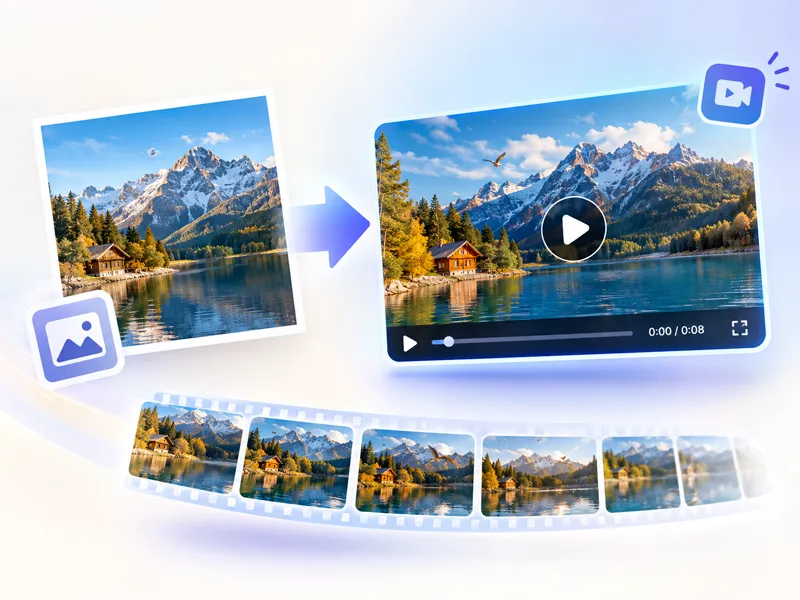
Upload your first frame and, if you want, a last frame. These images define where the video starts and ends.
Add Creative Prompts
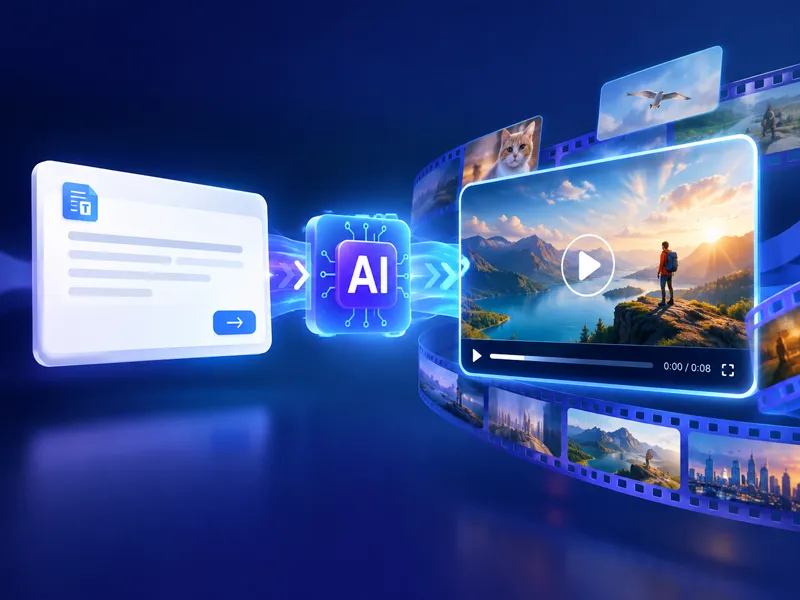
Describe the transition, movement, and visual style you want between frames. Our AI understands natural language to create exactly what you envision.
Generate Video
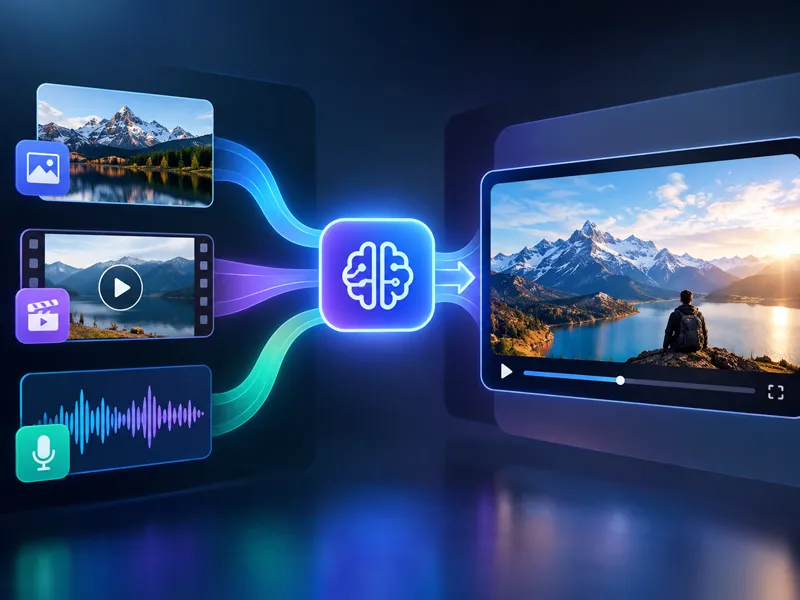
The model analyzes your frames and prompt, then fills the motion between them so you get a smooth, high-definition clip ready to download.
Core Features of First Last Frame to Video Generator
Advanced AI that helps you turn frames into video with clear motion and professional detail.
Intelligent Frame Analysis
When you turn frames into video, the model reads object positions, scene composition, and visual links so the motion stays coherent from start to finish.
Smooth Frame Interpolation
Advanced AI generates intermediate frames with 98% matching accuracy and 37% reduced visual jitter. Every transition feels natural and professional, eliminating the jarring effects common in basic frame interpolation.
Creative Prompt Control
Combine frame uploads with text prompts for creative control. Guide style, motion, and effects in plain language while the model fills the path between your keyframes.
Why Choose NanoMaker's Frames to Video Generator
Experience AI keyframe animation with professional results in seconds.
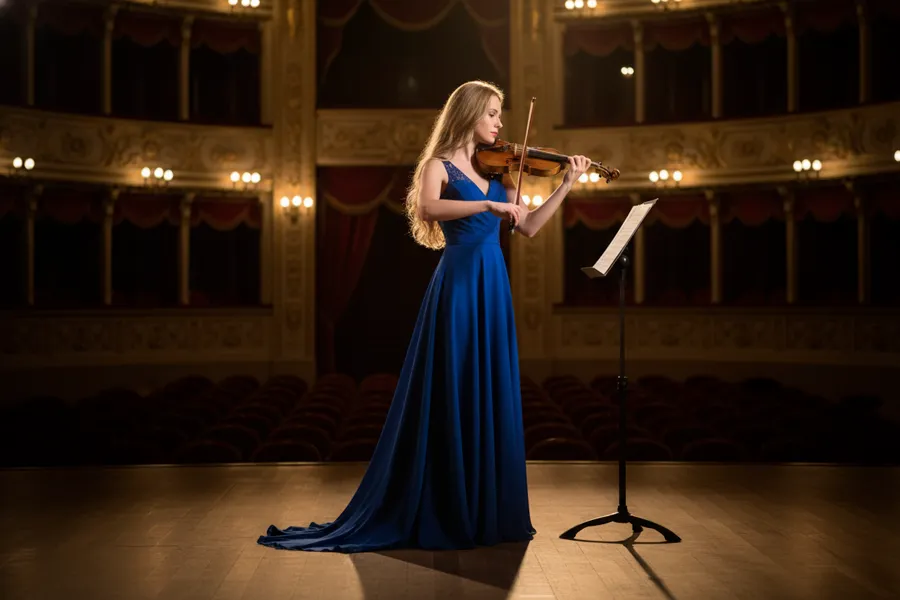
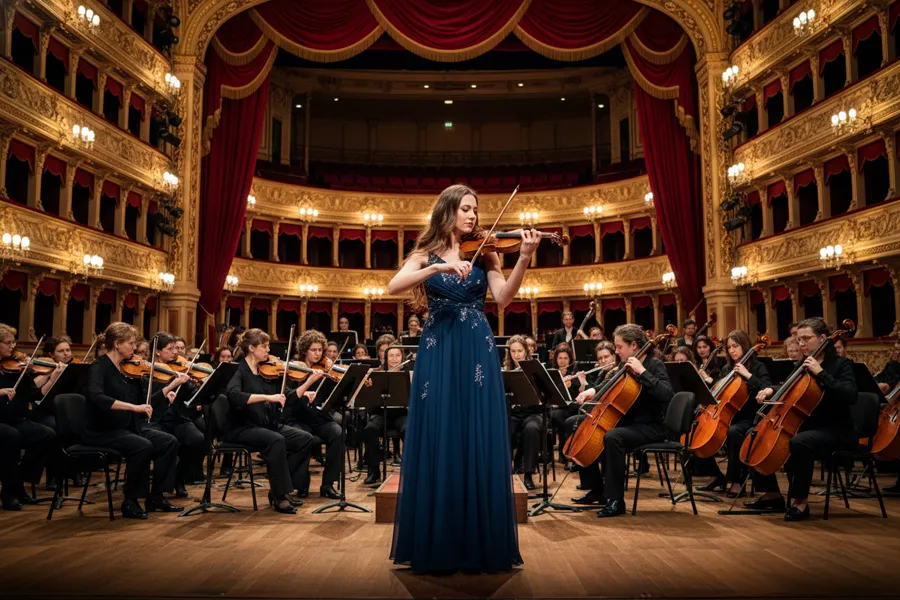
Precise Frame Control Technology
Turning frames into video gives you clear control over where a shot begins and ends. Upload keyframes and let the model read composition, placement, and visual relationships, then build intermediate frames that keep the transition consistent.


Professional-Grade Video Quality
Unlike basic interpolation that looks blurry or artificial, this workflow turns frames into high-definition, cinematic motion. The model follows physics, morphing, and scene dynamics so product clips, VFX, and creative pieces look polished.
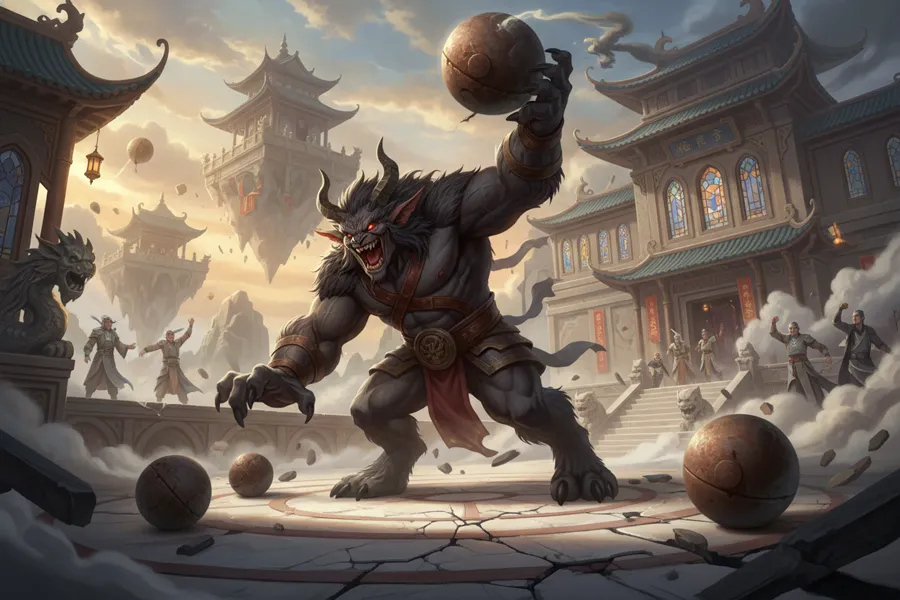

Lightning-Fast Video Creation
Traditional keyframe work can take hours. Upload your frames, add a prompt, and get a usable clip in seconds so you can iterate and try more creative directions in one session.
Who Benefits from First Last Frame to Video Generator
From creators to marketers, turning frames into video helps speed up creative workflows.
Content Creators
Turn frames into video for social posts, YouTube, and creative projects without a heavy editing timeline.
Marketing Teams
Produce attention-grabbing product animations, promotional videos, and social media content. Generate multiple video variations quickly to test different creative approaches.
Animators & Designers
Streamline keyframe workflows by automating the in-between motion. Focus on creative direction while the model handles the technical interpolation.
Game Developers
Create smooth character animations, environmental transitions, and cinematic sequences. Prototype animation concepts quickly before investing in full production.
What Our Users Say About First Last Frame to Video Generator
Feedback from creators who turn frames into video for everyday production.
"Turning frames into video completely changed our animation workflow. What used to take hours of manual keyframe work now happens in seconds. The quality is incredible and our clients can't believe how fast we deliver."
"We create dozens of product animations every week. This tool is a game changer. Upload two frames, describe the transition, and you have a professional video ready to post. Our engagement rates increased significantly."
"As a professional animator, I was skeptical at first. But the interpolation quality genuinely rivals manual work. I now use it for rapid prototyping and client previews, which saves enormous amounts of time."
"Our team needed video variations for A/B testing. Turning frames into video lets us create multiple animation styles from the same keyframes in minutes instead of weeks."
"Creating character animations for our game used to be the biggest bottleneck. This tool generates smooth transitions between key poses instantly. We can now iterate on animations multiple times per day."
"The combination of frame control and prompt guidance is brilliant. We can achieve exactly the animation style we want without technical animation expertise. It's like having a professional animator on demand."
Pricing plans for First Last Frame to Video
Choose your plan and get instant access to all premium AI models
Cancel anytime — Unused credits roll over — Usage varies by model and generation type.
Lite
$84 per year billed yearly
4,500 Credits per year

Premium
$100 per year billed yearly
9,600 Credits per year
Max
$240 per year billed yearly
36,000 Credits per year
Free
Pay safely and securely with








Frequently Asked Questions
Common questions about frames to video and how first/last frame control works.