AI Mockup Generator
Upload your logo and product image, describe how you want them combined, and get a professional mockup in seconds.

More AI tools like Mockup Generator
Explore our collection of specialized AI image generators designed for different creative needs and styles

How Our AI Mockup Generator Works
Go from raw assets to a polished product mockup in three quick steps.
Upload Your Assets
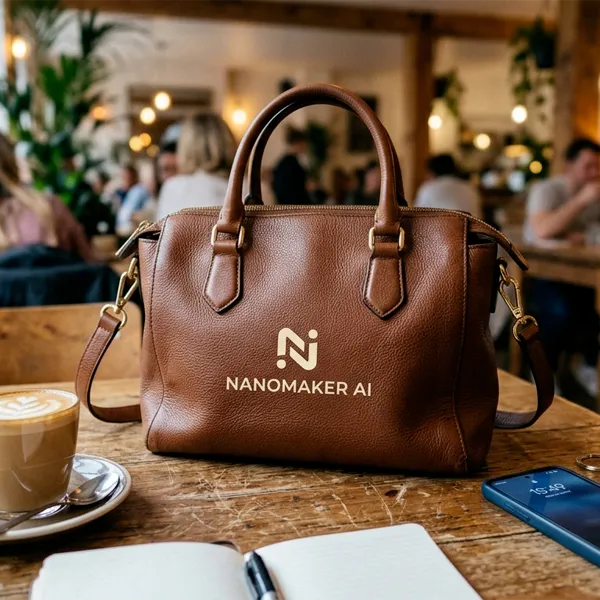
Upload two images: your brand logo and the product you want to apply it to. Logos, icons, artwork, and product photos all work.
Describe Your Mockup
Tell the AI how you want the logo placed on the product. You can also use the default prompt and click Generate directly to create your mockup.
Download Your Mockup
Download a product mockup with your logo sitting on the surface. Use it as a preview, not as a studio photo of a finished item.
Key Features of AI Mockup Generator
Everything you need to create professional product mockups without Photoshop or design experience.
Smart Logo Placement
The tool follows surface shape, perspective, and curvature, so your logo sits on the product at the same angle and lighting as the original photo.
Works with Any Product
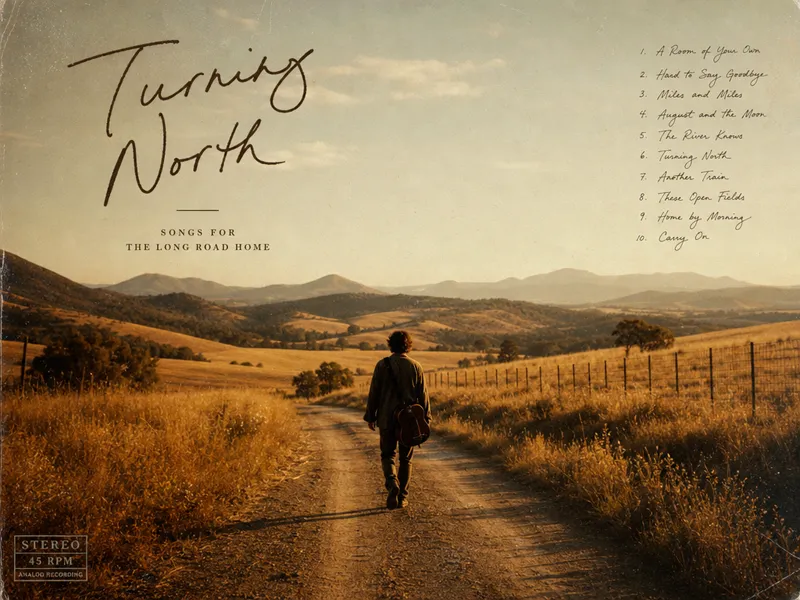
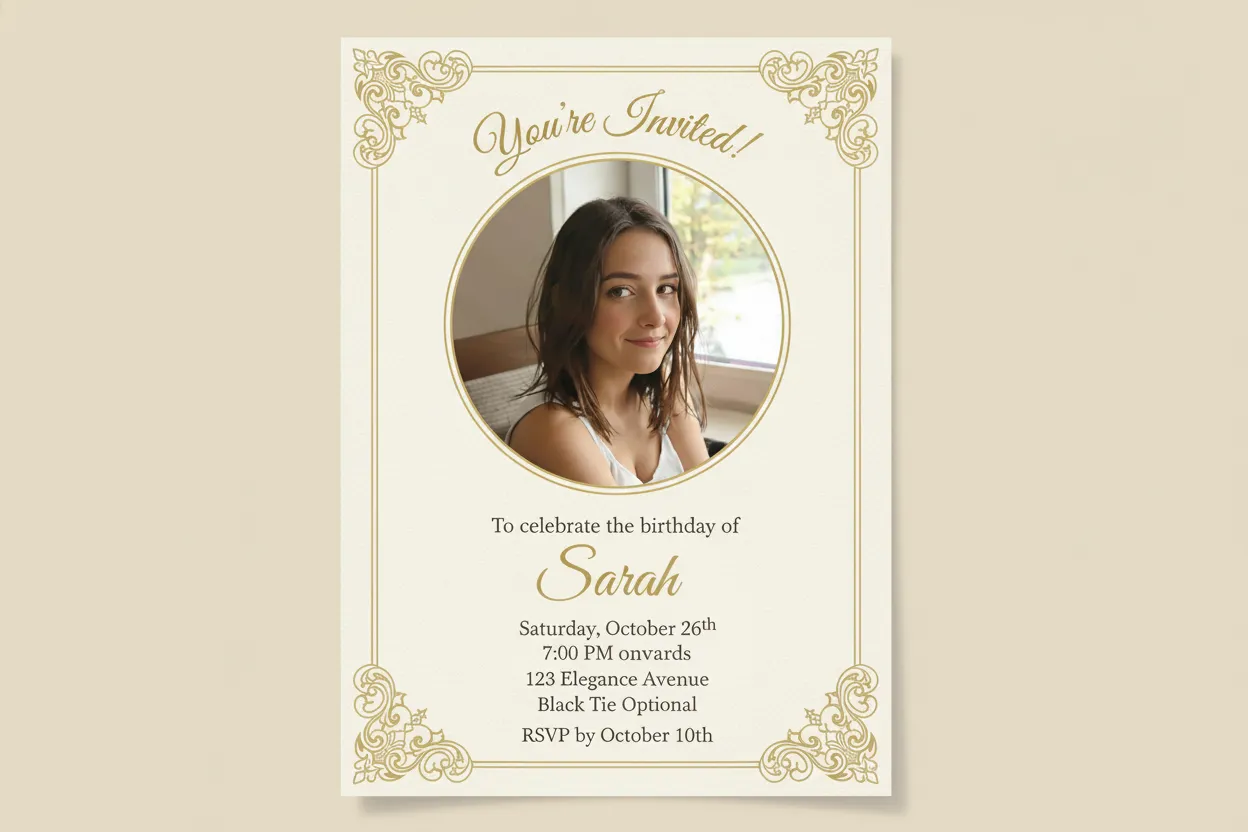
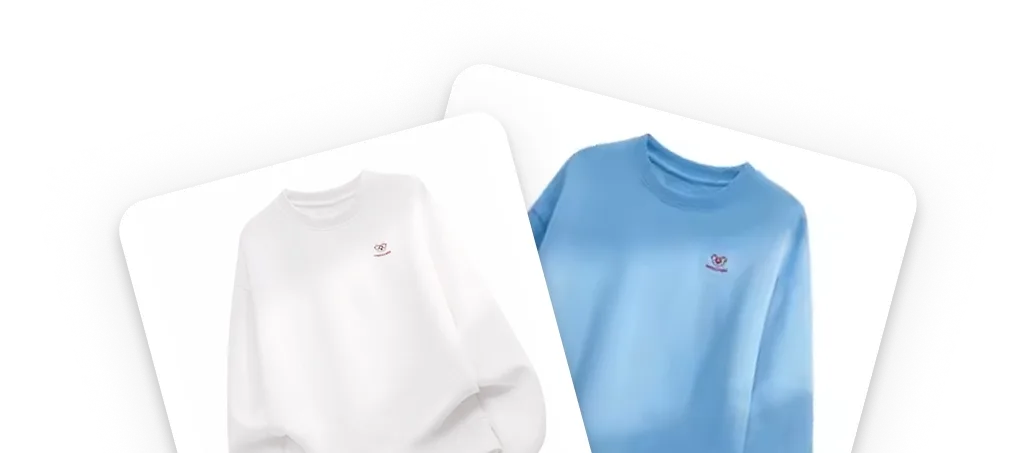
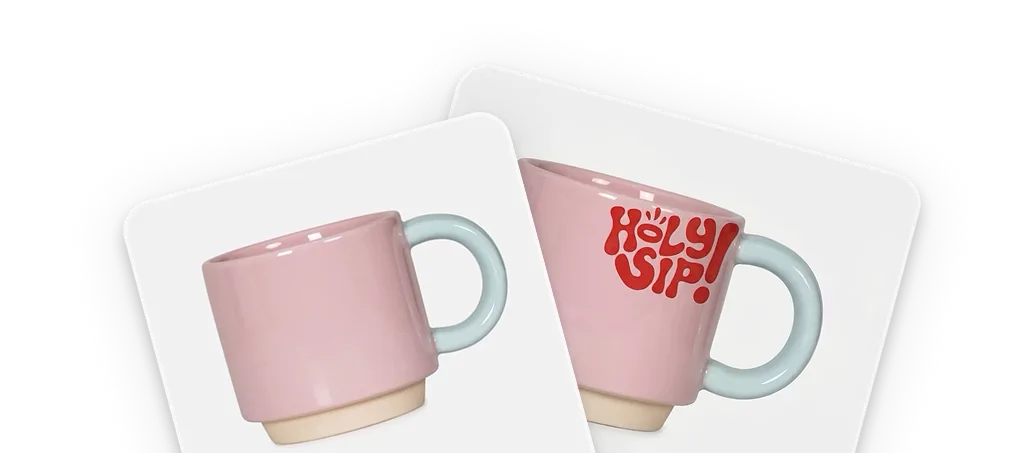
T-shirts, mugs, tote bags, phone cases, packaging, business cards, signage. Upload a product photo and the logo placement follows that surface.
Instant Results
You do not need a designer or complex software. A finished mockup is usually ready in under 15 seconds, for client review or a listing preview.
Why Choose NanoMaker AI Mockup Generator
See how NanoMaker handles branding previews and product visualization.

Realistic Product Rendering
NanoMaker does not just paste your logo on top. It follows the product surface, folds, and lighting so the mark looks printed or embroidered. Treat the result as a preview mockup, not a studio photo of a finished product.
Explore Color Variations Quickly
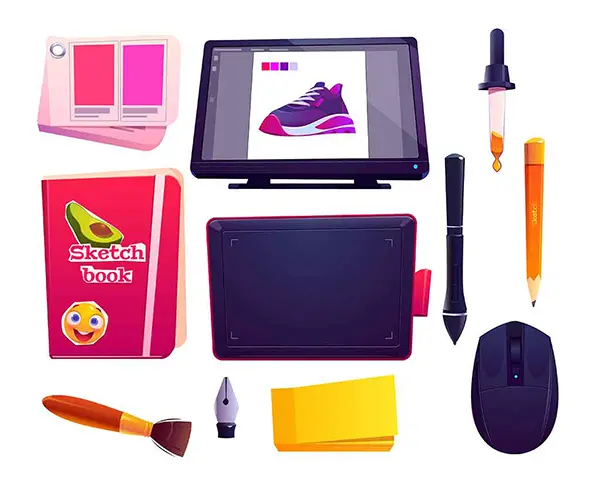
Need to see your logo on a black shirt, a white mug, and a red tote bag? Describe the color you want and get a new variation in seconds. Test product colors, logo placement, and backgrounds without starting over each time.
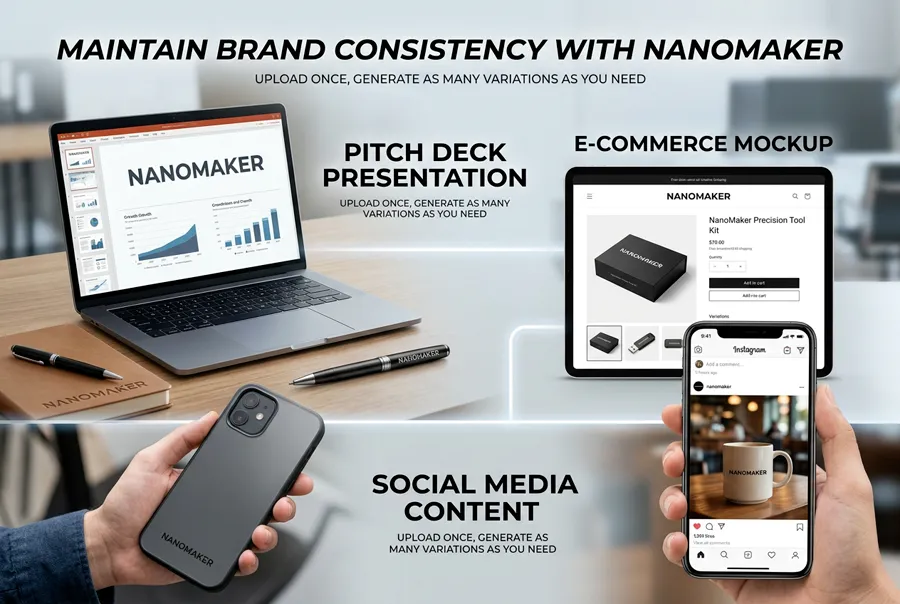
Maintain Brand Consistency
When you present products across channels, consistency matters. Your logo is applied with the same quality each time, whether the mockup is for a pitch deck, a store preview, or a social post. Upload once, then generate the variations you need.
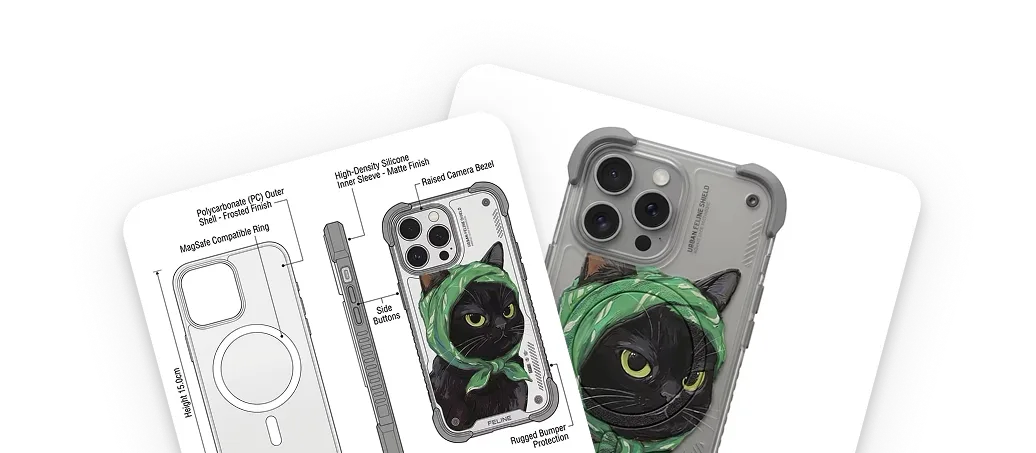
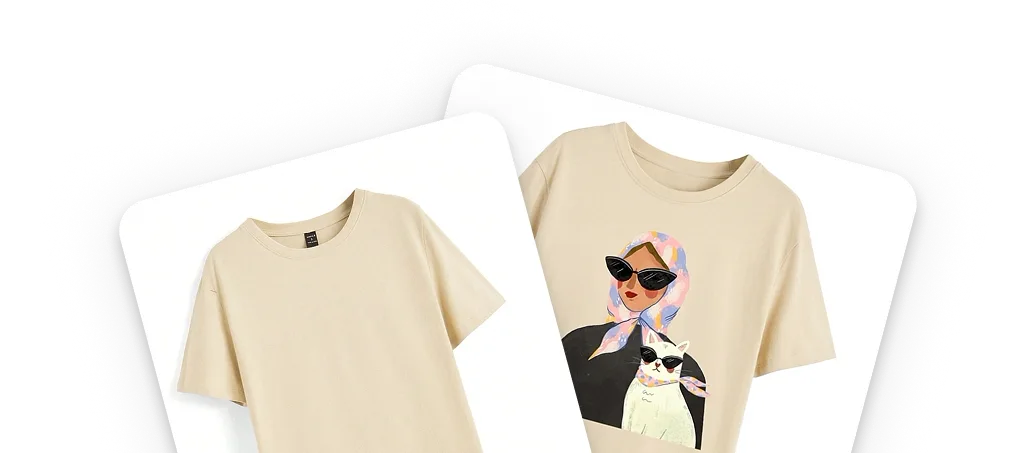
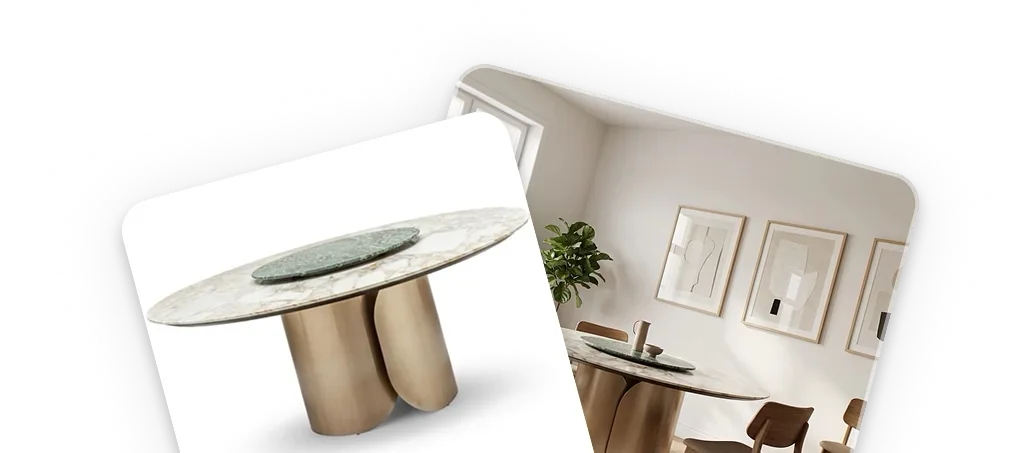
Core Use Cases: Who Benefits from AI Mockup Generator
From solo sellers to marketing teams, the tool fits a normal creative workflow.
E-Commerce Sellers
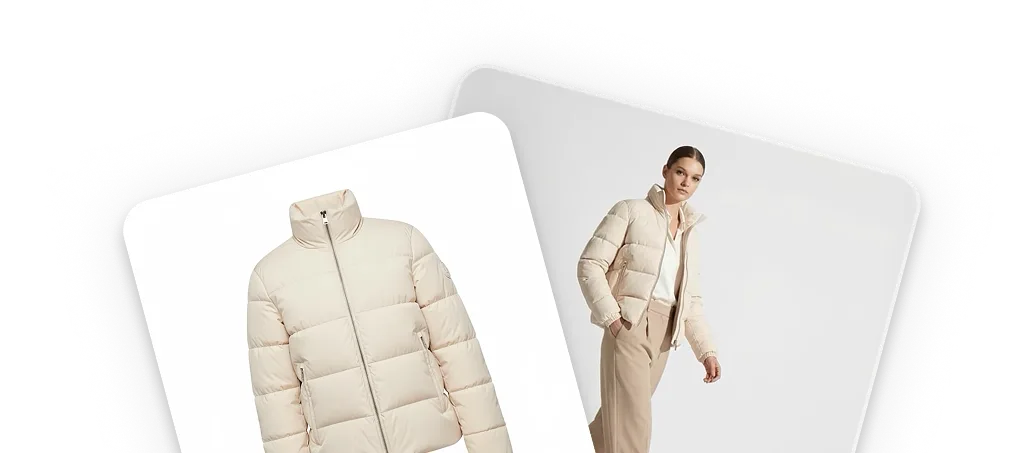
Create listing previews for your store so shoppers can picture a branded item before production. These images are mockups, not photos of goods already made.
Brand Designers
Present logo concepts on real products during client reviews. Skip the Photoshop work and generate polished mockups that communicate your design intent clearly.
Marketing Teams
Produce on-brand visuals for campaigns, social media, and presentations. Generate consistent mockups across product lines without booking a photographer.
Print-on-Demand Businesses
Preview your own or licensed designs on shirts, mugs, bags, and cases before you list them. Only upload artwork you have the right to use.
What users say about the AI mockup generator
Notes from designers, sellers, and brand owners who use it in daily work.
"Used to spend forever in Photoshop for each mockup. Now I upload the logo and product shot and send the result to the client the same afternoon."
"My Etsy listings look cleaner since I started using the mockup generator. Buyers can picture the item instead of a flat design file."
"We needed mockups for a launch across several SKUs. Got a full set the same morning without booking a shoot."
"I try every new design on a few products before I list it. Way faster than digging through Photoshop templates."
"Clients want to see the art on a product before they say yes. This saves me a chunk of mockup time each week."
"We used it in a pitch deck to show merch ideas. Helpful for visualizing the line before we print anything."
Pricing plans for AI Mockup Generator
Choose your plan and get instant access to all premium AI models
Cancel anytime — Unused credits roll over — Usage varies by model and generation type.
Lite
$84 per year billed yearly
4,500 Credits per year

Premium
$100 per year billed yearly
9,600 Credits per year
Max
$240 per year billed yearly
36,000 Credits per year
Free
Pay safely and securely with








Frequently Asked Questions
Common questions about the AI mockup generator and how it works.