Unpixelate Image
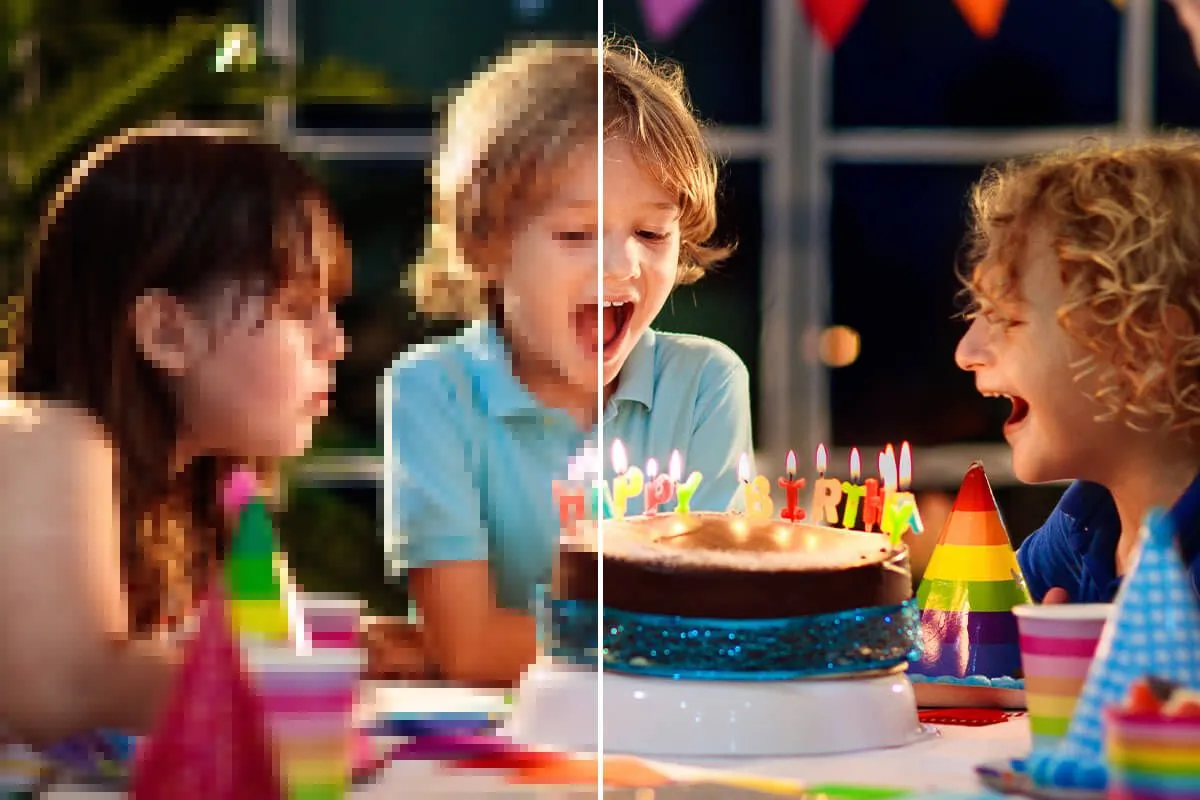
Upload any blurry or blocky photo and let the AI restore sharpness and recover the details that compression or low resolution stripped away.
More AI tools like Unpixelate Image
Explore our collection of specialized AI image generators designed for different creative needs and styles
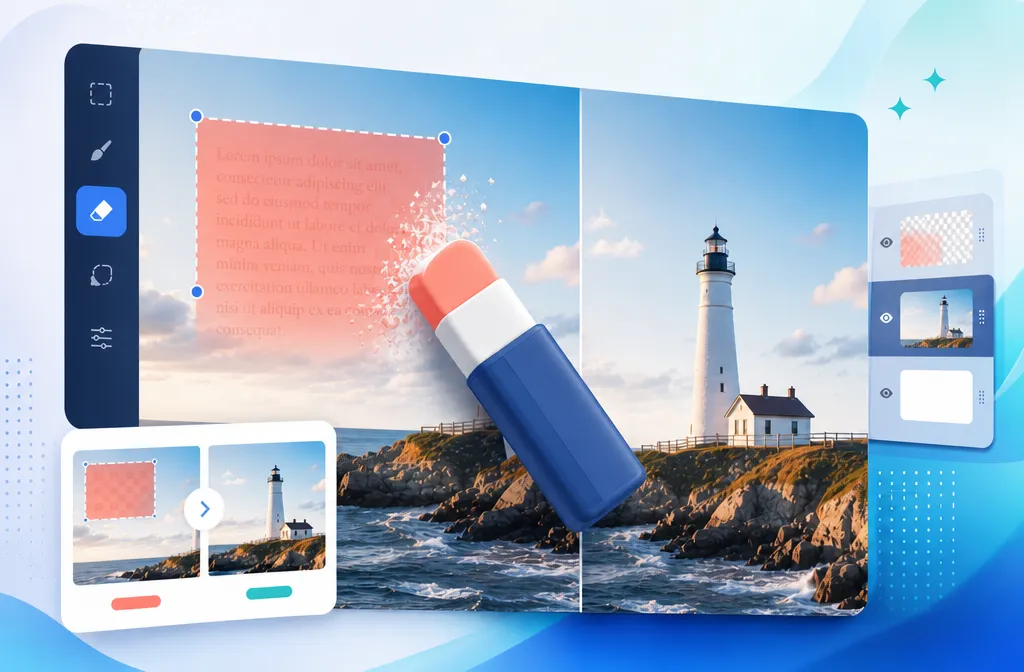
How to Unpixelate an Image
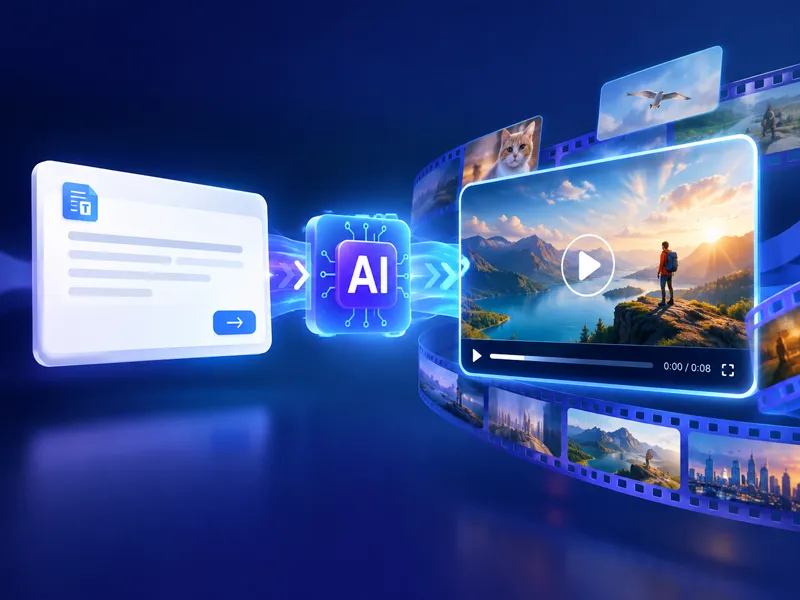
Three straightforward steps. No software to install, no account required before you start.
Upload Your Pixelated Image
Drag in or select any pixelated, blurry, or low-resolution photo to unpixelate.
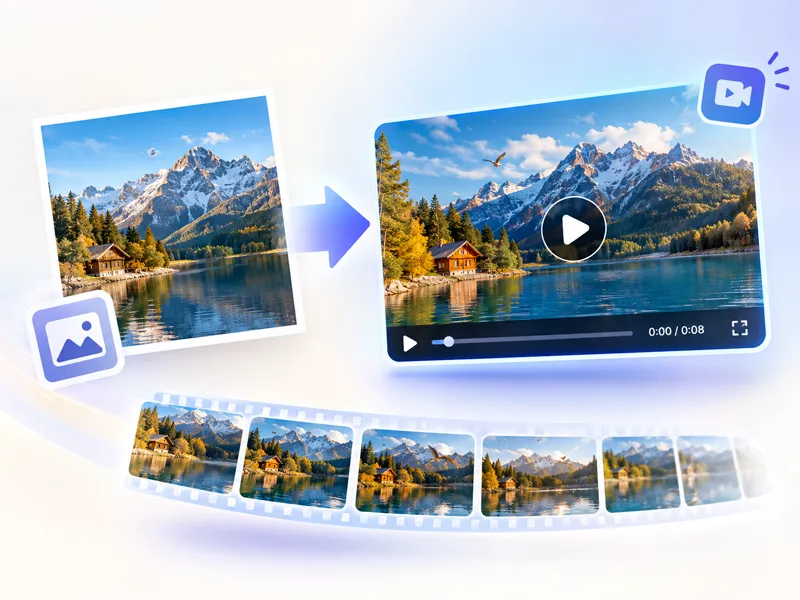
Click the Generate button
Click the Generate button to let the AI unpixelate and restore detail.
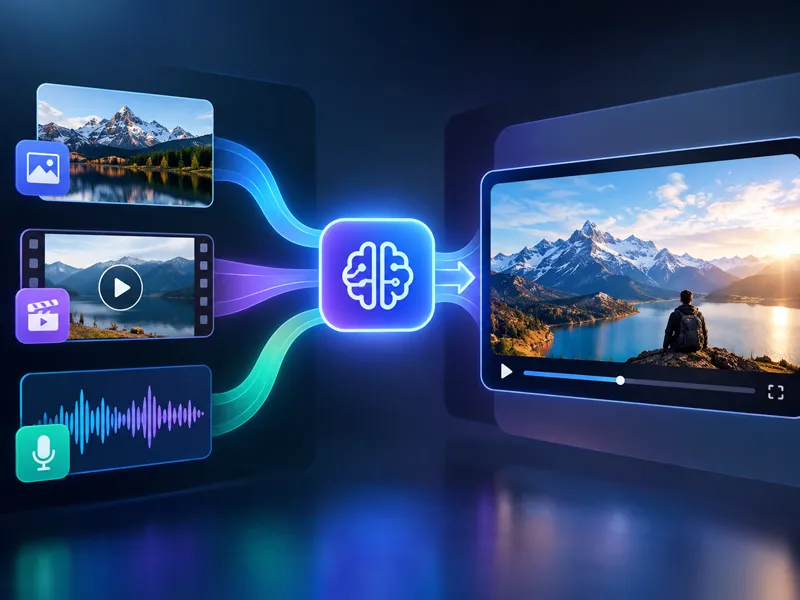
Download Your Sharpened Image
Download it and use it wherever you need a clean image.
Why Use NanoMaker's Unpixelate Image Tool
From rescuing old photos to fixing compressed screenshots, here is where it actually gets put to work.
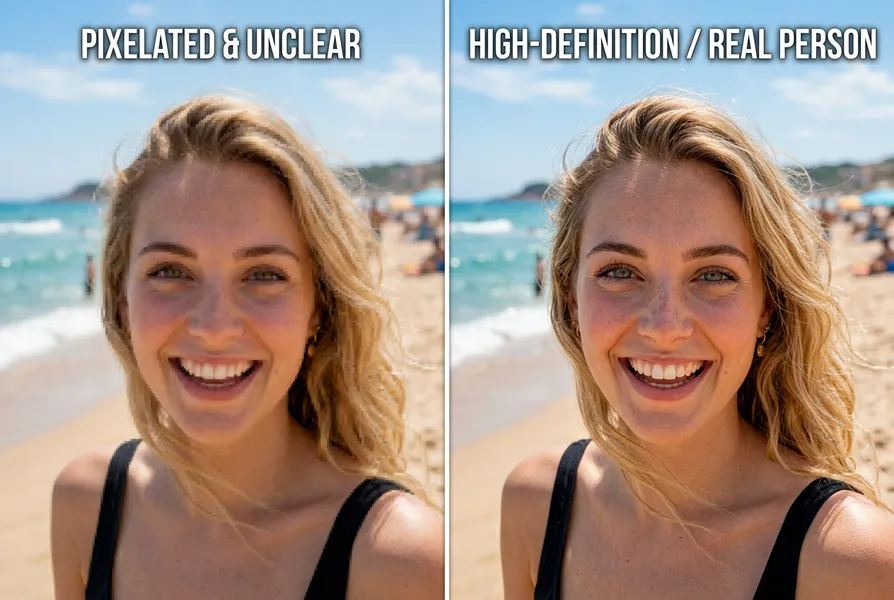
Bringing Old and Scanned Photos Back to Life
Digitized prints and phone photos from older devices carry a lot of pixelation and noise that makes them look dated. Running them through the unpixelate image tool pulls back detail that looked gone for good. Faces become recognizable again, backgrounds stop being muddy blurs, and you end up with something worth printing rather than something you keep because you have to.
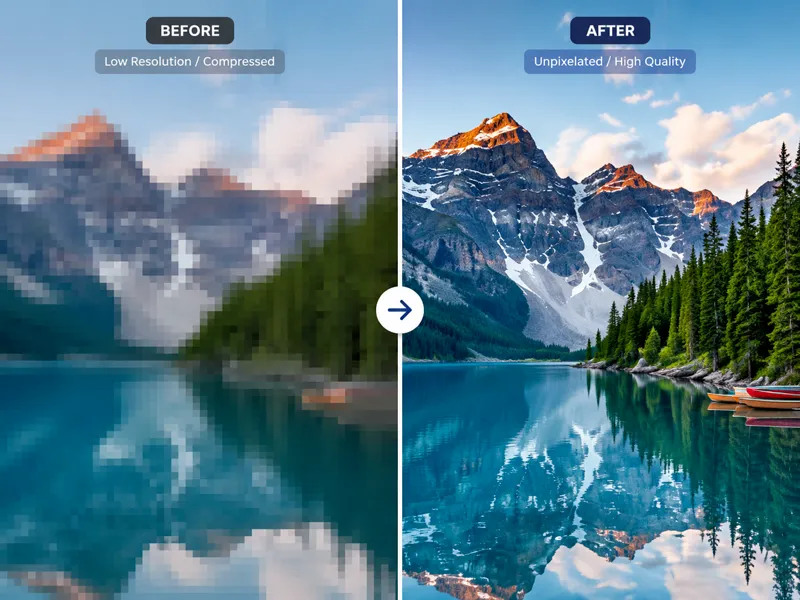
Making Screenshots and Compressed Images Usable Again
Screenshots taken at low resolution or images downloaded from messaging apps are often too blocky to use in anything professional. The unpixelate image tool sharpens those assets so text becomes legible, logos stop looking rough, and product images look clean enough to actually appear in a presentation or a document.
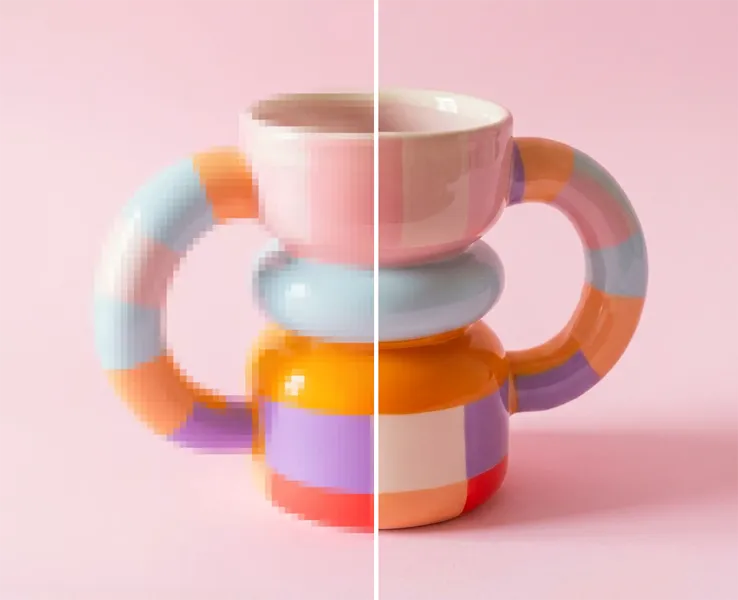
Improving Product Images When the Original Is Gone
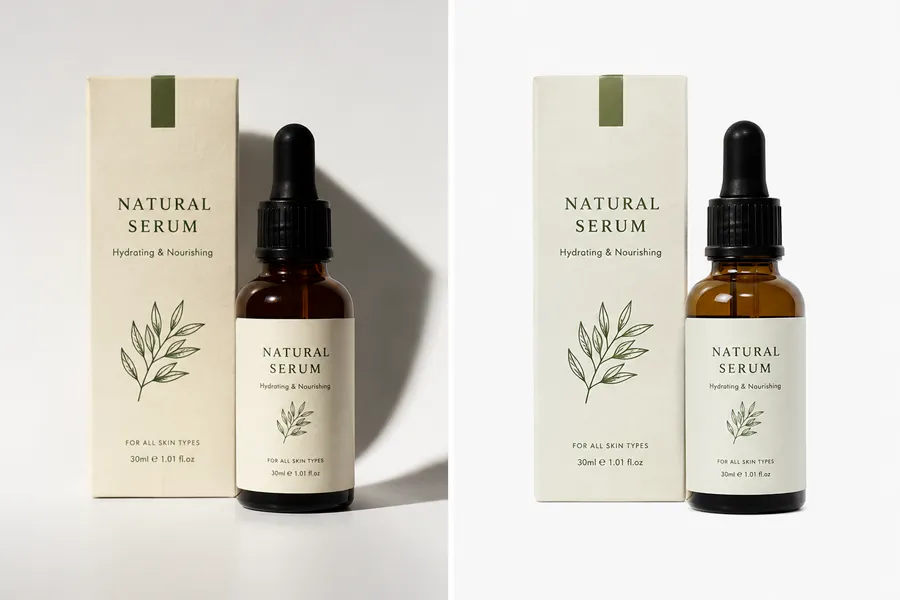
Sellers who started with low-resolution product photos and no longer have the original files need a way to improve what they have without a full reshoot. Unpixelating the existing image gets the product shot close enough to presentable for a listing or a catalog without starting over from scratch.
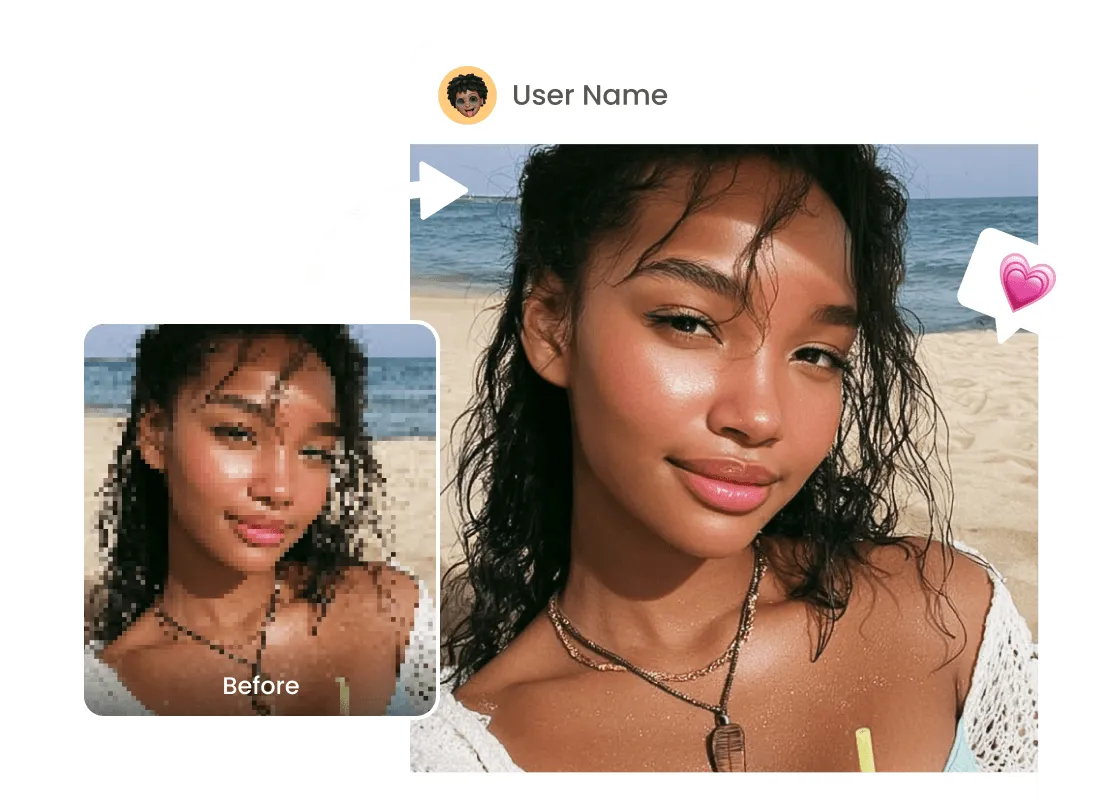
Cleaning Up Images Compressed by Social Platforms
Every major social platform compresses uploaded images, sometimes heavily. When you download your own content back, it comes out noticeably worse than what you uploaded. The unpixelate image tool reverses much of that damage, giving you a cleaner version you can reuse across platforms or in projects.
Key Features of NanoMaker's Unpixelate Image Tool
More than a simple sharpening filter. The AI reconstructs detail rather than just applying a blur-softening pass.
AI Detail Reconstruction
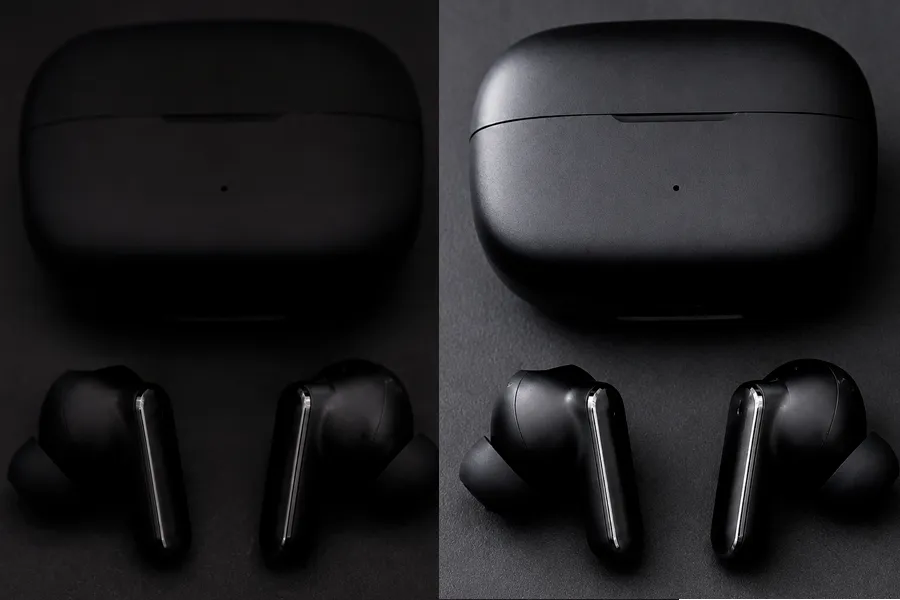
Rather than smoothing over pixelation, the tool reconstructs the texture and edge detail that was lost. The result looks genuinely sharper, not just softer or less blocky.
Resolution Upscaling
Output at 1K, 2K, or 4K depending on your needs. Small source files get upscaled with added detail rather than just stretched, so the final image holds up at larger sizes.
Works on Any Photo Type
Portraits, product shots, screenshots, scanned documents, old photos, and compressed social media downloads. The Unpixelate Image tool adapts to the content rather than applying a one-size processing pass.
Smart Auto-Enhancement
NanoMaker automatically analyzes every detail in your image and applies precision enhancement tuned to the content, whether that is a portrait, a product shot, or a scanned document. No settings to tweak.
Who Needs to Unpixelate Images
Anyone who has ever tried to use a low-resolution image and hit a wall.
Photographers and Retouchers
Older digital cameras, heavily compressed client submissions, and archival scans all produce images that need sharpening before they are usable. The unpixelate image tool gives photographers a starting point they can work from rather than a file they have to reject.
Content Creators and Video Producers
Thumbnails, overlay graphics, and reference images sourced from the web are often compressed. Cleaning them up with the unpixelate image tool means they stay sharp in video at any size without looking like a placeholder.
Developers and UI Designers
Placeholder assets, reference screenshots, and icon resources sometimes need to be upscaled for higher-density screens. The unpixelate image tool handles that upscaling with reconstructed detail rather than nearest-neighbor stretching.
What Users Are Saying about NanoMaker's Unpixelate Image Tool
Actual results from people who ran it on photos they had given up on.
"I digitized a bunch of old prints for my parents and some of them came out so blocky you couldn't tell who was in the photo. This tool got most of them to a point where you can actually see faces. Didn't expect it to work that well on genuine film grain."
"We had a supplier send us product images that were basically unusable, way too compressed and small. Ran them through The Unpixelate Image tool and got them clean enough to go on the site. Saved us a whole product reshoot."
"Screenshots and downloaded graphics always come in compressed. I use this constantly now to clean up thumbnails and overlay assets before I put them in a project. The difference in a final render is actually noticeable."
"Clients never send files at the right resolution. I've started just running low-res logos and photos through here instead of asking them to re-send. Gets me something I can work with in about a minute."
"Downloaded a bunch of our own posts back from Instagram and they were all wrecked from compression. The Unpixelate Image tool got most of them back to a usable state. Works way better than I thought it would on that kind of compression artifacting."
"I work with a lot of century-old scanned photographs. Nanomaker's Unpixelate Image tool handles them better than most dedicated photo restoration software I've tried. The faces come out sharper without looking like an AI just made something up."
Pricing plans for Unpixelate Image
Choose your plan and get instant access to all premium AI models
Cancel anytime — Unused credits roll over — Usage varies by model and generation type.
Lite
$84 per year billed yearly
4,500 Credits per year

Premium
$100 per year billed yearly
9,600 Credits per year
Max
$240 per year billed yearly
36,000 Credits per year
Free
Pay safely and securely with









FAQs about Unpixelate Image
Common questions about the unpixelate image tool and how it works.