AI Outfit Generator
Upload a photo and get a full outfit concept — with fabric swatches, accessory details, layering breakdowns, and annotated design directions. All from one image.
More AI tools like Outfit Generator
Explore our collection of specialized AI image generators designed for different creative needs and styles
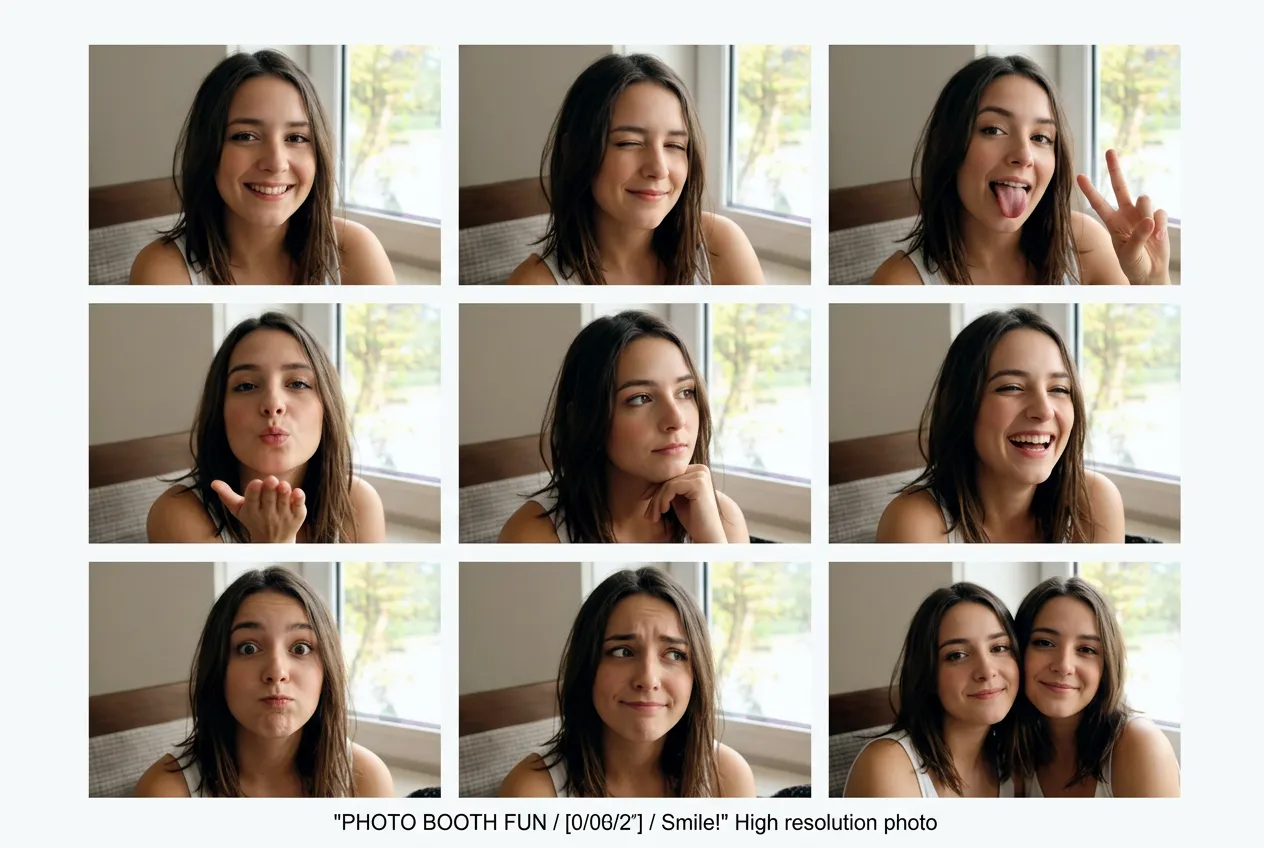
From One Photo to a Full Outfit Concept
No design background needed. Upload a photo and get a detailed, annotated outfit concept in under a minute.
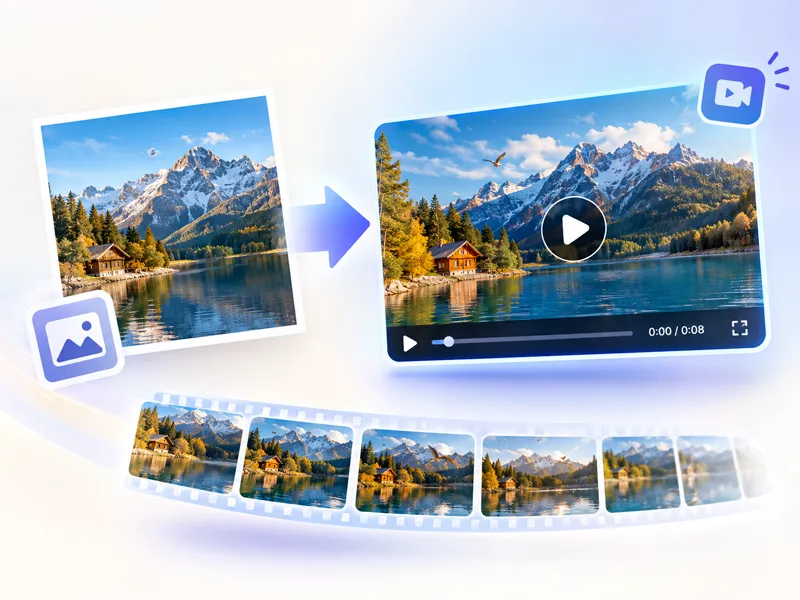
Upload Your Photo
Drop in a photo of yourself, a model, or even a rough reference image. The AI reads pose, body proportions, and overall vibe to build from.
Click Generate
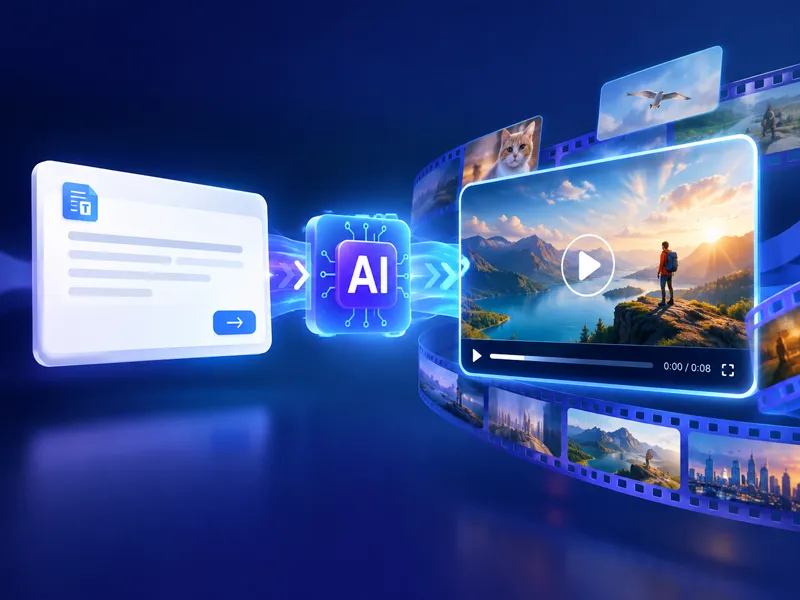
Hit the generate button and let the AI run. It analyzes the subject, proposes an outfit concept, and assembles a full design sheet with components, textures, and annotations.
Download Your Design
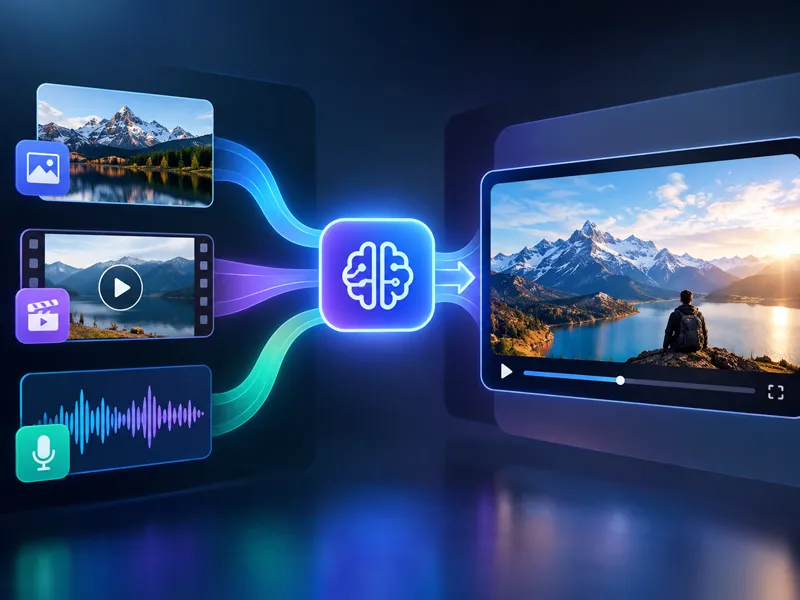
Review the output — full-body render, component breakdown, texture swatches, accessory suggestions, and design callouts. Download it in high resolution.
What the AI Outfit Generator Actually Produces
Not just a styled photo. A full design sheet you can actually use.
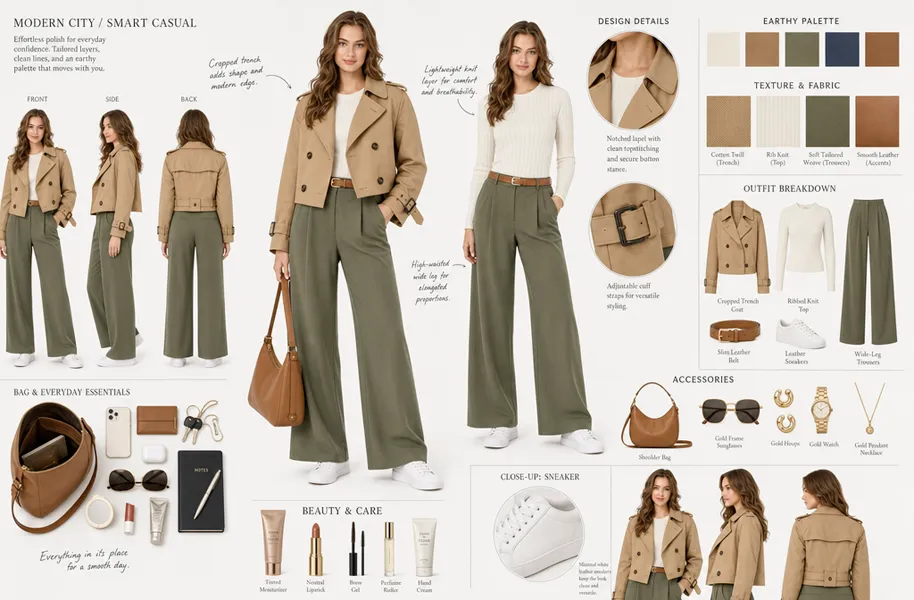
Full-Body Outfit Visualization
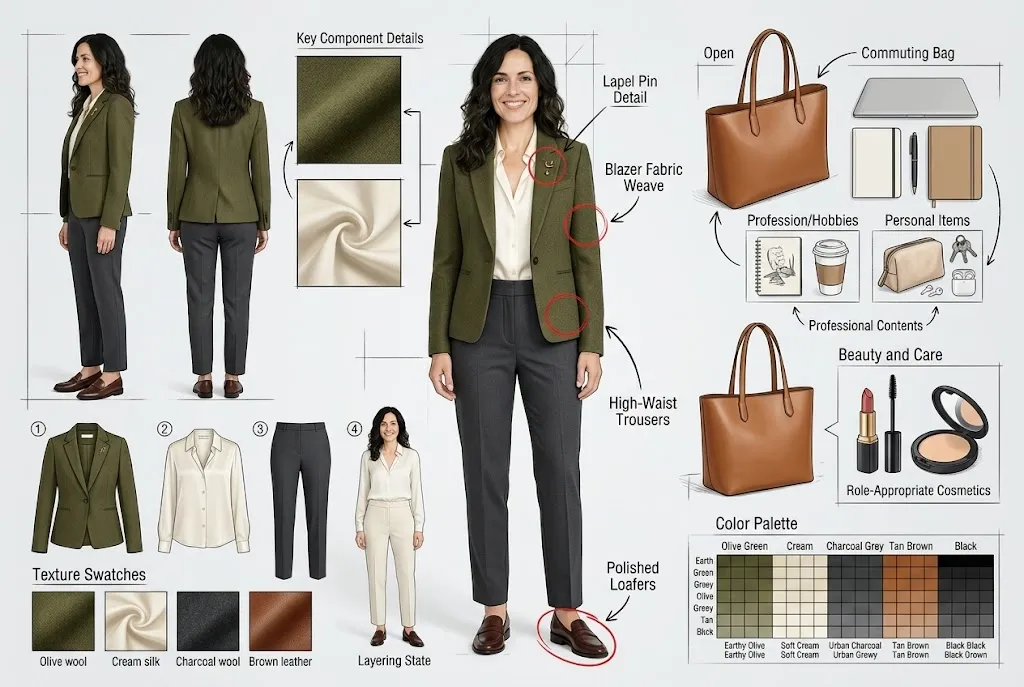
The AI places the designed outfit on the uploaded subject — full body, centered, with natural proportions preserved. No clipping, no uncanny warps.
Layered Component Breakdown
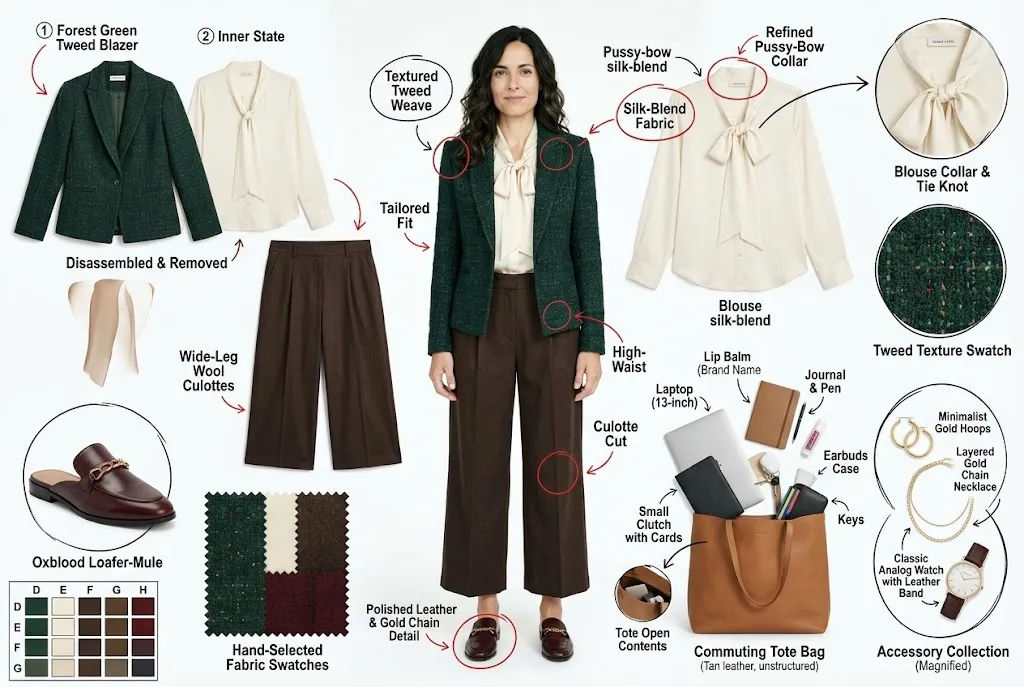
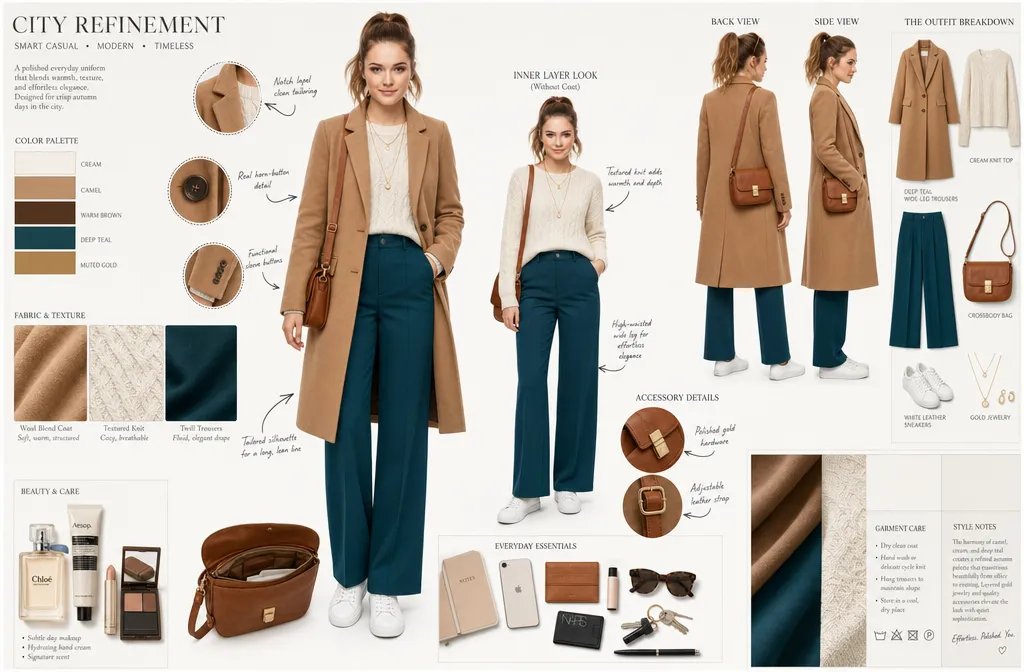
Every outfit layer is shown separately. Outerwear, base layers, shoes, bags — each item isolated and labeled so you can see exactly what makes up the look.
Fabric Texture Details
The design sheet includes close-up texture swatches for each material used. You know if it's linen, leather, silk, or structured cotton before anything gets made.
Accessories & Bag Contents
The AI doesn't just stop at clothes. It proposes matching accessories and even opens the bag — showing what's inside to reflect the character's personality and daily habits.
Why Use Our AI Outfit Generator
From personal style experiments to professional design work, here's how it fits into real workflows.
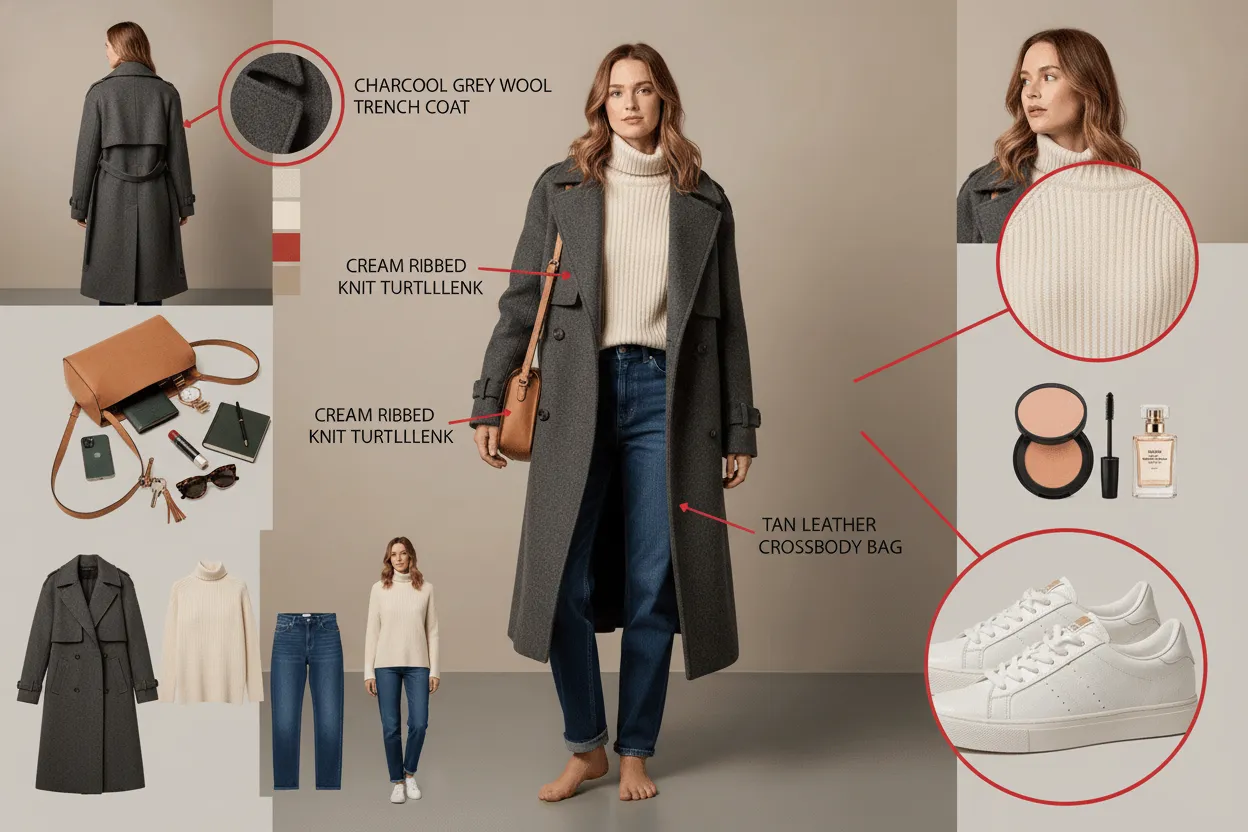
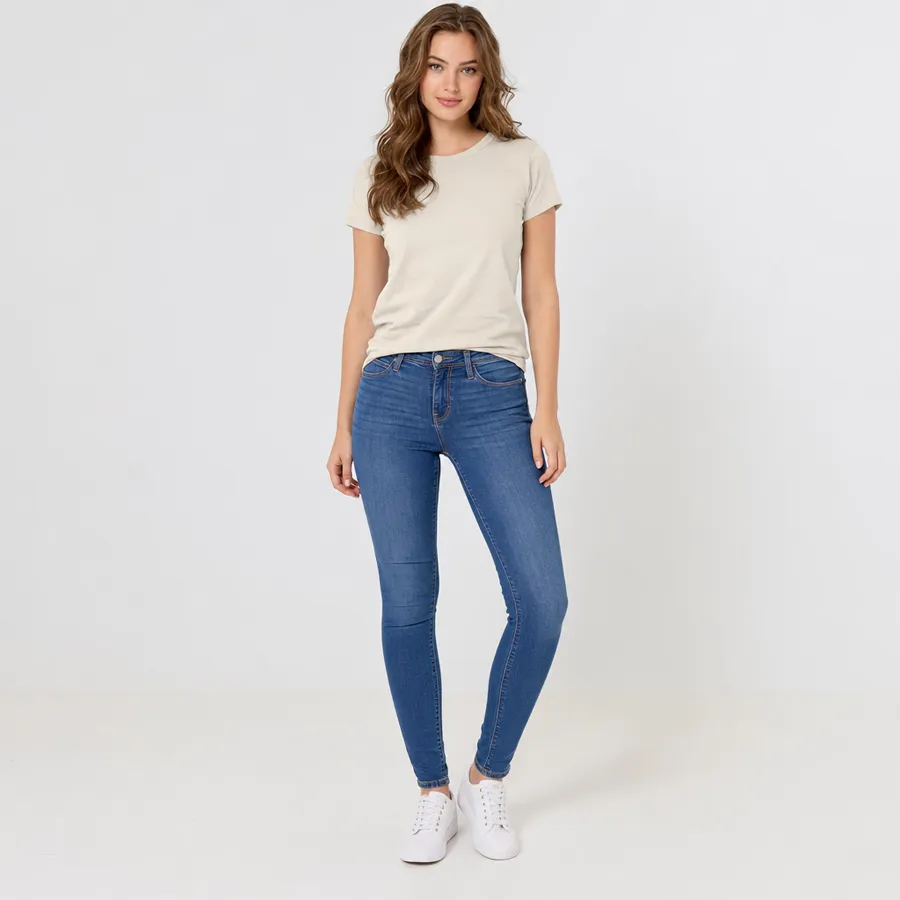
Fabric Physics You Can Actually See
Nanomaker's AI outfit generator doesn't just slap a pattern onto a silhouette. It accounts for how different materials behave — drape, structure, sheen. Silk reads as silk. Denim looks stiff. Knitwear sags slightly at the shoulders. That level of material honesty makes the output useful, not just pretty.
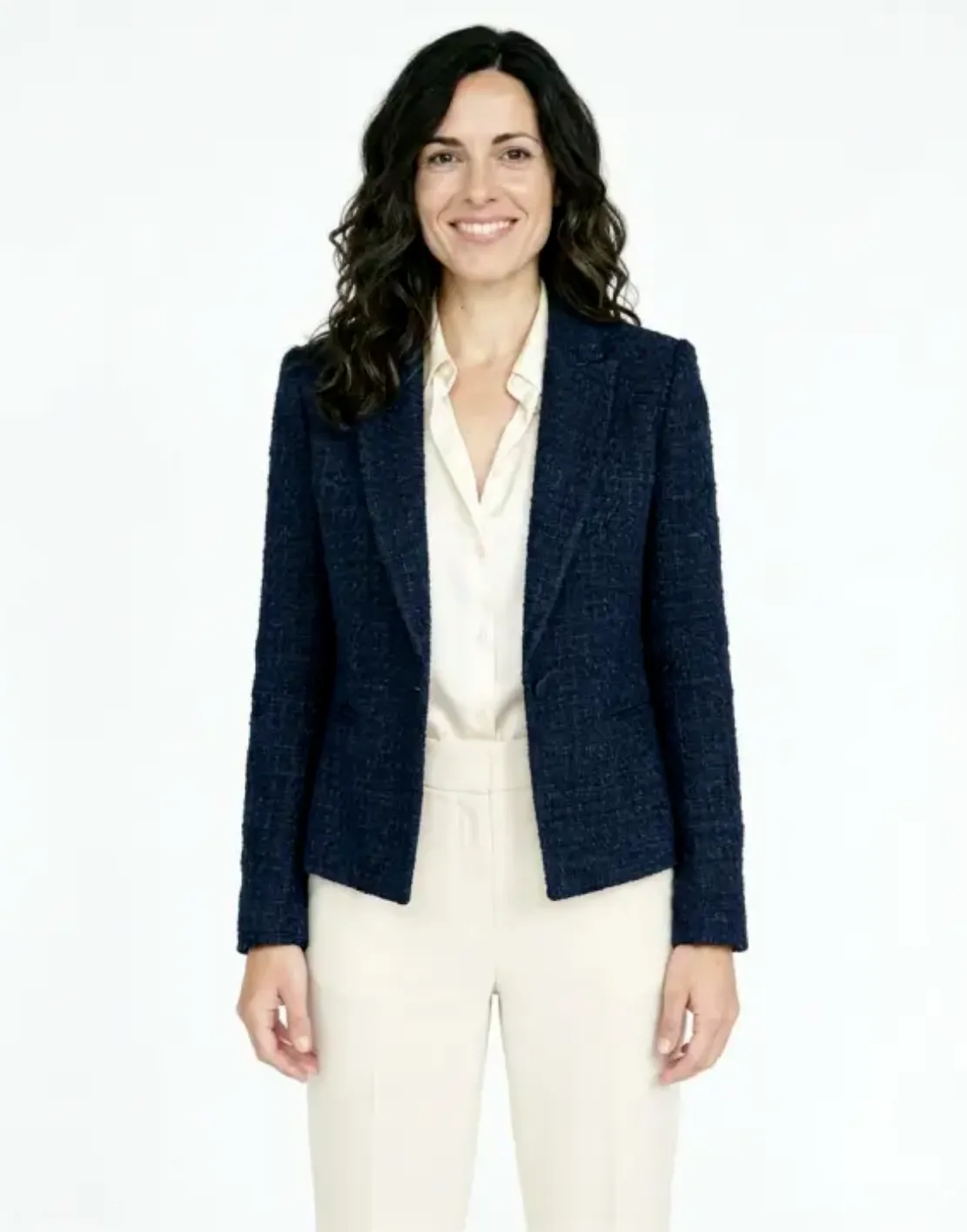
Try a Look Before You Commit to It
Found something on a brand page you're not sure about? Or want to see how a concept plays out before ordering custom pieces? Upload a reference and generate the full look on your own photo. You skip the guesswork and get to a real visual decision faster.
Runs Entirely in Your Browser
There's no app to install, no account required to start. Your photos don't sit on a server waiting to be misused — they're processed and that's it. The whole thing runs in your browser, on your terms.
A Faster Way to Prototype Concepts
Before a single stitch goes into a sample, you can see roughly how a silhouette, fabric, or color combination reads on a body. Designers use this to cut down iteration cycles and avoid wasting material on ideas that don't land visually.
Who Needs an AI Outfit Generator
From personal styling to professional e-commerce, it fits more situations than you'd expect.
Personal Style Explorers
Try streetwear, formal, luxury, or retro — see the full look on your own photo before spending anything. Great for planning outfits or just satisfying curiosity.
E-commerce Product Teams
Generate outfit imagery for catalog pages, social posts, or lookbooks without booking models or photographers every time. Faster production, lower overhead.
Content Creators & Influencers
Need a winter look in July, or want to prototype a theme before the actual shoot? Generate the visual direction first, then decide if it's worth executing.
Fashion Designers
Visualize a silhouette, color story, or fabric combo on a model before any physical prototype is made. Faster iteration, less material waste at the concept stage.
What Users Are Saying about our AI Outfit Generator
Real feedback from people who've used the AI outfit generator.
"I used to spend half a day planning looks for shoots. Now I generate the concept first and only execute what actually works. Cuts my prep time down by a lot."
"Couldn't afford professional catalog shoots every season. This gives me solid product imagery fast. The component breakdown is especially useful for describing items in listings."
"I use it before I sketch. Upload a model reference, generate a rough direction, then refine from there. It's a genuinely useful step in my early concept process."
"Saw a jacket I liked but had no idea how it would look on me. Uploaded my photo and described it — got a realistic enough render to decide it wasn't actually my style. Saved me a return."
"We use this to mock up client lookbooks before the actual styling session. Clients can give feedback on the direction early, which means fewer last-minute changes on shoot day."
"Honestly surprised by how detailed the output is. The texture breakdown and accessory suggestions are genuinely thought through, not just generic filler."
Pricing plans for AI Outfit Generator
Choose your plan and get instant access to all premium AI models
Cancel anytime — Unused credits roll over — Usage varies by model and generation type.
Lite
$84 per year billed yearly
4,500 Credits per year

Premium
$100 per year billed yearly
9,600 Credits per year
Max
$240 per year billed yearly
36,000 Credits per year
Free
Pay safely and securely with







Frequently Asked Questions
Common questions about the AI outfit generator and how it works.