
Video Generators like Seedance 2.5
Explore more AI video tools, from first-last frame to cinematic clips.



How to Use Seedance 2.5
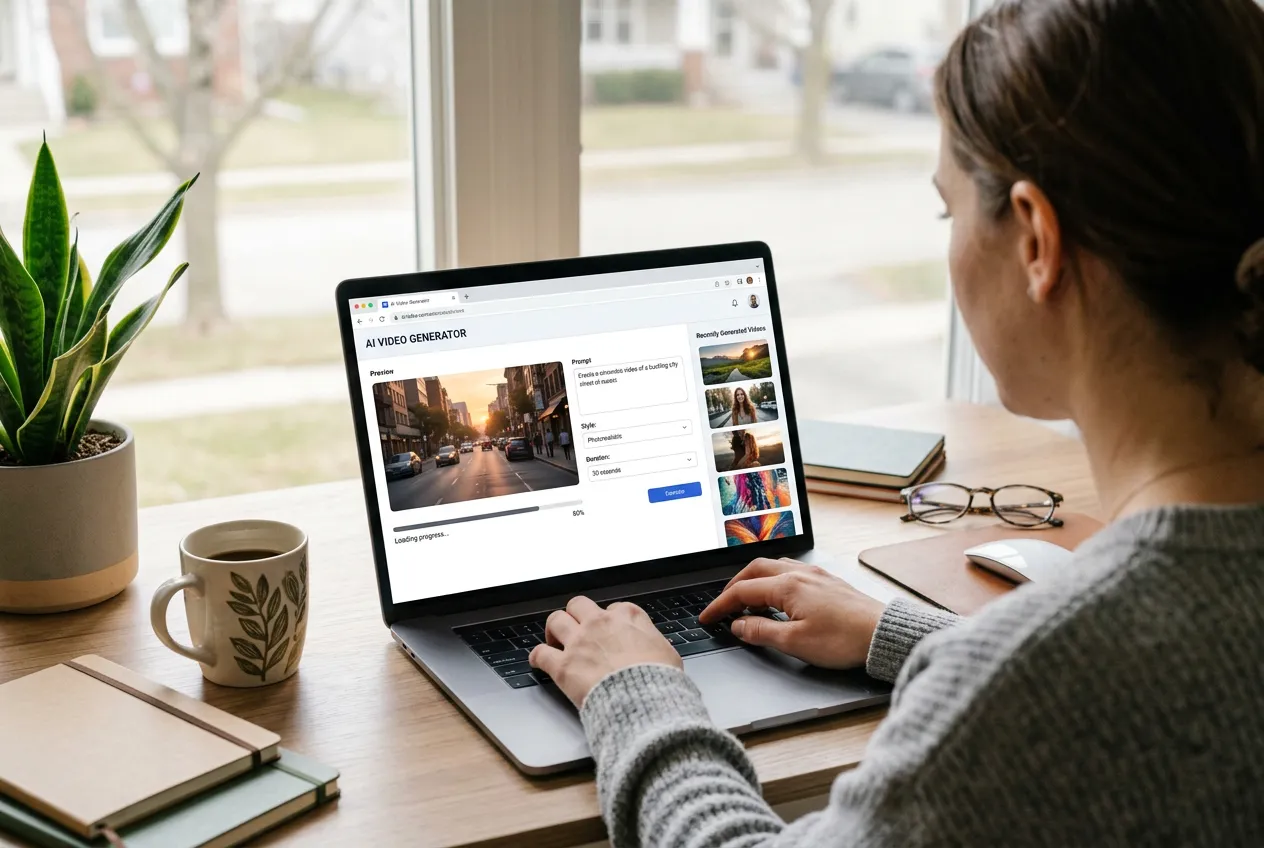
Write a prompt, add files only if you need them, then generate.
Write the prompt
Name the subject, the place, the camera move, and how the shot should end. This is enough for text-to-video.
Add references if you want
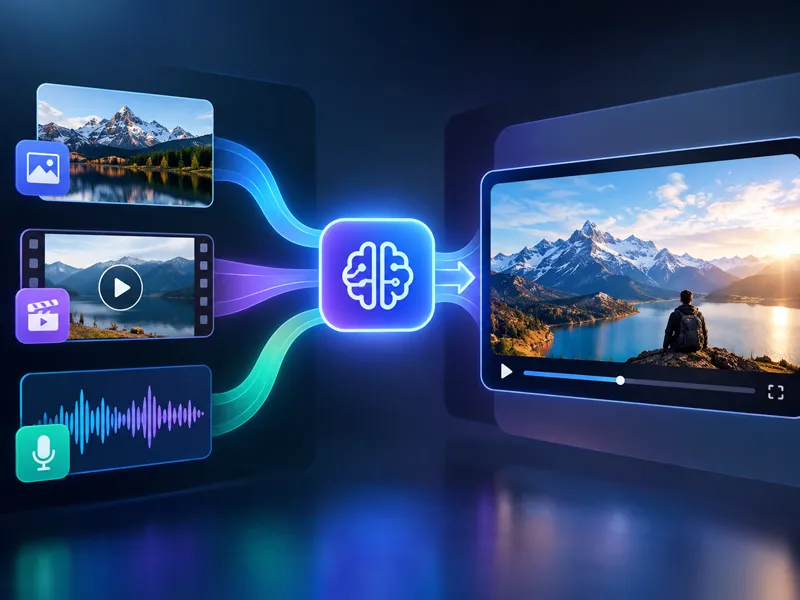
Add stills, a clip, or audio only if you need them. Call each file @image1, @video1, or @audio1 in upload order.
Set output and generate
Pick 5 to 30 seconds, a ratio, and 480p, 720p, or 1080p, then render.
What Is Seedance 2.5?
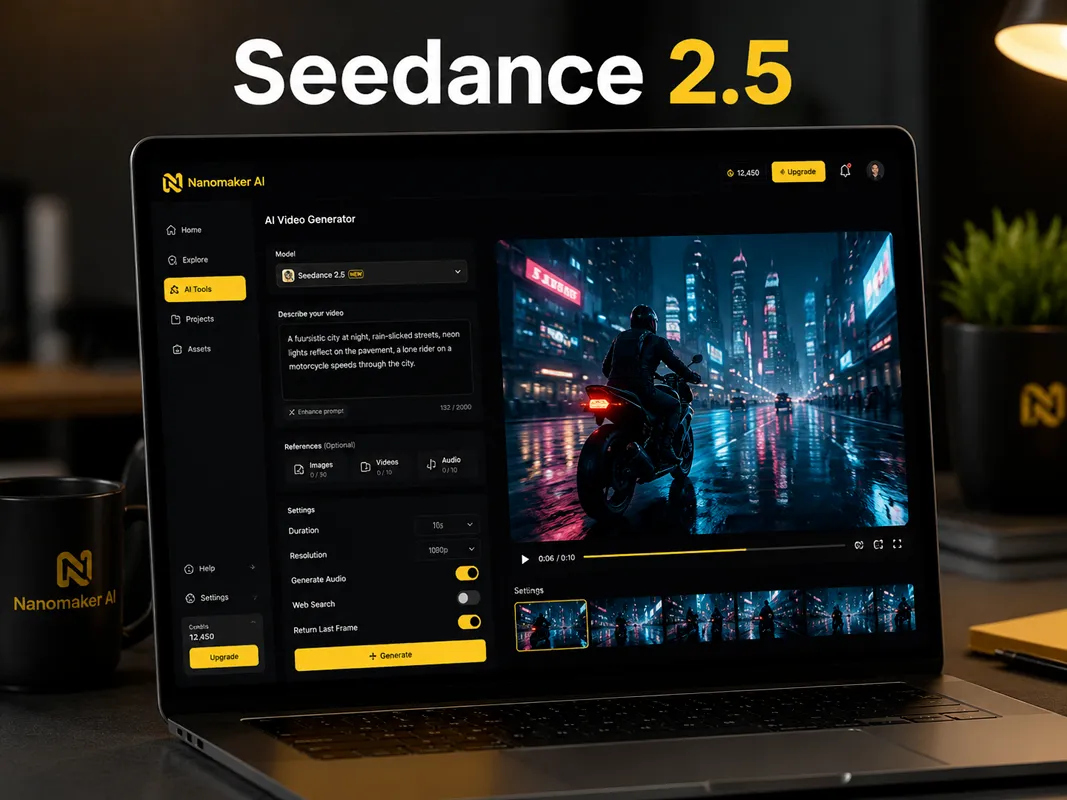
Seedance 2.5 is ByteDance's video model. You write the scene in plain language and it renders a clip from that brief.
- One take from 5 to 30 seconds. The clip is rendered in a single pass, so you are not stitching short pieces.
- References are optional. You can send up to 30 stills, 10 video clips, and 10 audio files if you need them.
- Leave generate audio on to write dialogue, music, and effects with the picture. Turn it off if you will add sound later.
- Pick 480p, 720p, or 1080p, then export MP4 or MOV.
- Optional web search can pull current visual context. Return last frame gives you a still from the end of the clip.
Tips for Prompting Seedance 2.5
Write Seedance 2.5 like a shot list: open, action, close. A frozen beat reads thin over 30 seconds.
- Name the first frame and the last frame, not only the middle.
- Call the camera: slow push, static wide, or handheld follow.
- If generate audio is on, put dialogue or sound cues in the prompt.
- If you attach files, name them @image1, @video1, or @audio1 in upload order and say what each one should lock.
- Keep reference clips and audio short. Combined length stays under 30 seconds.
Key Features of Seedance 2.5
The controls below match what you can actually set on this page. Longer runtime, mixed references, and sound in the same pass do most of the work.
Native 30-second single take
Most video models lose quality well before half a minute. Seedance 2.5 can fill a 30-second window in one render, so a walk-on, a reaction, and a close can live in the same file. You are not stitching five-second pieces or hiding a cut.
Up to 50 mixed references
References are optional. If you add them, Seedance 2.5 takes up to thirty stills, ten clips, and ten audio files, enough to pin a face, a product, a walk, and a voice in one run.
Sound in the same pass
Leave generate audio on and the model writes dialogue, music, and effects while it draws the picture. Timing is set in the render, not in a later sync. Write what you want to hear in the prompt, or attach an audio file if you already have a voice or a bed.
Length, frame, and file type
Set 5 to 30 seconds, pick 480p, 720p, or 1080p, choose a ratio or adaptive, and export MP4 or MOV. The settings match how you will actually post the clip, from a vertical story to a wide ad.
Optional web search
Turn on web search when a scene needs a current look, a real place, or a product that should match what people already know. The model can use that context instead of guessing from the prompt alone.
Last frame on request
Ask for the last frame if you want a still from the end of the clip. That still is useful when you are building a sequence in pieces and need the next shot to start where this one stopped.
Seedance 2.5 Use Cases
A longer single take with sound already in the file covers more real jobs than a short loop.
Advertising and brand films
A TV or social spot still needs a hook, a middle beat, and a last line. Write those beats and let Seedance 2.5 play them as one take. You can test a few openings in an afternoon instead of waiting on a reshoot.
Cinematic product ads
This 30-second Seedance 2.5 spot is one take: a rider locked from a still, an FPV pass over a glowing sea, then a slow hold on the can. Write the camera path and attach a face. You get a Hollywood-style product ad without a water unit.
Social and short-form posts
Extra runtime lets a short post breathe. You can set up a joke or a tip, play the action, and land the last line in one file. Native audio means you can publish without a second sound pass.
Education and explainer videos
Step-by-step explainers stay clearer when the voice and the picture do not jump between cuts. Seedance 2.5 can hold a 20 or 30 second take that walks through one idea, one feature, or one motion without breaking the teacher's rhythm.
Film and story concepts
Writers and directors can previz a 30-second beat with a stable face and lighting before anyone books a crew. Seedance 2.5 is useful when you need to see the camera path and the last frame, not just a mood board.
Who Uses Seedance 2.5?
People who need a complete beat, not a fragment. The same page covers ads, product pages, social posts, lessons, and early film work.
Brand and film producers
You need a hook, a middle, and a last line in one file. A 30-second take is closer to a real spot than a pile of five-second cuts you have to hide later.
Ecommerce and product teams
If you have pack shots, attach them as stills. Describe the handling and get a demo clip without booking a table, lights, and a day of shooting.
Social and short-form creators
You post often and you do not want a second sound edit. Extra runtime plus audio in the same pass gets a clip closer to publish-ready.
Teachers and explainer editors
One idea, one take. A longer shot keeps the voice with the picture so a lesson does not feel like a slideshow with random cuts.
Writers and directors
You want to see a 30-second beat play out before you spend on a crew. A stable face and a clear last frame are more useful than a pretty still.
Agency and freelance teams
Clients react faster to a moving scene than to a deck. Seedance 2.5 helps you show a full spot-length idea while the brief is still warm.
Seedance 2.0 vs 2.5 vs 2.0 Mini
These are the controls this site actually exposes for each model. Mini is the cheaper 2.0 sibling. 2.5 is the longer take with more references and no dedicated frame slots.
| Feature | Seedance 2.0 Mini | Seedance 2.0 | This pageSeedance 2.5 |
|---|---|---|---|
| Duration | 5 to 15 seconds | 5 to 15 seconds | 5 to 30 seconds |
| Resolution | 480p, 720p | 480p, 720p, 1080p | 480p, 720p, 1080p |
| First and last frame slots | Dedicated start and end images | Dedicated start and end images | None. Stills go in as references |
| Reference stills | Up to 9, not with first/last frames | Up to 9, not with first/last frames | Up to 30 stills, 30MB each |
| Reference video | Up to 3 clips, 2 to 15s each | Up to 3 clips, 2 to 15s each | Up to 10 clips, 30s combined |
| Reference audio | Up to 3 files | Up to 3 files | Up to 10 files, 30s combined |
| Return last frame | No | No | Yes |
| Export format | MP4 | MP4 | MP4 or MOV |
Pricing
Choose your plan and get instant access to all premium AI models
Cancel anytime — Unused credits roll over — Usage varies by model and generation type.
Lite
$84 per year billed yearly
4,500 Credits per year

Premium
$100 per year billed yearly
9,600 Credits per year
Max
$240 per year billed yearly
36,000 Credits per year
Free
Pay safely and securely with









What Users Are Saying about Seedance 2.5
Notes from people who needed a full beat, not a three-second loop.
I finally have room for a hook and a last line in one file. I used to cut three short clips together and you could always see the join. This just plays through.
I dump the pack shots in, write how the lid should open, and I get something I can put on a PDP the same day. Not a studio replacement for hero SKUs, but it covers the long tail.
The extra seconds are the whole point for me. I can set up a bit, do the thing, and land it. Sound is already there so I am not dragging it into CapCut every time.
I use it for one-step demos. Pour, mix, result. If I cut between clips the kids lose the thread. One take keeps my voice on the motion.
I send producers a 30 second beat instead of a paragraph. Face stays put if I attach a still. Lighting is less plasticky than the last model I tried.
Clients nod faster when they see a full spot-length idea. Seedance 2.5 is what I open when the brief is still messy and I need motion on the page by evening.
Frequently Asked Questions
Straight answers about length, references, audio, and how this version differs from 2.0 and 2.0 Mini.