Remove Text from Image
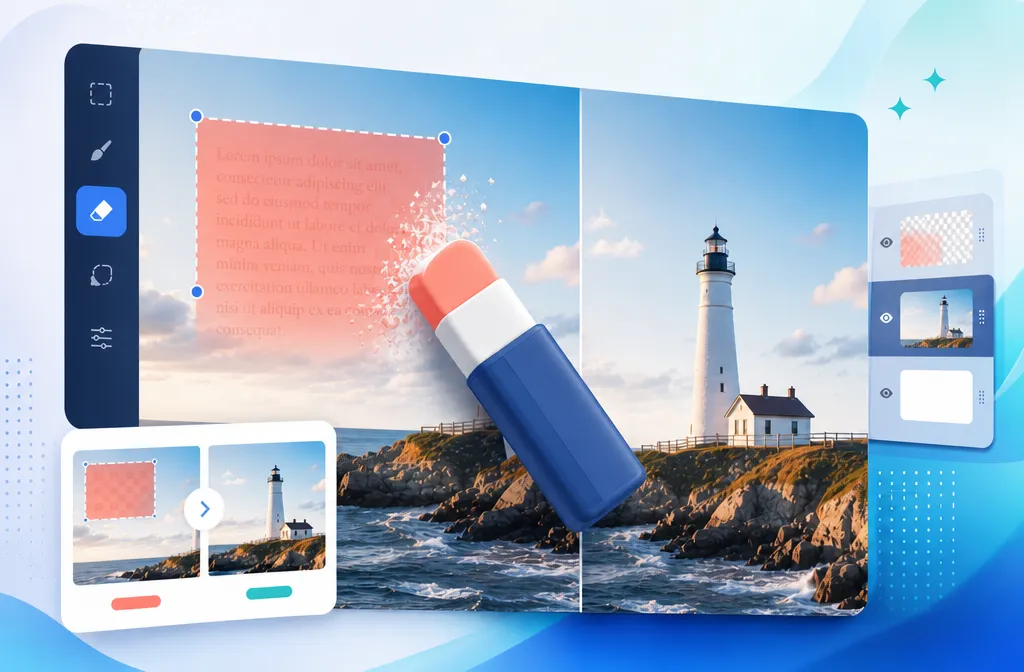
Upload any image and let our remove text from image tool erase the text cleanly — captions, labels, signs, and overlays. The background stays exactly as it was.
More AI tools like Remove Text from Image
Explore our collection of specialized AI image generators designed for different creative needs and styles




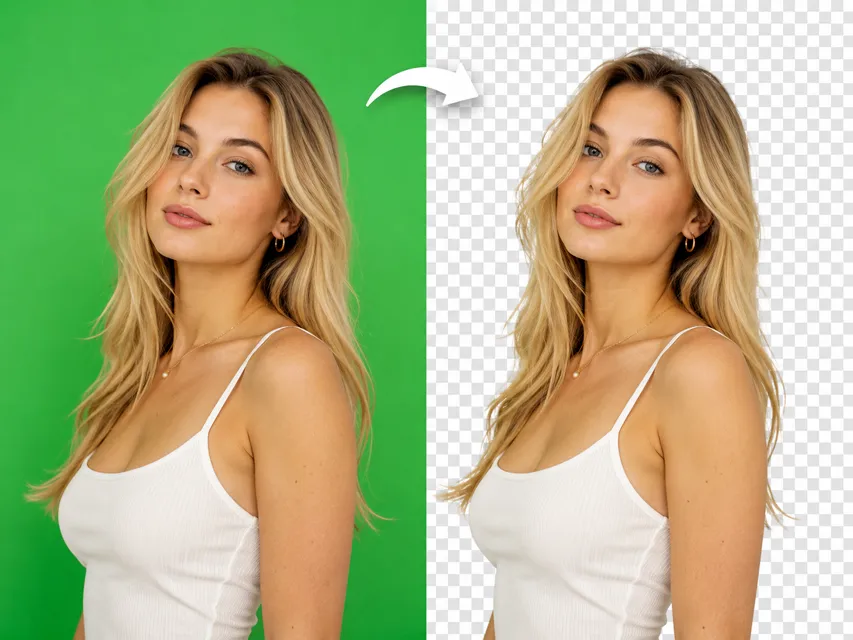
How to Use Our Remove Text from Image Tool
Three steps. No signup needed. No software to install. Just upload and get a clean result.
Upload Your Image
Drop in any image that has text you want removed — product photos, posters, screenshots, signage shots, or anything else. JPG, PNG, and WebP all work.
Review or Adjust the Prompt
A default prompt is already set to remove text while preserving the rest of the image. You can leave it as is, or add specific instructions like which text to target or how to handle the background.
Download Your Clean Image
Once the AI finishes, preview the result and download it at full resolution. The original background, colors, and textures will be preserved — only the text is gone.
Why Use Nanomaker's Remove Text from Image Tool
From product mockups to content repurposing, here's where it actually gets used.

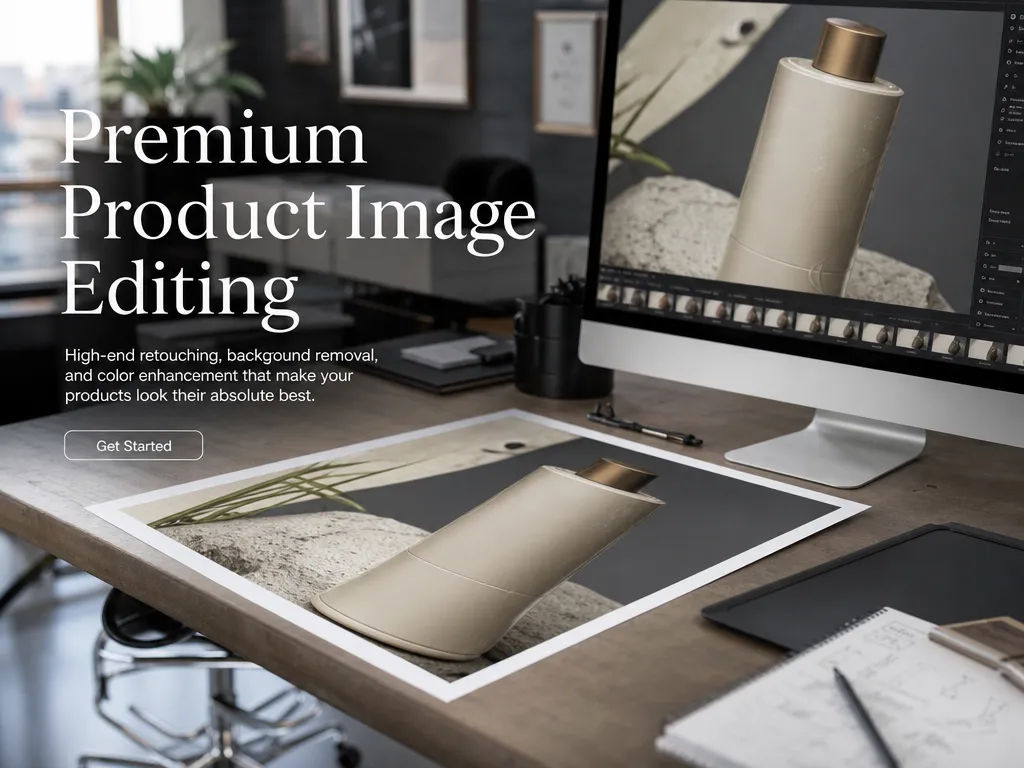
Remove Placeholder Labels Without Touching the Product
When you're preparing product mockups or concept renders, draft labels or placeholder text often need to go — but the product itself has to look untouched. This tool handles that precisely. It strips the text while leaving reflections, surface details, material texture, and lighting exactly as they were. Useful for mockup designers, creative directors, and agencies building clean presentation visuals.
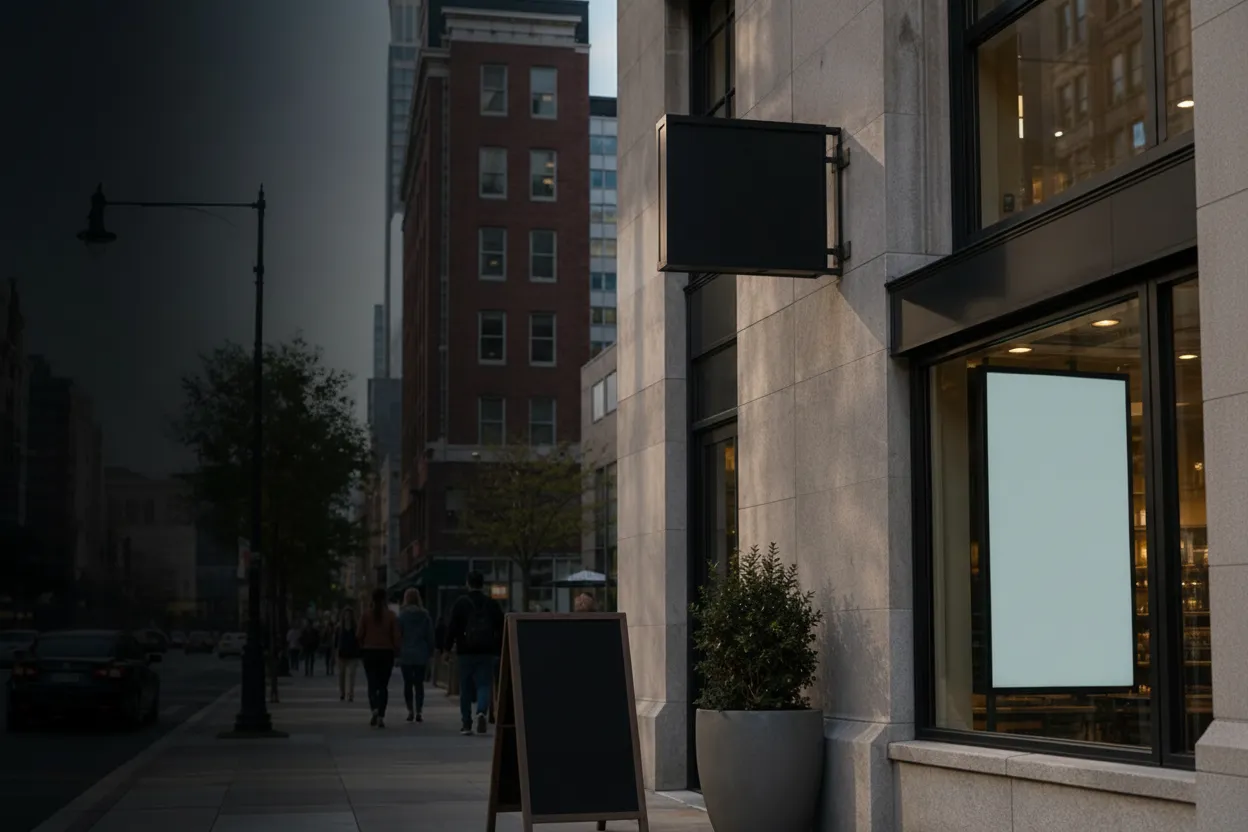
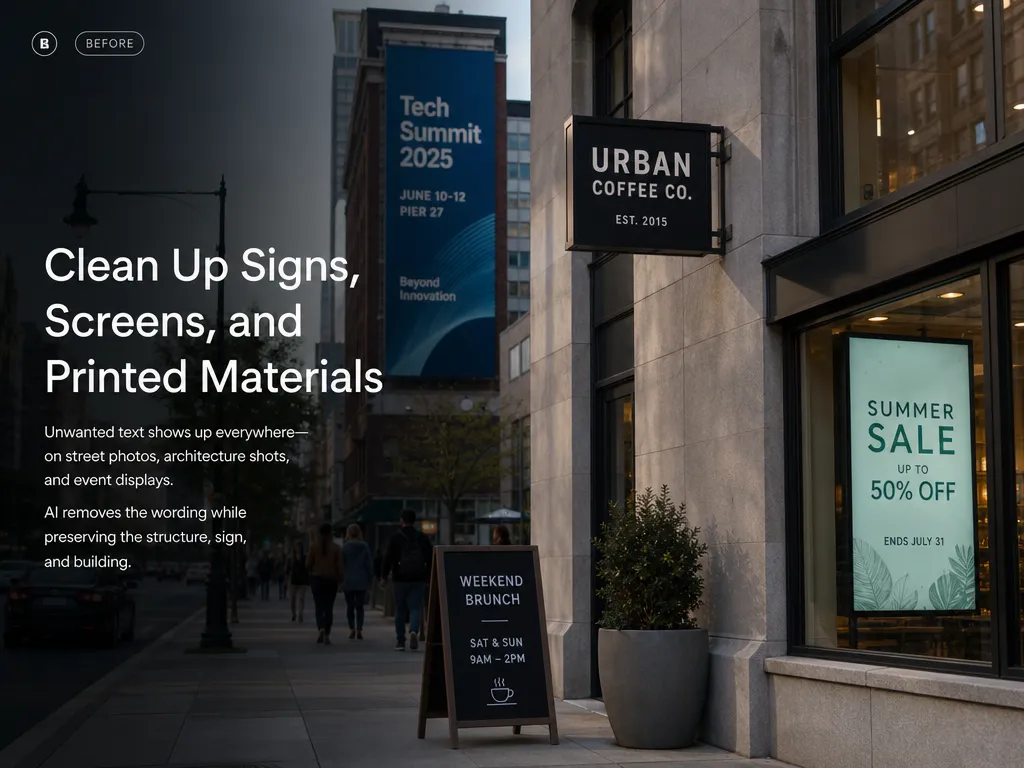
Clean Up Signs, Screens, and Printed Materials
Street photography, architectural shoots, event coverage — text shows up everywhere you don't always want it. A store sign in the background, a billboard in a wide shot, a screen visible through a window. Removing it manually in Photoshop takes real time. Here, you describe what you want gone and the AI handles the rest. The structure of the sign stays. The building stays. Only the wording disappears.

Clear Out Draft Overlays, Captions, and Hard-Coded Subtitles
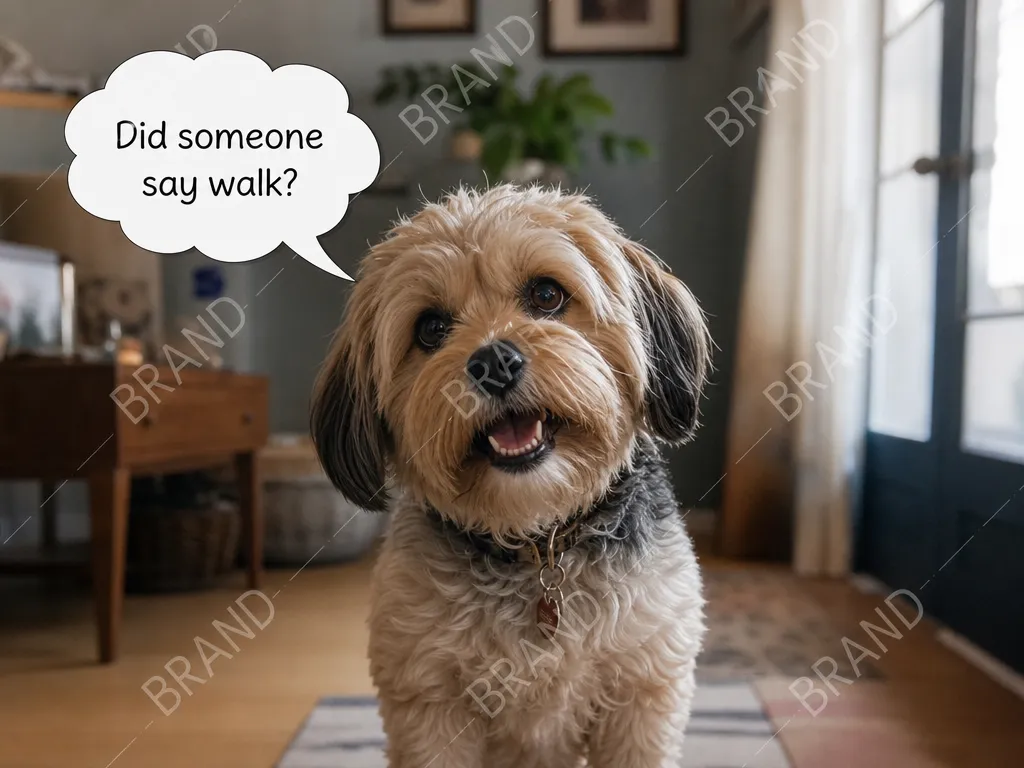
Working with your own footage stills or screenshots that have overlaid text? Whether it's a draft stamp on your own preview image, a caption burned into a social post you created, or subtitles embedded in a video frame you exported — the AI can cleanly remove the overlay while reconstructing the background beneath it. Saves the time you'd otherwise spend re-exporting or reshooting just to get a clean frame.


Text Gone, Everything Else Stays Exactly Right
The most common failure mode with any remove text from image tool is what happens to the area where the text used to be. Blurring it looks lazy. Painting a flat patch of color looks fake. The AI here actually reconstructs the background — matching the texture, color, and pattern of the surrounding area so the removal looks like the text was never there in the first place. Works on fabric, paper, concrete, grass, gradients, and most complex surfaces.
Key Features of Our AI Remove Text from Image Tool
Not just a blur or a patch. Clean removal that holds up at full resolution.
One-Click AI Text Removal
No selection tools, no manual masking, no layer-by-layer editing. Upload your image, and the AI detects and removes the text in one pass. The whole process takes under a minute.
Preserves Full Image Resolution
The output keeps the same resolution as the original. No compression, no downscaling, no quality drop. What you get back is the same image — just without the text.
Free to Use in Your Browser
No account required to start. Our remove text from image tool runs entirely online — nothing to download or install. You upload, the AI processes, and you download right from your browser.
Intelligent Background Reconstruction
When text sits on a complex background — a textured wall, a pattern, a gradient — the AI doesn't just leave a blank spot. It reconstructs what should be there based on the surrounding area.
Who Needs to Remove Text from Images
More people than you'd think run into this problem regularly.
Graphic Designers & Art Directors
Mockup work and client presentations often involve images that have draft labels or placeholder text you need stripped out. A remove text from image tool saves you from doing it manually every time.
E-commerce Sellers and Product Teams
Repurposing your product images across different markets or platforms often means removing older labels, price tags, or draft text before applying updated copy. This handles that in one step.
Content Creators and Social Media Teams
Screenshots, stills, and reference images often come with text overlaid from other platforms. Cleaning them up before reposting or redesigning saves back-and-forth with a designer.
Photographers and Retouchers
Signage and text in the background of a shot can become distracting depending on where the image is used. Removing it post-shoot is faster than reshooting.
What Users Are Saying about NanoMaker's Remove Text from Image Tool
Real feedback from people who've actually used it.
"Used NanoMaker's remove text from image tool on a perfume bottle mockup — needed the draft label gone before presenting an alternative concept to the client. The glass reflections and surface highlights stayed completely intact. Looked like the bottle was never labeled."
"Had a batch of store front photos for a pitch deck and every single one had signage I needed out of frame. I used the remove text from image tool one by one and the sign structures stayed, only the words disappeared. Saved me probably two hours of Photoshop work."
"My client sent me sample product images with outdated placeholder labels all over them. I needed clean product shots to build from. This remove text from image tool stripped the text without leaving those weird blurry smears you get with most editors."
"We pull a lot of screenshots for content and they often have draft overlays or UI text baked in. Removing text from images is now just part of the workflow before anything goes to the designer. Quick and the results are clean enough to use directly."
"Street shots with shop signs in the background are the worst to clean up manually. After trying this to remove text from the images, I was genuinely impressed by the background reconstruction on textured surfaces. Brick walls and tiled floors come out looking natural."
"Tried a few tools to remove text from images and most either blur the area or leave a visible patch. This one actually fills in what should be there. Not perfect on every image but good enough that I don't need to touch it up after."
Pricing plans for Remove Text from Image
Choose your plan and get instant access to all premium AI models
Cancel anytime — Unused credits roll over — Usage varies by model and generation type.
Lite
$84 per year billed yearly
4,500 Credits per year

Premium
$100 per year billed yearly
9,600 Credits per year
Max
$240 per year billed yearly
36,000 Credits per year
Free
Pay safely and securely with








Frequently Asked Questions
Common questions about removing text from images with AI.