AI Shadow Remover
Remove Shadow from Photo with AI. Soften uneven lighting, keep useful detail, and get cleaner everyday results in your browser.
More AI tools like Shadow Remover
Explore our collection of specialized AI image generators designed for different creative needs and styles
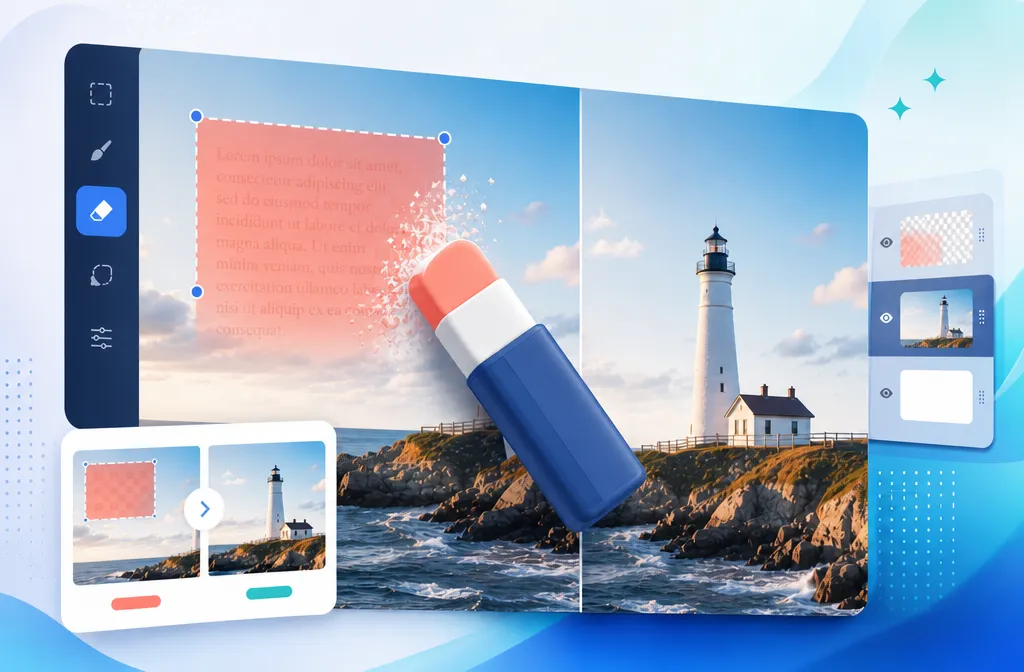
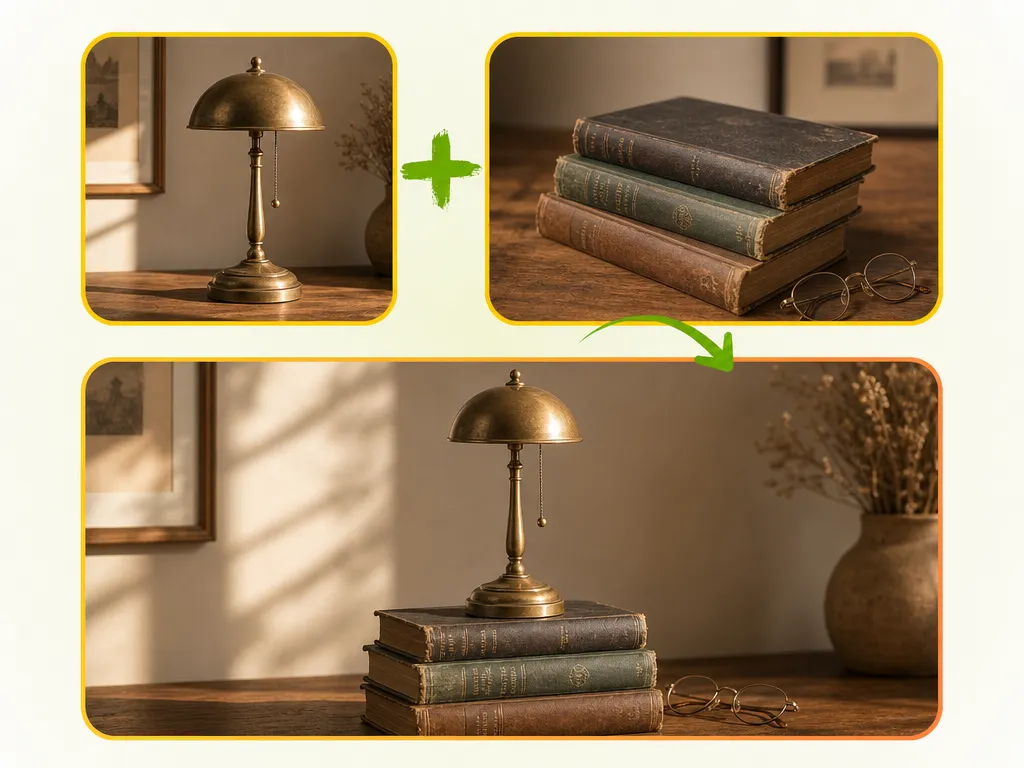


How to remove shadows from a photo with AI
Three quick steps. Works with photos from your computer, Android phone, or iPhone.
Choose a scene and cleanup level
Pick a scene for your photo, then choose how strongly shadows are cleared, or leave the defaults.
Upload
Add one photo or up to 16 at once. JPG, PNG, and WebP are supported, including files from your iPhone Camera Roll.
Generate & download
Hit Remove Shadows, review the results, then download the cleaned photos.
Six scene types for people, products, and more
Pick the scene that matches your photo. The shadow remover handles the lighting cleanup from there. Results vary by photo quality and lighting.
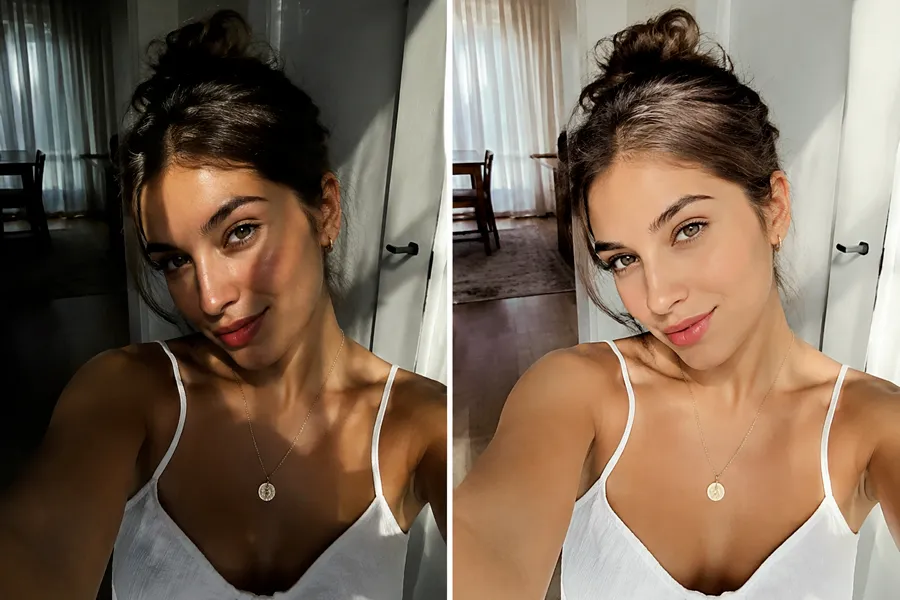
General for everyday phone photos
Mixed indoor lamps, doorway shade, and midday sun leave patchy light on travel snaps, selfies, and casual room shots. General is the default shadow remover choice when the album is mixed and you want to remove shadow from photo files without writing a prompt. Texture and color stay close to the original while harsh blobs soften.
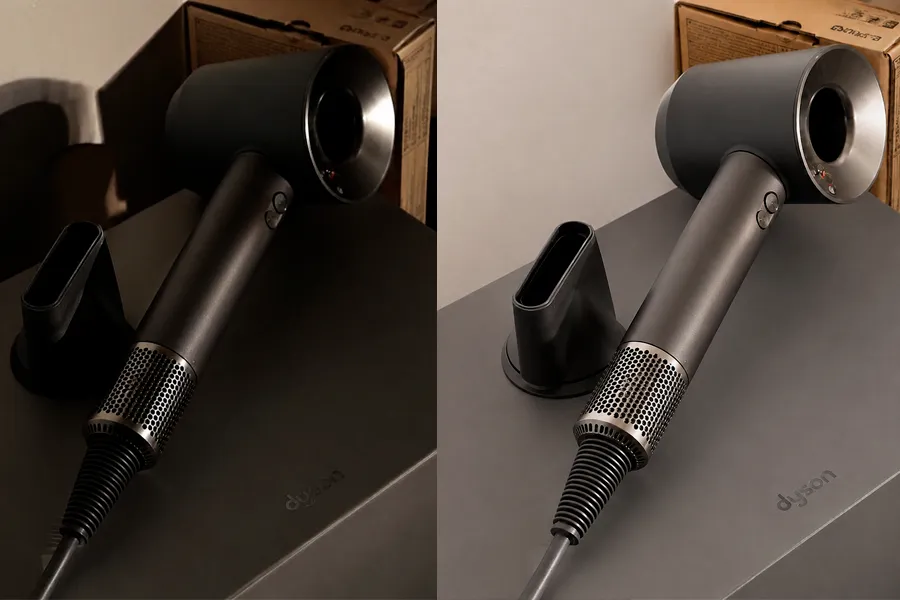
Product Photo for listings and catalogs
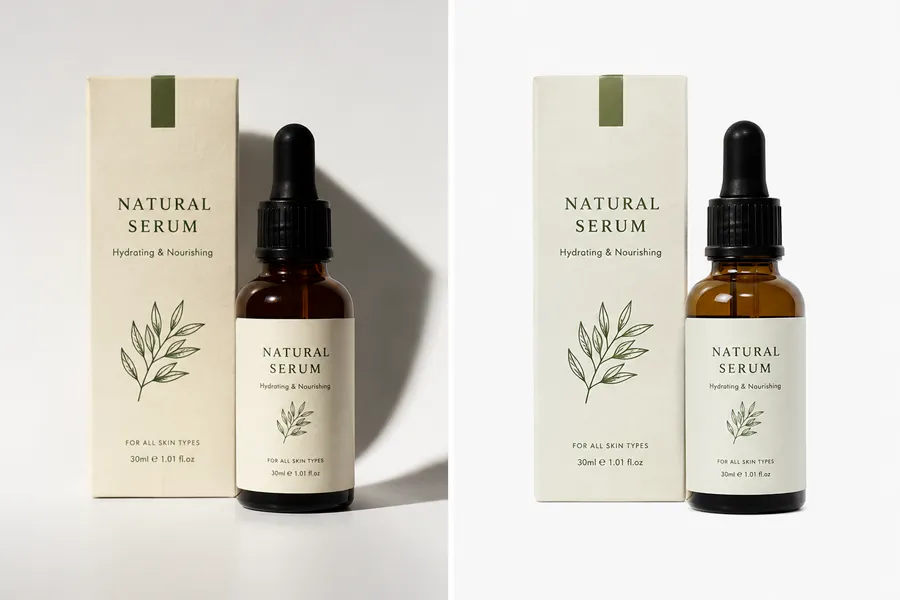
Table shade and heavy drop shadows make packaging look unfinished online. Product Photo helps you remove shadow from product photos while keeping shape, label text, material grain, and brand color. Clean desk or phone captures in a batch before you upload product listings.
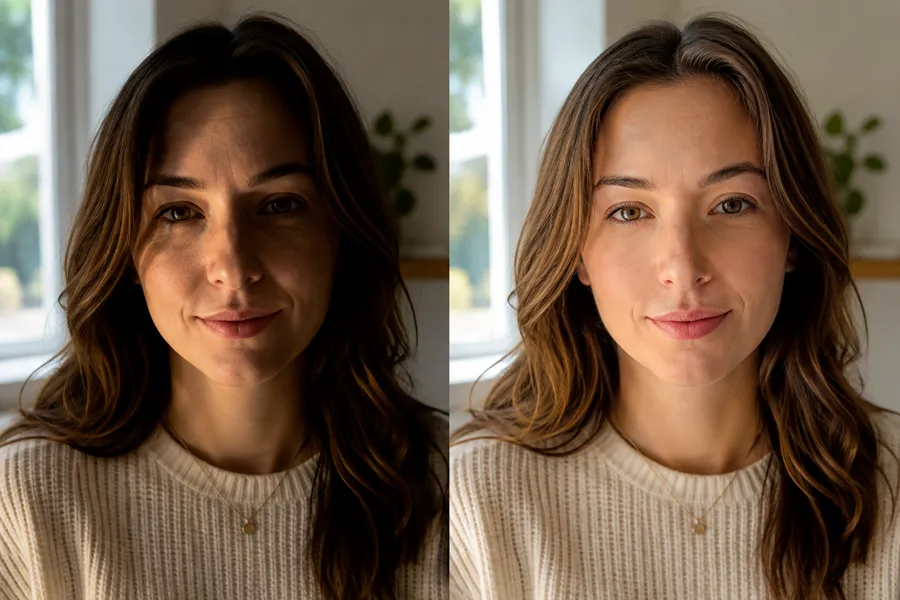
Portrait for faces that still look like you
Window light and hard flash often bury one side of a face. Portrait softens that cast while keeping identity, skin texture, hair, and expression. Use it for headshots, event photos, and iPhone portraits when you want to remove shadows from a photo without a flat beauty-filter look.
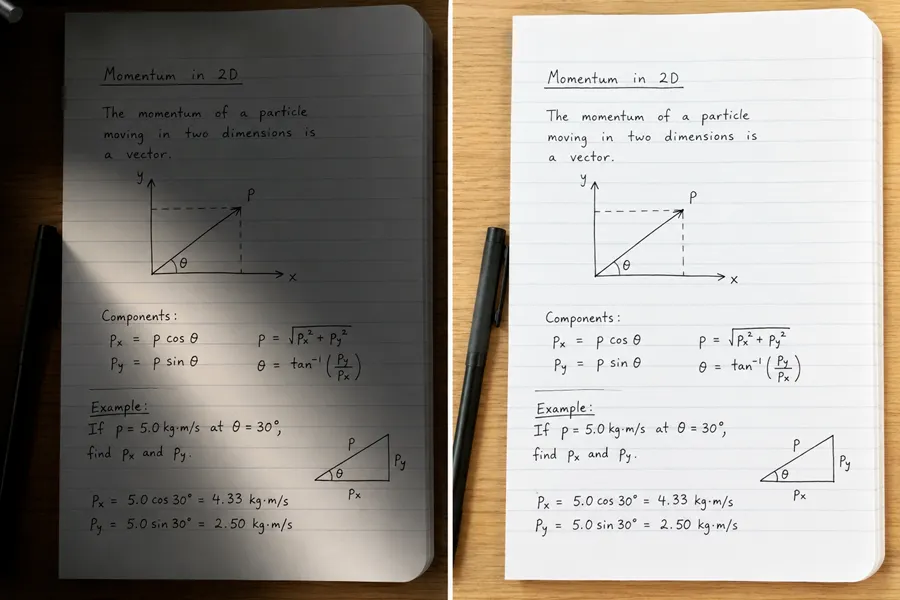
Document for paper and notes
Desk lamps and window light often leave one side of a page dark, especially on handwritten notes, sketchbook pages, and paper photographed on a phone. Document softens those uneven patches so the sheet looks clearer and more even while keeping lines and handwriting close to the original. Use it when a quick photo of paper needs cleaner light, then switch to General if the frame also includes people or a room.
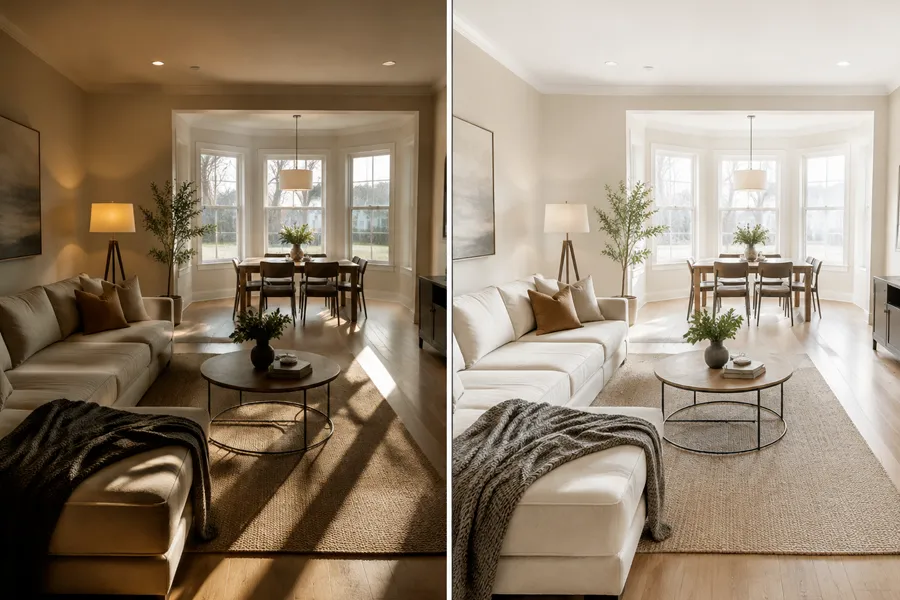
Interior for rooms and walkthroughs
Sun stripes on the floor and hard lamp cones make rooms feel darker than they are. Interior evens those casts while keeping furniture layout, fabric, wood grain, and window views. Useful for real estate tours, short-term rental sets, and client walkthroughs when you need brighter rooms without a blown-out edit.
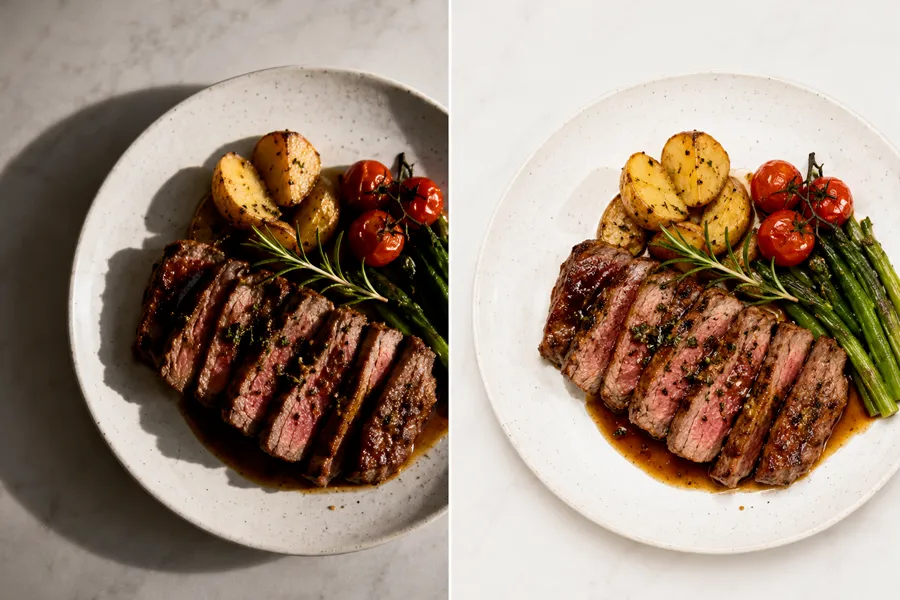
Food for plates that still look real
Cafe bulbs and phone flash leave hot spots next to muddy plate shadows. Food softens the distraction while protecting sauce texture, garnish edges, and natural color. Use Food for dish close-ups when you want to remove shadow from photo plates for menus or social posts, or General if people share the frame.
Key features of NanoMaker's AI shadow remover
Cleaner light with less manual editing. Results still depend on your source photo.
Natural light that still looks real
The shadow remover softens harsh shade and uneven light while keeping depth, color, and texture. Faces, products, rooms, and plates look cleaned rather than flattened or over-filtered.
Choose how much shadow to clear
Pick Remove all shadows, Keep useful shadows only, or Keep useful shadows + natural light. Match the cleanup strength to portraits, products, documents, or everyday shots without rewriting prompts.
Upload multiple photos
Upload several photos at once (up to 16) and run batch processing. Handy for catalogs, event photos, room tours, and mixed phone albums.
Six scene types, no prompts
Choose General, Portrait, Product Photo, Document, Interior, or Food and start. Each scene type matches a common photo job so you do not rewrite instructions for every upload.
Who needs a shadow remover
Anyone who wants cleaner light on everyday photos without a long desktop edit.
iPhone and phone photo users
Harsh sun, doorway shade, and mixed lamps often ruin otherwise good Camera Roll shots. Upload from your phone, pick General or Portrait, and remove shadows from everyday photos while keeping the moment intact.
Product sellers and e-commerce teams
Table shade and heavy drop shadows make listings look unfinished. Product Photo helps you remove shadow from product photos so labels stay clear and catalogs look more consistent before you publish.
Portrait photographers and creators
Window light and hard flash often cast one side of a face into deep shade. Portrait cleans that cast for proofs, selfies, and talking-head stills while keeping identity and skin texture believable.
Family and everyday albums
Mixed lamps and outdoor shade often leave one side of a group photo too dark. Use General or Portrait to clean the light so shared albums look more even without a long edit.
Real estate and interior shooters
Mixed lamps and sun stripes make rooms feel smaller or unfinished. Interior evens the light for walkthroughs and listings while keeping furniture, fabric, and window views honest.
Food bloggers and menu creators
Cafe bulbs and phone flash leave hot spots next to muddy plate shadows. Food softens the distraction while keeping sauce texture and natural color for menus and social posts.
NanoMaker vs other AI shadow removers
Typical online tools and generic editors are often slower or less natural. Here is where NanoMaker stands out.
| Feature | Other AI shadow removers | NanoMaker |
|---|---|---|
| Speed | Slow manual edits or long wait times | Fast AI cleanup in the browser |
| Natural results | Flat patches or odd color shifts | Balanced light with subjects kept intact |
| Ease of use | Blank prompts or complex brush settings | Six scene types, no prompt writing |
| Batch processing | Usually one photo at a time | Upload up to 16 photos for batch processing |
Pricing plans for Shadow Remover
Choose your plan and get instant access to all premium AI models
Cancel anytime — Unused credits roll over — Usage varies by model and generation type.
Lite
$84 per year billed yearly
4,500 Credits per year

Premium
$100 per year billed yearly
9,600 Credits per year
Max
$240 per year billed yearly
36,000 Credits per year
Free
Pay safely and securely with









What users say about the AI shadow remover
What people say after cleaning up messy light in their photos.
"I shoot near windows a lot and half the face always looked muddy. Portrait mode helped me remove shadow from photo batches without that fake plastic skin look. Got proofs to clients the same night."
"My desk lamp always left a dark oval under the packaging. Used Product Photo to remove shadow from photo listings and they finally look closer to studio shots. Being able to do 16 at once saved me so much time."
"Our living room lights always left half the family photos too dark. The shadow remover cleaned those up enough that I could share the album without picking favorites just for lighting. Super easy on my phone."
"Mixed lamps in interiors used to mean a long Lightroom session. I run walkthrough stills through NanoMaker first now. Easiest way I've found to remove shadow from photo corners without making the furniture look fake. Agents stopped asking me to fix that dark wall on every listing."
"Cafe lighting is a mess. When I need to remove shadow from photo plates for Instagram, the Food scene cleans it up without killing the sauce color. I still edit a few favorites, but most are fine right after download."
"I'm not a pro. I just wanted to remove shadow from photo vacation shots that looked like half the album was taken in a cave. General fixed enough that I could share everything without apologizing for the light. A bunch of those were straight off my iPhone."
Shadow remover FAQ
Clear answers before you remove shadow from a photo online.