Relight Any Photo with AI
Create natural, studio, or cinematic lighting in just a few clicks.
More AI tools like Relight
Explore our collection of specialized AI image generators designed for different creative needs and styles


How to relight a photo with AI
Three quick steps. Pick a scene, upload, then download.
Choose a scene
Pick the scene that fits your photo. Defaults are fine if you are unsure.
Upload your photos
Add one photo or a small batch. Adjust light position and tone if you want, or keep the defaults.
Generate and download
Click Relight, check the results, then download what you like.
Seven scenes for people, products, and spaces
Each scene matches a real lighting job. Pick the one that fits why the current light is failing.
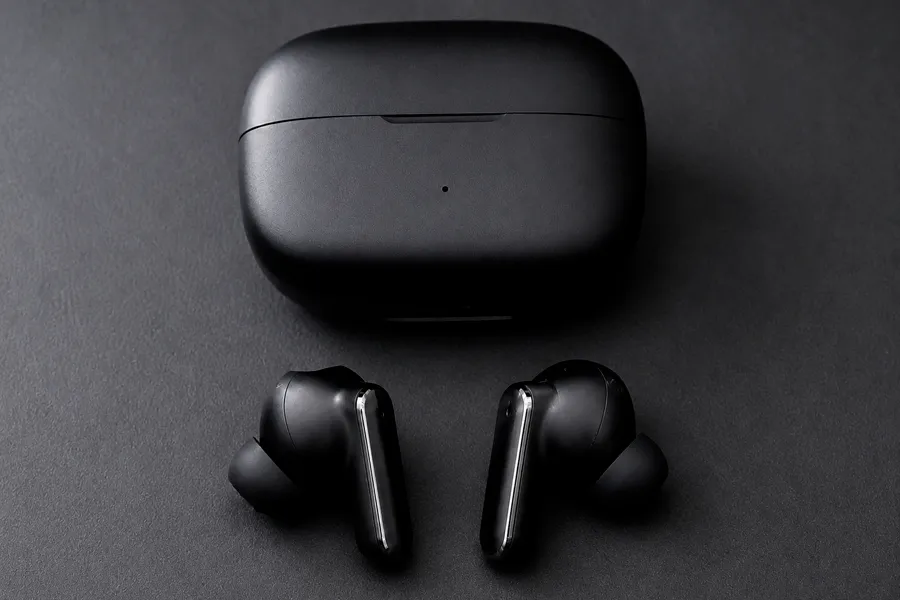
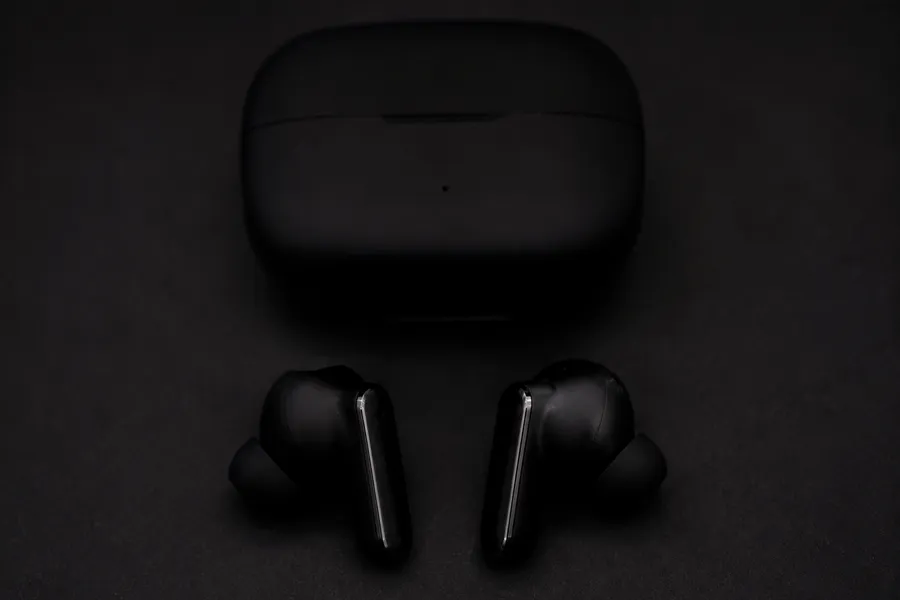
Product for store listings
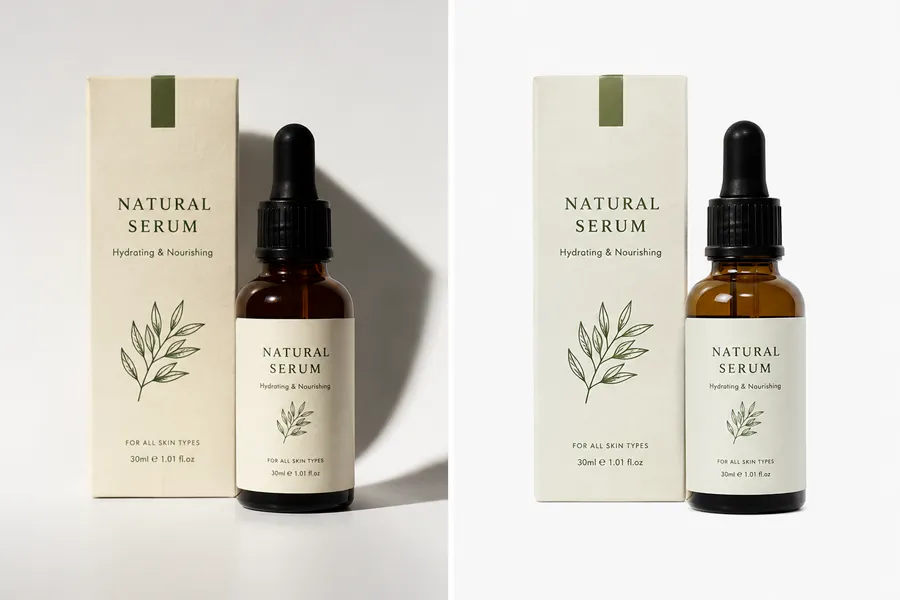
Shoppers decide in a second. Flat phone light or yellow desk lamps make a solid product look cheap, and a mixed catalog looks unfinished. Product uses soft side key light so shape, materials, and labels read clearly while the item, logo, and brand colors stay the same.
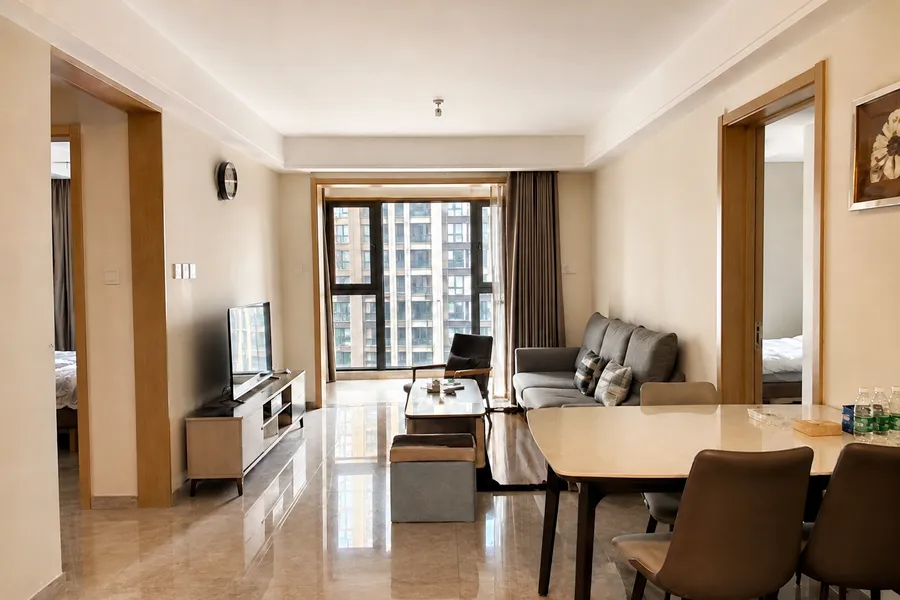
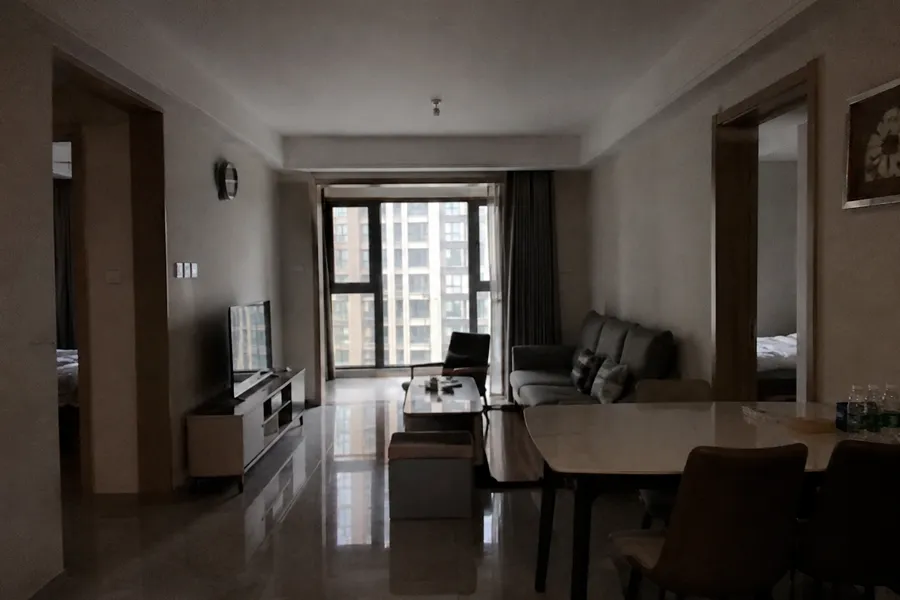
Real Estate for listings
Dark corners and mixed bulbs make rooms look smaller or dingier than they are, so buyers swipe past. Real Estate lifts interiors with an even daylight-balanced wash so spaces feel open and welcoming, without moving furniture or changing the floor plan.
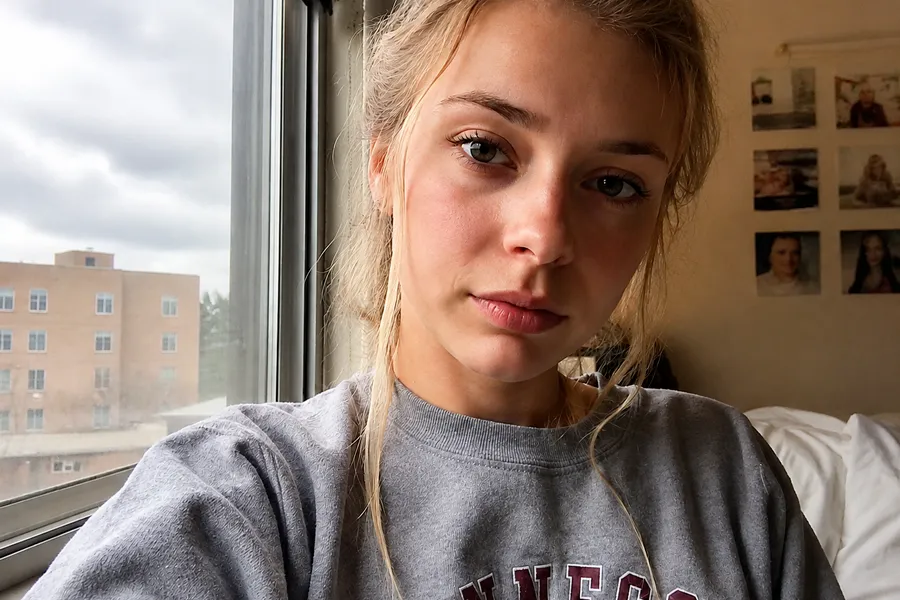
Portrait for people
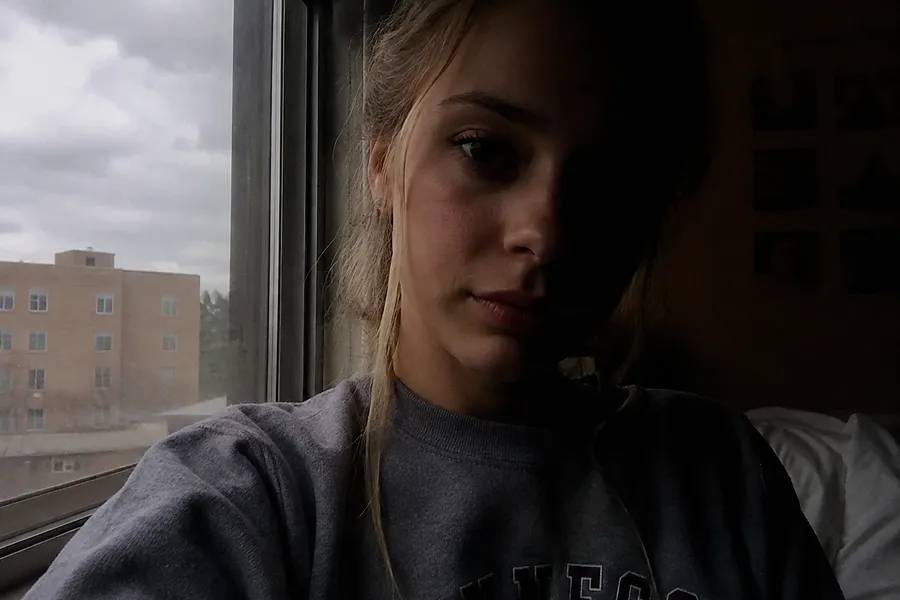
Window light or hard flash often leaves half the face in shadow, which kills headshots and client proofs. Portrait adds soft side light that keeps the face dimensional and friendly, while the person still looks like themselves, not a smoothed filter face.
Studio for ads and lookbooks
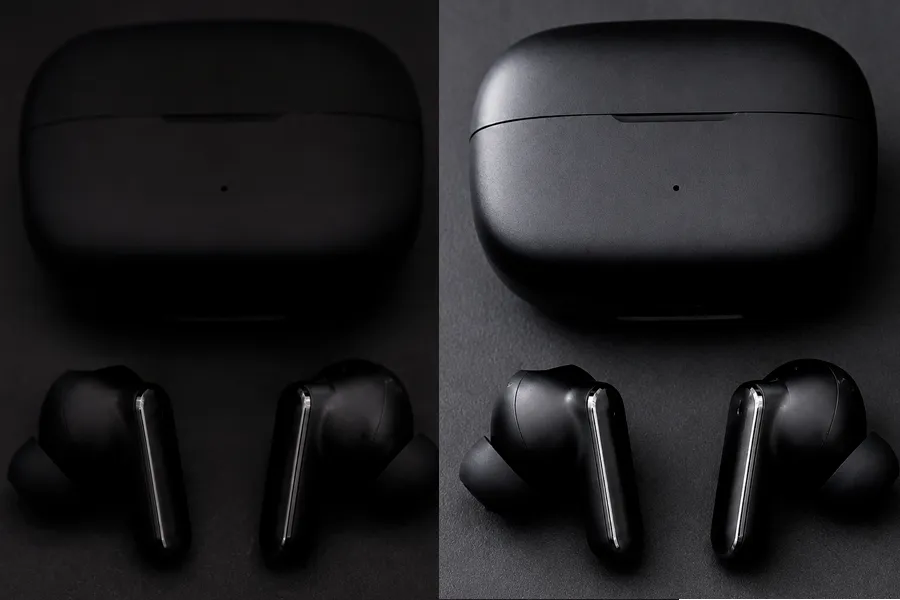
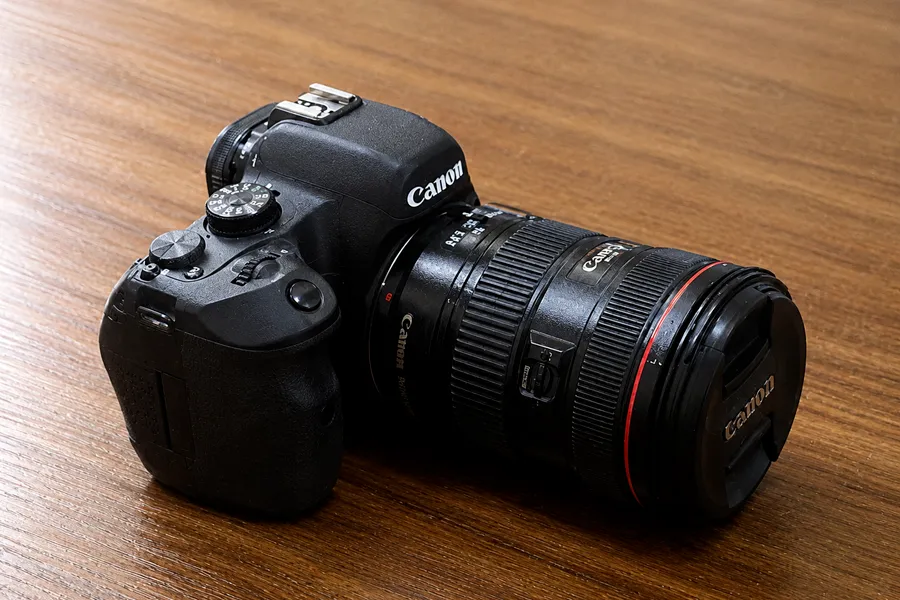
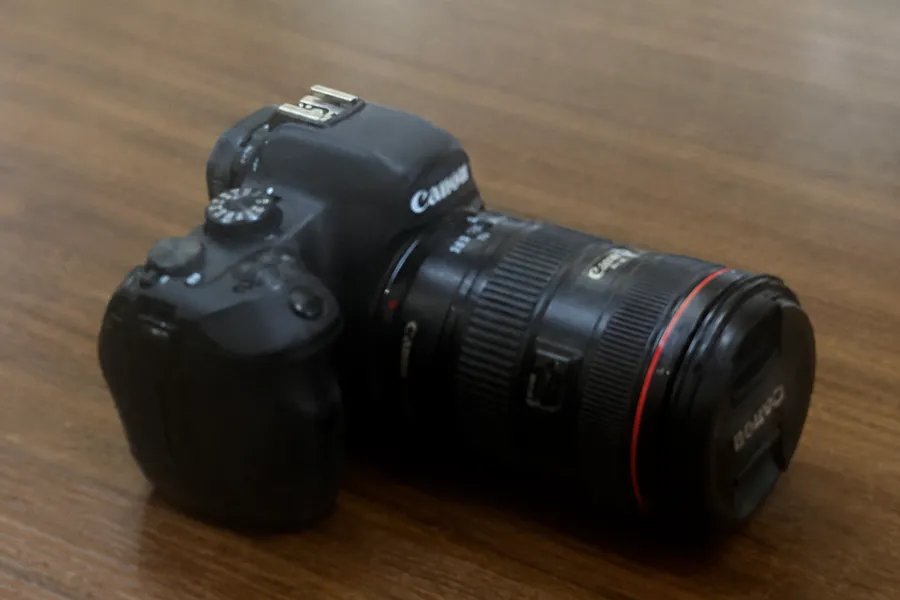
Ads and lookbooks need intentional key light, but most brand photos are shot at home or in an office. Studio turns those casual frames into clean commercial light with soft elevated side key, without booking a real lighting kit.
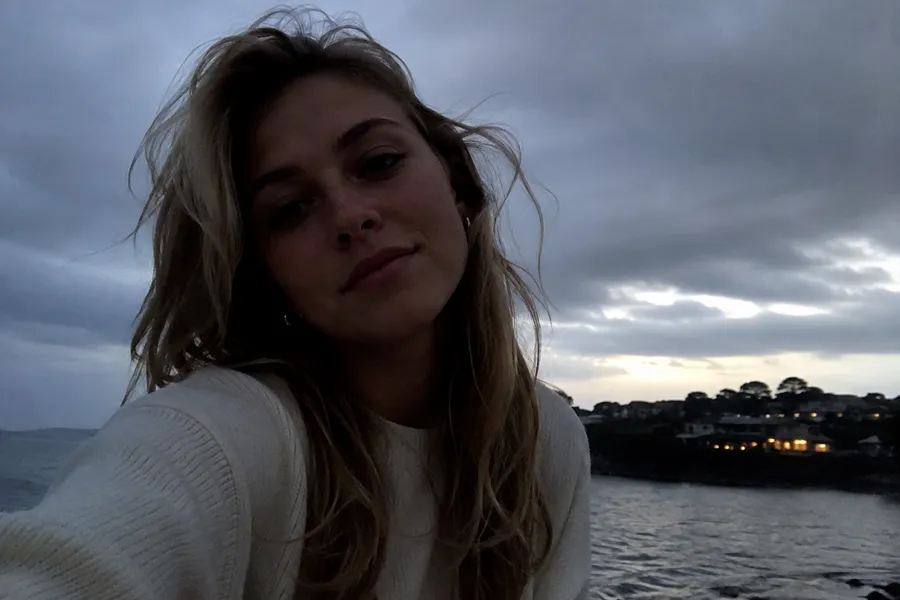
Beauty for makeup and skincare
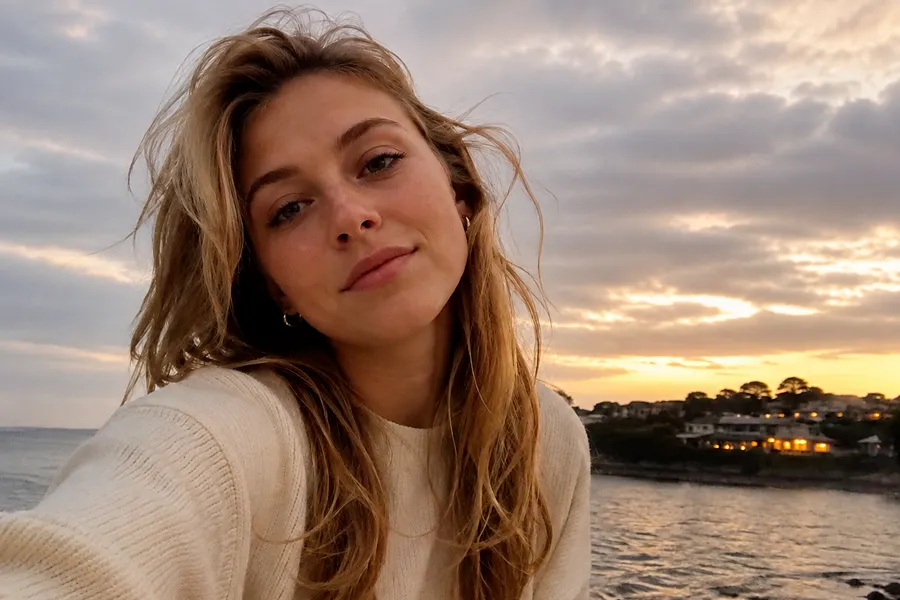
Bathroom bulbs turn foundation orange and hide texture, so beauty posts look wrong before anyone sees the product. Beauty wraps soft frontal light with a slight warmth so makeup edges and skin detail stay visible and color-true.


Golden Hour for lifestyle photos
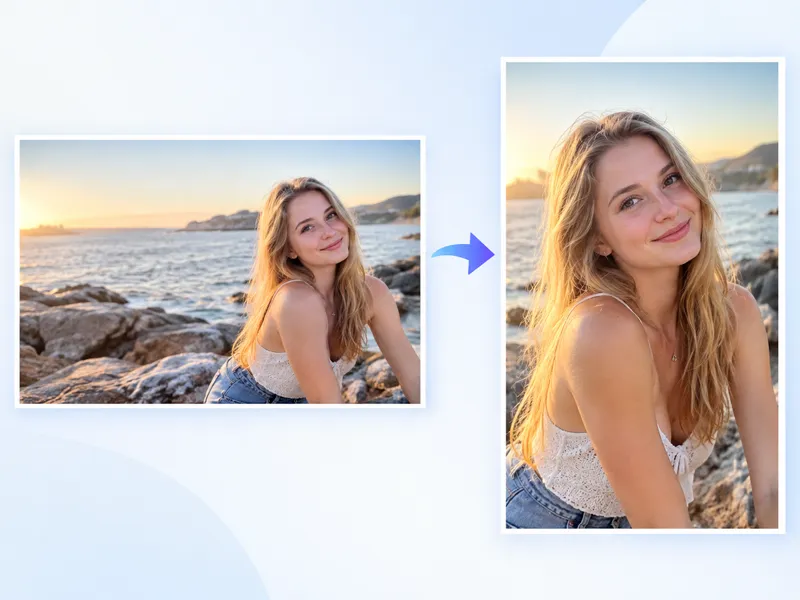
You already shot the moment, but the sky went gray and the feed feels cold. Golden Hour recovers low warm backlight like late-day sun, without dumping an orange filter on the whole frame or changing the place.
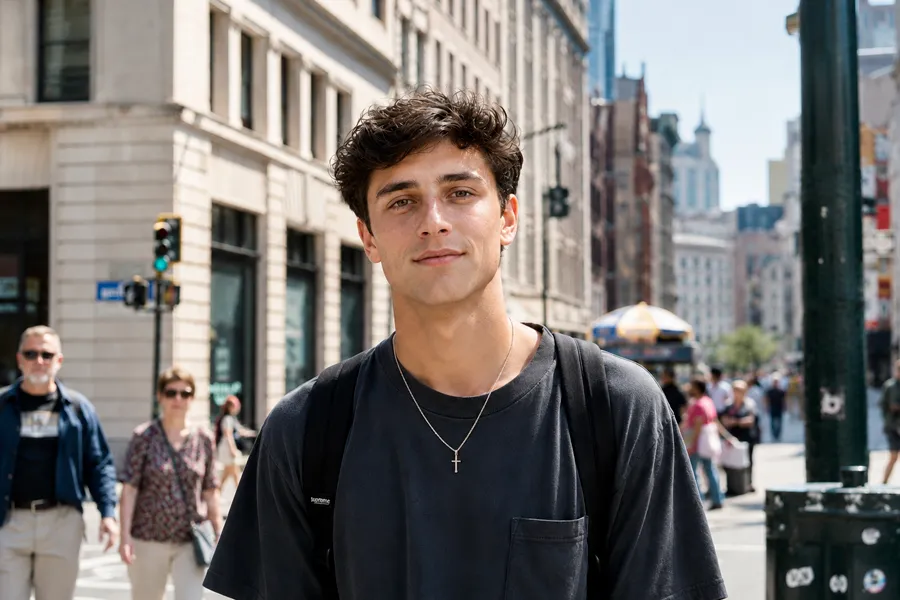
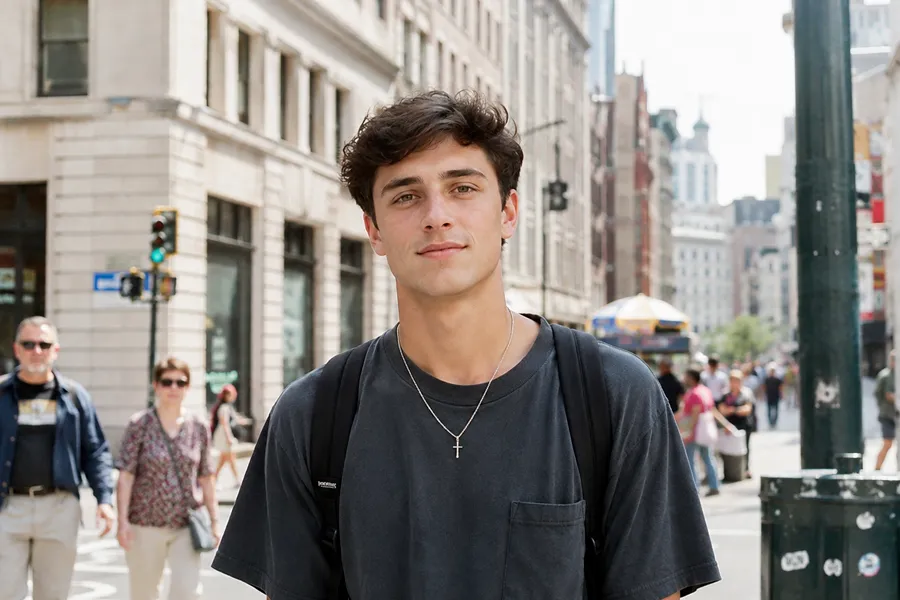
Cinematic for thumbnails and campaigns
Flat midday light makes thumbnails and campaign stills easy to scroll past. Cinematic adds cooler directional side light and stronger contrast so the frame has mood and depth, without rebuilding the shot.
Key features of NanoMaker Relight AI
When the photo is fine but the light is hurting trust or clicks, fix the light instead of booking another shoot.
Point the light where you need it
Side key sells products, frontal wrap flatters beauty close-ups, and cool side light adds mood to stills. Set light position and warm, neutral, or cool tone without writing a prompt.
Scenes matched to real jobs
Product side key, even listing wash, soft portrait light, beauty wrap, golden-hour rim, and cinematic contrast each need a different setup. Pick the scene for that job, then tweak if you want.
Keep a whole set consistent
One good shot is not enough when a catalog, room tour, or beauty set has to match. Upload up to 10 photos and process them with the same scene so the page does not look pieced together.
Same subject, better light
Buyers and clients need to recognize the real product, face, or room. Relight AI changes direction and color temperature while keeping identity, materials, logos, and framing in place.
Who needs Relight AI
People open Relight AI when the photo is fine, but flat, yellow, or uneven light is costing clicks, trust, or a reshoot.
Online sellers
Flat phone light and yellow desk lamps make products look cheap, and mixed catalogs look unfinished. Soft side key helps shape and labels read clearly so listings look more consistent without another shoot.
Real estate agents
Dark corners and mixed bulbs make rooms feel smaller or dingier than they are. An even daylight-balanced wash brightens listings when you cannot get back with a photographer.
Portrait photographers
Window light or hard flash often leaves half the face in shadow. Soft side light fixes proofs and headshots while clients still look like themselves, not a smoothed filter face.
Beauty creators
Bathroom bulbs turn foundation orange and hide texture. Soft frontal wrap with a slight warmth keeps makeup edges and skin detail visible and color-true.
Lifestyle and travel shooters
You missed the warm light window and the feed feels cold. Recover low warm backlight like late-day sun without dumping an orange filter on the whole frame.
Social and video teams
Flat midday stills are easy to scroll past. Cooler directional side light and stronger contrast give thumbnails and campaign frames mood when reshooting is not an option.
NanoMaker vs other AI image relighters
What matters when bad light is costing you trust, consistency, or another shoot.
| Feature | Other AI image relighters | NanoMaker |
|---|---|---|
| Looks like the real subject | Plastic skin or color-shifted products | Believable light on the same photo |
| Getting a usable result | Blank prompts or dense lighting panels | Job scenes plus position and tone |
| Consistent sets | Usually one photo at a time | Batch several photos with the same lighting |
Relight AI pricing plans
Choose your plan and get instant access to all premium AI models
Cancel anytime — Unused credits roll over — Usage varies by model and generation type.
Lite
$84 per year billed yearly
4,500 Credits per year

Premium
$100 per year billed yearly
9,600 Credits per year
Max
$240 per year billed yearly
36,000 Credits per year
Free
Pay safely and securely with









What users say about Relight AI
What people say after they relight photos with NanoMaker.
"My desk lamp made every product shot look different. Used the Relight AI on a bunch of them and they finally look like they belong in the same store."
"Had a listing where the living room looked weirdly dark. Fixed it with the Relight AI instead of waiting on another shoot. Kitchen looks normal now too."
"Half the face was in shadow on so many client shots. The Relight AI cleaned it up without making skin look fake. Clients still look like themselves."
"My bathroom light turns foundation orange every time. Warmed a few close-ups with the Relight AI and the makeup still looks like makeup, not plastic."
"Missed sunset on a travel day and the photos were just gray. The Relight AI got enough warmth back that I could actually post them."
"Noon light is useless for thumbnails. Ran a few campaign stills through the Relight AI and they look less flat. Good enough when I cant reshoot."
Relight AI FAQ
Clear answers before you relight photos online.