AI Image Combiner
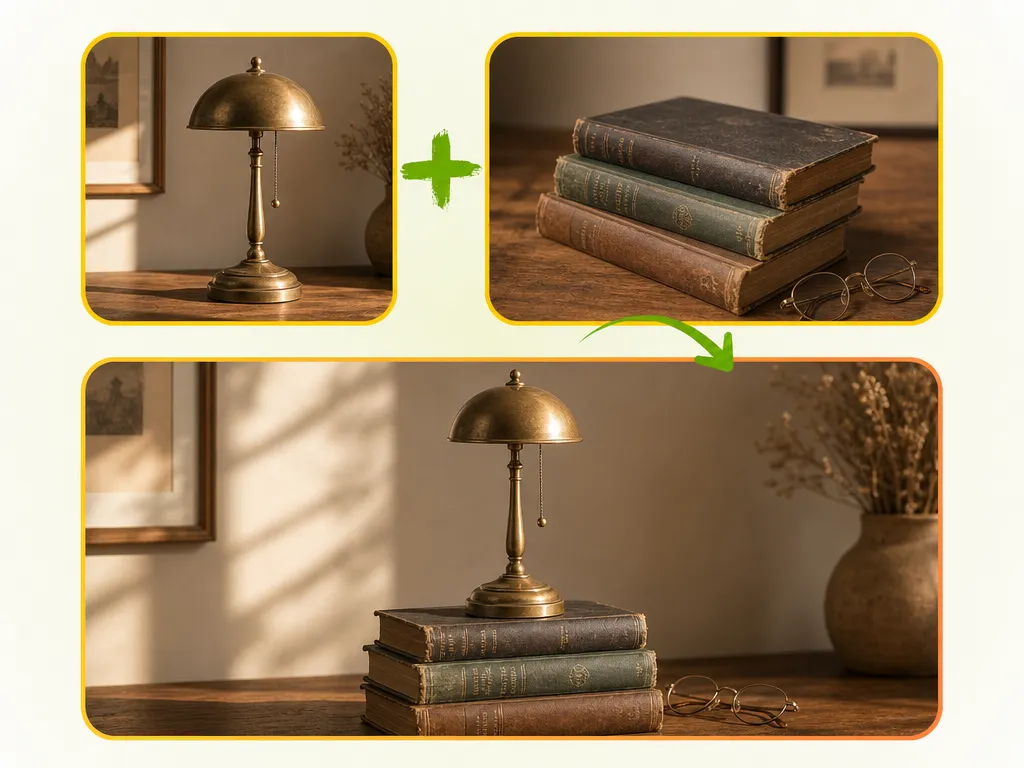
Upload up to four images and let the AI blend them into a single, coherent composition. Objects, backgrounds, and lighting merge naturally — no editing skills required.
More AI tools like Image Combiner
Explore our collection of specialized AI image generators designed for different creative needs and styles
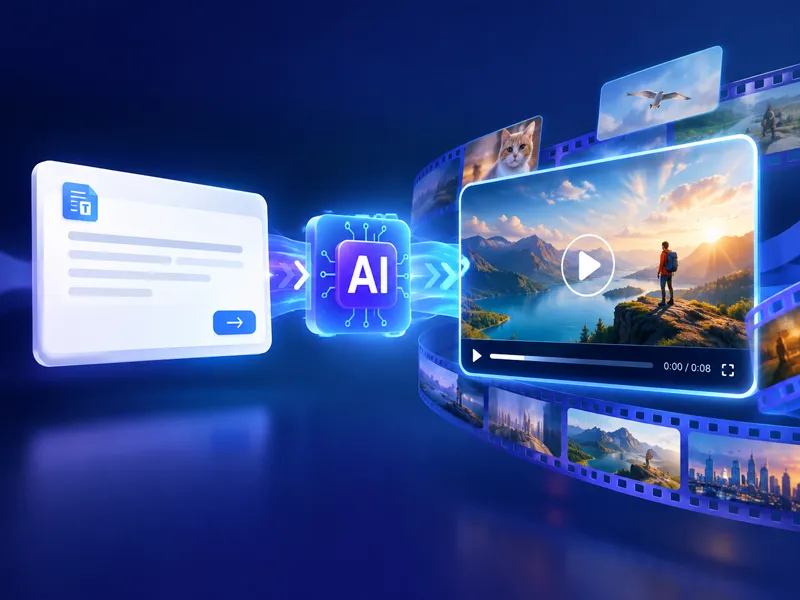
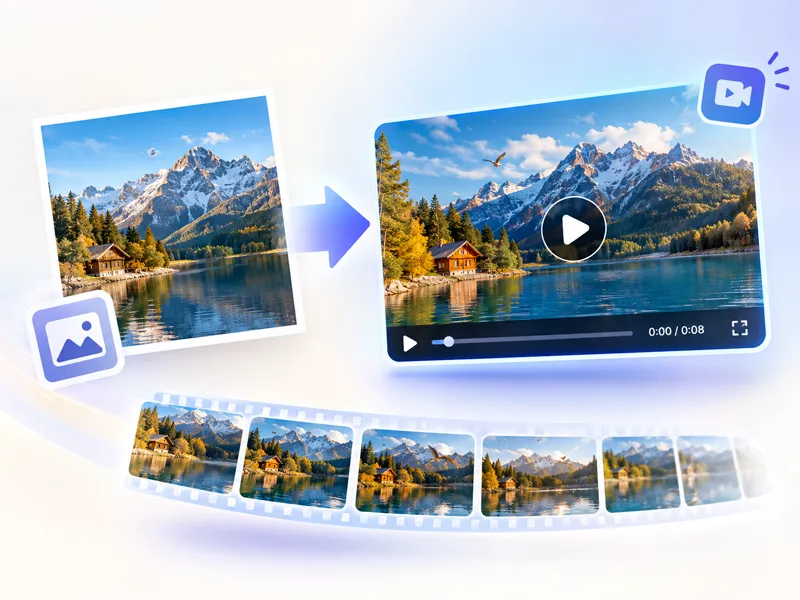
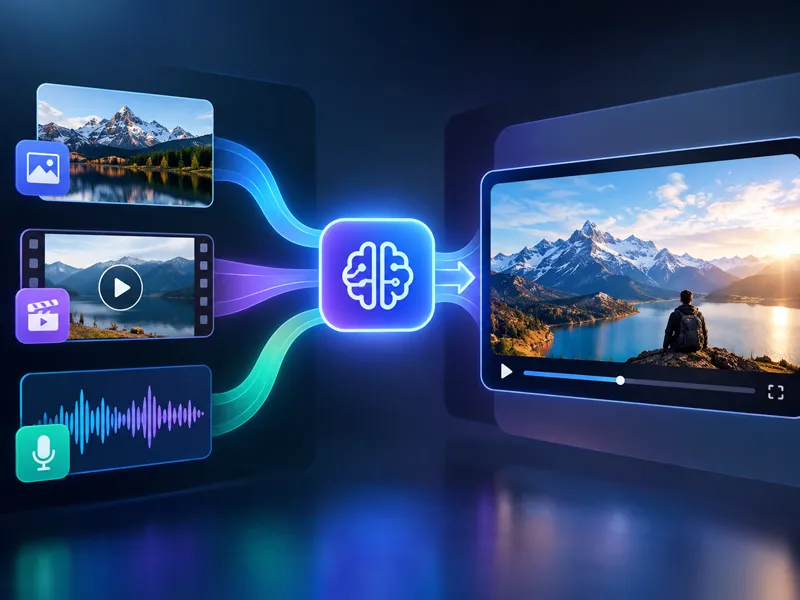
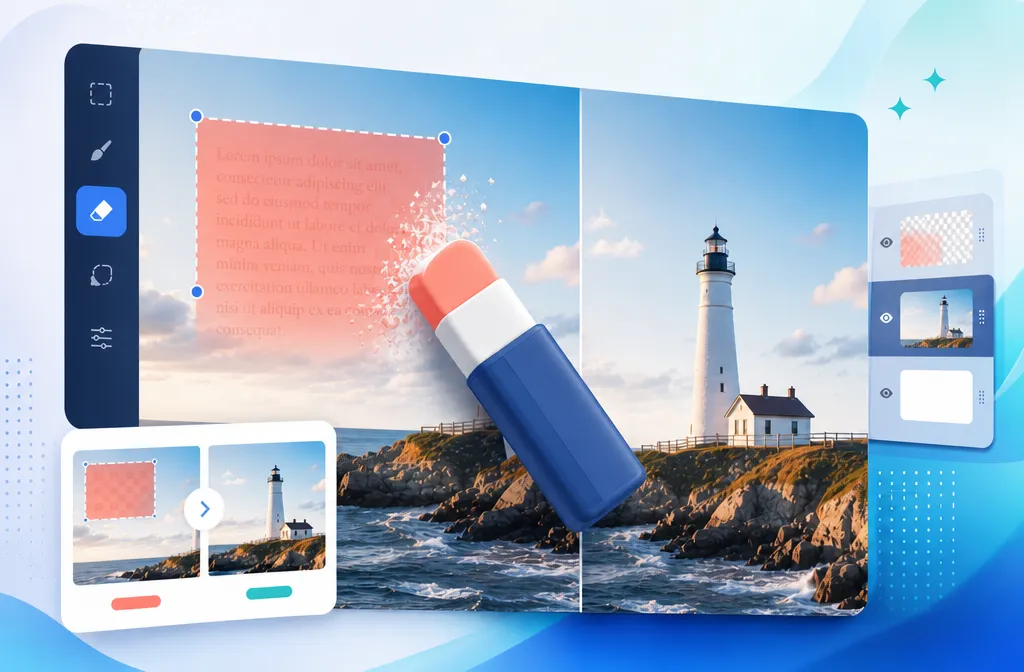
How to Use the AI Image Combiner
Three steps to a finished composition. No Photoshop, no layers, no manual blending required.
Upload Your Images
Add up to four photos you want to combine — product shots, portraits, backgrounds, or any mix. The first image is required; the remaining three are optional depending on your composition goal.
Click the Generate Button
Once you hit the combine button, the AI reads every image and figures out how to merge objects, adjust perspective, match lighting, and stitch backgrounds so the result looks like it was shot as a single scene.
Download Your Combined Image
Preview the output at full resolution. If it looks right, download it directly. The combined image retains the quality and detail from each source photo.
Key Features of NanoMaker's AI Image Combiner
Built to handle multi-image compositions that actually look natural.
Combine Up to Four Images at Once
Most tools only work with two images at a time. This AI image combiner accepts up to four, letting you build richer compositions with more elements in a single generation.
Natural Lighting and Perspective Matching
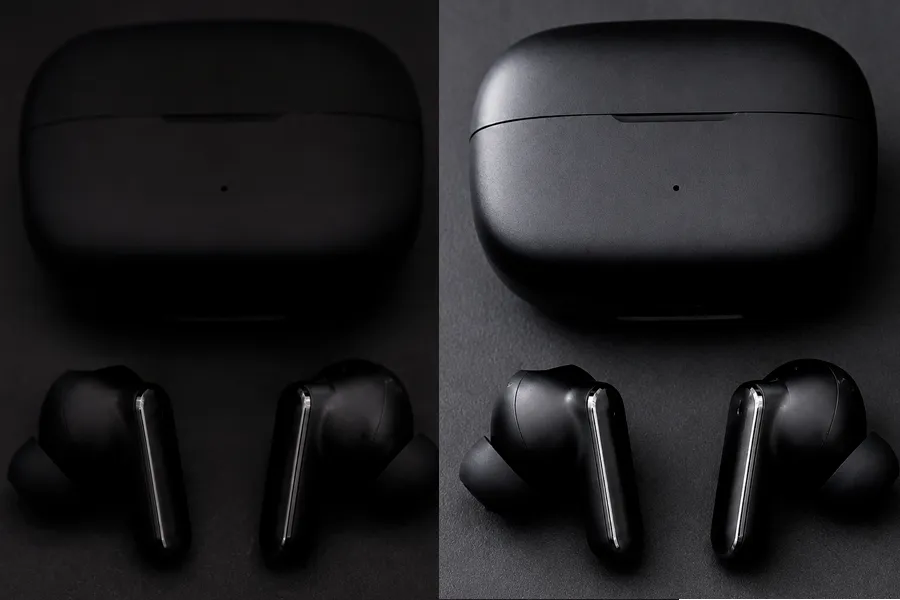
The AI doesn't just layer images on top of each other. It adjusts lighting direction, color tone, and spatial relationships so everything reads as part of the same scene.
Preserves Subject Quality and Detail
Objects, people, and products from your source images retain their clarity and proportions in the output. No blurry merges or distorted subjects — just clean composition.
No Design Experience Needed
The entire process runs in your browser. Upload your images, click combine, and get a result. There's no timeline to manage, no tools to learn, and no files to install.
Why Use NanoMaker's AI Image Combiner
From product visuals to creative content, here's where it actually gets used.
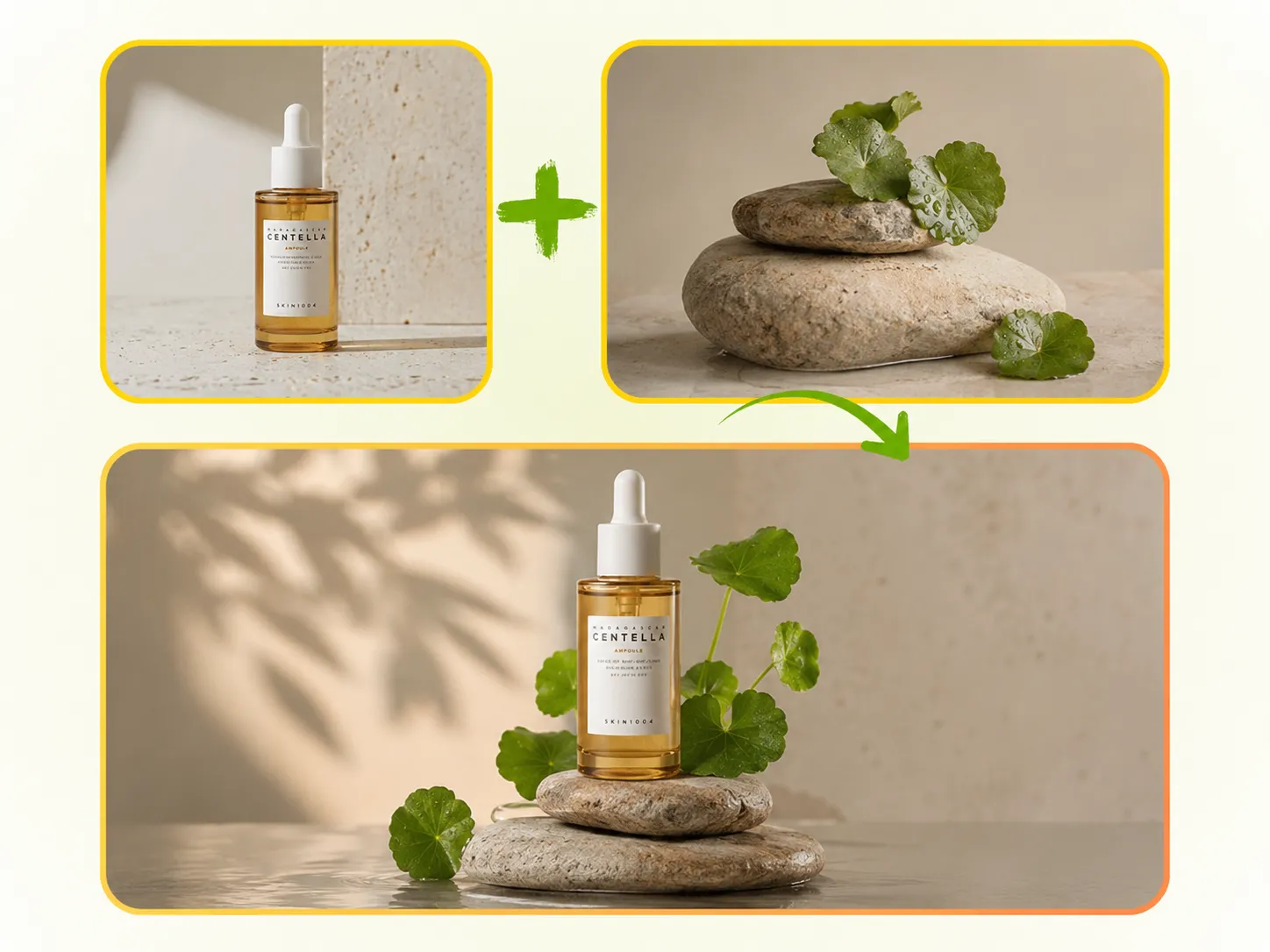
Stronger Product Visuals for Online Selling
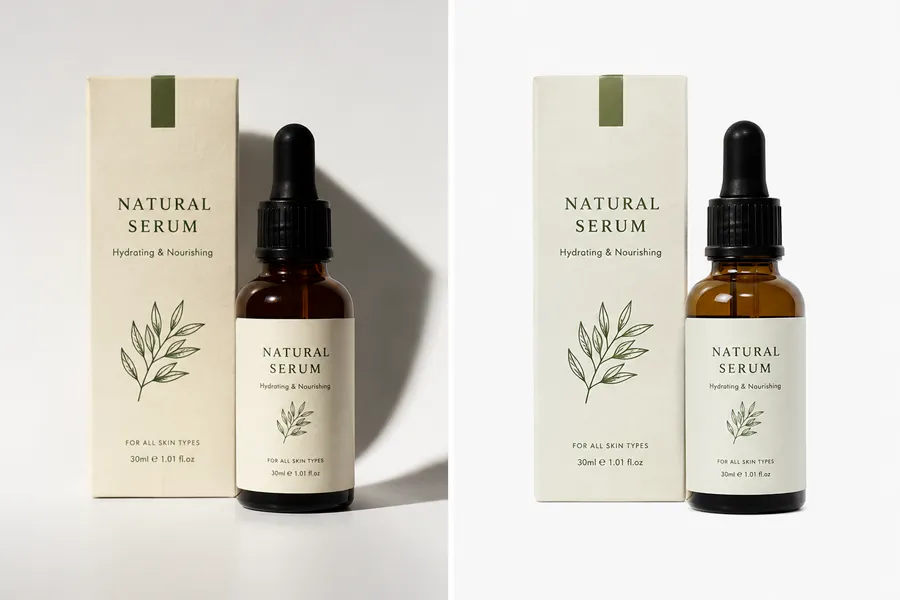
Selling online means competing on visuals. When you have a product shot on a plain background and a lifestyle scene you want it placed in, the AI image combiner handles the merge automatically. The product keeps its natural look — shadows, texture, proportions — while the background context adds the story that flat product photos can't tell. Good for marketplaces, landing pages, and ad creatives where you need more than a white background shot.
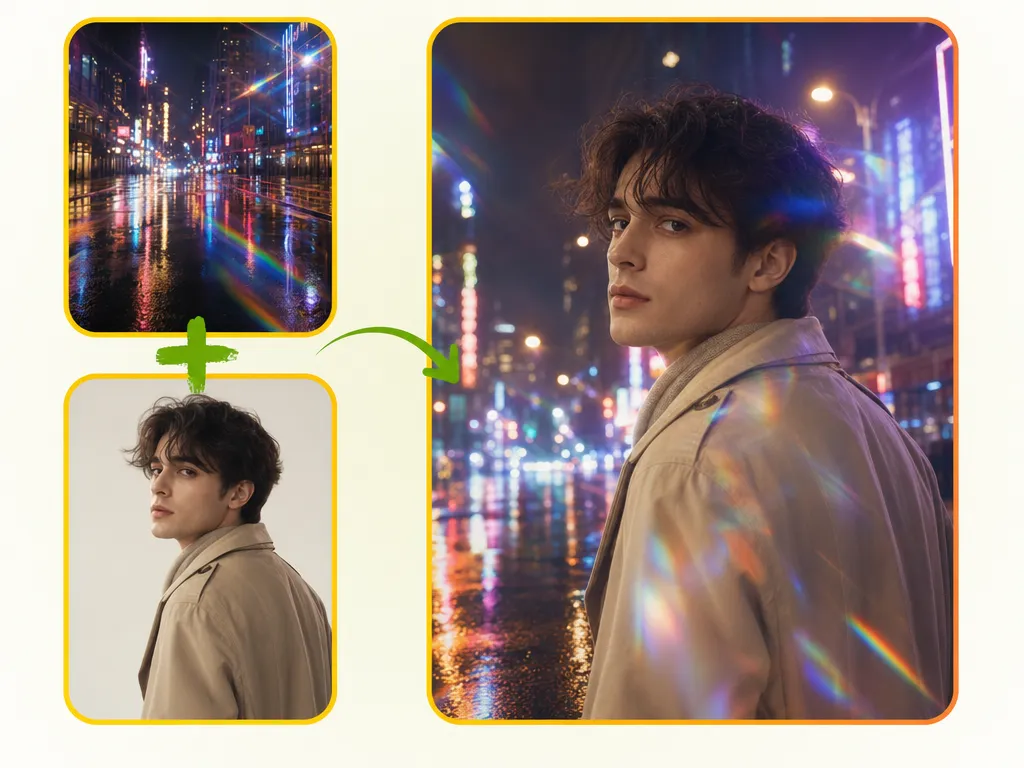
Creative Content That Stands Out on Social
Social feeds move fast. A single-subject photo on a plain background rarely stops anyone from scrolling. The AI image combiner lets you pull together elements from different photos — a person, a setting, a product — and build a visual that feels composed rather than staged. No need to reshoot with the right backdrop or hire a designer to retouch a composite. Upload what you have, combine, and post.

Polished Visuals for Pitches and Presentations
Mockups, concept visuals, and pitch deck images often need to show how a product or idea would look in a real context — but photo shoots for every concept aren't feasible. The AI image combiner takes your existing assets and builds a combined scene you can drop straight into a slide or proposal. It's faster than coordinating with a designer and works well enough for client-facing material.
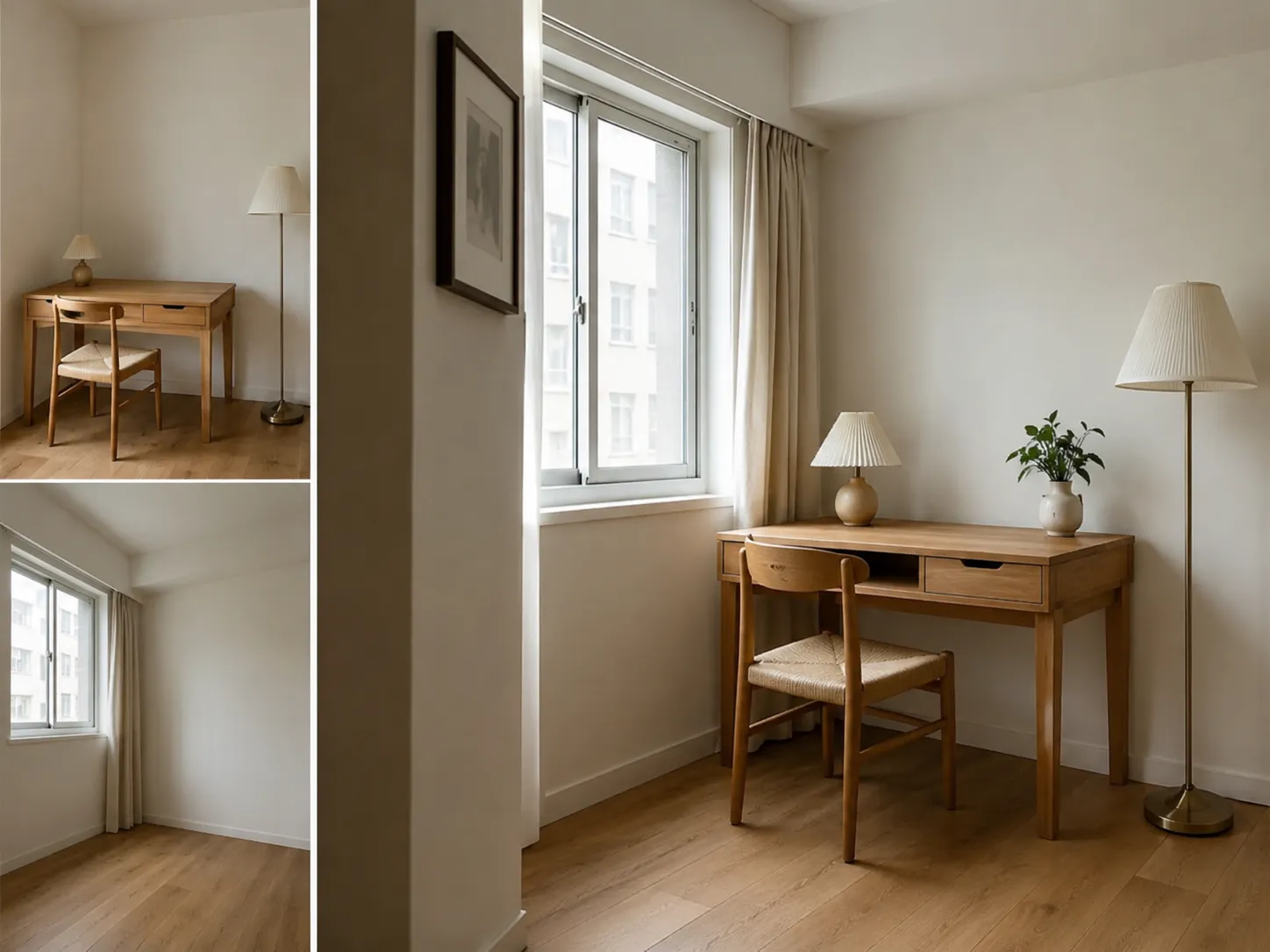
Experimental Visuals for Art and Personal Projects
Not every use case is commercial. Sometimes you want to blend a landscape and a portrait into something that shouldn't work but does, or combine four completely different textures into a single abstract piece. The AI image combiner doesn't care about the category — it reads what you give it and creates the most coherent composition it can from the inputs. Creative projects, personal experiments, concept art — all valid use cases.
Who Needs an AI Image Combiner
A wider range of people than you'd expect run into the same problem: they have the pieces, just not the tool to put them together.
E-Commerce Sellers and Brand Teams
Product images in context outsell plain white-background shots. The AI image combiner lets sellers merge product photos with lifestyle backdrops without scheduling a separate shoot — faster turnaround, lower production cost.
Content Creators and Social Media Teams
Building a consistent visual style means you often need elements from different sources to come together. The AI image combiner gives creators a way to composite photos without Photoshop knowledge, which saves time on every post.
Marketers and Advertising Teams
Running multiple ad variants means producing multiple visuals. Combining product images with different backgrounds, scenes, or supporting elements is exactly the kind of repetitive visual task the AI image combiner handles well.
Designers and Creative Professionals
For early-stage concepts and client presentations, you don't always need a polished final result — you need something that communicates the idea clearly. The AI image combiner speeds up the rough-comp phase significantly.
What Users Are Saying About NanoMaker's AI Image Combiner
Real feedback from people who've used it in actual projects.
"For marketing campaigns, the AI image combiner has been genuinely useful. I can take a product shot and drop it into a scene that fits the campaign mood without organizing a full shoot. The result is polished enough for ad creatives and banners."
"I've been using NanoMaker's AI image combiner to build out catalog images when I don't have a full set of lifestyle backgrounds. It merges the product cleanly — lighting adjusts well, proportions hold up. Not a replacement for a real shoot, but for building out a catalog quickly it saves real time."
"We needed to produce a lot of visual variants for a campaign and didn't have budget for reshoots. The AI image combiner let us take the assets we had and remix them into different combinations. Some turned out better than expected, honestly. Now it's part of the regular content workflow."
"Honestly the best use I've found is early concept work. Client wants to see how a product could look in three different settings — instead of doing three manual comps in Photoshop, I run them through the AI image combiner and have something to show within the hour."
"Tried the AI image combiner mostly out of curiosity. Dropped in a portrait and a landscape I shot on the same day and the output actually looked like a real composite — lighting matched, depth felt right. Going to experiment more with it for editorial-style content."
"Used it to put together pitch deck visuals showing our product in context. Before this I'd have had to ask a designer or just use a flat product shot. The AI image combiner gave me something I could actually put in front of investors without apologizing for the quality."
Pricing plans for AI Image Combiner
Choose your plan and get instant access to all premium AI models
Cancel anytime — Unused credits roll over — Usage varies by model and generation type.
Lite
$84 per year billed yearly
4,500 Credits per year

Premium
$100 per year billed yearly
9,600 Credits per year
Max
$240 per year billed yearly
36,000 Credits per year
Free
Pay safely and securely with









FAQs about AI Image Combiner
Common questions about combining images with AI.