Text to Video AI
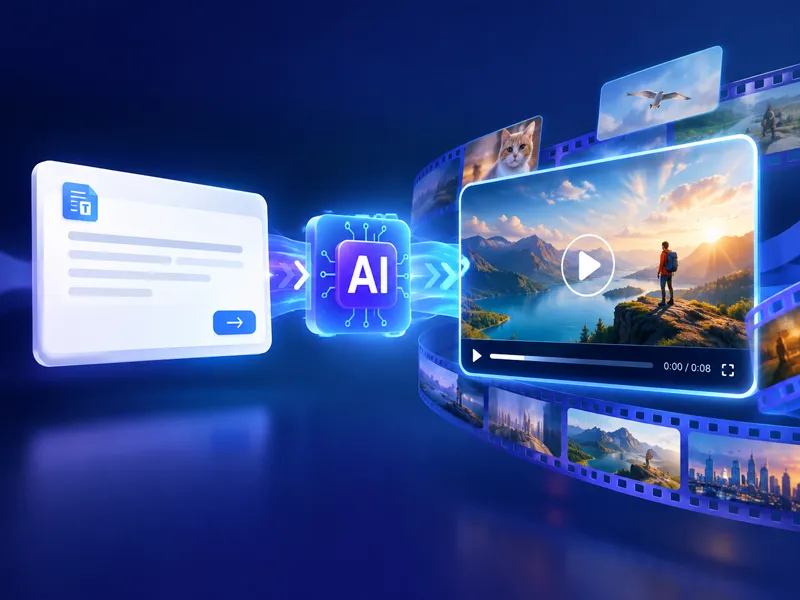
Turn an idea into a complete video with one description, smooth motion, and consistent scenes.
Video Generators like Text to Video AI
Explore more AI video tools, from first-last frame to cinematic clips.
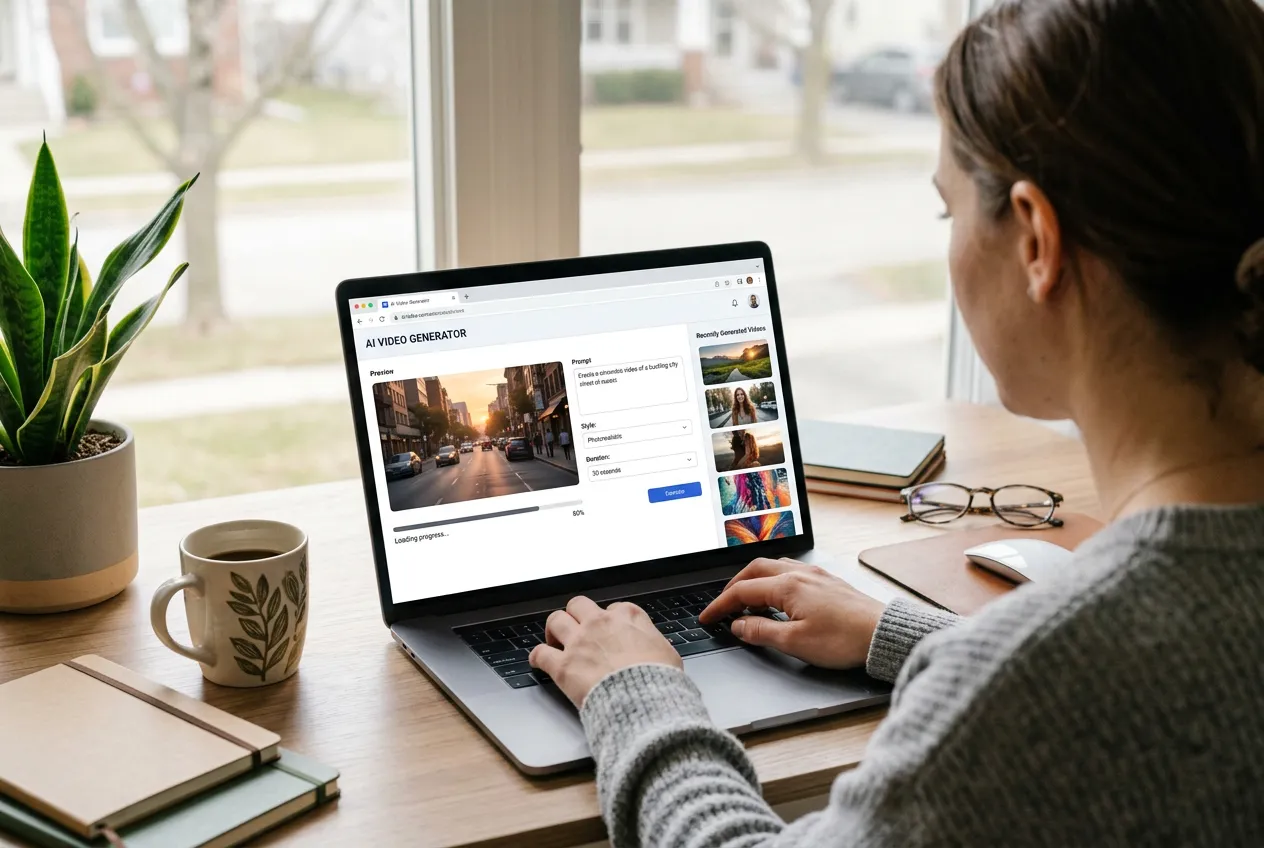
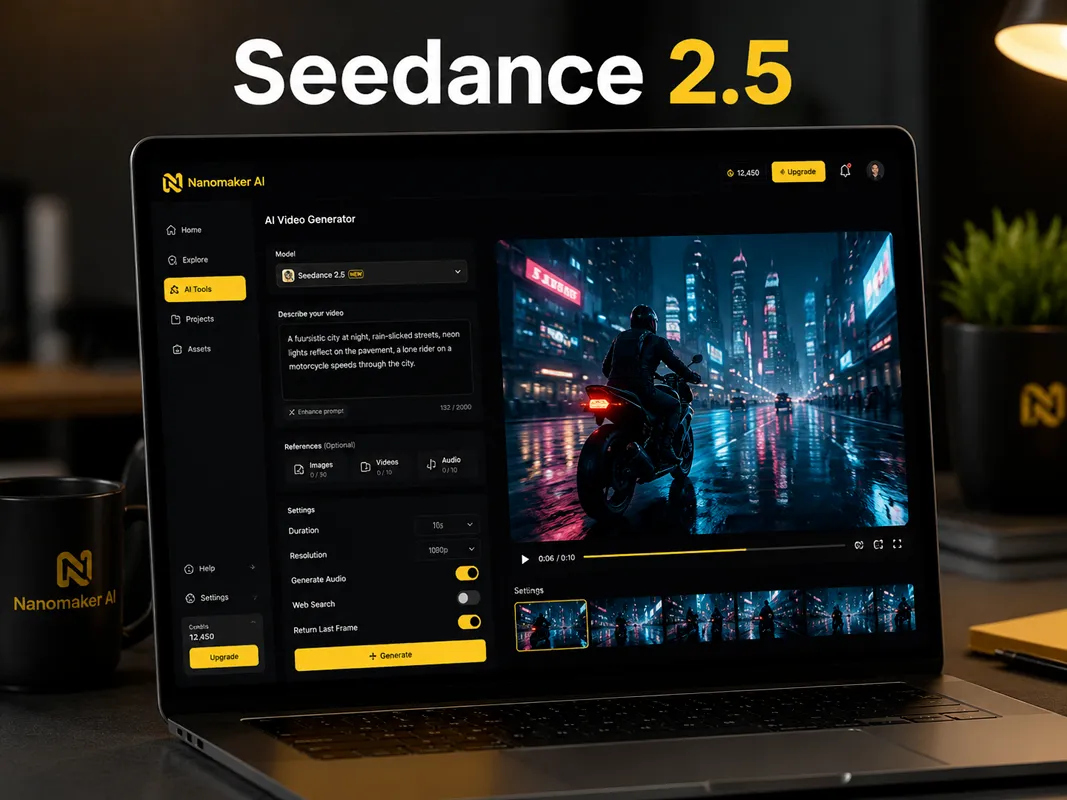
Create Text to Animation in 3 Simple Steps
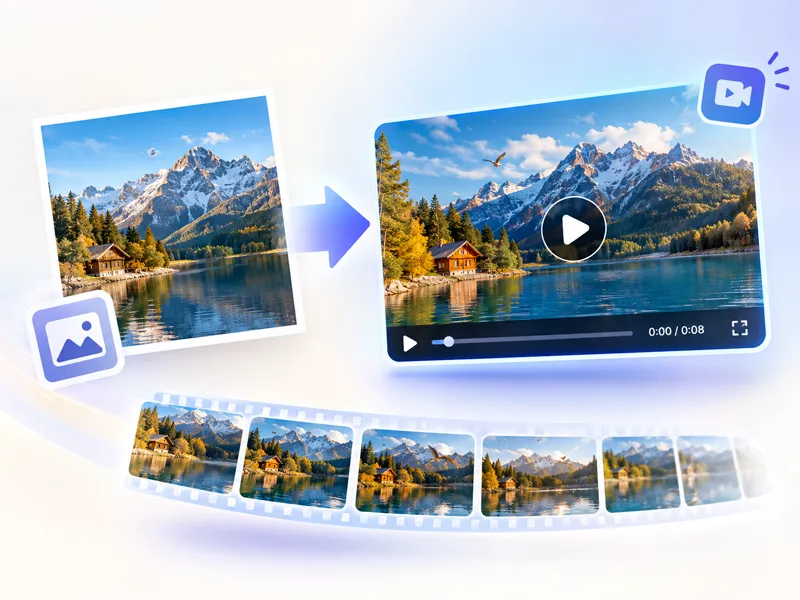
Give your idea a subject, an action, and a setting. NanoMaker turns that direction into a video you can refine.
Enter your text prompt
Write the subject, movement, setting, and visual mood you want to see.
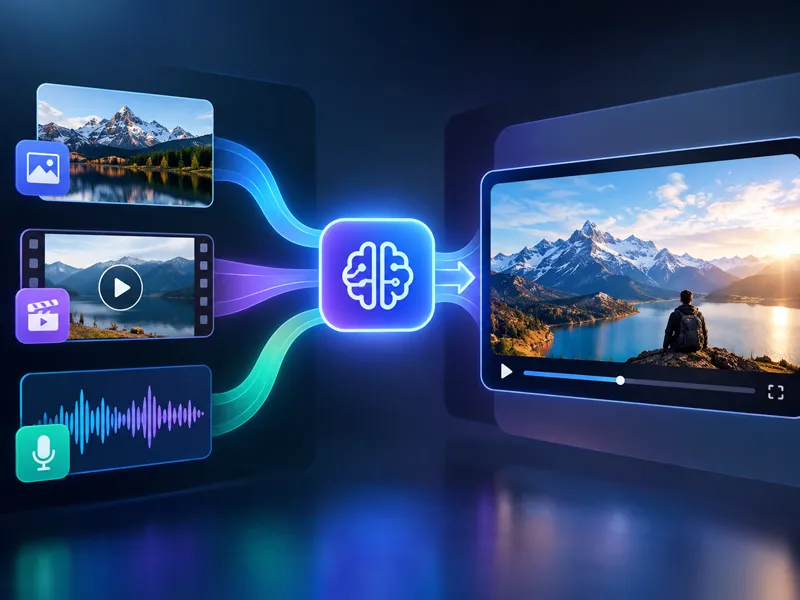
Choose your scene settings
Pick a model, aspect ratio, and output options that fit your project.
Generate and refine
Create a clip, review the motion, then adjust your prompt for another take.
A More Direct Way to Make Video from Text
Text to Video AI helps you move from a rough concept to a usable visual without learning a traditional editing workflow.
Prompt to Motion
Describe a subject and its movement in plain language. The generator turns your direction into visible action instead of leaving your idea as a static image.
Cinematic Direction
Guide the camera angle, lens feeling, pacing, lighting, and atmosphere so the generated scene has a deliberate visual point of view.
Choose Any Supported Model
Pick from multiple video models in one workspace. Switch freely as you refine the prompt, pacing, and look of each scene.
Turn Simple Directions into Moving Scenes
These examples show how camera direction, multi-shot pacing, and natural language prompts can shape a moving scene.
Camera Control
Tell the model how the camera should behave, not only what should appear. A slow push-in, a low tracking shot, or a gentle orbit gives the scene a clear visual rhythm.
A lone cyclist rides along a misty coastal road at sunrise. Begin with a wide aerial view, then slowly descend into a low side-tracking shot as warm light breaks through the fog. Natural movement, soft film grain, restrained colors, cinematic pacing.
Cut-Series Direction
Use a sequence of connected shots when one angle cannot tell the whole story. Mention the order of the shots and keep the subject consistent from one beat to the next.
Create a short three-shot story about a paper boat in a rainy city. Shot one: the boat floats along a curb under neon reflections. Shot two: it passes a child's yellow rain boot. Shot three: it reaches a small sunlit puddle. Keep the boat design consistent and use smooth editorial cuts.
Natural Language Prompts
You do not need a special syntax to begin. Write as if you are explaining a shot to a filmmaker, then add the details that matter most to the mood and movement.
A small fox steps out from a fern-covered forest at dawn. It pauses when it hears a distant bird, and looks toward a warm opening between the trees. The camera follows gently from behind, with cool mist in the background and soft golden light on the fur.
A Simple Prompt Formula for Text to Video AI
Shape any idea into a clear prompt so the model knows who is on screen, what happens, how the camera moves, where the scene sits, and what look you want.
- 1
Subject
Name the person or object that should carry the shot, such as a young woman in a linen coat or a red sports car. Add clothing, color, or design details when those choices matter.
- 2
Action
Say what is happening in the moment: walking down a street, accelerating through a curve, or speaking toward the camera. Clear motion usually produces cleaner, more natural movement.
- 3
Camera
Choose how the frame should feel, from a close-up to a wide shot or a slow pan. You can also describe movement, such as a follow shot from behind.
- 4
Scene
Place the subject in a setting with atmosphere: a beach at sunset, a busy city street, or a soft-lit modern office. Environment cues help the clip feel grounded.
- 5
Style
Set the overall look, like cinematic, anime, or photoreal. Add mood notes such as warm light, low-key contrast, or soft daylight when you want a specific tone.
What Can You Make with Text to Video AI?
A strong prompt can become a social clip, a visual pitch, a product concept, or the first scene in a larger story.
Social Media Videos
Create short vertical concepts, visual hooks, and atmospheric clips for social platforms. Start with the first three seconds in mind, then describe the action that earns attention.
Storytelling Content
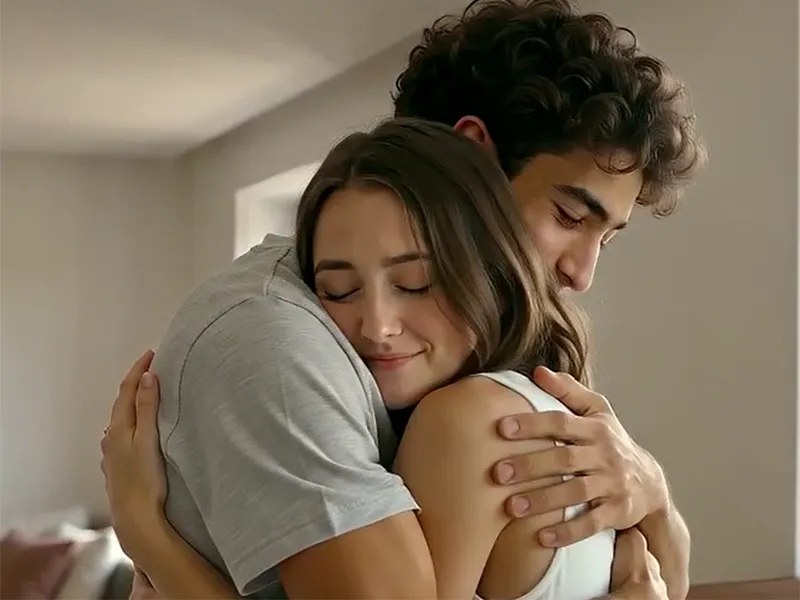
Sketch a character moment, a setting, or a transition between scenes before committing to a full production. Text to Video AI makes it practical to test visual story ideas quickly.
Product Concepts
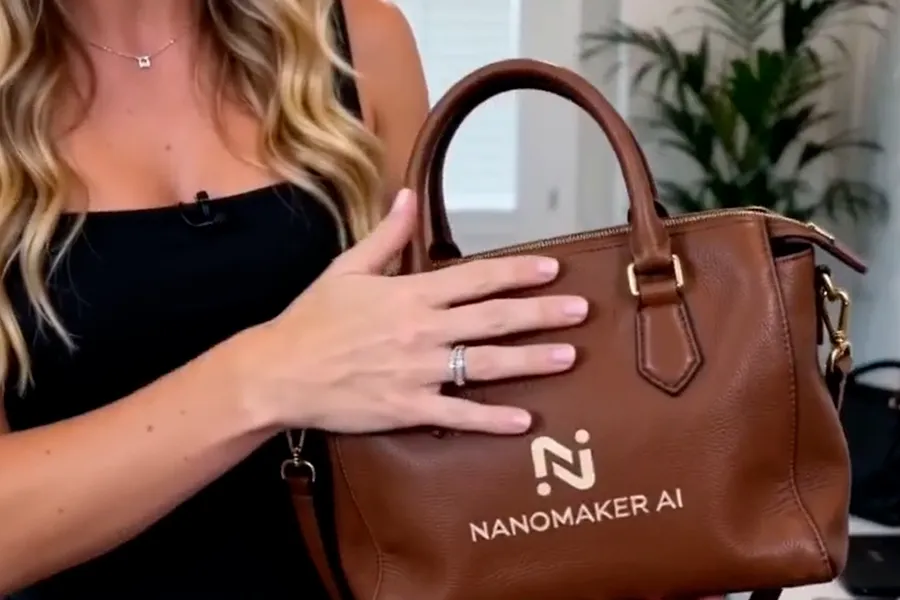
Show how a product moves, catches light, or fits into a real setting. Clear camera and lighting directions can turn a product idea into a useful presentation clip.
Creative Experiments
Explore unusual combinations, dreamlike environments, and visual metaphors without building every element by hand. The prompt is your flexible starting point.
Text to Video AI Pricing Plans
Choose your plan and get instant access to all premium AI models
Cancel anytime — Unused credits roll over — Usage varies by model and generation type.
Lite
$84 per year billed yearly
4,500 Credits per year

Premium
$100 per year billed yearly
9,600 Credits per year
Max
$240 per year billed yearly
36,000 Credits per year
Free
Pay safely and securely with









Frequently Asked Questions
Common questions about creating videos from written prompts.