Virtual Ring Try On
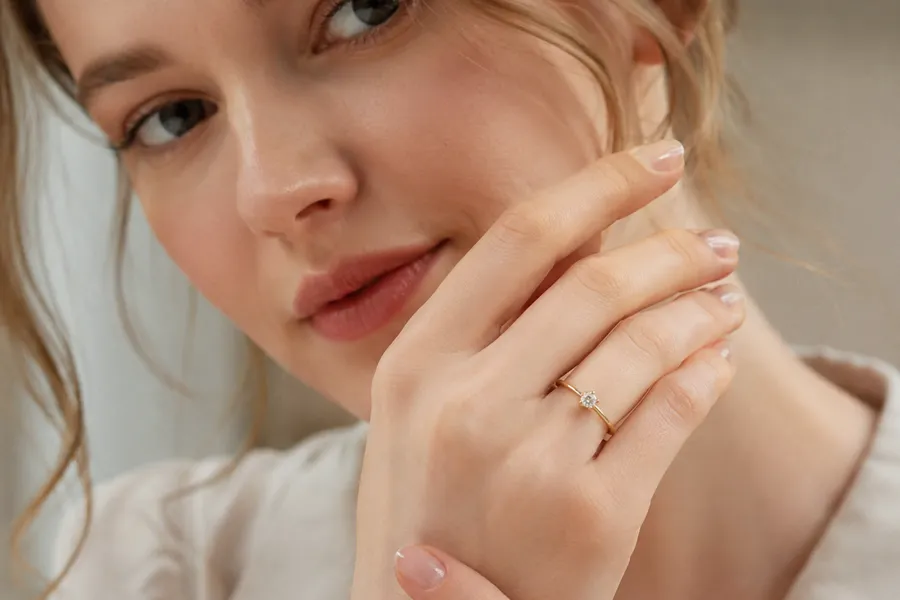
Upload your hand photo and a ring image. Our AI places the ring on your finger so you can see exactly how it looks before you buy.
Or pick a model
Or pick a ring
More AI tools like Virtual Ring Try On
Explore our collection of specialized AI image generators designed for different creative needs and styles


Try On Any Ring in Three Steps
No apps or editing software needed — just upload your photos and let the AI do the work.
Upload Your Hand Photo
Take a clear, well-lit photo of your hand with fingers extended. You can also choose one of our sample hand models below the upload area.
Choose a Ring
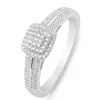
Upload a ring photo from any brand or online store, or pick one of the preset ring samples to get started right away.
Generate and Download
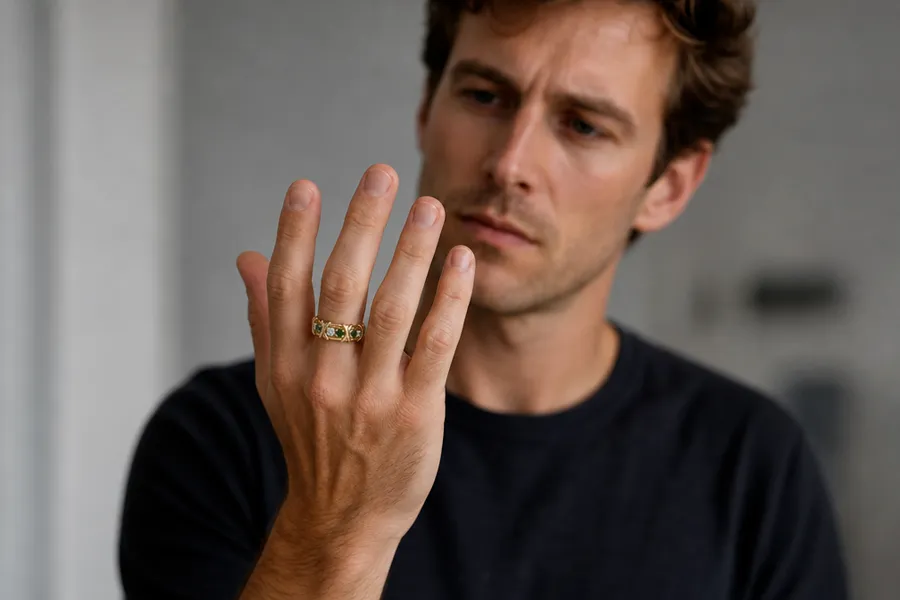
Click Generate. The AI places the ring realistically on your finger. Download the result or share it with friends for feedback.
What Makes Our Virtual Ring Try On Stand Out
Built for everyday shoppers, jewelers, and designers who need fast, realistic ring visualization.
Works with Any Ring
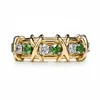
Upload a photo of any ring — from any store, designer, or marketplace — and place it on your hand in seconds.
Realistic Finger Placement
The AI analyzes your hand's shape, angle, and lighting to position and blend the ring naturally onto your finger.
Multiple AI Models
Choose from Nano Banana 2, GPT Image 2, and more to balance between speed, realism, and resolution.
High-Resolution Output
Generate results at 1K, 2K, or 4K. Download a print-ready image or share it directly from your browser.
Why People Love Virtual Ring Try On
From engagement ring shopping to professional jewelry listings, here's how the tool fits into real life.

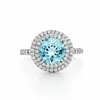
Explore Every Style From Your Couch
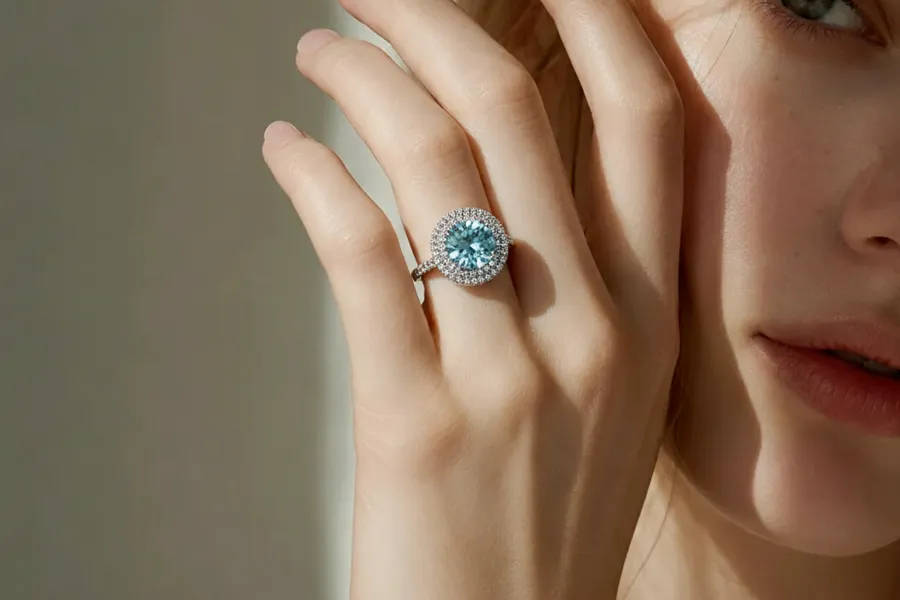
Browsing rings online is easy. Knowing how they'll actually look on your hand is the hard part. With virtual ring try on, you can run through dozens of styles — solitaires, halos, vintage bands, and more — all on a photo of your actual hand. It turns a guessing game into a clear decision without scheduling a single store visit.
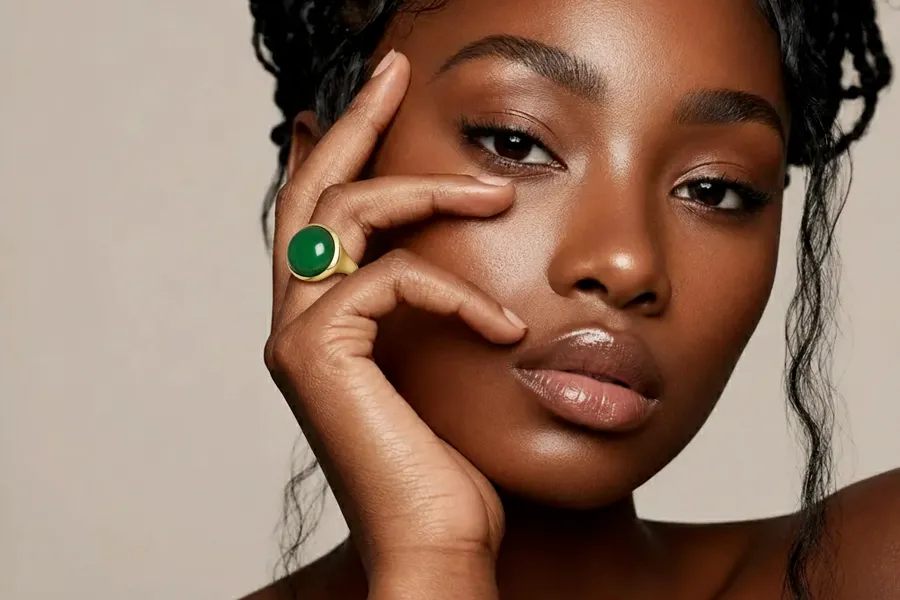

Share Before You Decide
Still not sure? Download your try-on result and send it to someone whose opinion matters. Getting a second opinion on a ring has never been this easy — you're no longer limited to stock product photos on a plain background. Show people exactly how the ring looks on a real hand.
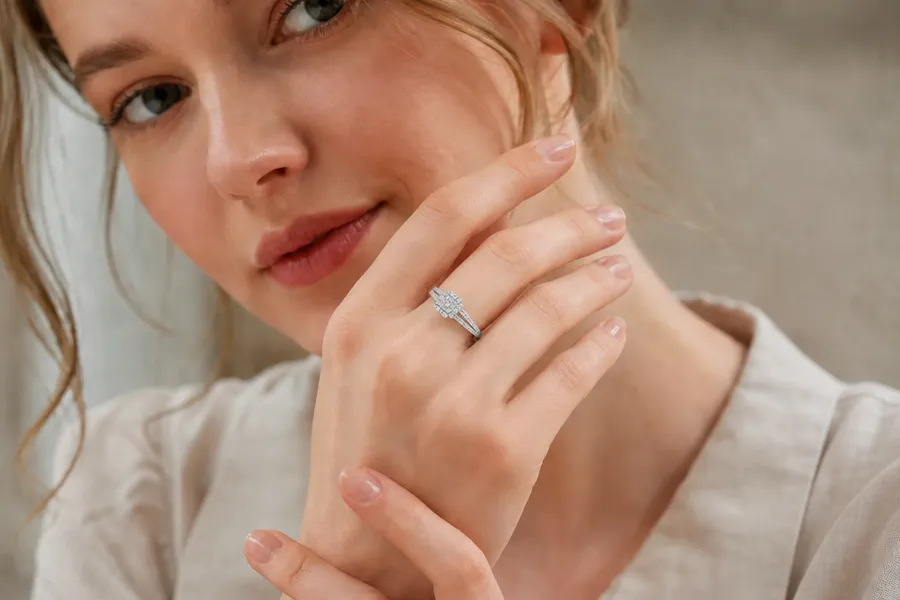

Not Tied to One Retailer
Our virtual ring try on isn't connected to any single catalog. Spotted a ring on Etsy, a brand site, or a custom designer's page? Grab the image, upload it here, and see it on your hand. It's a universal try-on tool that gives you the freedom to shop anywhere.

No Apps, No Fuss
Everything runs in your browser. No software to install, no account required to try a sample. Just upload your images, choose a model, and generate. The whole process takes under a minute.
What People Use Virtual Ring Try On For
Virtual ring try on covers a wider range of situations than you might expect.
Engagement Ring Shopping
Narrow down your shortlist. See how different cuts, metals, and settings look on your finger before committing to a purchase.
Wedding Band Pairing
Already have an engagement ring? Upload a photo of your hand wearing it and see how different wedding bands stack alongside it.
Custom Ring Mockups
Working with a jeweler on a bespoke piece? Generate a visual concept to share and refine before production begins.
Jewelry Business Listings
Online jewelers can create hand model shots for any ring in their catalog without expensive photoshoots. Great for product pages and social media.
What Users Are Saying about Virtual Ring Try On
Real feedback from people who've used the virtual ring try on tool.
"I had three rings shortlisted for months and couldn't decide. Tried them all on here in like 10 minutes and finally picked one. Genuinely useful, not just a gimmick."
"I use it to create hand model shots for my listings without hiring a photographer every time. The output is clean enough that customers actually comment on the photos."
"Was shopping for a ring for my girlfriend and had zero idea what would look good on her hand. Took a photo of her hand while she was asleep lol, tried a bunch of styles, picked one. She said yes btw."
"I send clients a try-on preview before we finalize their custom order. It saves a lot of back-and-forth and they feel more confident about the design they're choosing."
"Honestly didn't expect much but the results are surprisingly convincing. I've started using it in my review posts so readers can see the ring on a hand, not just floating on a white bg."
"I uploaded a ring I found on Etsy and it showed up on my hand looking exactly like what I imagined. Ordered it that same day. No regrets."
Pricing plans for Virtual Ring Try On
Choose your plan and get instant access to all premium AI models
Cancel anytime — Unused credits roll over — Usage varies by model and generation type.
Lite
$84 per year billed yearly
4,500 Credits per year

Premium
$100 per year billed yearly
9,600 Credits per year
Max
$240 per year billed yearly
36,000 Credits per year
Free
Pay safely and securely with






Frequently Asked Questions
Everything you need to know about using NanoMaker's virtual ring try on tool.