Reference to Video AI
Upload reference images, videos, and audio to create AI videos.

Video Generators like Reference to Video AI
Explore more AI video tools, from first-last frame to cinematic clips.

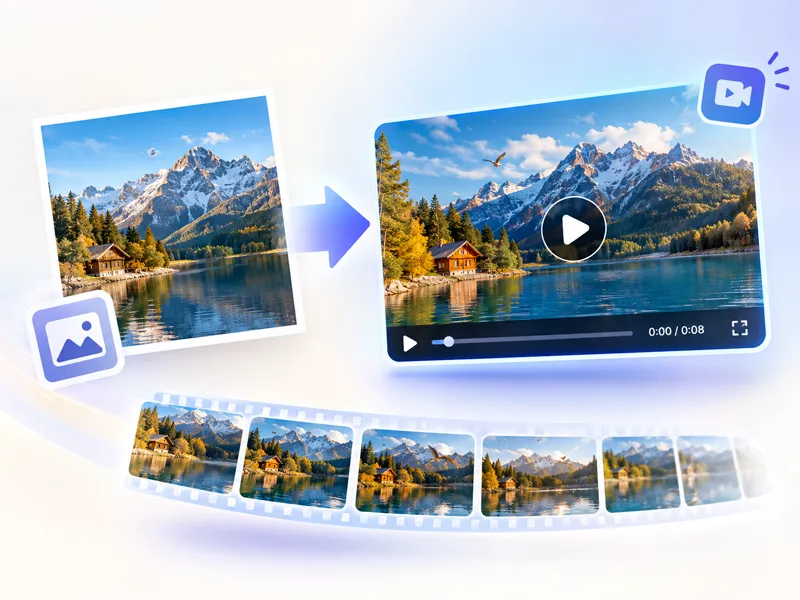


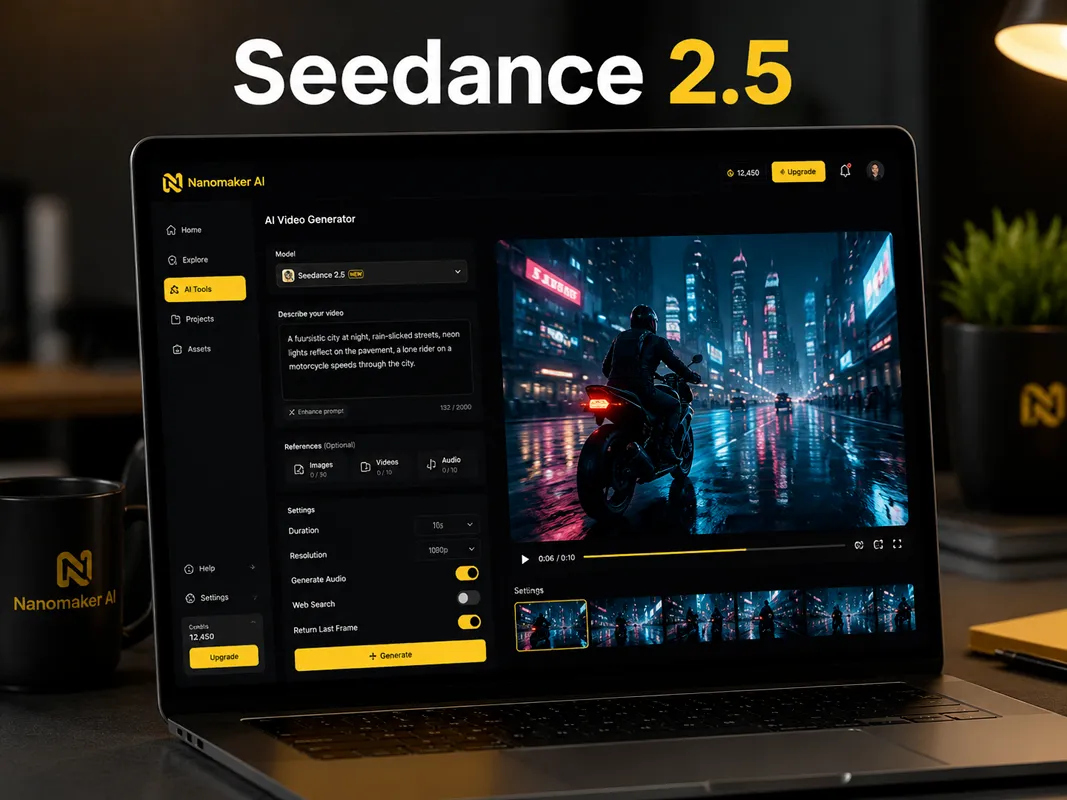
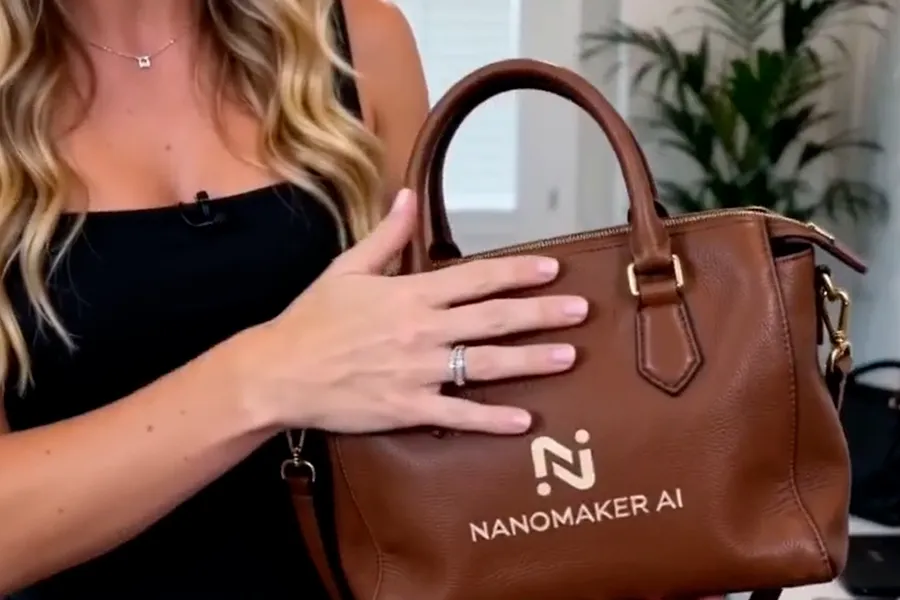
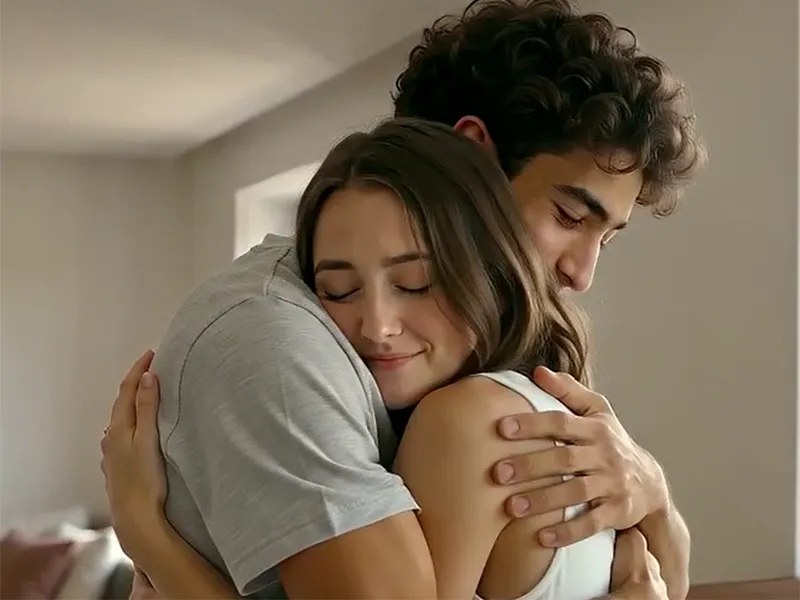
Turn References into Video in 3 Simple Steps
Bring together the images, clips, and sound that define your idea, then let the model build a coherent scene.
Upload Your Reference
Add images for subjects and style, short videos for motion, and audio when timing or atmosphere matters.
Adjust Reference Strength
Use your prompt to explain which details should stay recognizable and how the references should guide the scene.
Generate and Download
Choose a supported model, set the duration and format, then generate a video ready to review and download.
More Control Than a Text Prompt Alone
Reference to Video AI combines clear source material with natural language direction, so your results begin with a stronger visual foundation.
Image, Video, and Audio References
Upload the visual ingredients and sound cues that matter to your concept. Use images to anchor identity and design, clips to suggest movement, and audio to shape rhythm or atmosphere.
Stronger Subject Consistency
Give the model a reliable reference for a character, product, environment, or costume. A focused prompt can then describe what changes while the important visual traits remain recognizable.
Models Built for Guided Creation
Choose Seedance or Wan for workflows that accept image, video, and audio references in one place. Compare motion and timing without rebuilding your setup.
Prompt-Led Motion Direction
Describe camera movement, timing, physical reactions, lighting, and scene changes in plain language. References establish the foundation while your prompt controls the progression.
Use Cases for Reference to Video AI
Each example highlights a distinct reference workflow. Copy the prompt, attach matching references, and adapt it to your own concept.
Locked Character Identity
Keep face, hair, and wardrobe stable while the camera moves fast and close. Ideal when a reference must survive aggressive motion without drifting.
Generate a photorealistic, cinematic, surreal nightmare chase short film. 0-2s: Use an 18mm ultra-wide lens, f/4, with the camera close to the ground and moving backward smoothly at high speed on a stabilizer. @image1 The heroine is already running toward the camera from deep within a crimson Baroque corridor. Preserve her ivory silk slip dress, dark brown hair, facial identity, and the corridor's ornate design. She keeps looking back toward the rear of the corridor while her hair and dress move naturally. Maintain consistent lighting, spatial direction, and subject identity throughout the shot.
Multi-Beat Scene Timing
Stage entrances, reactions, and punchlines in a clear order. Use a setting reference so the environment stays consistent while the beats land one after another.
Create a realistic, cinematic sci-fi black comedy short. Use @image1 as the visual reference for the quiet night-shift convenience store and keep the shelves, counter, and blue-white night lighting consistent. A small escape pod smashes through the back wall and skids into the shelves. A blue alien climbs out of the smoke, clumsily sniffs a bag of chips, and freezes when the owner points a gun at it. Police cars arrive and the alien raises its hands in fake surrender. A second explosion inside the store makes everyone turn around. The alien squeezes into a police car and escapes, with its oversized belly comically pinched by the seat belt. Keep the action readable and let each reaction happen in sequence.
Physics-First Action Continuity
Preserve the hero across lens changes, and make contact land before dust, sparks, or debris. Built for longer fight beats that stay readable.
Create a photorealistic, cinematic industrial hero action sequence. Use @image1 as the heroine reference and preserve her face, gray-green eyes, forehead scar, red braids, armor, and outfit throughout. Begin with a 24mm view of a damaged bridge, smoke, dust, and a lava beast holding a war club. The heroine faces the beast in a defensive stance. The beast slams the bridge deck, then charges. She sidesteps the club, closes the distance, controls its wrist, and strikes its jaw and abdomen. Keep contact and reactions sequential: impacts happen before dust, sparks, or debris appear. Continue with a grounded exchange, a throw, and a final cable maneuver that sends the beast over the damaged guardrail toward the sea. End on a 50mm close-up of the heroine kneeling, breathing heavily, dusty but uninjured. Maintain clear spatial relationships, continuous cause and effect, and stable character details.
A Simple Prompt Formula for Guided Video
Name the references first, then explain the subject, action, camera, timing, and atmosphere you want the model to create.
- 1
References
On Seedance models, call each upload by tag in order: @image1, @image2, @video1, @audio1. Click the @ reference button under the prompt to insert tags from a preview list, then say what each file should lock.
- 2
Subject
Describe one clear action and the subject performing it. Mention which identity, outfit, product detail, or environment must stay recognizable.
- 3
Camera
Give the camera a simple path such as a slow push-in, side track, orbit, or steady handheld move. Include the starting viewpoint when framing matters.
- 4
Timing
Use short time ranges when the scene has multiple beats. Say what happens first, what changes next, and when a reaction or impact should occur.
- 5
Atmosphere
Finish with lighting, lens feel, physical realism, color, and mood. Keep these directions consistent with the reference material.
Reference to Video AI Pricing Plans
Choose your plan and get instant access to all premium AI models
Cancel anytime — Unused credits roll over — Usage varies by model and generation type.
Lite
$84 per year billed yearly
4,500 Credits per year

Premium
$100 per year billed yearly
9,600 Credits per year
Max
$240 per year billed yearly
36,000 Credits per year
Free
Pay safely and securely with









Frequently Asked Questions
Answers about using references to guide AI video generation.