More AI tools like GPT image 2.6
Explore our collection of specialized AI image generators designed for different creative needs and styles
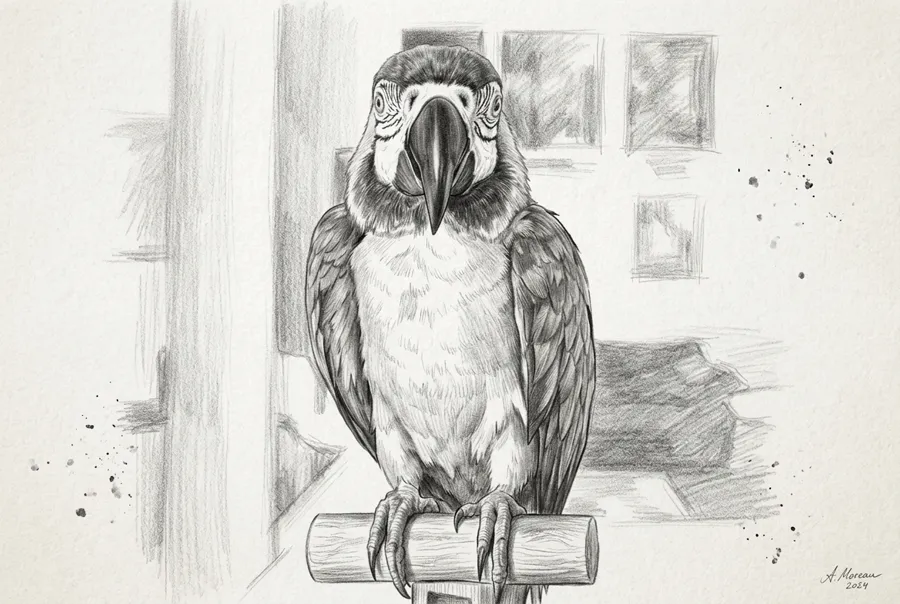
Four choices before you generate
The model, the source, the file type, and the size.
Flare or Sunburst
Flare for a faster first pass. Sunburst when a face, product, or layout needs to stay consistent through the next edit.
A prompt, or a photo
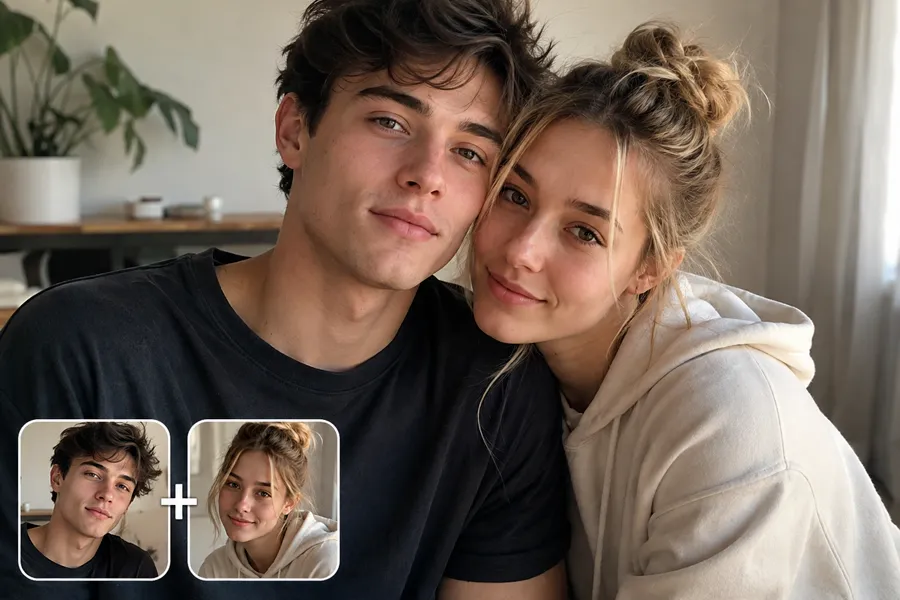
No upload means text-to-image. Add a photo and the image-to-image model takes over automatically.
Still, GIF, or SVG
PNG, JPEG, and WebP for stills. GIF for a short loop. SVG when the edges have to stay sharp at any size.
Crop, size, background
Stills at 1K, 2K, or 4K. At 1K, PNG and WebP can use a transparent background. GIF stays at 1K.
How to run a draft
Same generator as the other image models. The upload decides create vs edit.
Pick Flare or Sunburst
Flare when you want options quickly. Sunburst when the subject must stay recognizable after the edit.
Write it, or add the photo
Describe the frame, the light, and what must stay. Upload a reference only when you are editing a photo you already have.
Set the file and generate
Choose crop, size, and PNG, JPEG, WebP, GIF, or SVG. For a GIF, set the frame count and timing, then download the result.
A draft, a revision, a loop, or a graphic
OpenAI says Images 2.6 is up to 50% faster than the previous release. That speed sits next to photo edits, short loops, and graphics you can resize.
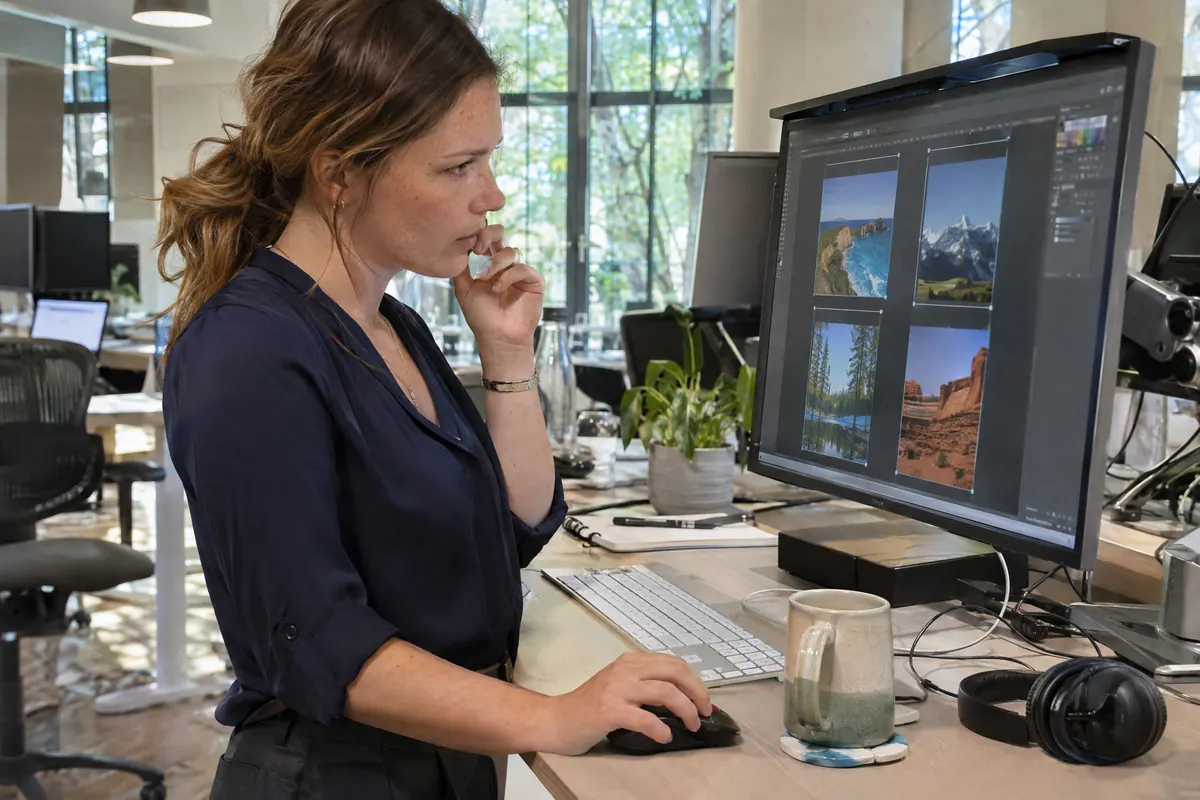
A faster first layout
Flare can generate a low-quality image in about six seconds, according to OpenAI. Use that pass to try a poster crop or product scene first.
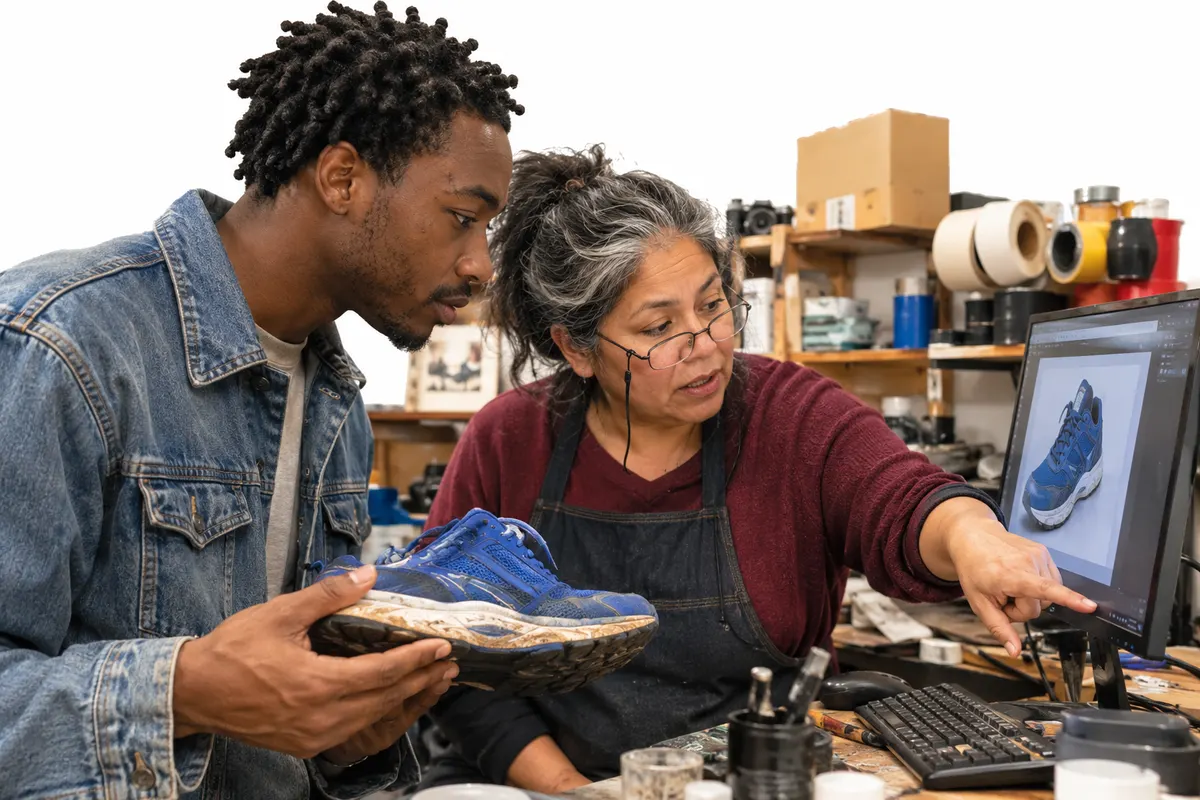
Change the picture, keep the subject
Upload the original and say what should change: a jacket, a background, a color. Sunburst suits higher quality and steadier edits across rounds.
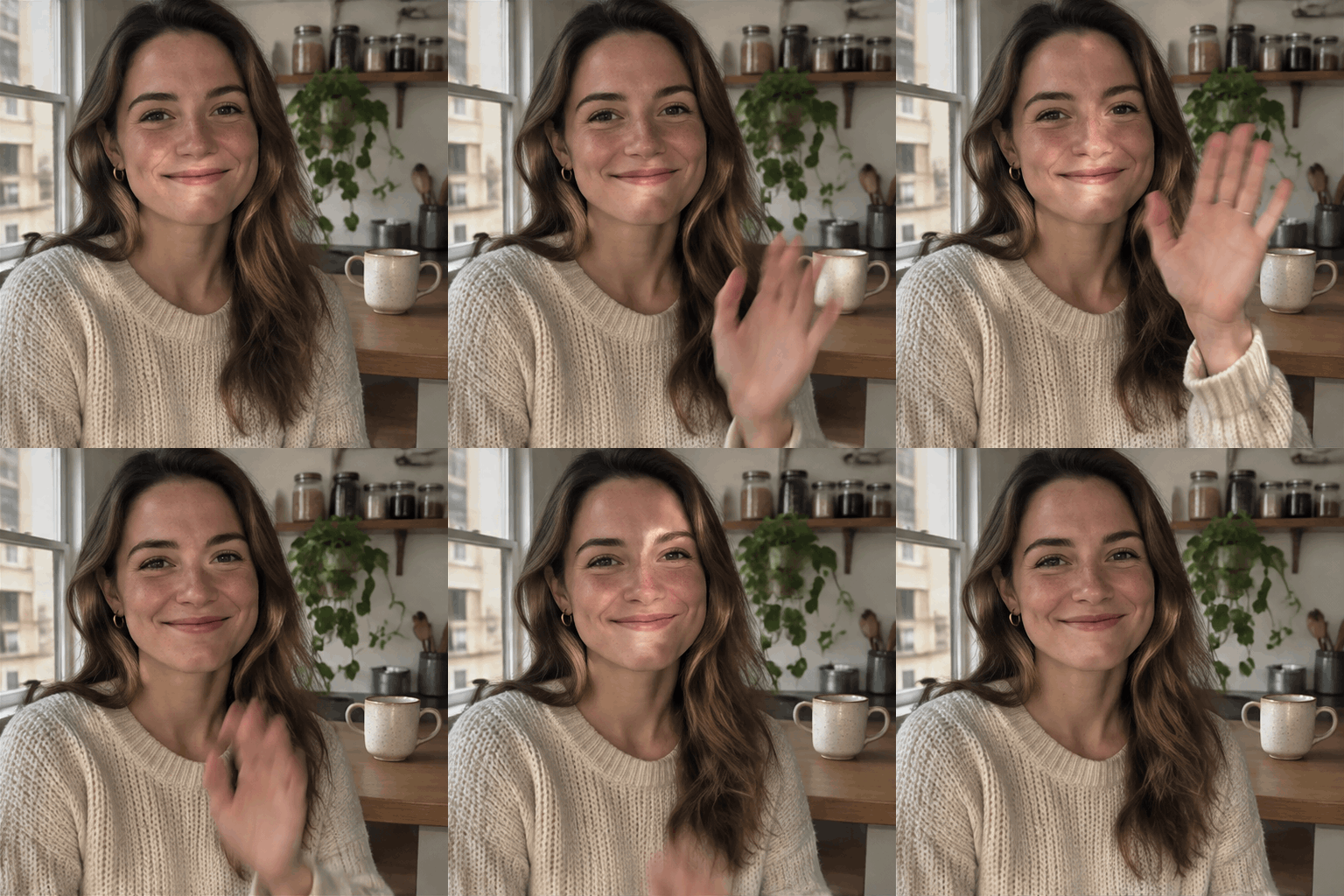
A short GIF from a prompt or a photo
Choose GIF output, then ask for one clear move, like a wave or a bounce. Set 2 to 16 frames and how long each frame holds. One motion loops cleaner than three at once.
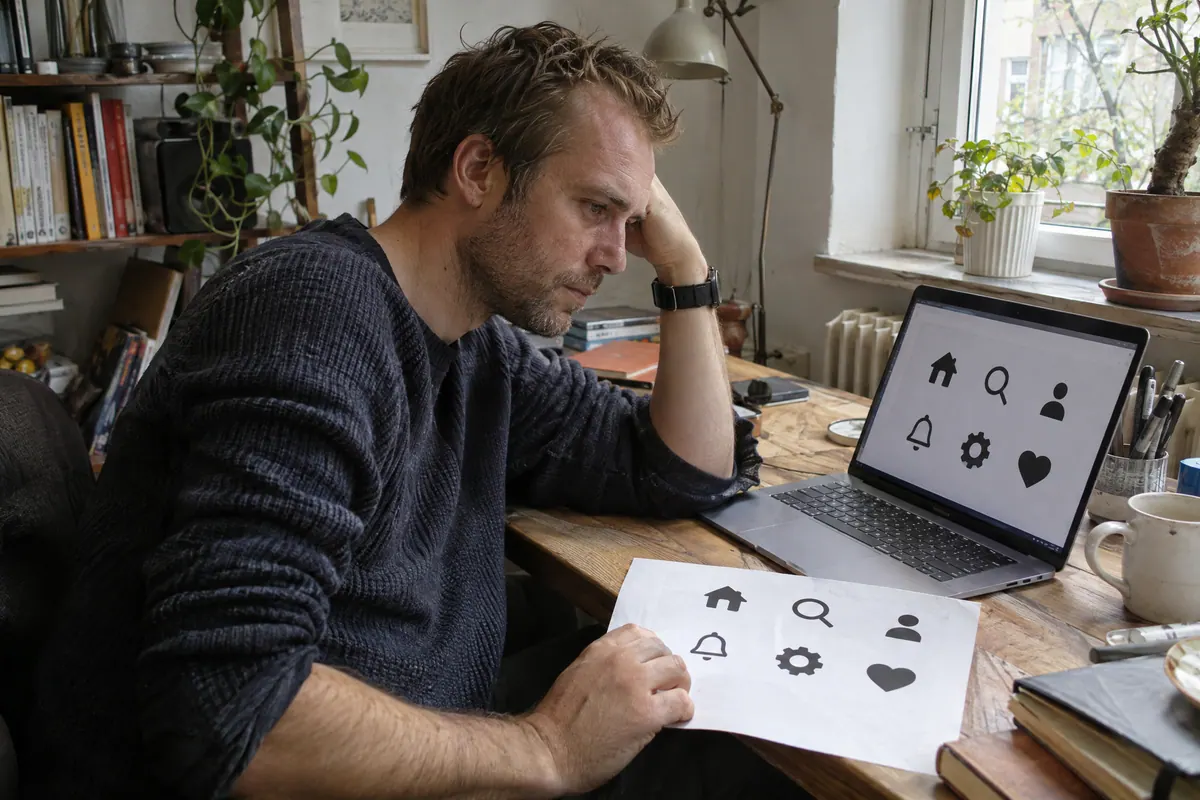
An SVG you can scale
Icons and simple illustrations export as SVG, sharp on a phone, a site, or a print sheet. Use a still format when you need photographic texture.
GPT image 2.6 vs GPT image 2.5
Flare and Sunburst stay. The new file types and GIF timing controls are the practical difference.
| Feature | GPT image 2.5 | GPT image 2.6 |
|---|---|---|
| Model choice | Flare or Sunburst | Flare or Sunburst |
| Speed | Faster than GPT Image 2.0 on Flare | Up to 50% faster than the previous release, per OpenAI |
| Files on NanoMaker | Stills | PNG, JPEG, WebP, GIF, SVG |
| Extra controls | Crop, size, background | GIF frame count and frame time |
| Use it when | You want a still or a photo edit | You also want a loop or a scalable graphic |
Model choice
Speed
Files on NanoMaker
Extra controls
Use it when
Pricing plans
Choose your plan and get instant access to all premium AI models
Cancel anytime — Unused credits roll over — Usage varies by model and generation type.
Lite
$84 per year billed yearly
4,500 Credits per year

Premium
$100 per year billed yearly
9,600 Credits per year
Max
$240 per year billed yearly
36,000 Credits per year
Free
Pay safely and securely with









Frequently asked questions
Flare, Sunburst, uploads, GIFs, SVG files, size, and background.