AI Image Extender
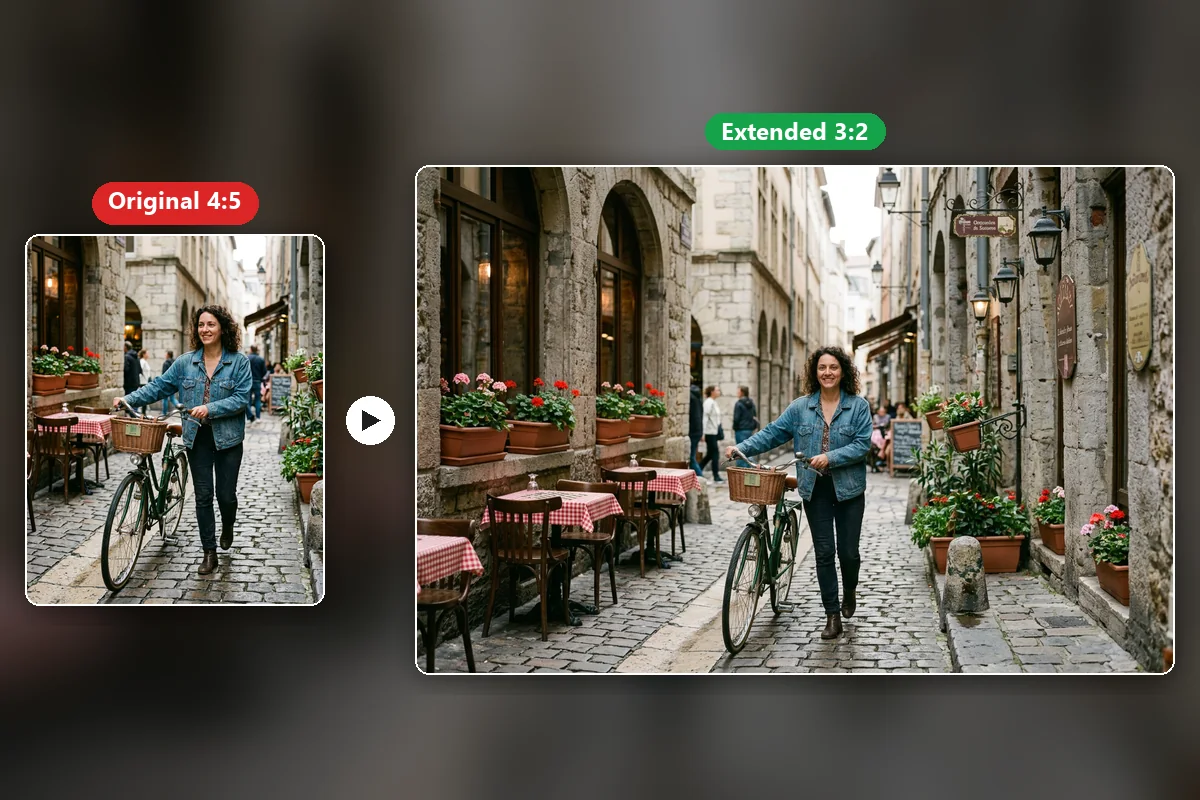
Expand any photo past its original edges. Pick a new ratio and AI fills the extra space with scene that matches.
More AI tools like Image Extender
Explore our collection of specialized AI image generators designed for different creative needs and styles

How to use the AI image extender
Upload a photo, choose where it will be used, and let AI build the missing edges.
Upload your image
Add one photo or up to 10 at once. Portraits, products, street shots, and artwork all work.
Pick a scene and ratio
Choose a preset such as Wide Banner or Story, or set the target ratio yourself and edit the prompt.
Extend and download
Click Extend Image. The AI adds new scene around the original, and you download the result.
What the image extender does
It adds pixels instead of removing them, so a new ratio no longer means losing part of the shot.
Extend in any direction
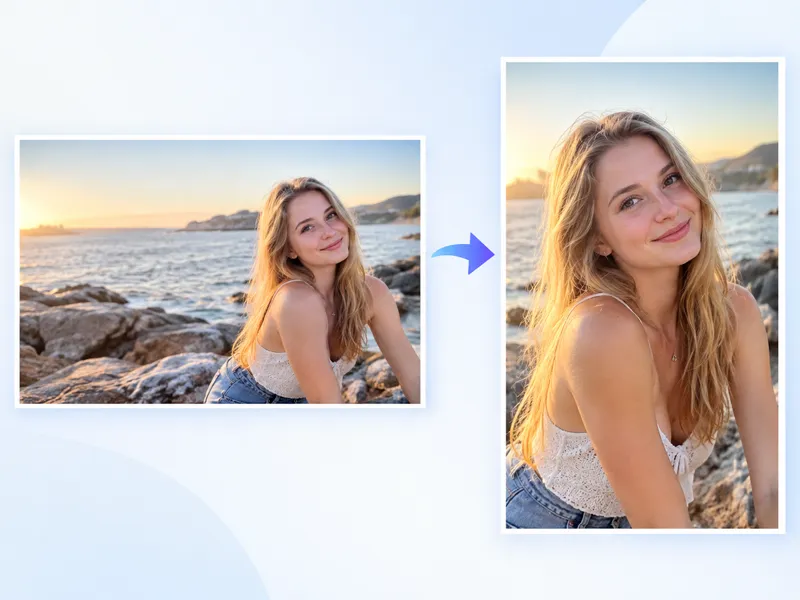
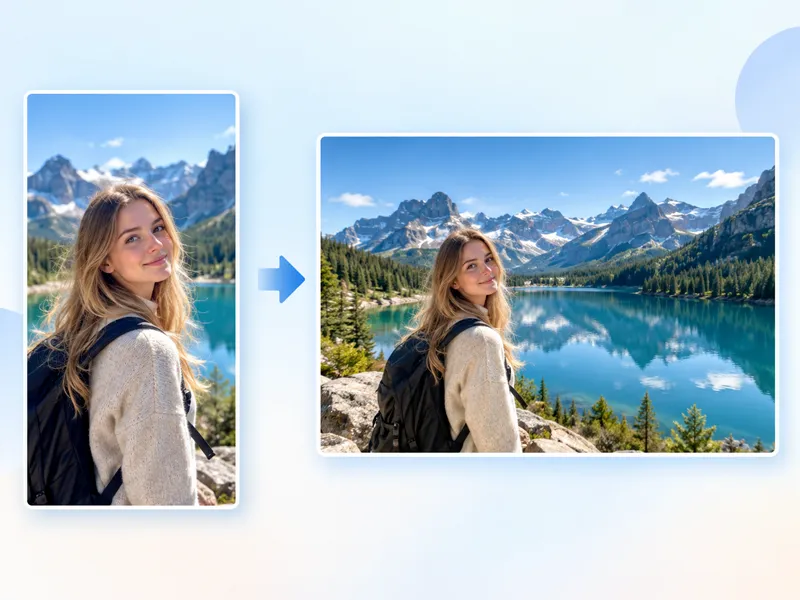
Go wider for banners, taller for stories, or out on every side. The target ratio decides where new scene appears.
New edges that match
Light, perspective, and texture continue from the original, so the added area reads as part of the same photo.
Subject stays the same
Faces, products, and the main composition are kept, and only the space around them is generated.
Ten target ratios
From 21:9 to 9:16, including 16:9, 3:2, 4:3, 1:1, and 4:5. The list adjusts to the model you choose.
Batch extension
Upload up to 10 images and extend them in one queue with the same scene and prompt.
Prompt what fills the gap
Keep the preset prompt or describe the new area yourself, such as more sky, a longer table, or an open beach.
AI image extender results, before and after
Drag the slider. The checkered area on the left is the empty canvas, and the right side shows what AI put there.
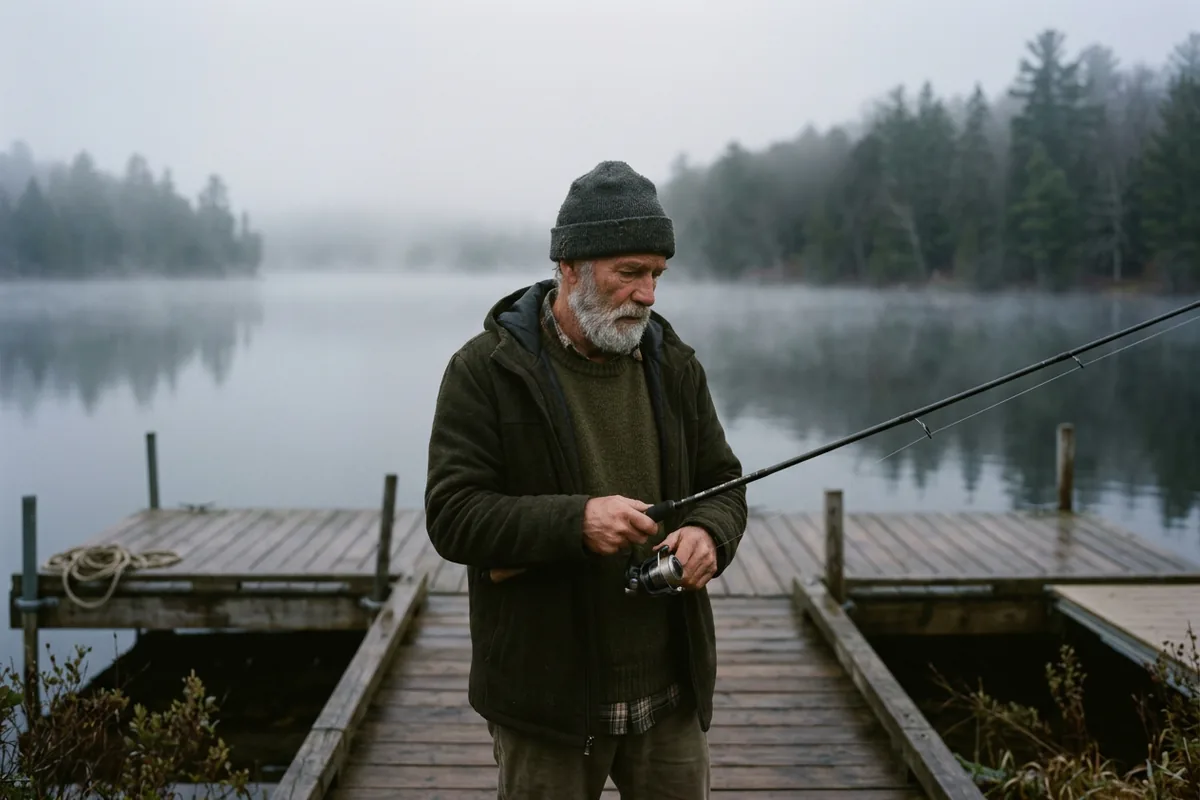
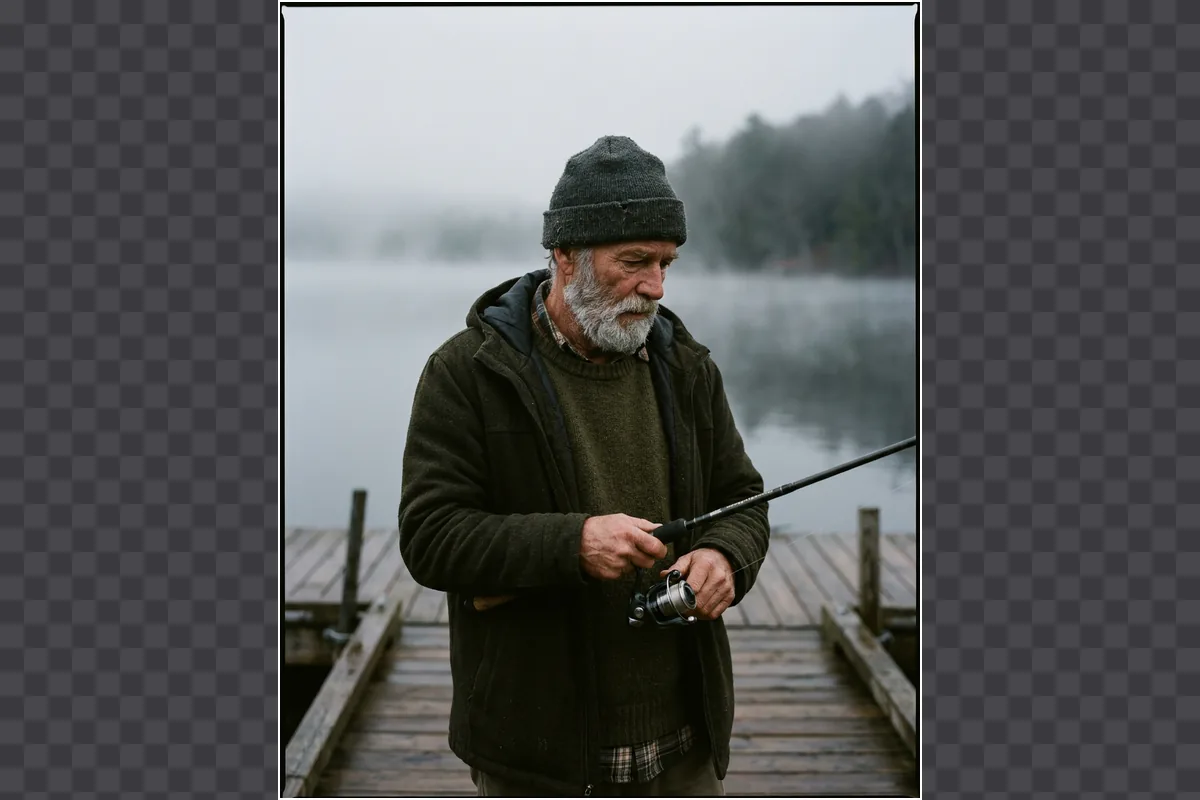
Recover a photo that was framed too tight
This 4:5 shot cut off the lake on both sides. Extended to 3:2, the dock, the water, and the tree line come back, and the fisherman is unchanged.

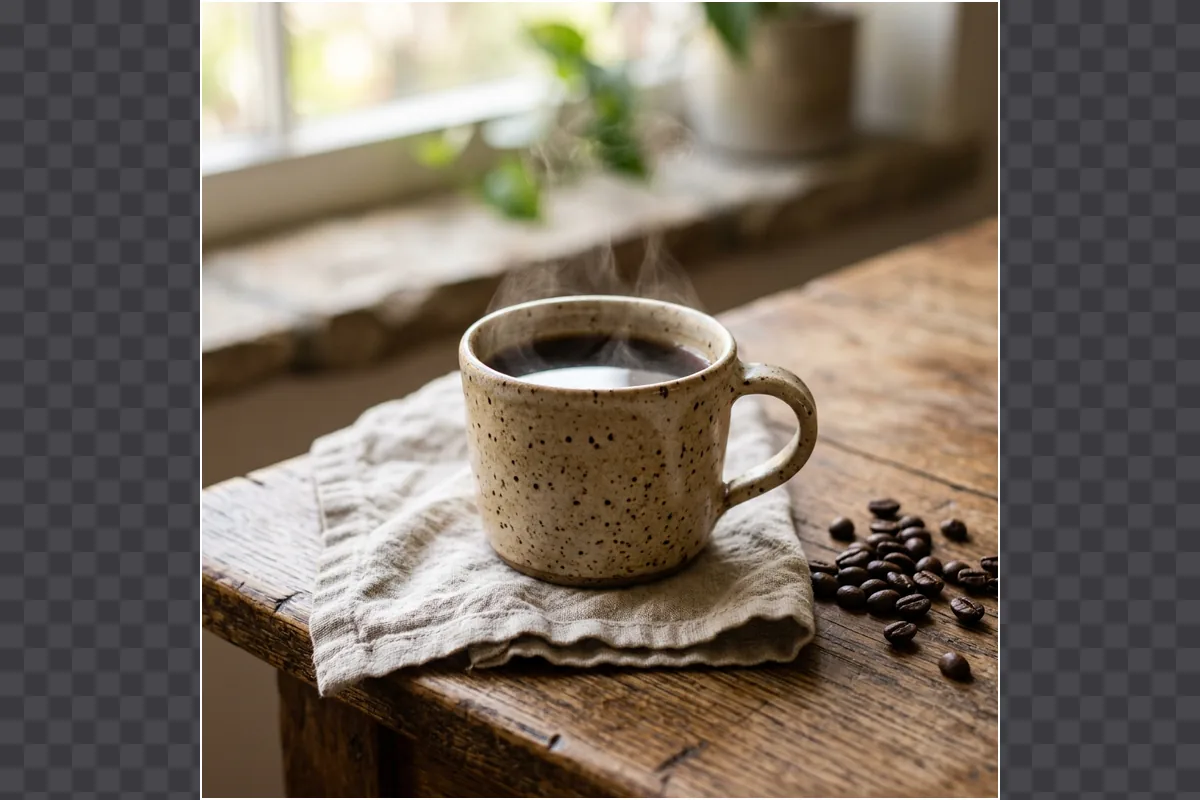
Give product photos room for copy
A square mug shot becomes a wide image with more table and window light. The empty side is ready for a price, a headline, or a store banner.
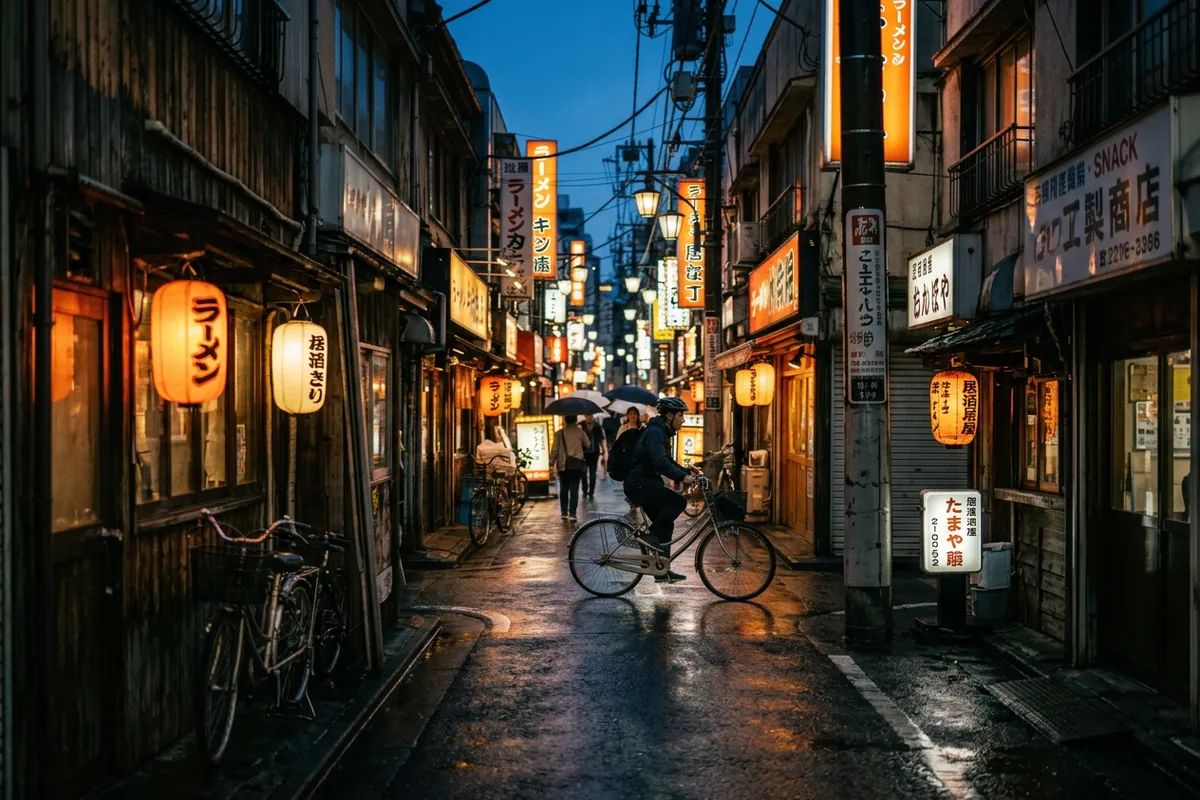
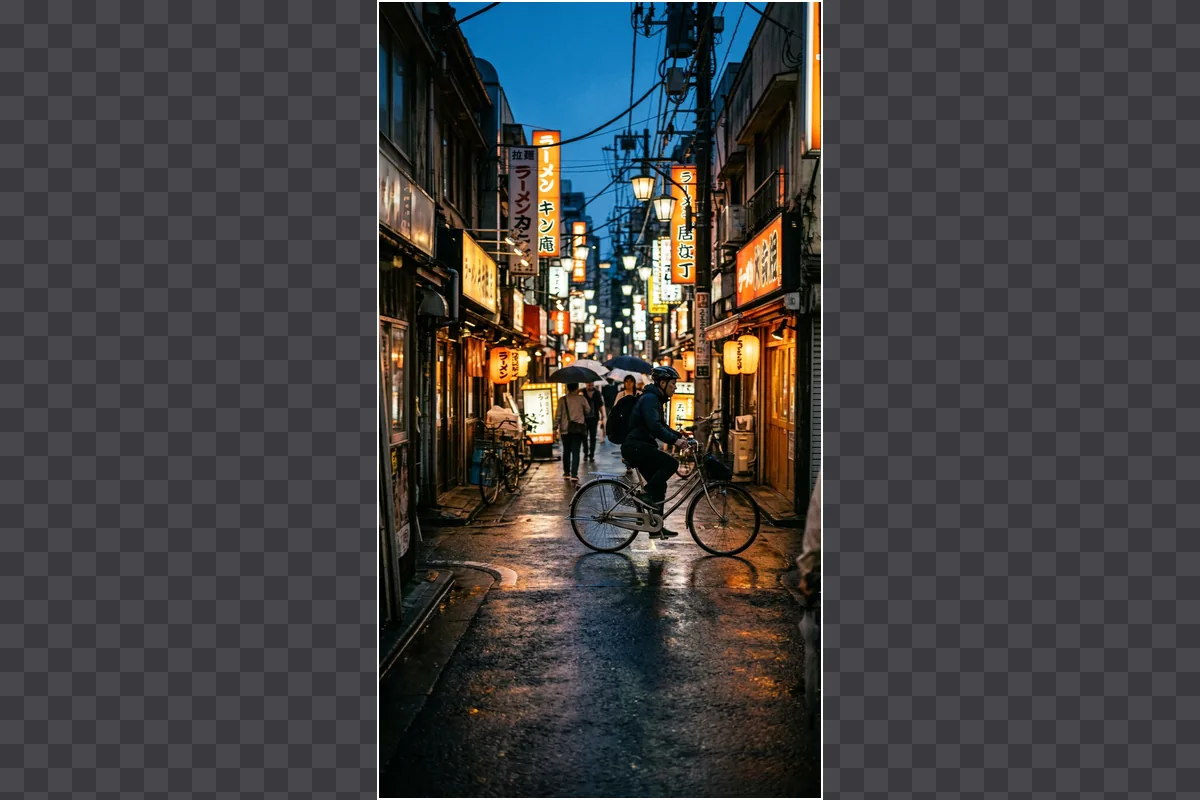
Turn a phone photo into a website banner
Vertical phone shots rarely fit a hero area. The extender continues the street to the left and right so the same photo works as a wide header.
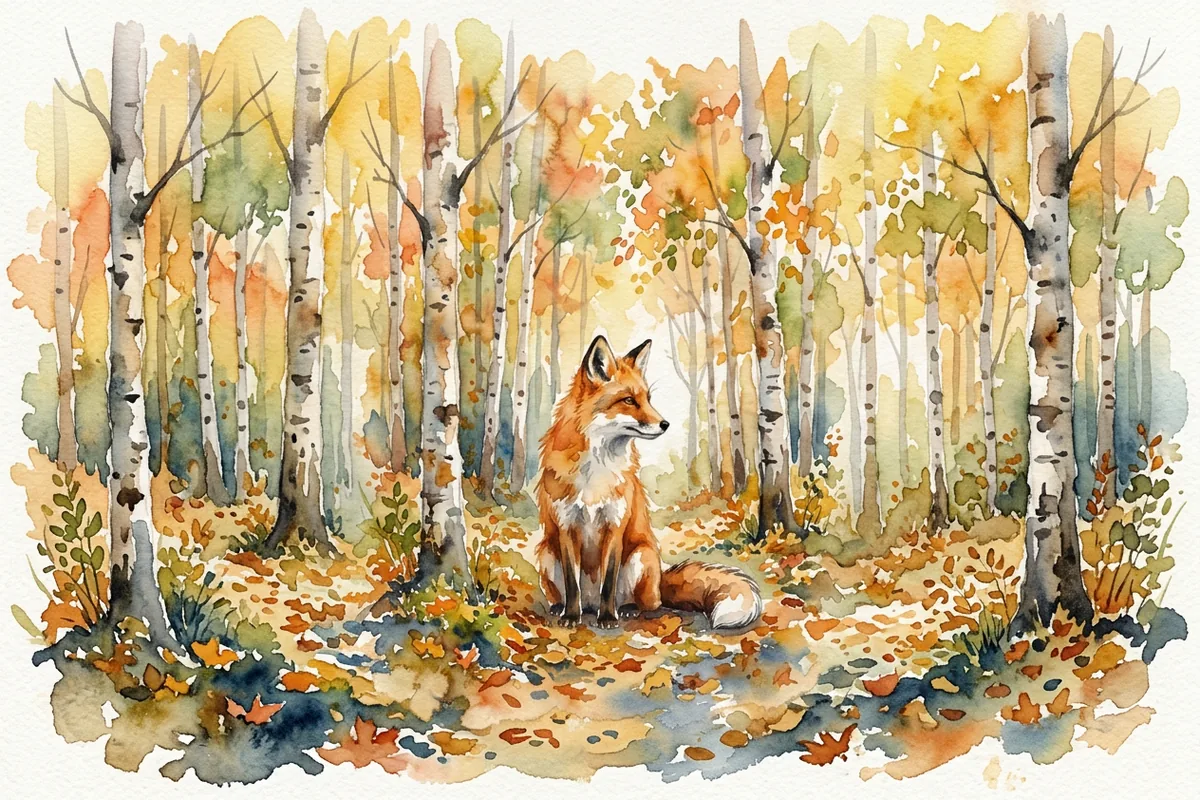
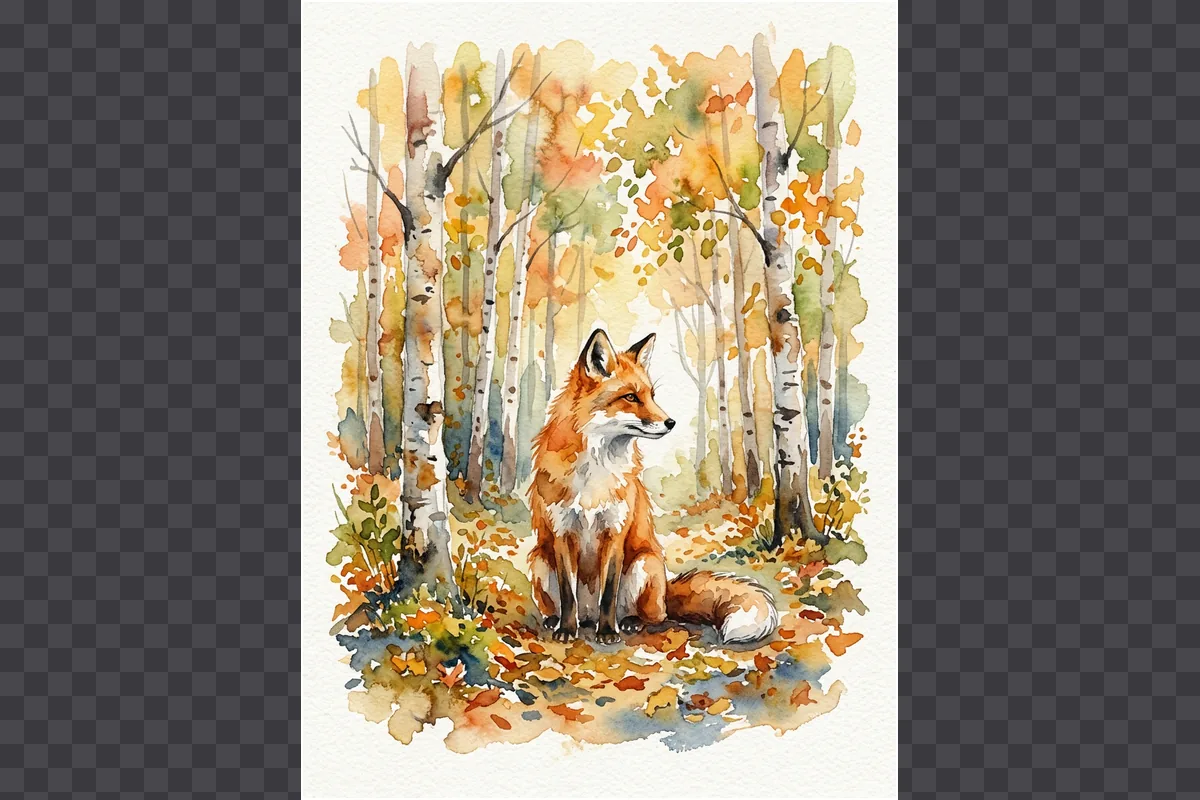
Grow the canvas of an illustration
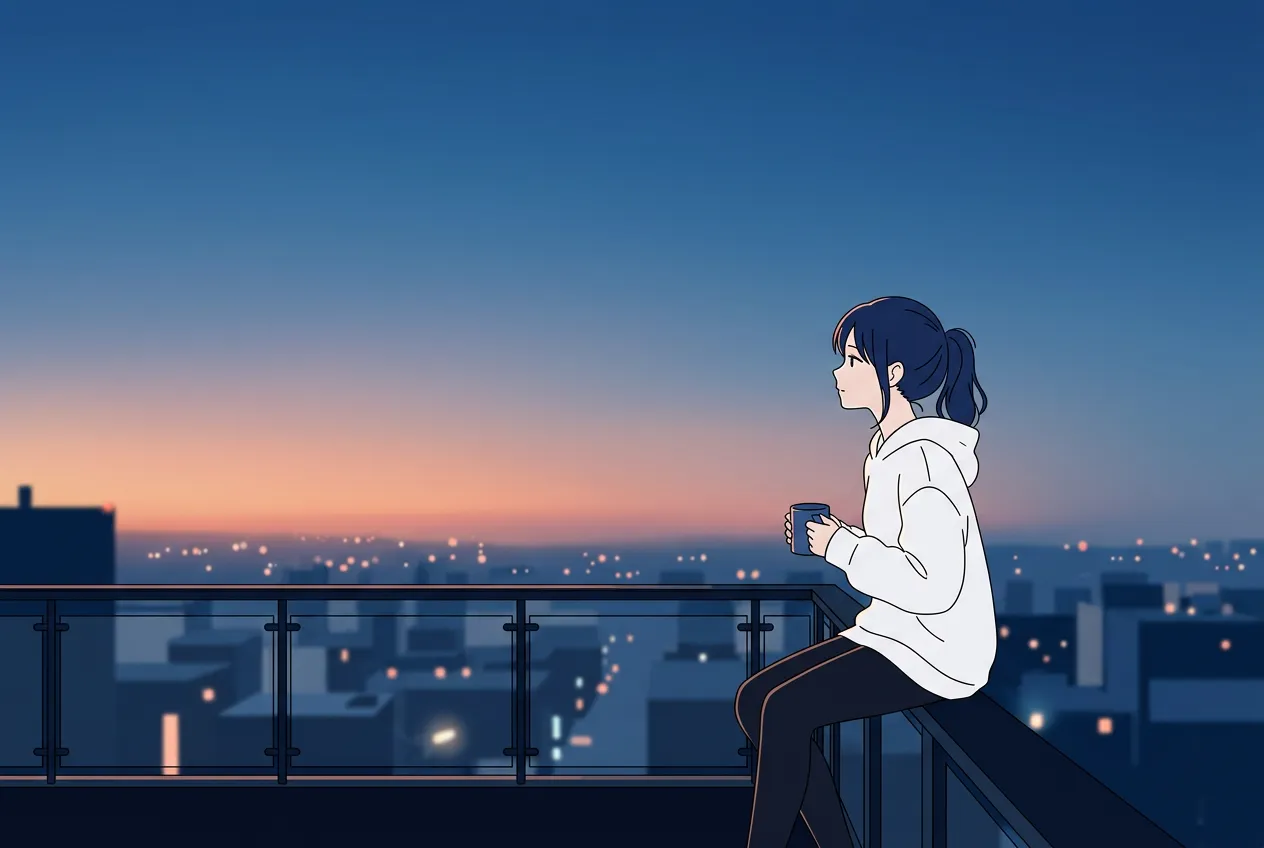
Watercolor and digital art extend too. The birch forest keeps its paper texture and color, and the fox stays exactly where the artist put it.

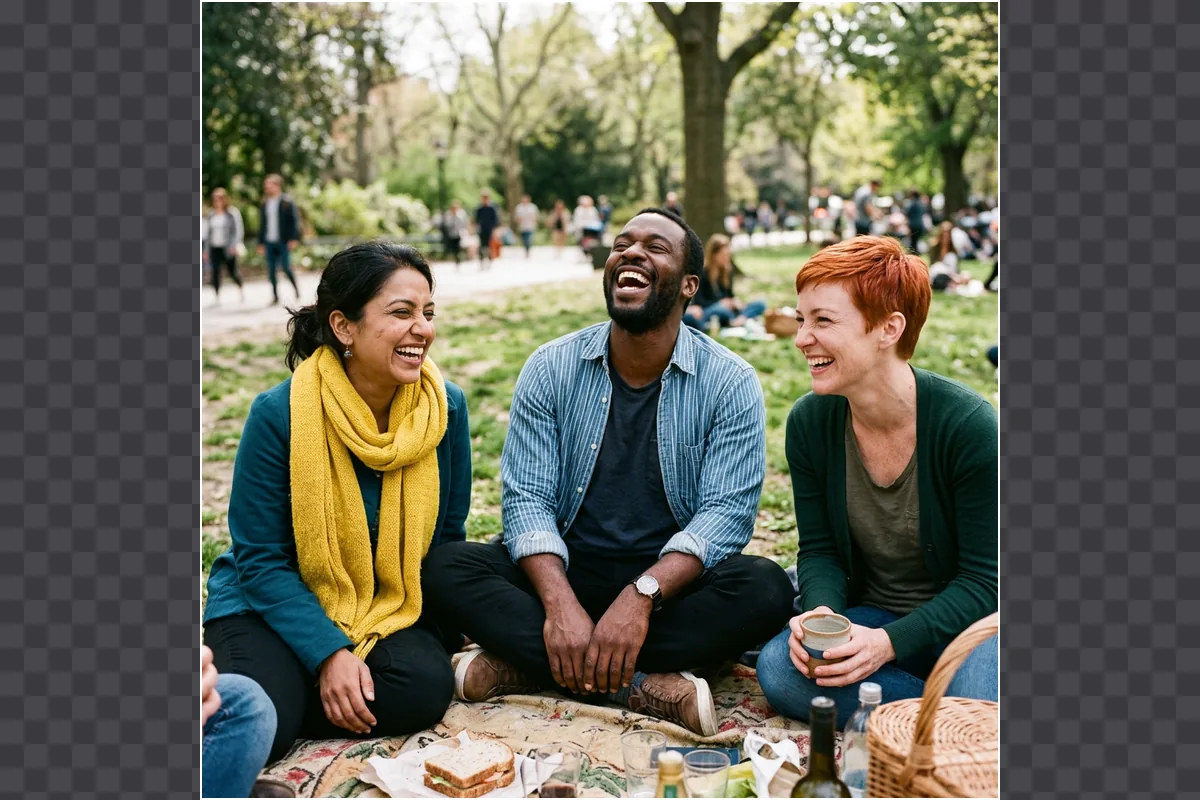
Bring back cut-off edges in group shots
When friends at the edge of the frame are cropped at the shoulder, extending the image adds the rest of the picnic and the park behind them.
Who needs to extend images
Anyone who has the right photo in the wrong shape.
Social media creators
Post one photo as a 9:16 story, a 4:5 feed post, and a 1:1 square without cutting off the subject.
Online sellers
Fit product photos to marketplace and ad sizes, and add clean background space around the item.
Designers
Get extra bleed for print, space for type in a layout, or a wider background for a slide.
Marketers
Reuse one campaign image across banners, email headers, and display ads in different shapes.
Photographers
Loosen a tight composition after the shoot, or give a client more room to crop in their layout.
Everyday photos
Make a favorite snapshot fit a wallpaper, a frame, or a slideshow without black bars.
Cropping or stretching vs extending with AI
Changing a ratio the usual way costs you part of the picture. Extending it does not.
| What you get | Crop, stretch, or blur fill | AI image extender |
|---|---|---|
| Original content | Cropping cuts edges, stretching distorts shapes | The whole original stays and new scene is added |
| New space | Black bars, mirrored edges, or a blurred copy | Generated scene that matches light and perspective |
| Control | Fixed result, no say in what fills the gap | Scene presets, target ratio, and an editable prompt |
| Formats | One crop per size, made by hand | Ten ratios from 21:9 to 9:16, in batches of 10 |
Image extender pricing plans
Choose your plan and get instant access to all premium AI models
Cancel anytime — Unused credits roll over — Usage varies by model and generation type.
Lite
$84 per year billed yearly
4,500 Credits per year

Premium
$100 per year billed yearly
9,600 Credits per year
Max
$240 per year billed yearly
36,000 Credits per year
Free
Pay safely and securely with









AI image extender FAQ
Common questions about extending images with AI.