AI Background Generator
Keep your subject, swap the setting. Upload a photo, pick a scene or describe your own, and get a background with light and shadows that match.
More AI tools like Background Generator
Explore our collection of specialized AI image generators designed for different creative needs and styles



How to use the AI background generator
No cutout needed. The AI separates the subject and builds the scene around it.
Upload your photo
A product on a desk, a portrait in a hallway, a pet on the carpet. Messy backgrounds are fine.
Pick or describe a scene
Tap one of eight presets, or write the setting you want in your own words. You can edit any preset.
Generate and download
Click Generate, choose the ratio you need, and download the result in up to 4K.
AI background generator results
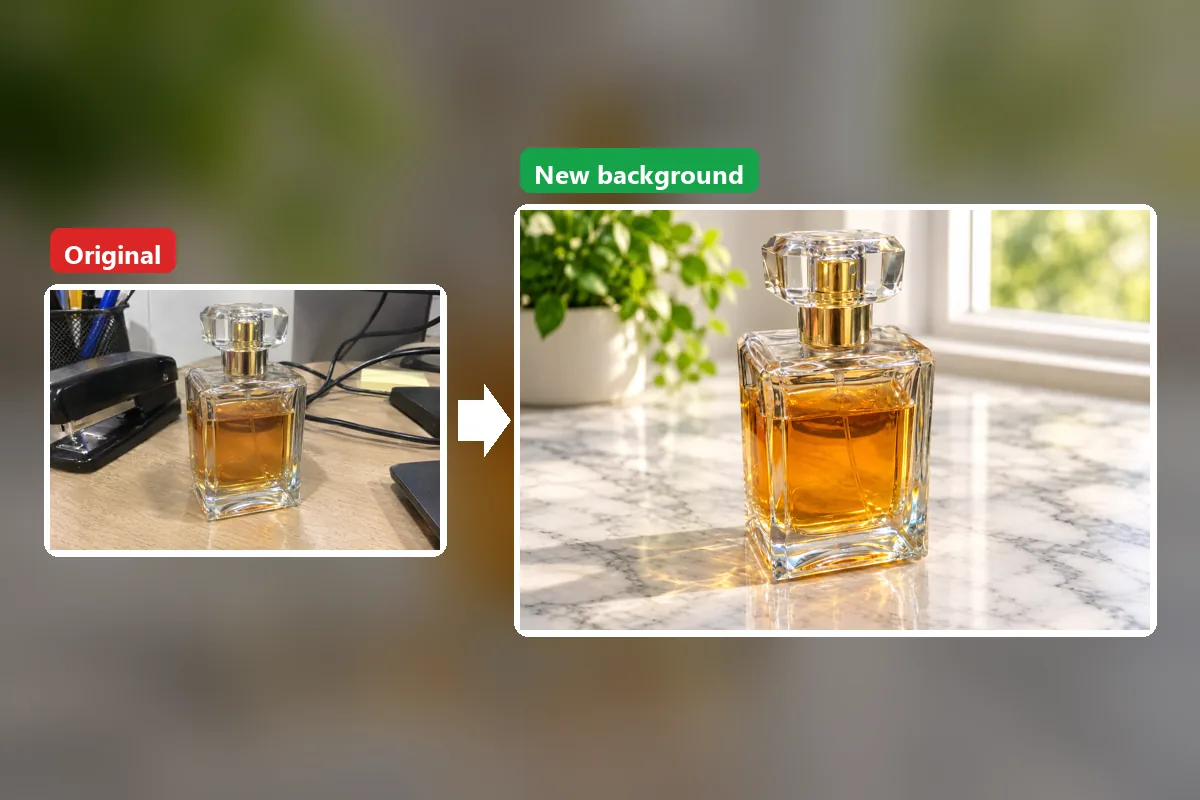
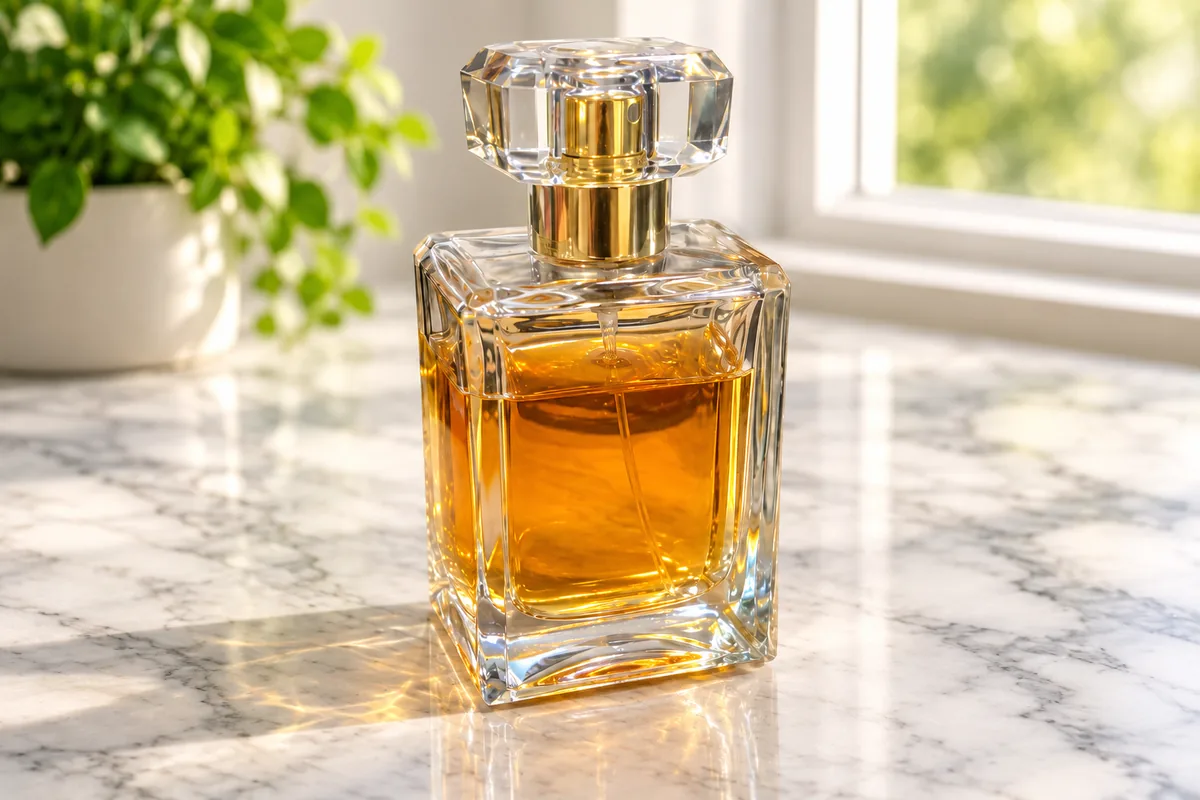
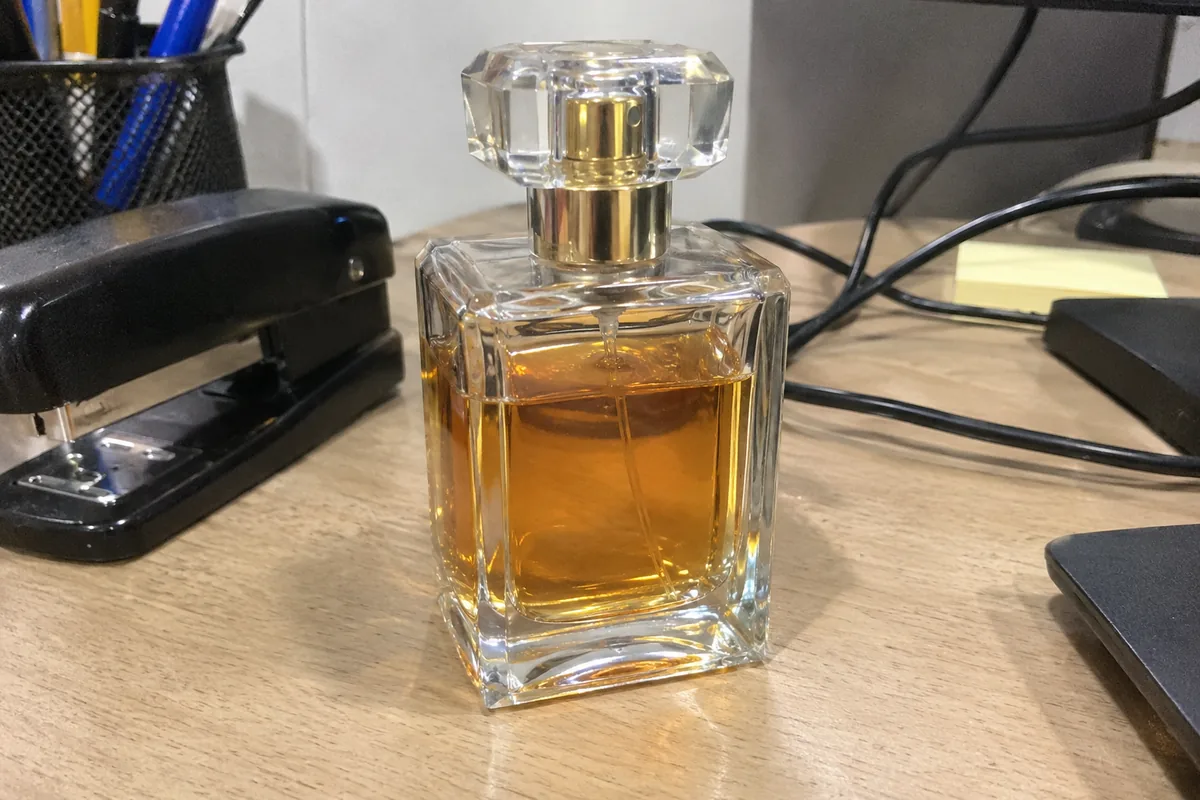
Left: the photo as taken. Right: the same subject in a new scene.
Product photos without a studio
A perfume bottle shot next to a stapler and a tangle of cables ends up on a marble counter in window light. The glass, the amber color, and the cap are unchanged.
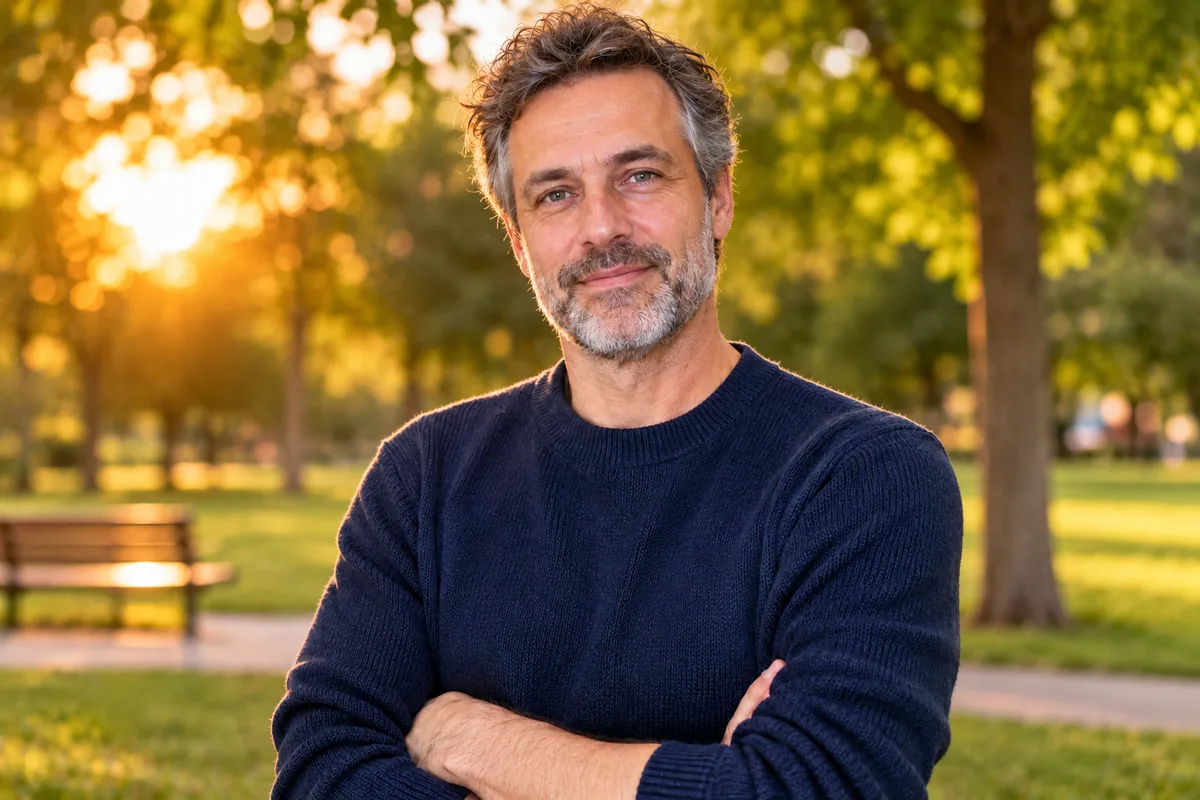
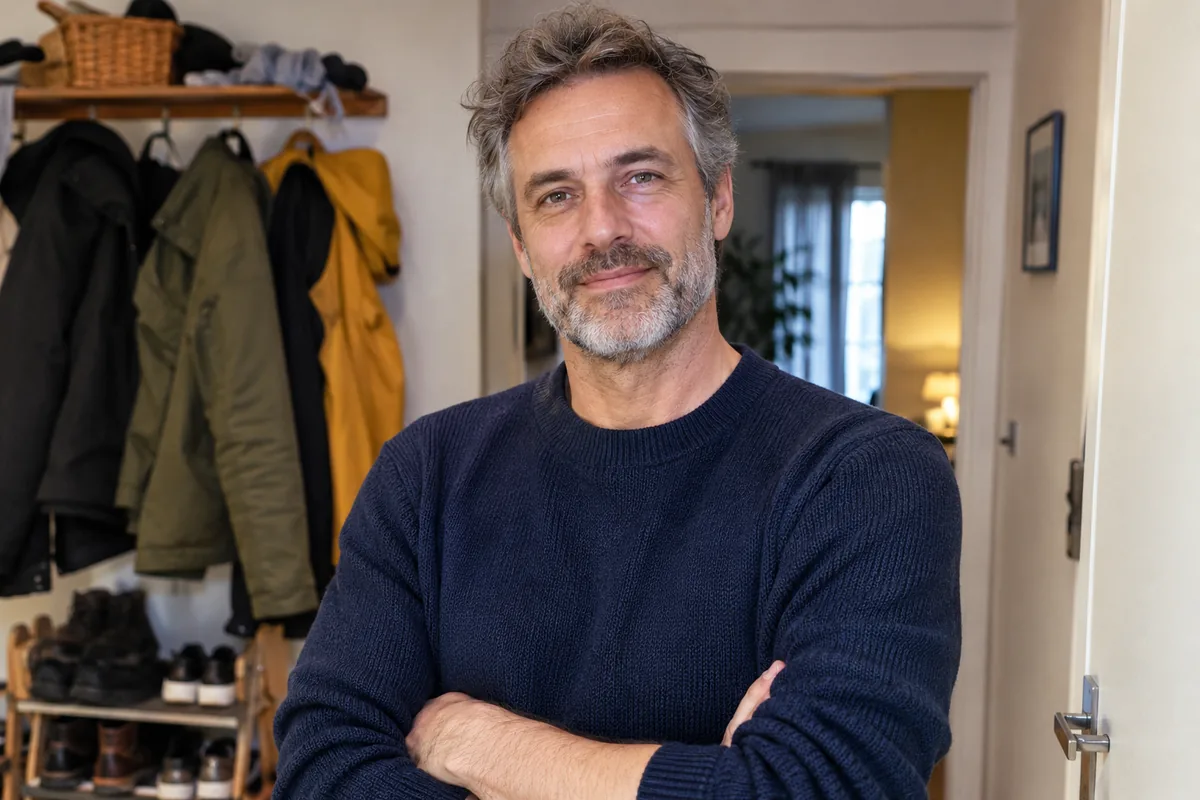
Portraits that leave the hallway behind
Coats and a shoe rack are replaced with a park at golden hour. His face, beard, and sweater stay exactly the same, and the warm backlight matches the new scene.
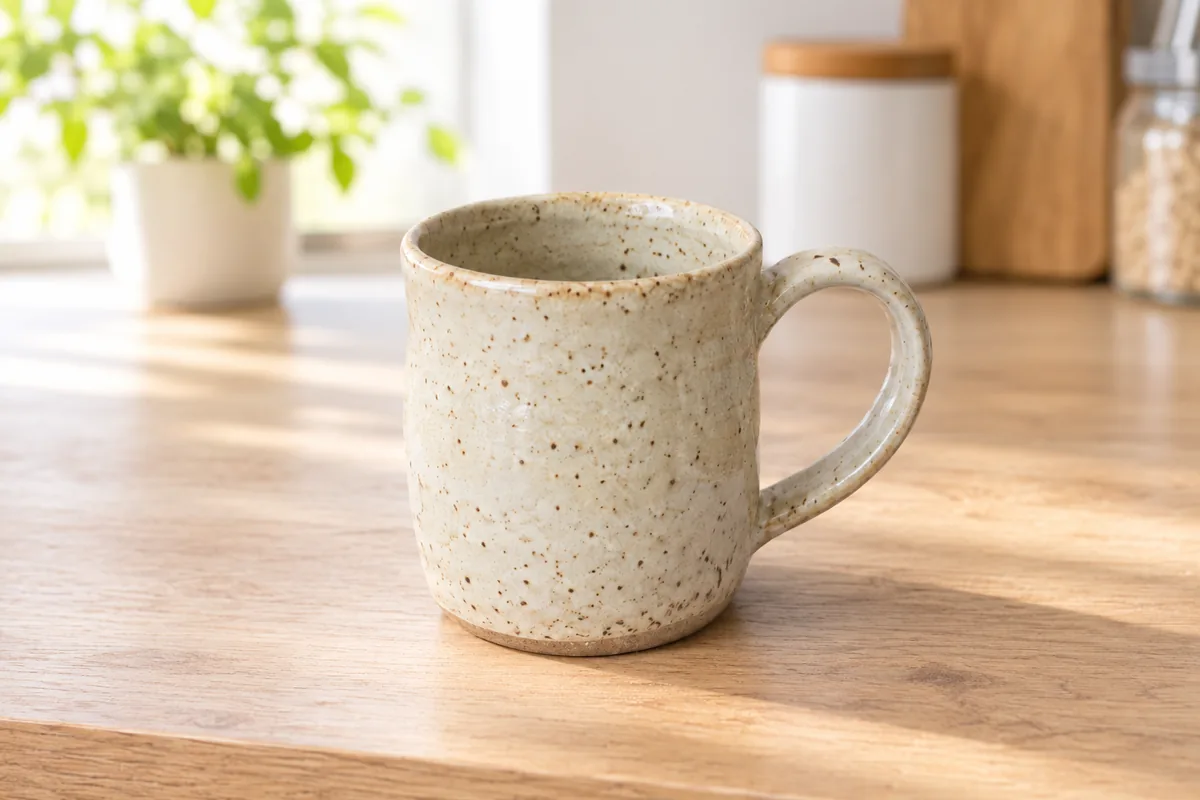
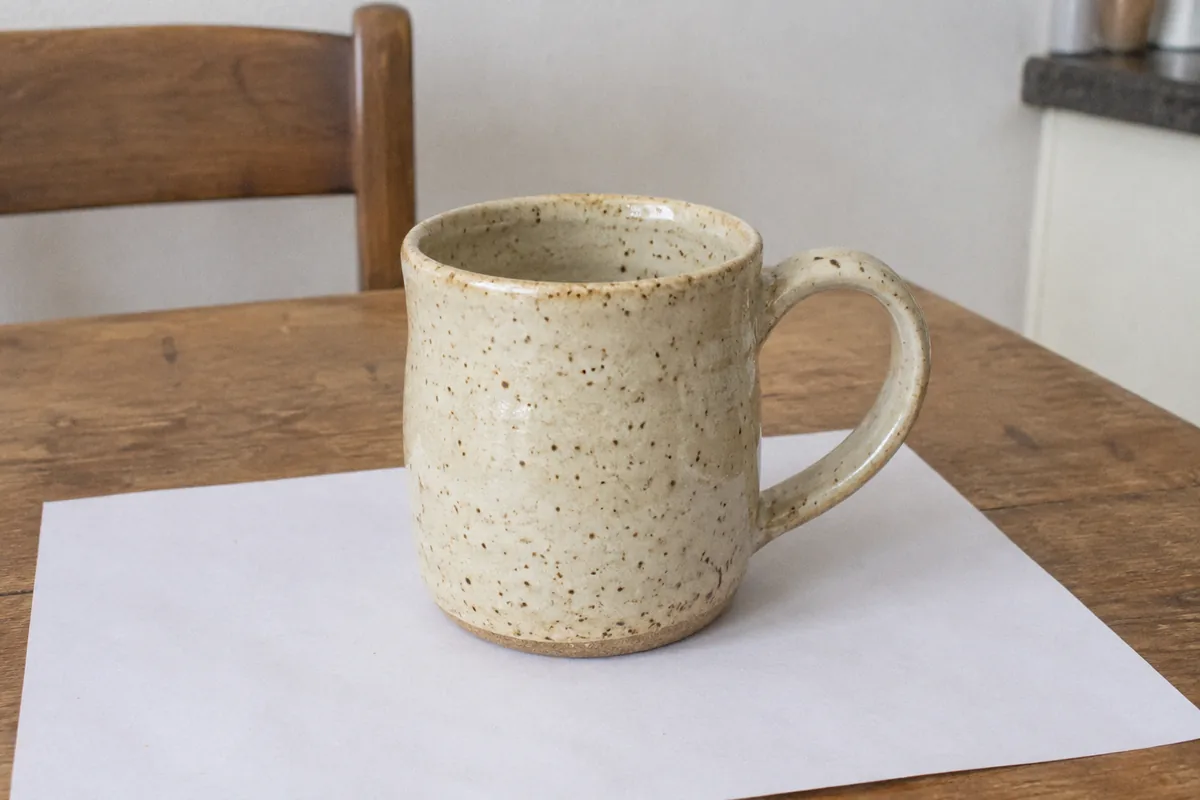
Handmade goods in a lifestyle setting
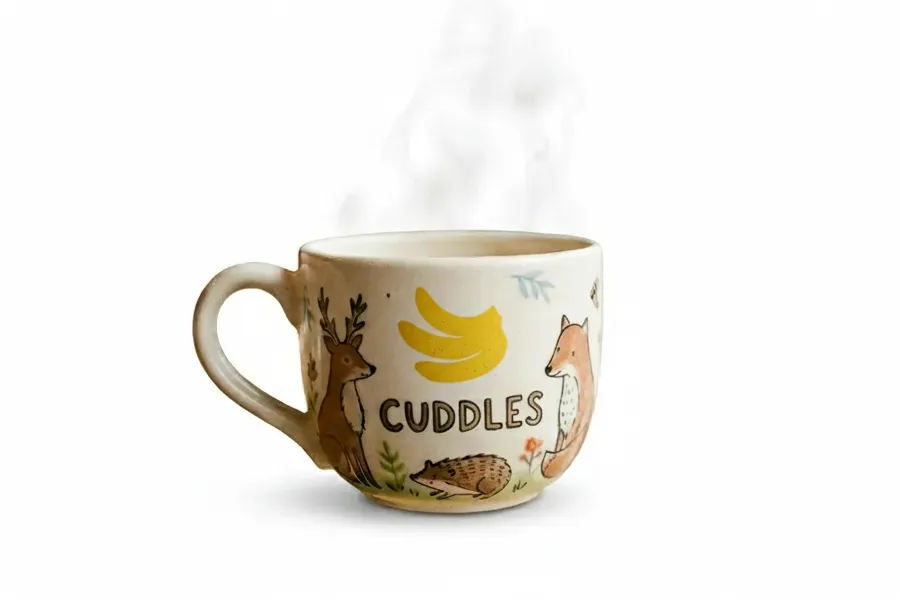
Makers often shoot on a sheet of paper. Here a speckled mug moves into a bright kitchen, which helps shoppers picture it at home.
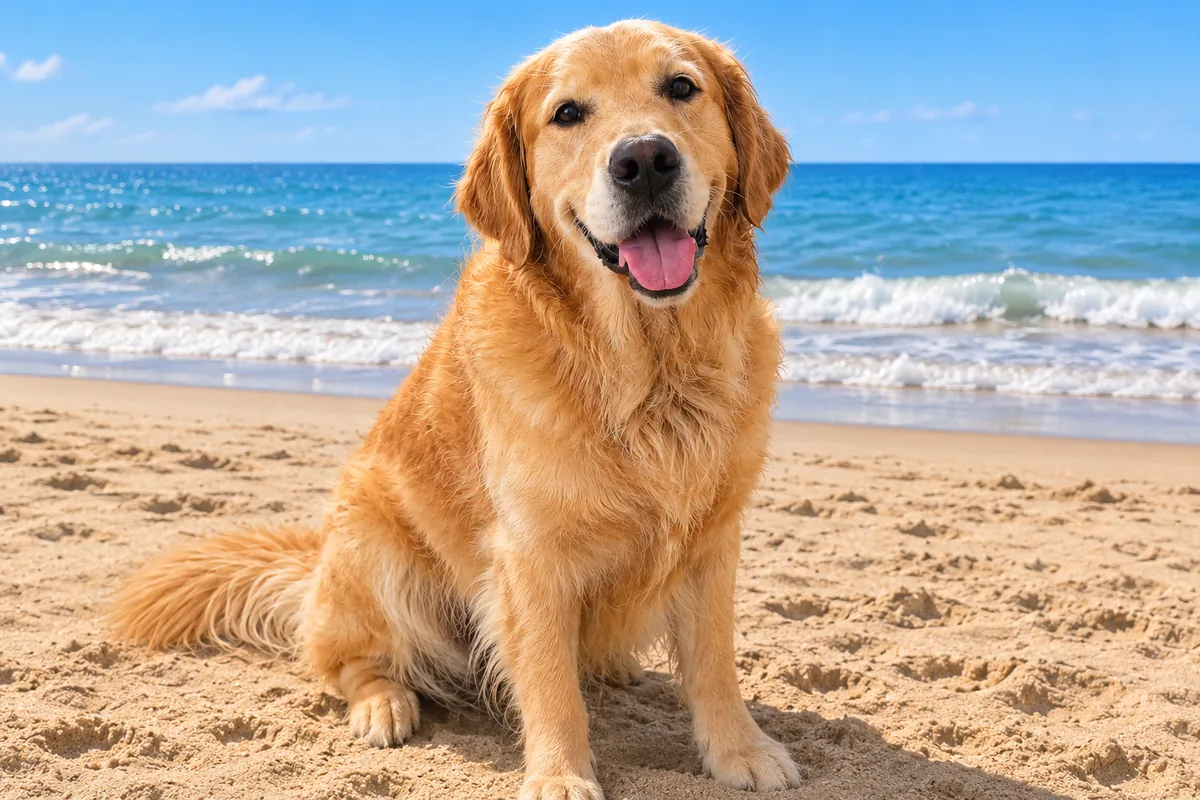

Pets in places they would love
The living room carpet and laundry basket disappear and the dog sits on a sunny beach. Fur color and that happy face are all his own.

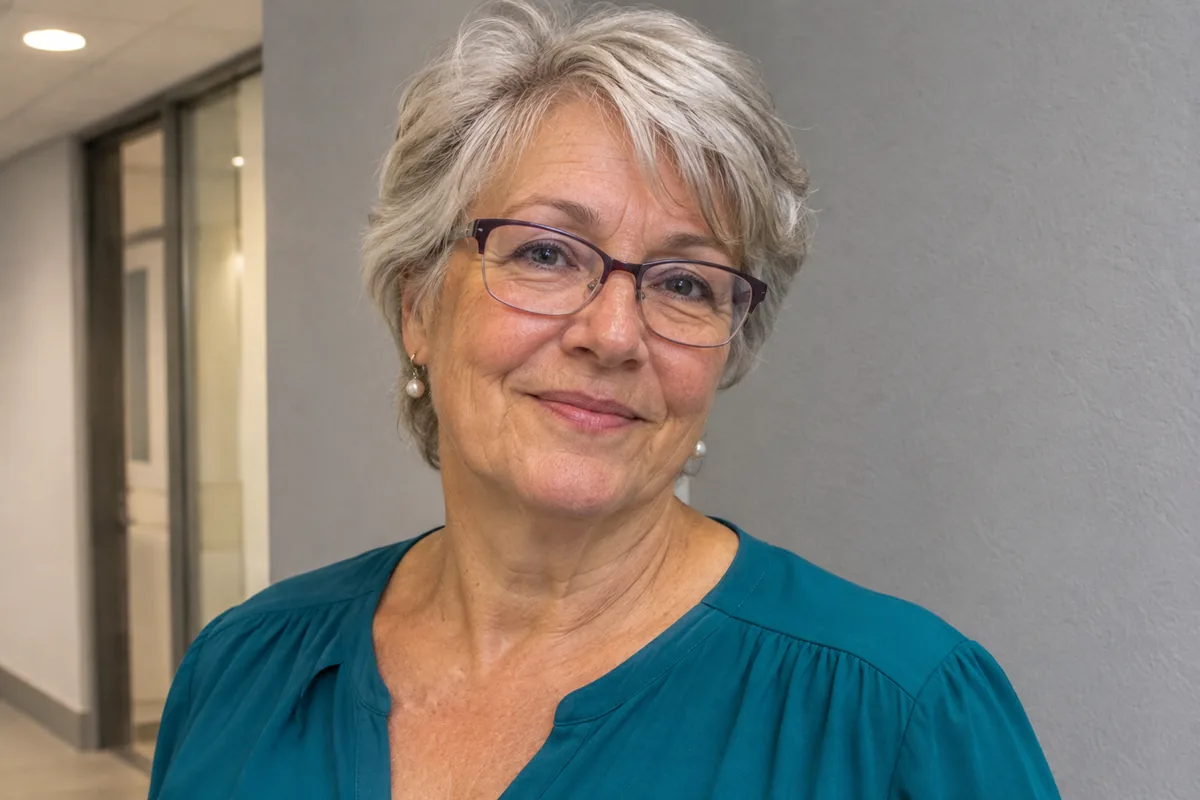
Clean headshots for work profiles
An office corridor becomes a neutral gray studio backdrop, which is all most profile photos need. Glasses, hair, and blouse are untouched.
Eight ready-made scenes for the AI background generator
Each preset fills in a tested description you can edit.
Marble counter
Bright, clean, and premium. Works for cosmetics, perfume, jewelry, and kitchenware.
Studio
A seamless gray backdrop with soft light for headshots and catalog images.
Golden hour park
Warm backlight and soft trees for portraits, couples, and pets.
Beach
Blue sky and sand for summer products, travel posts, and dogs.
City at dusk
Shop lights and bokeh for fashion, streetwear, and nightlife shots.
Cozy kitchen
Morning light on a counter for food, mugs, and home goods.
Pastel podium
A soft colored set with a round stand for skincare and small gadgets.
Dark luxury
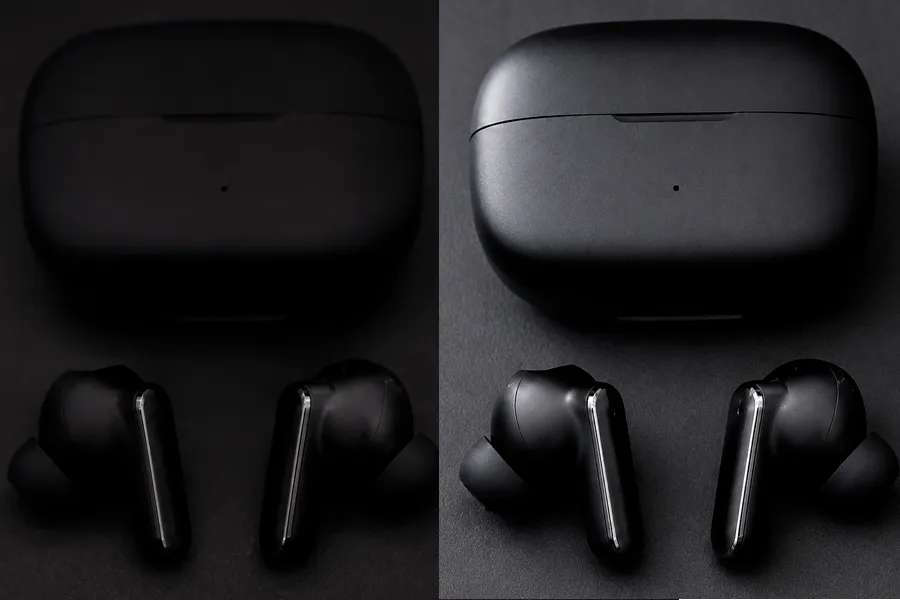
Rim light and a glossy reflection for watches, bottles, and tech.
What makes the new background look real
Swapping a background is easy. Making it believable is the hard part.
Your subject stays the same
Shape, label, color, face, and pose are kept, along with the size and position in the frame.
Light that matches
Light direction and color temperature are adjusted so the subject looks like it was shot there.
Natural contact shadows
A soft shadow is added where the subject meets the surface, so nothing looks pasted on.
No cutout needed
Upload the photo as it is. You do not have to remove the old background first.
Any scene you can describe
Use the presets or type your own setting in plain words, in any language.
Sizes for every channel
Keep the original ratio or pick 1:1, 4:3, 3:4, 16:9, 9:16, and more, with 4K output.
Who needs new photo backgrounds
Anyone with a good subject in a bad setting.
Online sellers
Turn phone shots of products into listing and ad images without booking a studio.
Makers and small brands
Show handmade items in lifestyle scenes that match your shop's look.
Professionals
Get a clean headshot background for LinkedIn, a company site, or a speaker bio.
Content creators
Place yourself or your products in scenes that fit your feed and your brand colors.
Car and gear sellers
Replace driveways and garages with clean settings that make listings look more polished.
Pet owners
Put your pet on a beach, in a meadow, or in a studio portrait for cards and posts.
Background removal vs generating a new scene
A transparent cutout is only half the job. Here is the difference.
| What you get | Remove background, then paste | AI background generator |
|---|---|---|
| Steps | Cut out, find a backdrop, place, resize | Upload, pick a scene, generate |
| Lighting | Subject keeps its old light and looks pasted | Light and color matched to the scene |
| Shadows | None unless you draw them | Soft contact shadows added |
| Variety | Limited to stock photos you can find | Any scene you can describe |
AI background generator pricing plans
Choose your plan and get instant access to all premium AI models
Cancel anytime — Unused credits roll over — Usage varies by model and generation type.
Lite
$84 per year billed yearly
4,500 Credits per year

Premium
$100 per year billed yearly
9,600 Credits per year
Max
$240 per year billed yearly
36,000 Credits per year
Free
Pay safely and securely with









AI background generator FAQ
Questions about creating new photo backgrounds with AI.